
Building a worker profile with photos that wins more bookings

When a customer needs help with cleaning, moving, or yard work, they scroll through a list of available workers. Most people pick someone who looks professional, trustworthy, and experienced. If your profile has a blurry photo or a vague 'I do everything' description, they scroll right past.
A strong profile doubles your booking rate. This guide walks you through choosing the right profile photo, writing a description that highlights your strengths, and showing your work so customers feel confident hiring you. These steps work whether you're a handyman, cleaner, tutor, pet sitter, or any other local pro.
- 01
Step 1: Choose a clear, friendly profile photo

Person smiling in a clear, well-lit outdoor headshot photo Your profile photo is the single most important element. Use a recent photo where your face is clearly visible, well-lit, and in focus. Stand against a plain background—outdoors in natural light works well. Smile or look approachable; customers want to invite someone into their home or trust them with a task.
Avoid sunglasses, hats that shadow your face, group photos, or pictures taken from far away. A head-and-shoulders shot works best. If you offer a service where you wear a uniform or use specific tools (like a cleaning apron or toolbelt), you can include that, but your face should still be the focus. This one photo can increase your bookings by 30 to 40 percent.
- 02
Step 2: Write a headline that names your specialty

Worker writing a profile headline on a notepad at a desk Your headline appears under your name in search results. Instead of 'Hard worker' or 'Available now,' write exactly what you do: 'House cleaning & deep cleans,' 'Handyman: plumbing, drywall, painting,' or 'Pet sitting & dog walking in downtown.'
Be specific. If you have five years of experience, say so. If you focus on certain neighborhoods, mention them. Customers search by task, so a clear headline gets you seen. Compare 'Reliable helper' (vague) with 'Move-in / move-out cleaning specialist' (clear). The second one tells the customer you have done this before and know what the job involves.
- 03
Step 3: Describe your skills and experience honestly
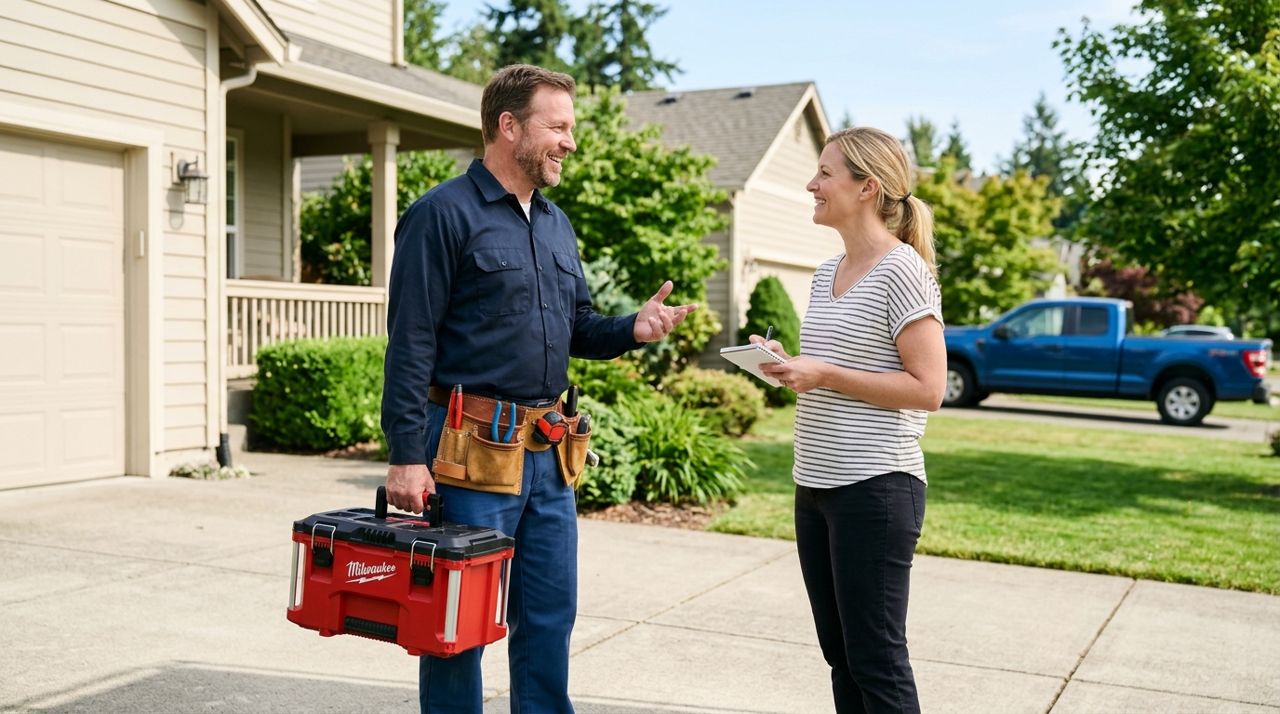
Worker holding a toolbox and describing services to a homeowner In the profile description, list the tasks you're confident doing and how long you've been doing them. Write in short, clear sentences. For example: 'I've done residential cleaning for four years. I handle kitchens, bathrooms, floors, and windows. I bring my own supplies and work quickly without cutting corners.'
Mention any relevant background—if you worked at a cleaning company, managed a landscaping crew, or have a certification, include it. Don't oversell or list things you've only done once; customers will know if you show up unprepared. Aim for 80 to 120 words that give a realistic picture of what you offer and why someone should book you.
- 04
Step 4: Add work photos that show completed jobs

Split image showing a dirty room before and the same room clean after Photos of your finished work build trust faster than any description. After you complete a job—a sparkling kitchen, a freshly mowed lawn, a repaired fence—take a quick photo and add it to your profile gallery. Aim for at least three to five photos that show different types of work.
Make sure the photos are in focus, well-lit, and show the result clearly. Before-and-after pairs work especially well. If you clean, show a messy counter next to the same counter spotless. If you do yard work, show overgrown grass and then the trimmed result. Customers who see proof of your work are two to three times more likely to book you than those who see a profile with no work photos.
- 05
Step 5: Select accurate job types and service areas
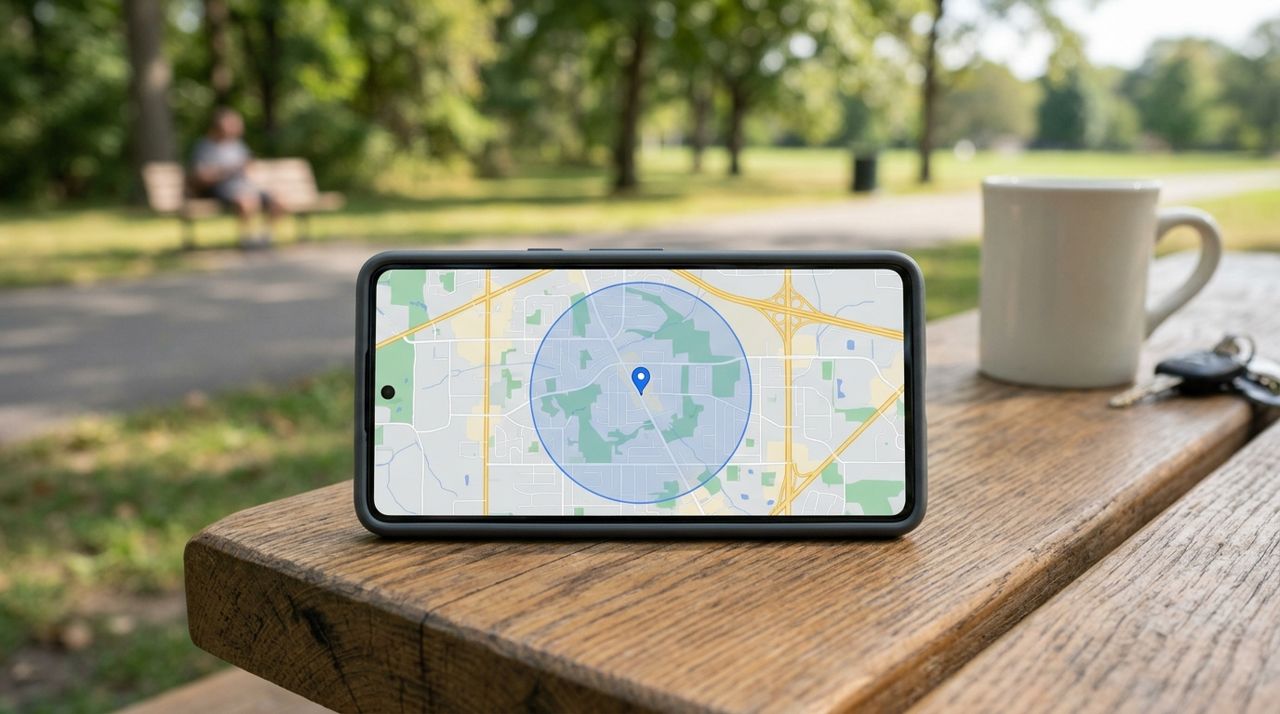
Mobile phone screen showing a map with a service area radius highlighted In your worker settings, choose only the job types you're ready to handle. If you pick too many categories just to get more alerts, you'll receive jobs you can't do well, leading to bad reviews. Be honest: if you're great at cleaning but have never installed a ceiling fan, don't check 'electrical work.'
Set a realistic service radius. If you're willing to drive 15 miles, set that. A tight radius means you spend less time in traffic and can complete more jobs per day. You can adjust this anytime as you build your schedule. Customers value workers who show up on time, so don't overextend your area and risk being late.
- 06
Step 6: Ask happy customers for reviews

Customer holding a smartphone and leaving a five-star review for a service worker After you finish a job and the customer seems satisfied, politely ask them to leave a review. Most people are happy to do it if you just remind them. Say something like, 'If you're happy with the work, I'd really appreciate a quick review in the app. It helps me get more bookings.'
Reviews are the strongest signal to new customers. Five reviews with an average of 4.8 stars will get you booked over someone with zero reviews, even if their profile looks great. Respond to every review—thank customers for good ones and offer to fix any issues in critical ones. A profile with 10+ positive reviews can command higher rates and steady work.
- 07
Step 7: Keep your profile updated as you grow

Person reviewing and editing their worker profile on a laptop screen Every few months, refresh your profile. Add new work photos, update your description if you've learned new skills, and raise your rates if you're consistently booked. If you earn a certification or complete training, mention it.
A stale profile signals you're not active. Fresh photos and an updated description show you're serious about the work. If you move to a new neighborhood or expand your services, adjust your settings. Think of your profile as a living resume that reflects your current skills, availability, and the quality customers can expect when they book you.
Pro tips
- Take work photos with the customer's permission; a quick 'Mind if I snap a photo for my portfolio?' works fine.
- Update your profile photo once a year so it stays current.
- If you specialize in one thing—like move-out cleaning or furniture assembly—lean into it rather than listing everything.
- Check profiles of top-rated workers in your city to see what works, then adapt the ideas to your own style.
Frequently asked questions
- Do I need professional photos for my profile?
- No. A clear phone photo in good lighting works fine for both your profile picture and work samples. Just make sure the image is in focus and shows what you want customers to see.
- Can I change my profile after I start getting bookings?
- Yes, you can update your photo, description, job types, and service area anytime in your worker settings. Regular updates keep your profile fresh and accurate.
- How many work photos should I include?
- Start with three to five that show different types of jobs or before-and-after results. Add more as you complete jobs and build your portfolio.
A well-built profile is your best marketing tool. Spend an hour getting your photo, headline, and description right, then keep adding work photos as you complete jobs. Customers book workers who look professional, trustworthy, and experienced—your profile is where you prove all three. Start with these steps, and you'll see more bookings and better reviews.
Photos are illustrative. Service prices are typical ranges and vary by city. How we write our guides.
More guides like this
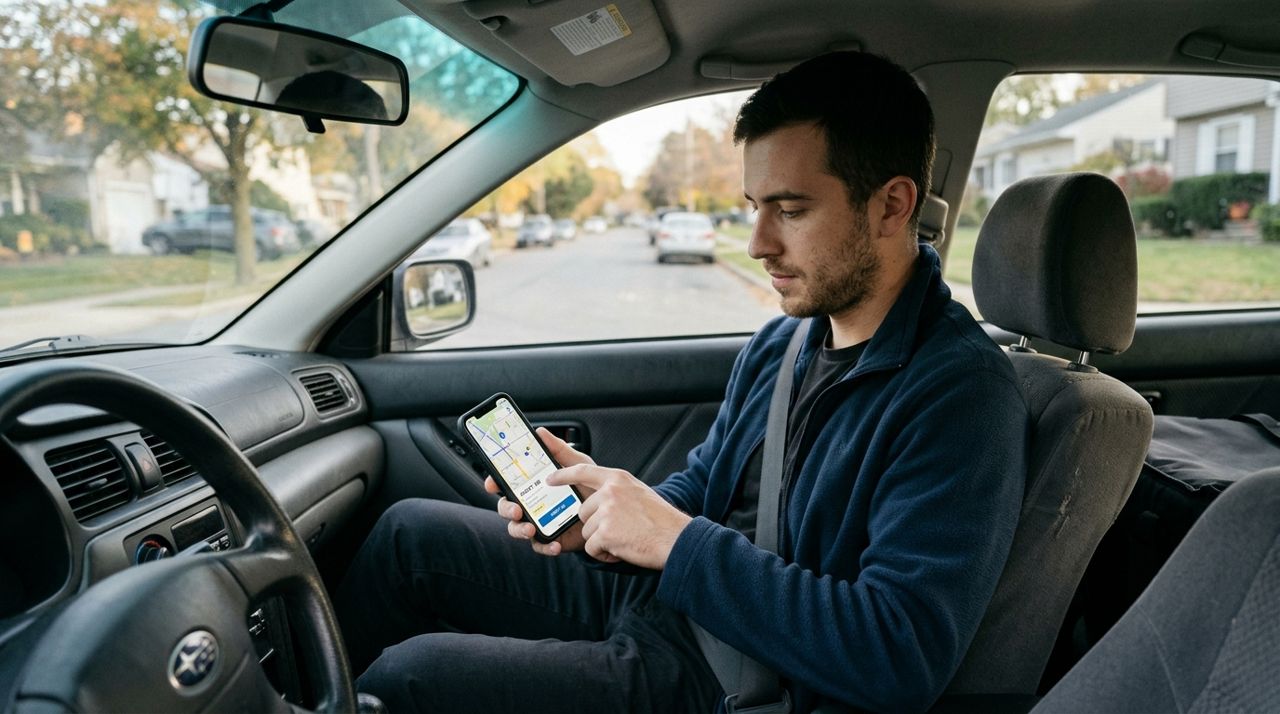
How to Set Up Job Alerts for Your Radius and Job Types
Getting the right job alerts means you'll spend less time scrolling and more time earning. Here's how to set your radius and choose the job types that match your skills and schedule.

How to Go On Duty and Set Your Working Hours in Lumo
Lumo gives you complete control over when you receive job alerts. Learn how to go on and off duty instantly, set recurring working hours, and manage your availability so you only get pinged when you actually want to work.

How Lumo's 90% Payout and Wallet Work: A Worker's Guide
Lumo workers keep 90% of every job price, with earnings landing directly in an in-app wallet. Here's exactly how the payout system works and when you get paid.