
How to Message a Pro Before Booking: Set Clear Scope & Price

You've found a handyman who looks great on paper, but your job isn't quite standard. Maybe you need furniture assembled and mounted on the wall, or your yard work includes trimming hedges that haven't been touched in two years. Before you book, you want to make sure the pro understands what you need and that the price is fair for both of you.
Messaging before you commit is smart. It prevents surprises, helps you compare pros accurately, and builds trust before the job starts. This guide walks you through exactly what to say, what to ask, and how to document everything so your booking goes smoothly. On platforms like Lumo, in-app messaging lets you and the pro agree on all the details before money changes hands.
- 01
Step 1: Open the conversation with specifics, not just 'How much?'

Customer typing a detailed message on a smartphone to communicate with a service professional When you message a pro, skip the vague 'What do you charge?' Instead, describe your job in detail: square footage, number of rooms, specific tasks, current condition, access issues, and your timeframe. For example: 'I need a deep clean of a 1,200 sq ft apartment—2 bedrooms, 1 bath, kitchen. Oven hasn't been cleaned in 6 months. Available next Tuesday or Wednesday morning.' This gives the pro everything they need to quote accurately. Vague requests get vague answers; specific requests get useful replies. Most pros will appreciate the detail and respond faster.
- 02
Step 2: Ask what's included and what costs extra
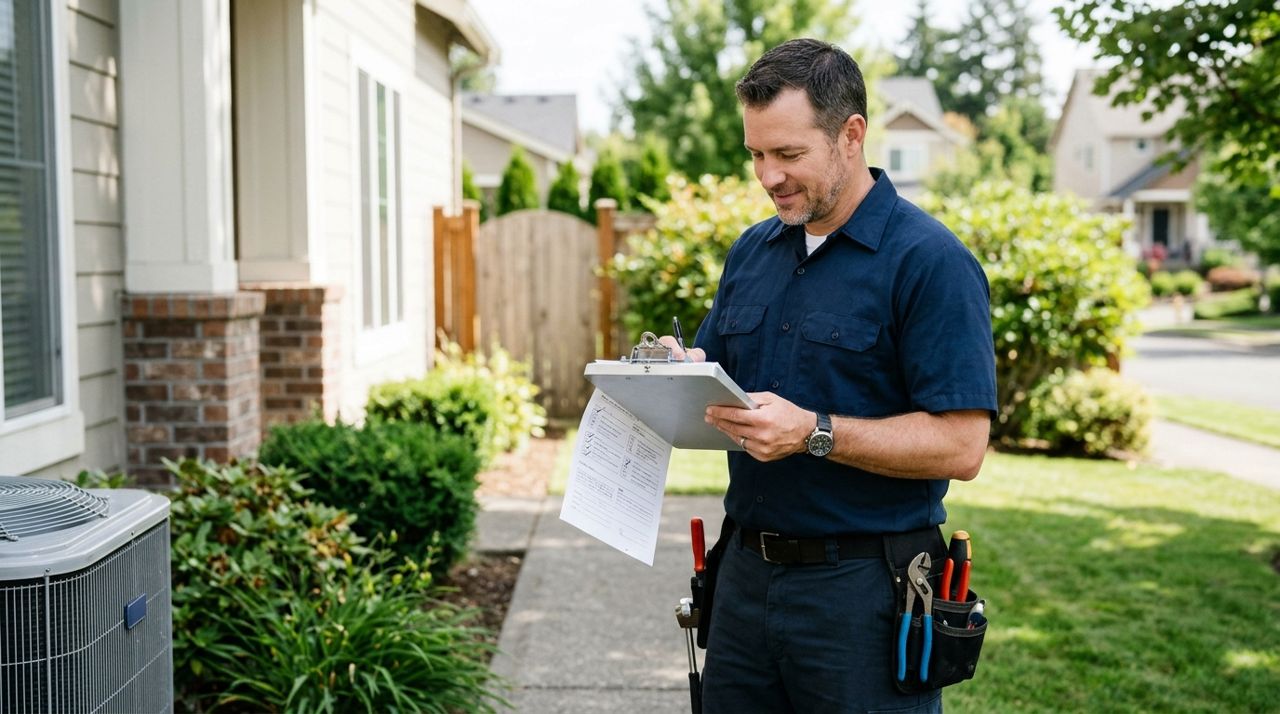
Service worker holding a clipboard and checklist, reviewing job details and inclusions Don't assume. Ask directly: 'Does your rate include supplies, or do I need to provide them?' or 'Is hauling away the old furniture part of the moving fee, or is that separate?' Many service pros have a base rate that covers standard work, but add-ons—heavy lifting, specialty tools, disposal, travel beyond a certain radius—cost more. Get that breakdown in writing in the chat. If a house cleaner charges $120 for a standard clean but $40 more for inside the oven and fridge, you want to know that before booking. This prevents the awkward conversation when the bill is higher than you expected.
- 03
Step 3: Share photos if the job isn't straightforward

Person using smartphone camera to photograph a work area or project site A picture is worth a hundred messages. If your fence has rotted sections, your carpet has mystery stains, or your garage is stuffed to the ceiling, send photos. Most apps let you attach images in the chat. Photos help the pro give you an accurate quote and prepare the right tools. They also protect you: if the pro sees the scope up front and agrees to a price, they can't later claim the job was bigger than expected. For example, a junk-removal pro might quote $150 for 'a few items' but $400 when they see a packed basement. Photos prevent that surprise.
- 04
Step 4: Negotiate respectfully and get a final number in writing

Two people shaking hands to symbolize reaching a fair agreement on job terms If the quote feels high, it's fine to ask why or propose a compromise. 'That's a bit more than I budgeted—would $80 work if I provide all the cleaning supplies?' or 'Could we do the front yard this week and the back next month to spread the cost?' Good pros will work with you if you're reasonable. Once you agree on a price, ask the pro to confirm it in the chat: 'Just to confirm, $150 for 3 hours of yard work including trimming and bagging, correct?' Save or screenshot that message. On Lumo and similar platforms, the chat history stays in the app, so you have a record if there's ever a dispute.
- 05
Step 5: Confirm timing, access, and payment method

Person marking a calendar or scheduling an appointment on a digital device Once price and scope are set, nail down logistics. Agree on the date, start time, and how long the job should take. Clarify how the pro will get in—will you be home, or do you need to leave a key? Confirm how payment works: most apps like Lumo handle payment securely in-app by card, and you can add a tip after the job. If a pro asks for cash up front or payment outside the app, that's a red flag; you lose buyer protection. Also confirm cancellation terms: 'If I need to reschedule, how much notice do you need?' This avoids confusion if plans change.
- 06
Step 6: Follow up the day before to confirm everything

Smartphone displaying a reminder or confirmation notification for an upcoming appointment Even if you agreed on everything a week ago, send a quick confirmation message the day before: 'Hi, still on for tomorrow at 10 a.m.? I'll have the front door unlocked.' This reduces no-shows and miscommunications. It also gives the pro a chance to flag any last-minute issues—traffic, a previous job running late, a tool they need you to have ready. A 30-second message can save you hours of waiting around. If the pro doesn't reply, follow up again the morning of the job. Reliable pros appreciate the reminder; flaky ones reveal themselves early.
- 07
Step 7: Keep the conversation in the app until the job is done

Person leaving a five-star rating and review on a smartphone app screen If a pro asks you to switch to text or WhatsApp, politely decline. Keeping everything in the app protects both of you: the platform can review messages if there's a dispute, and your payment is secure. After the job, rate and review the pro honestly. If something went wrong—they arrived late, did incomplete work, or charged more than agreed—mention it in your review and contact support with your chat history. If everything went great, a five-star review and a tip help good pros get more work. On Lumo, 100% of tips go directly to the worker, so even a few dollars makes a difference.
Pro tips
- Save or screenshot the final agreed price and scope before you book—it's your safety net if there's a dispute.
- If a pro's response is rude, vague, or pushy about payment outside the app, move on. There are plenty of professionals who communicate well.
- For big jobs ($200+), consider asking for references or examples of similar work they've done.
- Don't over-negotiate. If three pros quote $100-120 and one quotes $60, the cheap one is either inexperienced or will cut corners.
Frequently asked questions
- What if the pro won't give me a firm price until they see the job in person?
- For complex jobs like home repairs, that's reasonable. Ask for a ballpark range and confirm they won't charge you for the estimate visit. Once they see the job, get the final quote in writing in the app before they start work.
- Can I change the scope or price after I've already booked?
- Yes, but message the pro as soon as possible. If the job is smaller, they may agree to a lower price; if it's bigger, expect to pay more. Agree on the new terms in the chat before the job starts.
- What if the pro doesn't show up or does bad work after we agreed on everything?
- Contact the platform's support with your chat history and photos. Most apps will investigate and may refund you or ban repeat offenders. Always pay through the app so you have that protection.
Messaging a pro before you book isn't just polite—it's the best way to protect yourself and get the job done right. A few minutes of clear communication up front saves hours of frustration later. Whether you're booking through Lumo or any other platform, use the chat to document everything, stay in the app, and trust your gut. When both sides know exactly what to expect, everyone wins.
Photos are illustrative. Service prices are typical ranges and vary by city. How we write our guides.
More guides like this

How to Choose a Trustworthy Local Pro Using Ratings and Reviews
Before you hand your house keys to a cleaner or let a handyman into your home, you need to know they're trustworthy. Here's how to read ratings, reviews and profiles to find pros you can count on.

How In-App Payments Keep Your Money Safe When Hiring Local Pros
Paying a stranger in cash or by app before they finish a job is risky. In-app payments through platforms like Lumo hold your money safely and release it only when you're satisfied.

How Food Delivery Works: From Browsing Menus to Getting Dinner
Ordering dinner for delivery is simple once you know the process. This guide walks through every step from browsing restaurants to getting your meal at the door.