
How Food Delivery Works: From Browsing Menus to Getting Dinner
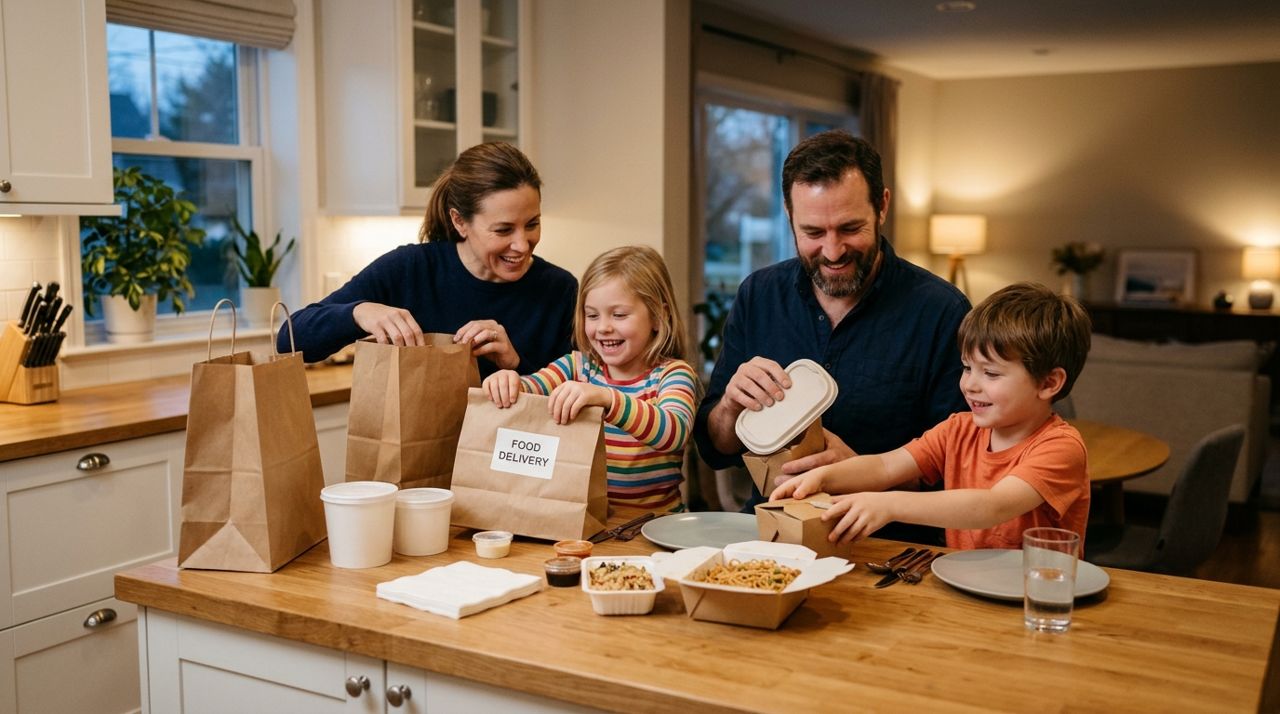
It's 6:30 PM on a Tuesday, you just got home from work, and the last thing you want to do is cook. Food delivery has become the go-to solution for millions of Americans on busy weeknights, but if you've never ordered before—or want to understand what actually happens behind the scenes—the process can feel unclear.
This guide explains exactly how food delivery works from start to finish. You'll learn how to browse restaurants, what those fees mean, how to track your order in real time, and what happens when the driver arrives. Whether you use Lumo, DoorDash, Uber Eats, or any other service, these steps are essentially the same.
- 01
Step 1: Choose your delivery app and browse restaurants
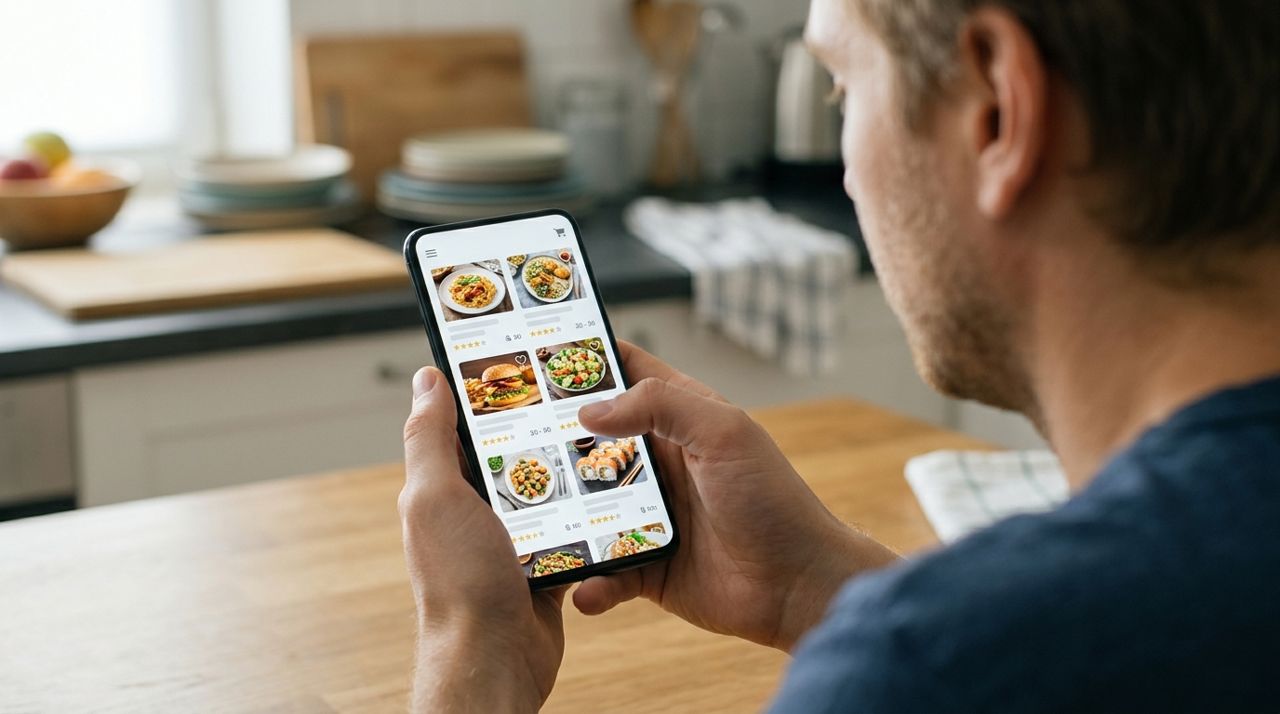
Person scrolling through restaurant options on a smartphone delivery app screen Download a food delivery app or visit the website. Popular options include Lumo (available at golumo.app on iPhone, Android, and web), DoorDash, Uber Eats, and Grubhub. Open the app and enter your delivery address—this determines which restaurants can reach you.
Browse the list of nearby restaurants, food trucks, and local shops. Most apps show estimated delivery times (typically 25–45 minutes) and minimum order amounts ($10–$15 is common). You can filter by cuisine type, ratings, delivery fee, or preparation time. Take a minute to read recent reviews and check star ratings; a restaurant with 4.5+ stars and hundreds of reviews is usually a safe bet.
- 02
Step 2: Build your order and review the total cost
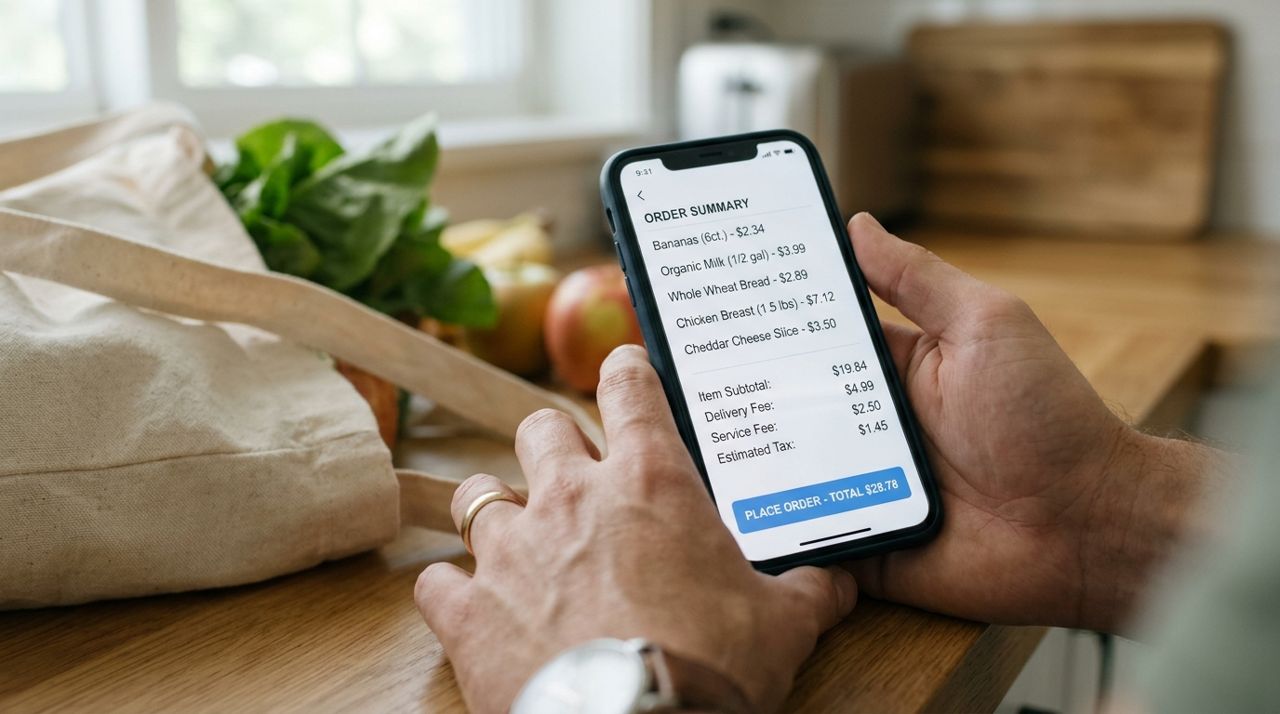
Mobile phone showing order summary with itemized costs and fees on delivery app Tap into a restaurant and browse the menu. Add items to your cart, including any customizations (no onions, extra sauce, spice level). Most apps let you add special instructions for the restaurant.
Before checkout, review the cost breakdown carefully:
- Menu items: The food itself, usually the same price as in-store or slightly higher
- Delivery fee: Typically $2–$6, based on distance, demand, and order size (pickup orders have no delivery fee)
- Service fee: Some platforms charge 10–15% of the subtotal
- Taxes: Standard local sales tax
- Tip: Usually calculated after delivery
A $25 food order often becomes $35–$40 after fees. If the total is too high, consider switching to pickup to save the delivery fee.
- 03
Step 3: Place your order and pay securely
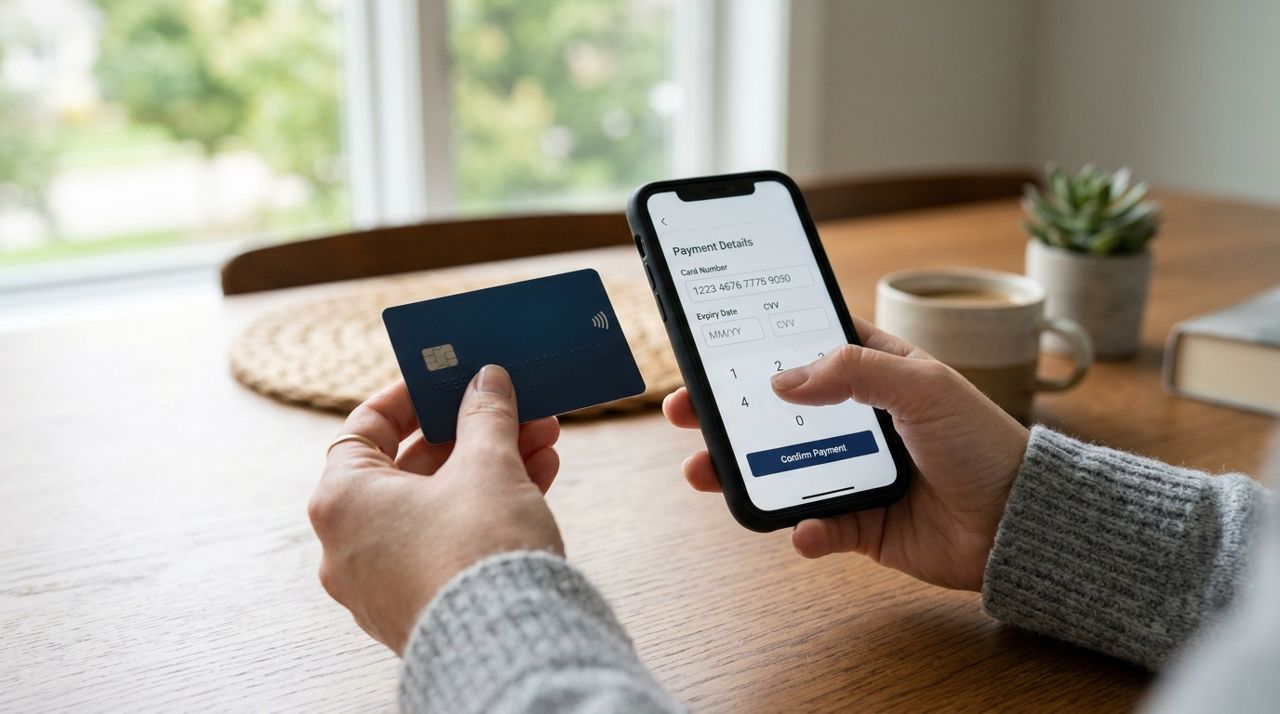
Hand holding credit card next to smartphone entering payment information securely Once you're happy with your cart, proceed to checkout. Enter or confirm your delivery address and any gate codes or apartment instructions—drivers appreciate clear directions like "Building C, second floor, blue door."
Add a payment method: debit card, credit card, or digital wallet like Apple Pay or Google Pay. All major delivery apps, including Lumo, process payments securely in the app. You'll be charged immediately when you place the order.
Double-check your phone number is correct so the driver can reach you if needed. Some apps let you choose contactless delivery (leave at door) or hand-it-to-me. On a busy weeknight when you're juggling dinner with kids or Zoom calls, contactless is often easier. Hit "Place Order" and you'll get a confirmation screen with an estimated arrival time.
- 04
Step 4: The restaurant prepares your food
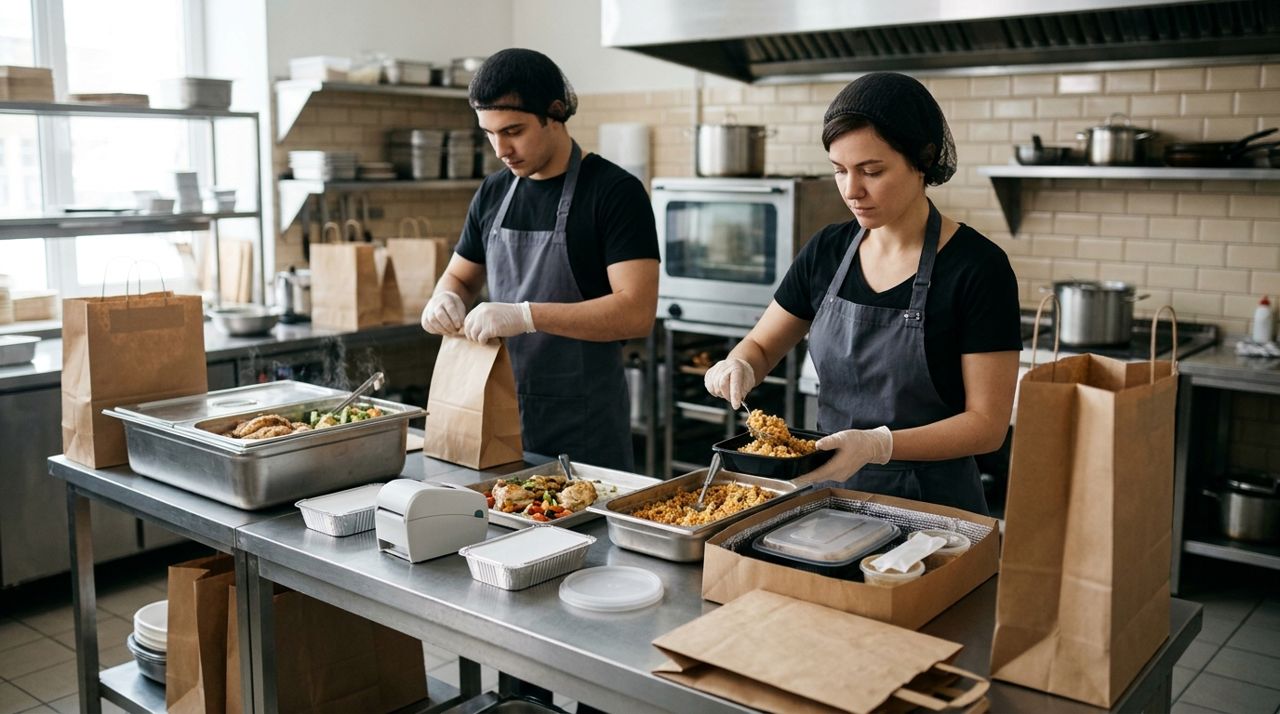
Restaurant kitchen staff packaging hot food into delivery bags and containers Your order instantly appears on a tablet or system at the restaurant. The kitchen staff begin preparing your meal just as they would for a dine-in customer. Depending on the restaurant's current volume and your order complexity, this takes 10–20 minutes.
You'll see status updates in the app: "Restaurant confirmed," "Preparing your order," then "Ready for pickup." Meanwhile, the app is finding a nearby driver. During peak dinner hours (6–8 PM), this matching process can add a few extra minutes. In Lumo's Worker mode, drivers see incoming orders and can accept jobs; the closest available driver usually gets your order first. Most apps show you the driver's first name and photo once they're assigned.
- 05
Step 5: Track your driver in real time
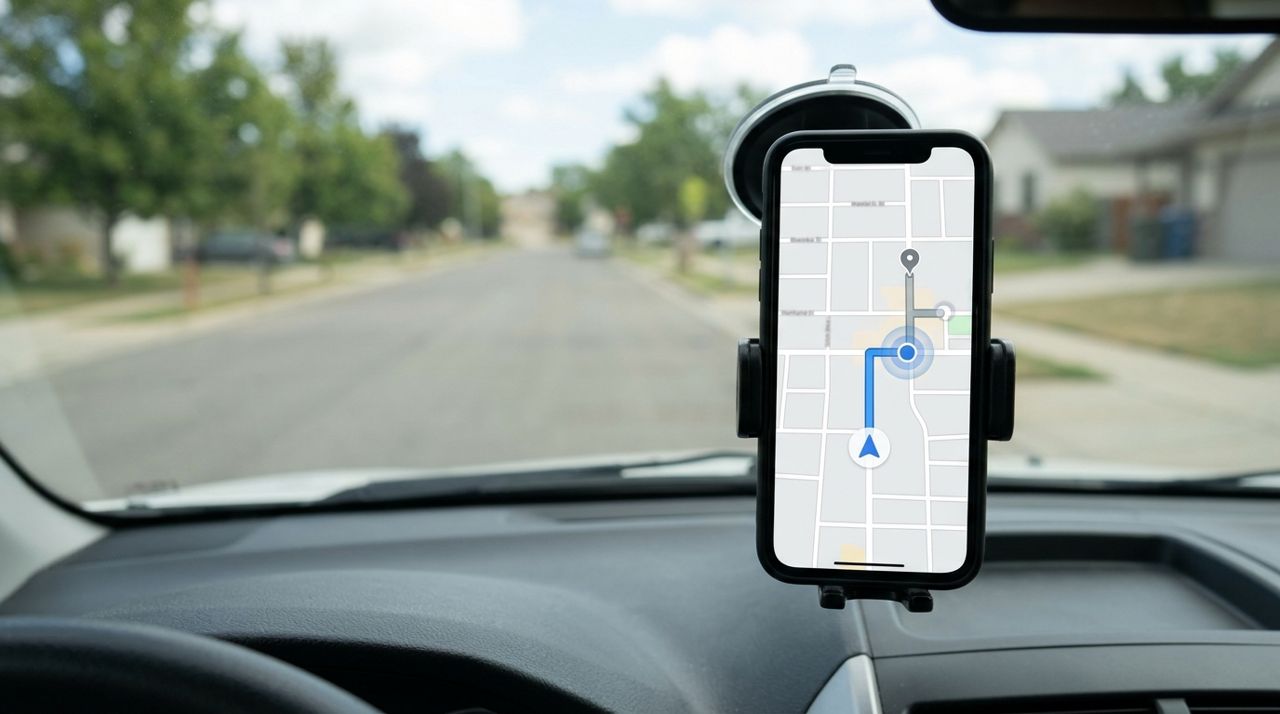
Smartphone screen showing real-time GPS map with driver location approaching delivery address Once a driver picks up your order from the restaurant, you can follow them on a live map. The app shows their location updating every few seconds as they drive toward you, along with a revised estimated arrival time.
This feature is incredibly useful on a busy weeknight. If you're helping with homework or finishing a work email, you can glance at the app and see "3 minutes away" instead of hovering by the door. In Lumo and most apps, you can also message the driver directly if you need to clarify directions or if you're running late to meet them outside.
Drivers typically deliver two or three orders on a single run to stay efficient, so don't worry if the route looks indirect—they're dropping off someone else's dinner first. Your food stays in an insulated bag to keep it hot.
- 06
Step 6: Receive your food and confirm delivery
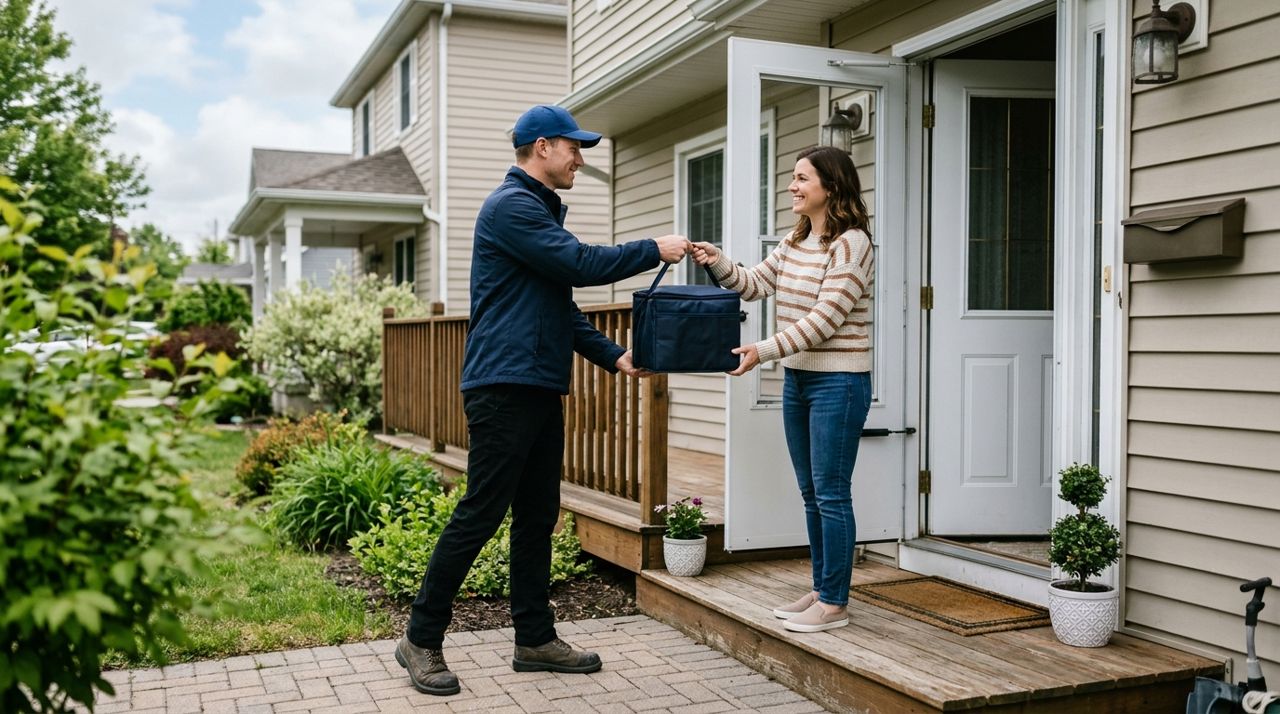
Delivery driver in cap handing insulated food bag to customer at front door You'll get a notification when the driver is arriving—usually "2 minutes away" then "Driver has arrived." If you chose contactless delivery, the driver will leave the bag at your door, step back, and take a photo as proof of delivery. This photo protects both you and the driver if there's ever a dispute. You'll see it in the app.
If you selected hand-it-to-me, the driver will knock or ring the bell and wait for you to answer. A quick "thank you" is always appreciated. Check that you have everything before the driver leaves—napkins, utensils, drinks, and any sides. Missing items happen occasionally; contact the restaurant or app support immediately if something's wrong.
- 07
Step 7: Tip your driver and leave a rating
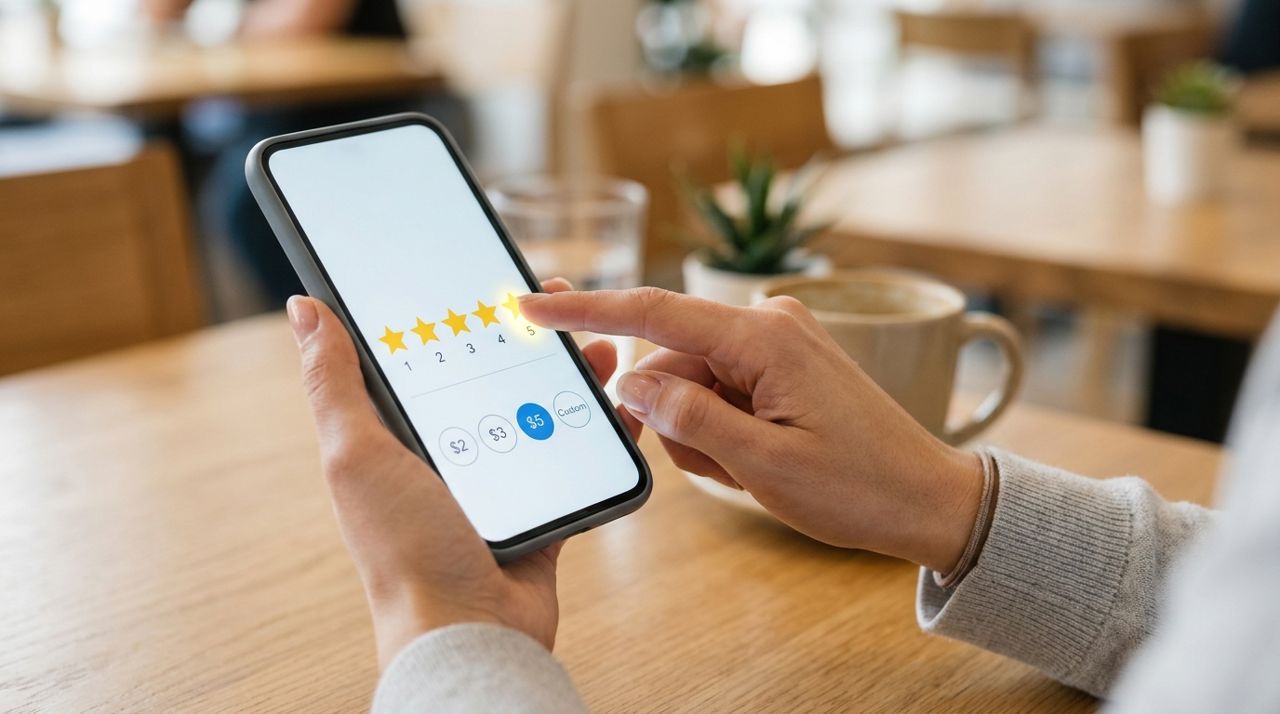
Finger tapping five star rating and tip selection screen on mobile app After delivery, the app will prompt you to add a tip. Standard options are usually 10%, 15%, or 20% of the food subtotal, or you can enter a custom amount. On a $25 order, that's $2.50 to $5. In Lumo, 100% of the tip goes directly to the driver—tips are a significant part of delivery income, especially since drivers pay for their own gas and car maintenance.
You'll also be asked to rate the restaurant and driver (usually 1–5 stars) and optionally leave a written review. Be fair: rate the restaurant on food quality and packaging, and the driver on speed, communication, and professionalism. If something went wrong, contact app support rather than penalizing the driver for a restaurant mistake. Good ratings help other customers and help great drivers and restaurants get more business.
Pro tips
- Order 60–90 minutes before you actually want to eat during peak dinner hours; delays are common between 6–8 PM.
- Tip at least 15–20% if the weather is bad, your address is hard to find, or you live far from the restaurant—drivers remember.
- Save your favorite restaurants in the app so you can reorder quickly on future busy nights without browsing again.
- Enable notifications so you know exactly when to meet the driver; cold food is often due to customers not checking their phone.
- Keep a note in your profile with detailed delivery instructions (gate code, parking spots, which door) to avoid repeating yourself every time.
Frequently asked questions
- What if my food arrives cold or the order is wrong?
- Contact the app's customer support immediately through the help section. Most platforms offer refunds, credits, or redelivery for legitimately wrong or poor-quality orders. Take photos of the problem if possible. Don't wait until the next day—report it while the order is still fresh in everyone's memory.
- How much should I tip for delivery?
- 15–20% of the food subtotal is standard for good service. Tip more for bad weather, long distances, large orders, or apartments with tricky access. Remember that drivers pay for their own gas and vehicle costs, and tips often make up half their income. In apps like Lumo, 100% of your tip goes directly to the driver.
- Can I track my driver the whole time?
- Yes, once a driver picks up your order, you'll see their location update in real time on a map in the app. You'll also get notifications when they're a few minutes away and when they arrive. This tracking works in Lumo and all major delivery apps, so you know exactly when to head to the door.
Food delivery has made busy weeknights manageable for millions of people. Now that you understand each step—from browsing and fees to live tracking and tipping—you can order confidently and know exactly what to expect. Next time you're too tired to cook, open Lumo at golumo.app or your preferred delivery app, pick a restaurant, and let someone else handle dinner tonight.
Photos are illustrative. Service prices are typical ranges and vary by city. How we write our guides.
More guides like this

How to Order Lunch for Your Office Team Without the Chaos
Ordering lunch for eight coworkers shouldn't feel like herding cats. Here's how to coordinate a group order, keep everyone happy, and get food delivered on time without juggling twenty phone calls.
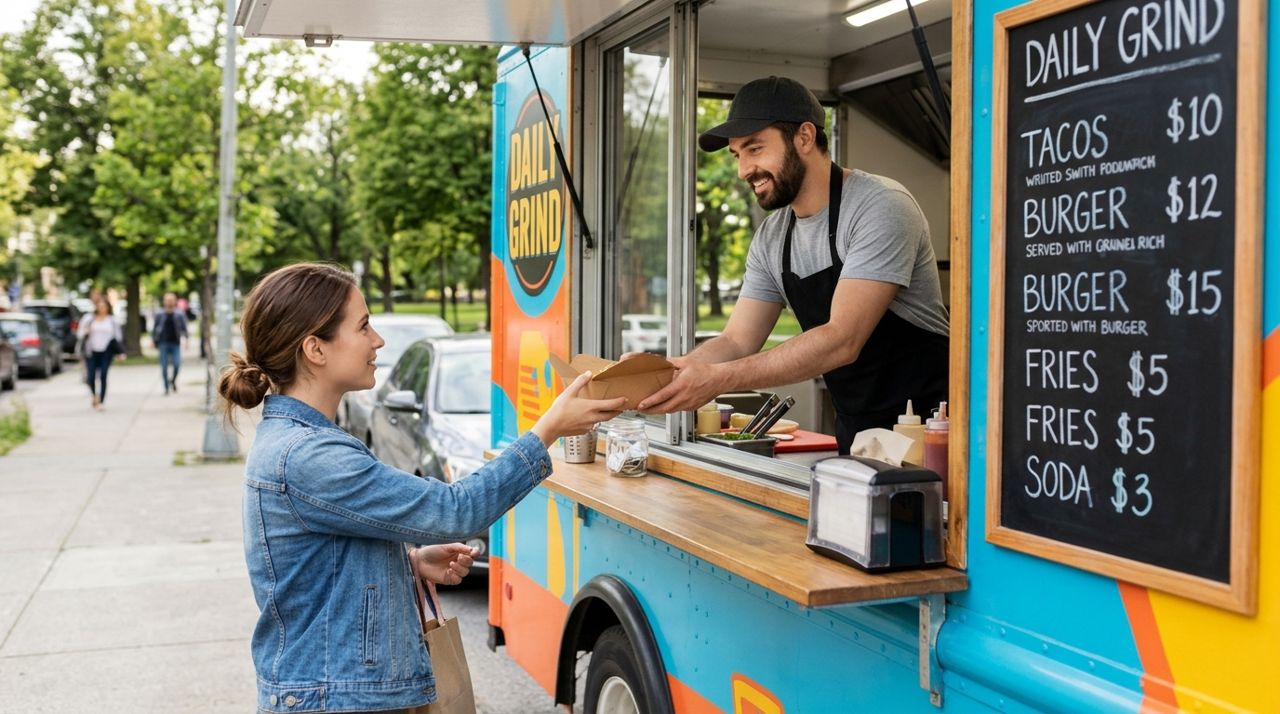
How to Find and Order from a Food Truck Near You
Food trucks bring restaurant-quality meals to neighborhoods, parks, and events—but finding them and placing orders can be tricky. Here's a step-by-step guide to ordering from food trucks near you.
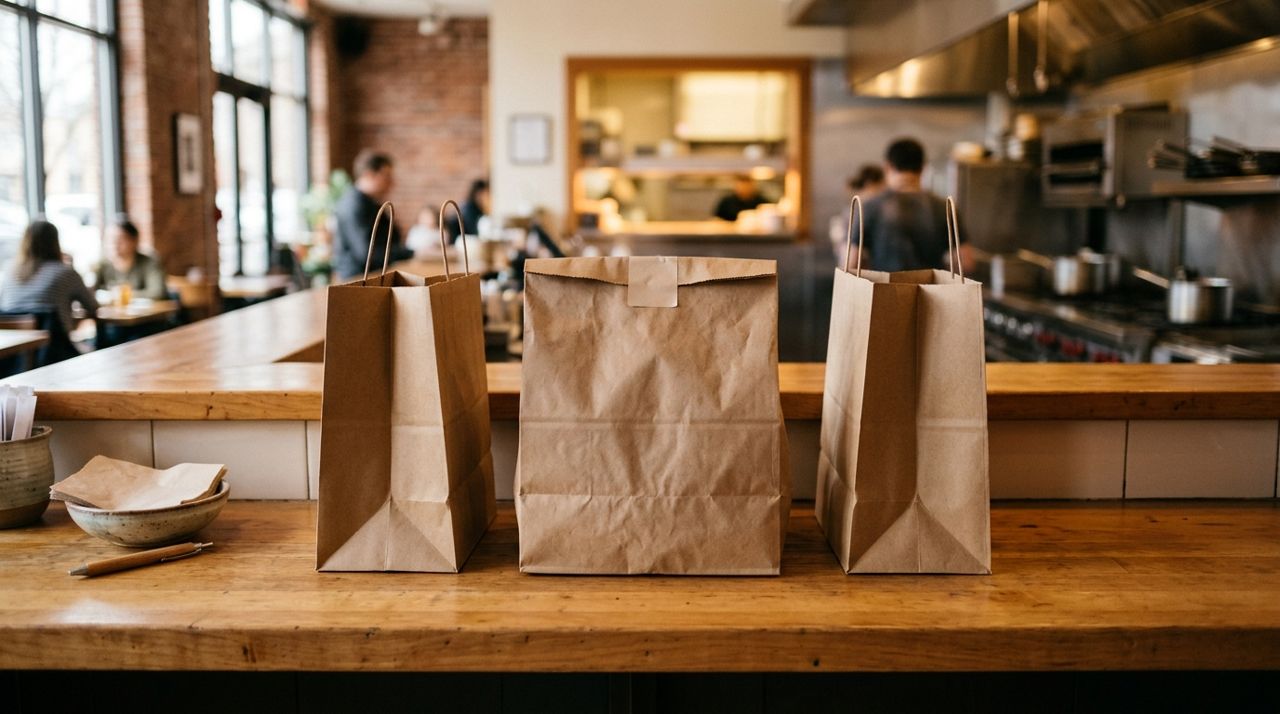
How to Order Food for Pickup and Skip the Delivery Fee
Delivery fees add up quickly—anywhere from $2 to $8 per order depending on distance and order size. Pickup orders let you skip that charge entirely while often getting your food faster.