
How Delivery Fees Are Calculated: Distance, Order Size & More
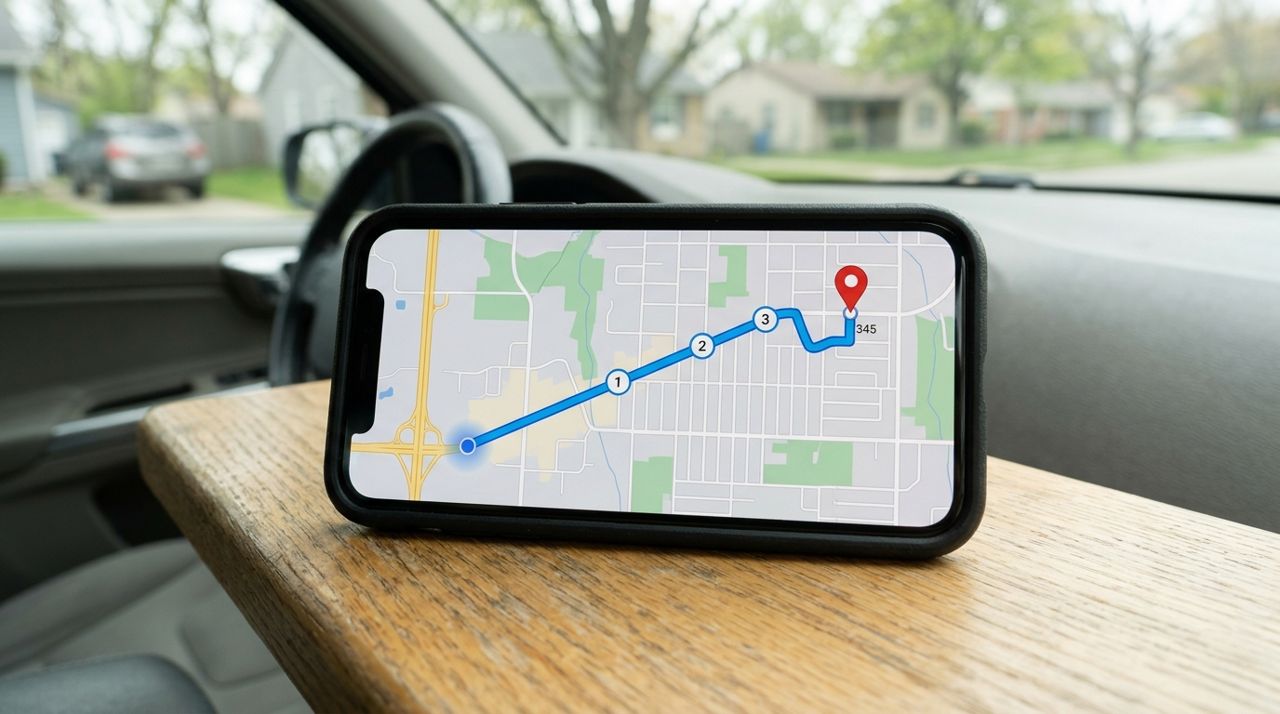
You're about to check out and the delivery fee pops up: $3.99, $6.50, $8.25. Why does it change from order to order? Most delivery apps—including Lumo—calculate the fee using three main factors: a base fee to cover basic operating costs, the distance from the restaurant or shop to your door, and the size of your order (since larger orders require more handling and sometimes bigger vehicles).
Understanding this formula helps you predict costs, compare options and make smarter choices. This guide breaks down each component, shows you how distance and order size affect your total, and gives you practical ways to lower fees without sacrificing convenience.
- 01
Step 1: The base fee covers platform and insurance costs
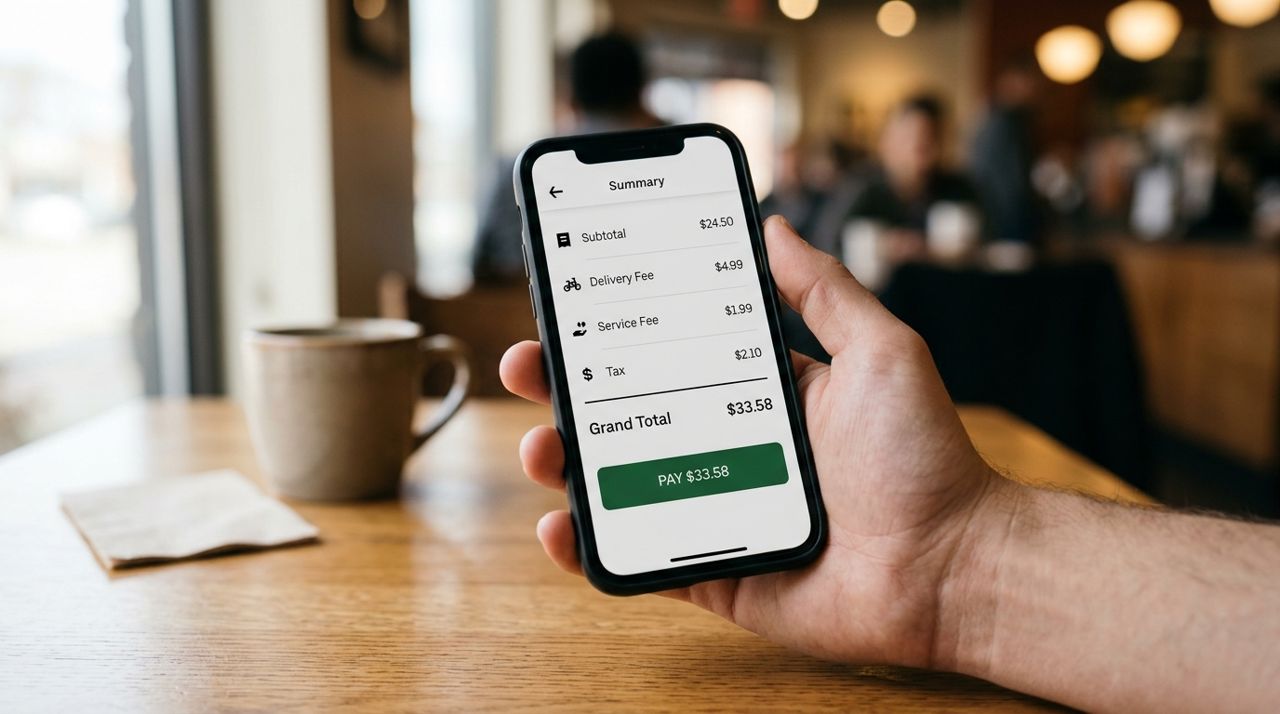
Close-up of a smartphone screen displaying a payment and delivery fee breakdown Every delivery starts with a base fee, typically $1.50 to $3.00 depending on the city and time of day. This flat charge covers the app's operating costs: payment processing, customer support, insurance, technology and the infrastructure that connects you to restaurants and drivers. Think of it as the minimum cost to activate a delivery.
The base fee is constant regardless of where you order from or how much you buy. Peak hours—lunch and dinner rushes, weekend evenings—sometimes add a small surge to the base, especially in busy metro areas. Off-peak orders (mid-afternoon or late morning) often carry the lowest base fees.
- 02
Step 2: Distance adds per-mile or per-kilometer charges
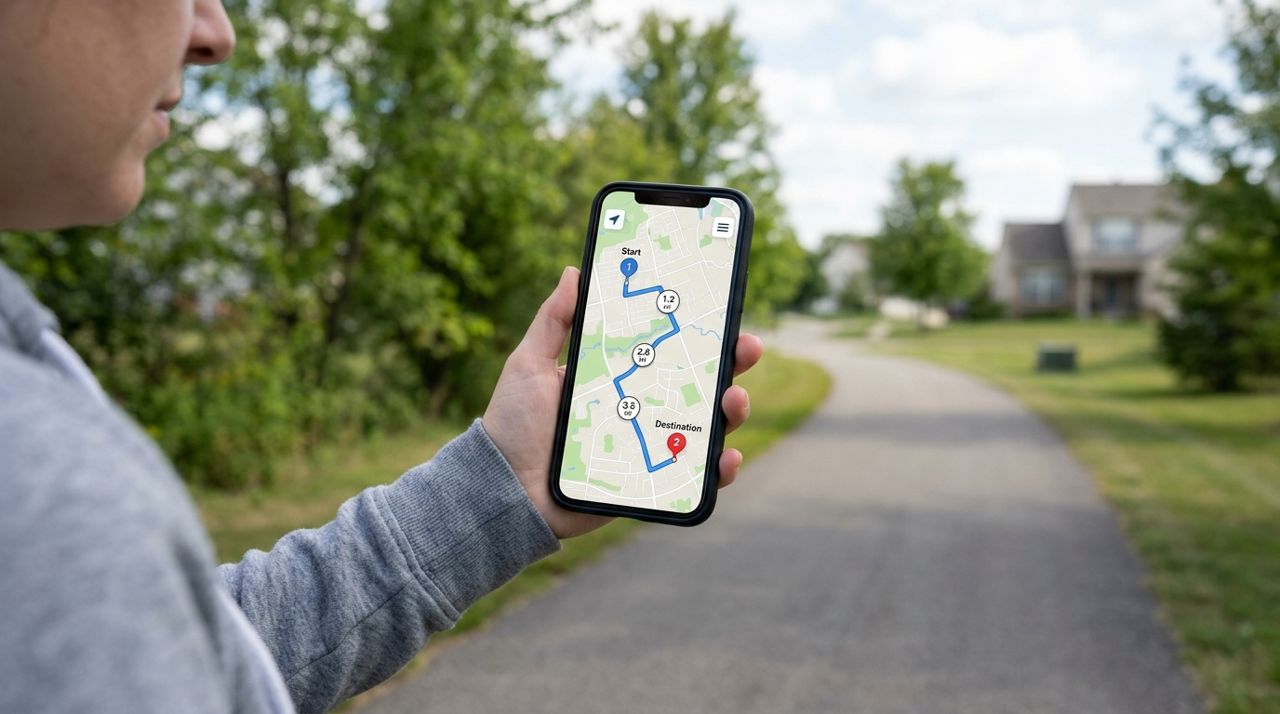
Digital map showing a route with distance markers between two location pins Once the base fee is set, the app calculates the straight-line or road distance from the merchant to your address. Most platforms charge $0.50 to $1.50 per mile (or $0.30 to $1.00 per kilometer), depending on local fuel costs, traffic patterns and driver supply.
A one-mile delivery might add $1.00 to your base fee, while a five-mile trip could add $5.00 or more. Distance is the biggest variable in your delivery cost. Apps like Lumo show you the total delivery fee before checkout, so you can compare nearby options. Ordering from a restaurant two miles away instead of six can cut your fee in half.
- 03
Step 3: Order size affects handling and logistics
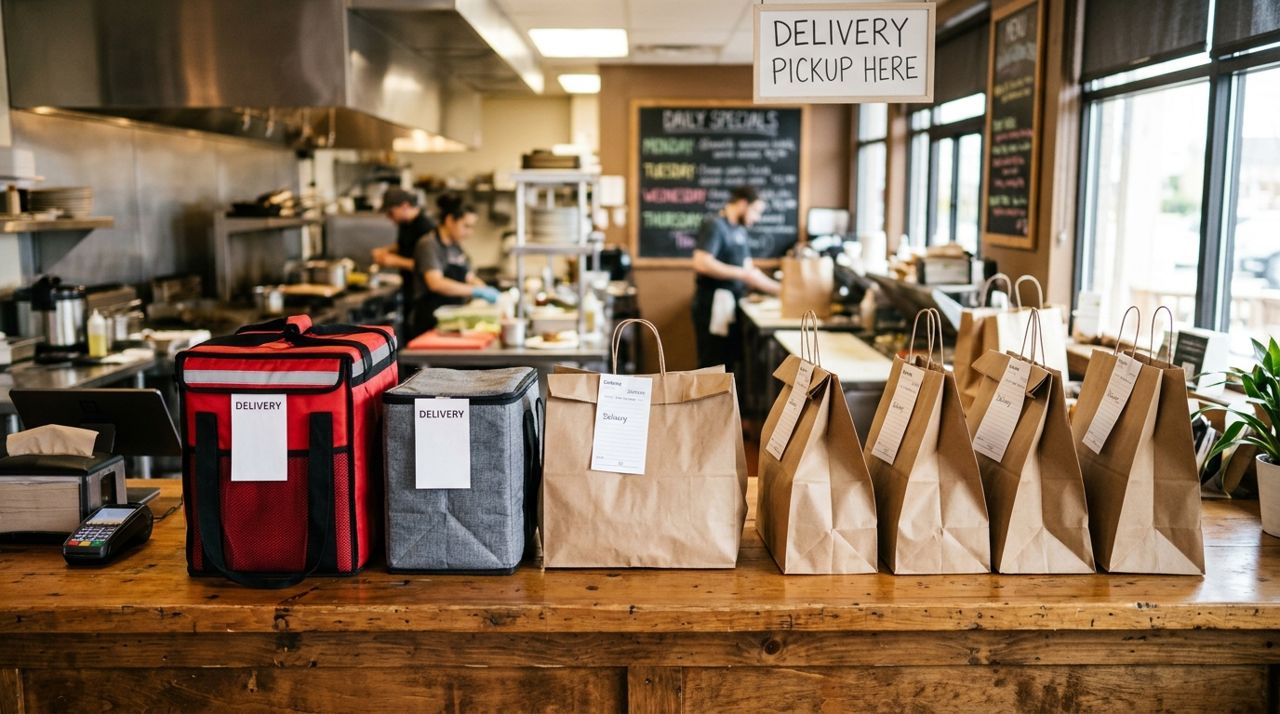
Multiple full takeout bags lined up on a restaurant counter ready for delivery Larger orders take more time to pack, carry and deliver. A single sandwich fits in a small bag; a family dinner for six requires multiple bags, careful stacking and sometimes a larger vehicle. To cover this extra effort, many apps apply a small percentage fee or tiered charge based on order value.
Typically, orders under $15 pay no size surcharge, $15–$40 orders might add $0.50 to $1.50, and orders over $40 can add $2.00 or more. The exact formula varies, but the principle is consistent: bigger orders cost more to move. Some platforms cap the size fee at a fixed dollar amount (say, $3.00) no matter how large the order grows.
- 04
Step 4: Real-time factors can adjust the final fee
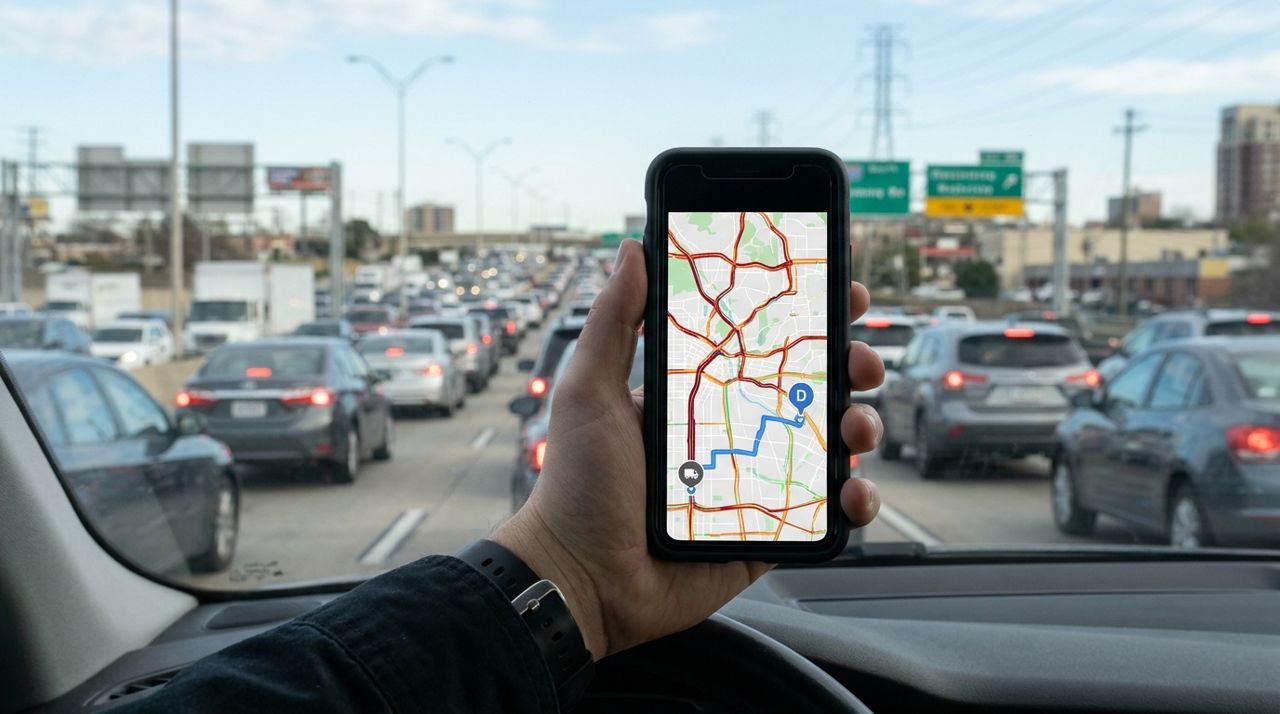
Person holding smartphone with map showing traffic congestion and delivery route overlay Beyond base, distance and size, real-time conditions sometimes tweak the fee. High demand with few available drivers triggers surge pricing—an extra $1.00 to $3.00 during lunch or dinner peaks. Bad weather (heavy rain, snow, extreme heat) may add a small premium to compensate drivers for tougher conditions.
Some apps also factor in traffic: a normally quick three-mile route that crosses a congested downtown at 5 p.m. might carry a higher fee than the same route at 2 p.m. These adjustments are usually modest and disclosed upfront. Apps like Lumo show the total delivery fee before you confirm, so there are no surprises at checkout.
- 05
Step 5: Compare the fee before you commit
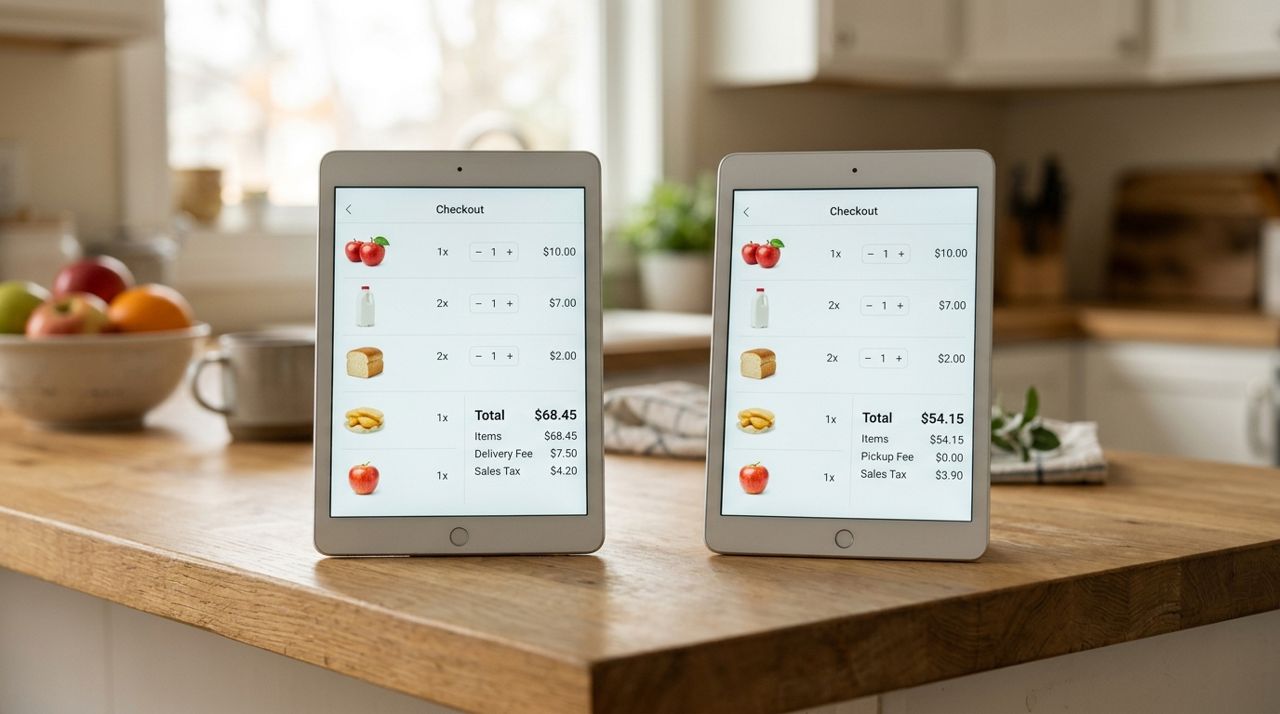
Side-by-side comparison of delivery and pickup checkout screens showing different fee totals The delivery fee appears on the checkout screen before you place your order. Take a moment to review it alongside your subtotal, taxes and any service fees. If the fee seems high, check whether a closer restaurant offers a similar menu—you might save $3.00 or more just by choosing a merchant one mile nearer.
Many apps let you toggle between delivery and pickup. Pickup eliminates the delivery fee entirely, saving you anywhere from $2.00 to $8.00. If you're ordering for a group or buying groceries, pickup can cut your total cost by 10% to 20%. On Lumo, pickup has no delivery fee, and you can place your order from the same app.
- 06
Step 6: Tip separately—it doesn't affect the delivery fee
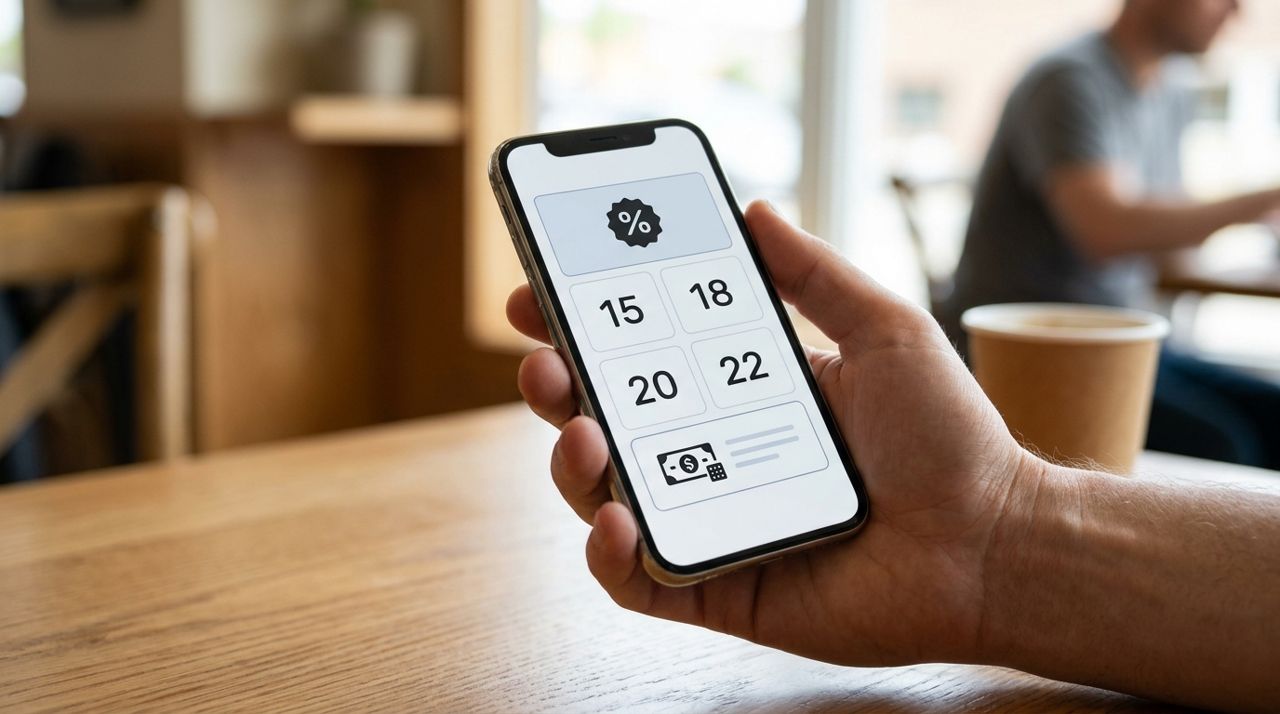
Smartphone tip selection screen showing percentage options and custom tip entry field Delivery fees go to the platform and cover infrastructure, insurance and driver dispatch. Your tip goes 100% to the driver who brings your order to your door. On most platforms, you choose the tip after reviewing the delivery fee, and the two are calculated independently.
Common tip options are 10%, 15% or 20% of the subtotal, or a custom dollar amount. A $30 order with a 15% tip adds $4.50, and that tip is separate from the $4.00 delivery fee you already paid. Tipping well encourages drivers to accept your order quickly and handle it with care. Apps like Lumo let you adjust the tip before finalizing, and drivers see the full payout (delivery + tip) before they accept.
- 07
Step 7: Estimate your fee before ordering
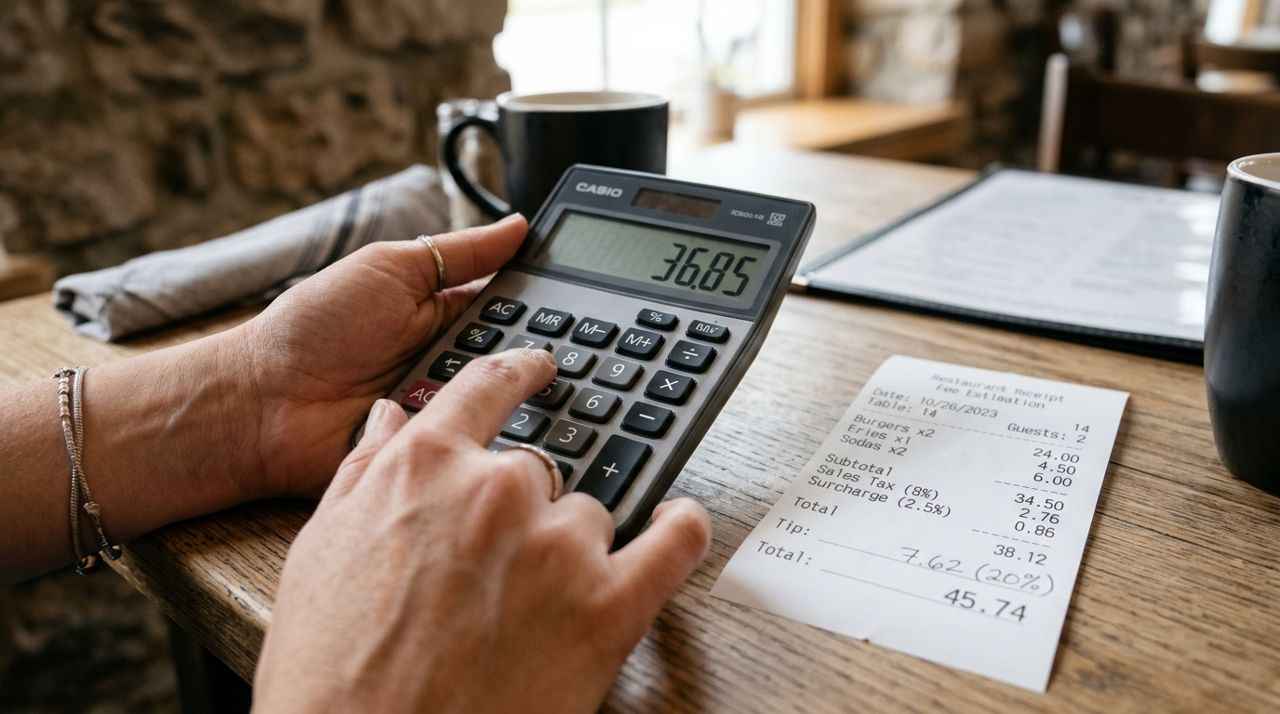
Hand using calculator next to restaurant receipt showing fee estimation breakdown Once you know the formula—base + distance + size—you can estimate your fee before you even open the app. Check the distance on Google Maps: 0–2 miles usually means $2.50–$4.50, 2–5 miles runs $4.50–$8.00, and beyond 5 miles can hit $8.00–$12.00 depending on the city.
Add the order size factor: small orders stay near the base + distance total, while orders over $40 add another $1.00–$3.00. If you're ordering during peak hours, budget an extra $1.00–$2.00 for surge. This quick mental math helps you decide whether delivery makes sense or if pickup is a better deal for your budget.
Pro tips
- Order from the closest restaurant or shop to minimize distance charges—one mile closer can save $1.00 to $2.00 per order.
- Place larger group orders to spread the delivery fee across more people, lowering the per-person cost.
- Choose pickup when possible; you'll pay zero delivery fee and often get your order faster.
- Avoid peak lunch (11:30 a.m.–1:30 p.m.) and dinner (5:30–8:00 p.m.) hours to skip surge pricing.
- Check the delivery fee for multiple nearby merchants before deciding—sometimes the slightly pricier menu has a much lower delivery cost.
Frequently asked questions
- Why does the delivery fee change for the same restaurant?
- The base fee and distance stay the same, but order size, time of day and real-time demand can vary. A $15 lunch at 2 p.m. costs less to deliver than a $50 dinner at 7 p.m. during peak surge.
- Does the delivery fee go to the driver?
- No. The delivery fee covers the platform's operating costs, insurance and dispatch. Your tip goes 100% to the driver. Always tip separately to support the person who brings your order.
- Can I see the delivery fee before I add items to my cart?
- Most apps show the fee at checkout, after you've entered your address and selected a merchant. Some display an estimate on the merchant's page. On Lumo, the delivery fee appears before you confirm your order, so you can decide whether to proceed, adjust your cart or switch to pickup.
Delivery fees are straightforward once you see the formula: base + distance + order size, plus occasional real-time adjustments. Knowing this helps you choose closer merchants, time your orders to avoid surges and decide when pickup makes more sense. On Lumo, you'll see the full delivery fee before checkout—no surprises—and you can toggle to pickup anytime to skip the fee altogether.
Photos are illustrative. Service prices are typical ranges and vary by city. How we write our guides.
More guides like this
How to Tip Your Delivery Driver Fairly (and Why It All Goes to Them)
Tipping your delivery driver isn't just polite—it's a crucial part of their income. Here's how to tip fairly and what happens to every dollar you add.
How to Use the Drop-Off Photo to Confirm Your Contactless Delivery
Drop-off photos are your proof that your order arrived at your door. Here's how to check them, what to look for, and what to do if something doesn't match.
What to Do When Your Delivery Is Late, Wrong, or Missing Items
Your delivery is late, the order is wrong, or items are missing—now what? This guide walks you through exactly what to do, when to contact support, and how to get refunds or replacements.