
How to Use the Drop-Off Photo to Confirm Your Contactless Delivery
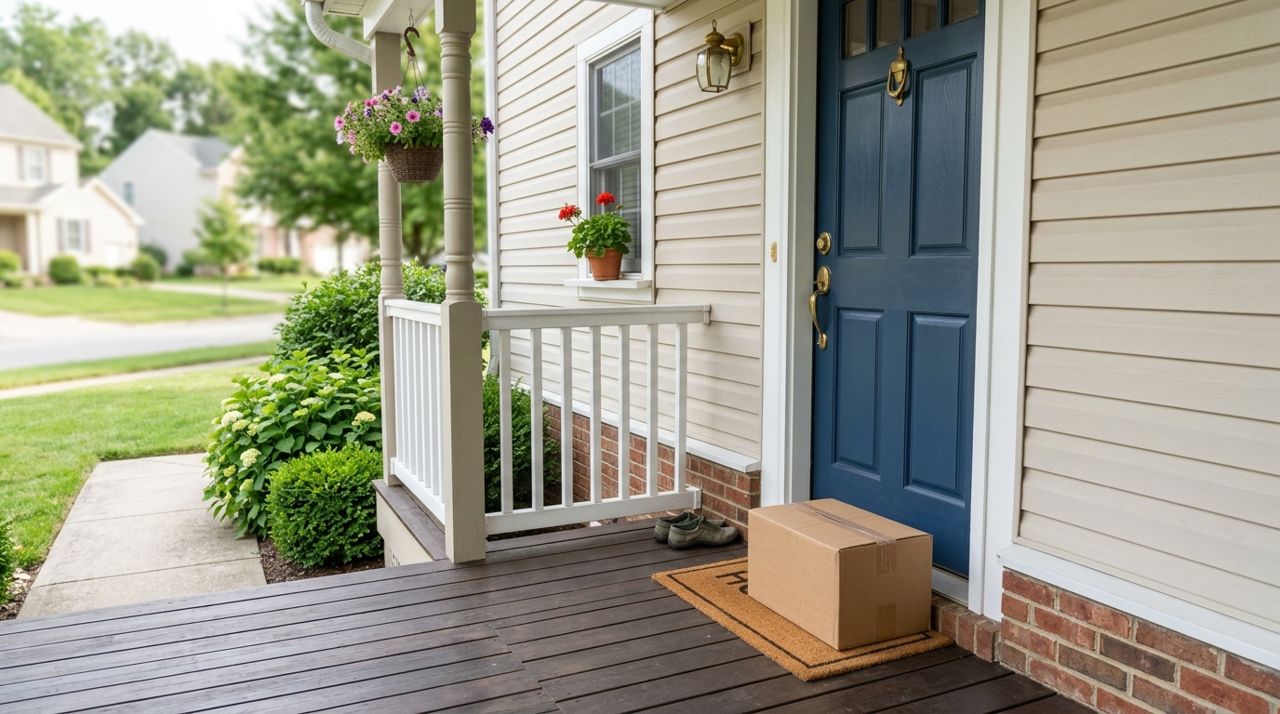
You ordered dinner for contactless delivery, the app says it's been dropped off, but when you open the door... nothing. Or maybe the photo shows your order at a completely different house. Drop-off photos exist to solve exactly this problem, giving both you and the driver proof of where the order was left.
Most delivery platforms now require drivers to take a photo before marking an order complete. Understanding how to review these photos quickly and what to do when something looks off can save you from a cold dinner or a lost refund claim. This guide walks you through the entire process, from the moment you get the delivery notification to resolving any issues that come up.
- 01
Step 1: Check the notification as soon as your order is marked delivered
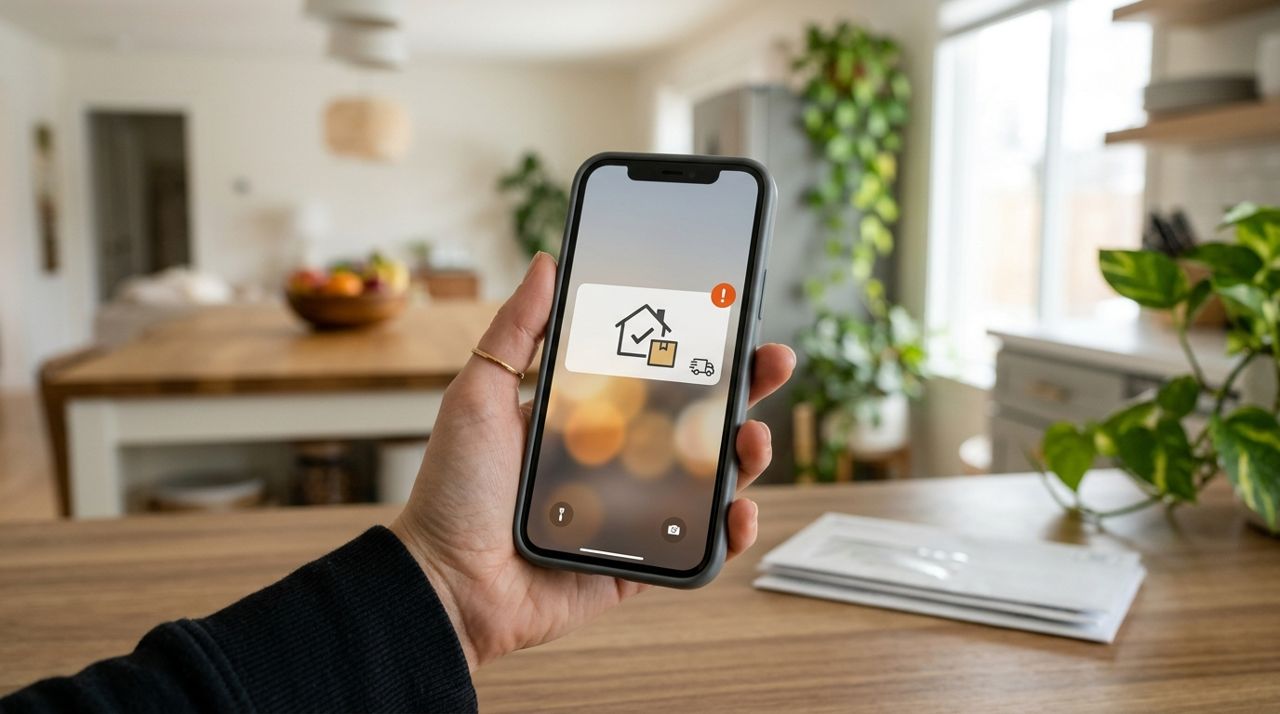
Smartphone screen showing a delivery completed notification with an alert badge The moment your driver marks the delivery complete, you'll get a push notification and usually an in-app message. Open the app right away—ideally within two to three minutes. The drop-off photo should load automatically in the order details screen. If you're busy, at least glance at your phone when the notification arrives so you know the driver has left. The faster you check, the easier it is to spot problems while the driver is still nearby and evidence is fresh. Most apps display the photo prominently with a timestamp showing exactly when it was taken. On Lumo, the photo appears in your order history immediately after the driver confirms drop-off, and you can follow the driver's location live on the map right up until that moment.
- 02
Step 2: Compare the photo to your actual door or entrance
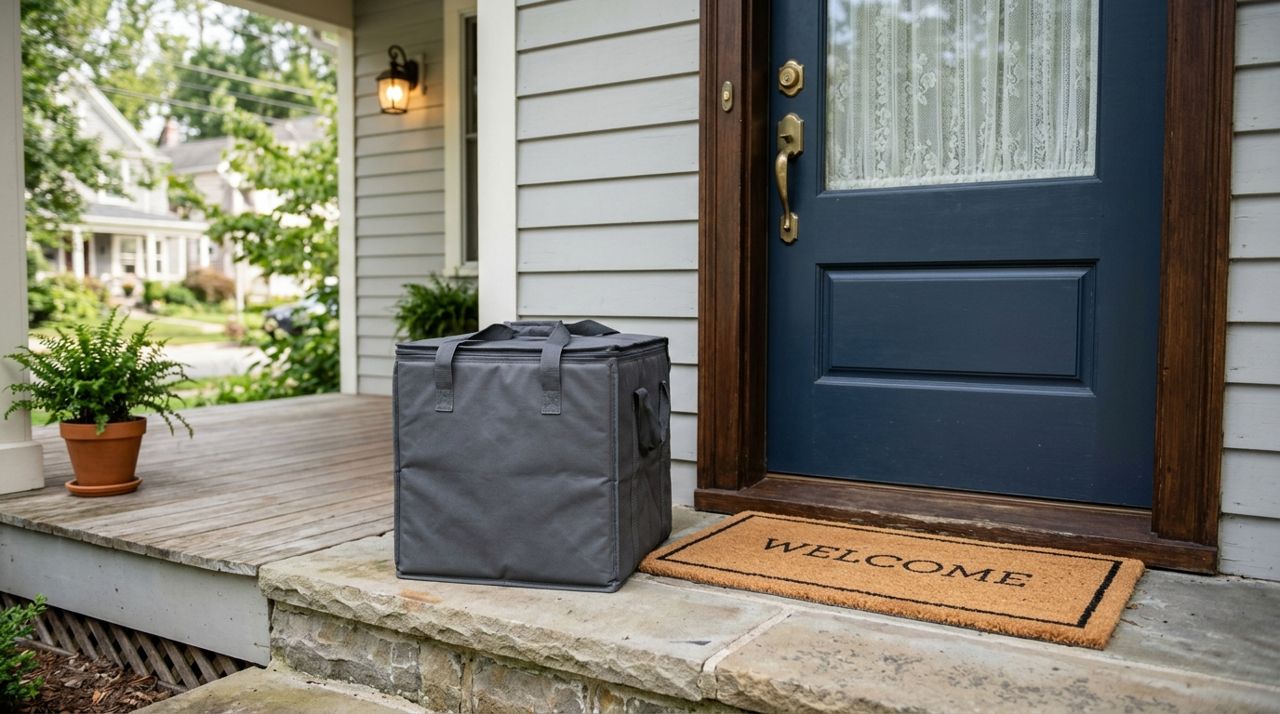
Delivery bag sitting on a residential front porch next to a door Look closely at the background details in the photo: the color of your door, the house number if visible, any plants or doormats, the porch light, the siding or brick. Does the photo clearly match your front door, side entrance, or apartment hallway? If you live in an apartment, check for your unit number on the door or a nearby wall. Don't assume the photo is wrong just because the angle is unfamiliar—drivers often crouch or stand to the side to fit both the bag and the door in frame. If the door or setting is unrecognizable, take your own photo of your actual entrance immediately for comparison. This documentation becomes critical if you need to file a claim.
- 03
Step 3: Go outside and retrieve your order right away
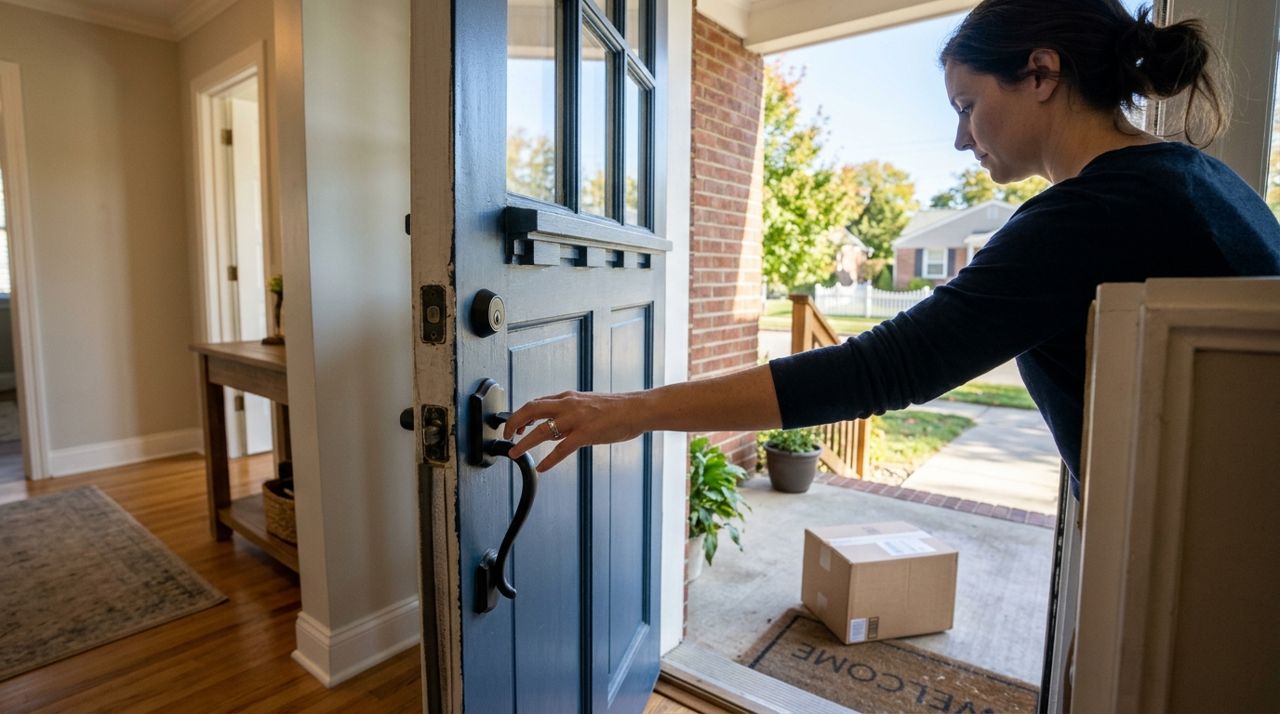
Hand reaching to open a front door to retrieve a delivery Even if the photo looks correct, don't wait. Contactless delivery means your food or package is sitting unattended. In apartment buildings, a neighbor might pick it up by mistake. In neighborhoods with porch pirates, delays cost you. Head out within one or two minutes of the notification. If the order is right there where the photo shows, you're done—bring it inside and enjoy. If it's missing, you now know for certain there's a problem and you can act while the trail is still warm. This immediacy matters because many platforms give you a narrow window (often 15 to 30 minutes) to report a missing delivery before they assume you received it.
- 04
Step 4: Take your own photos if the order is missing or incorrect
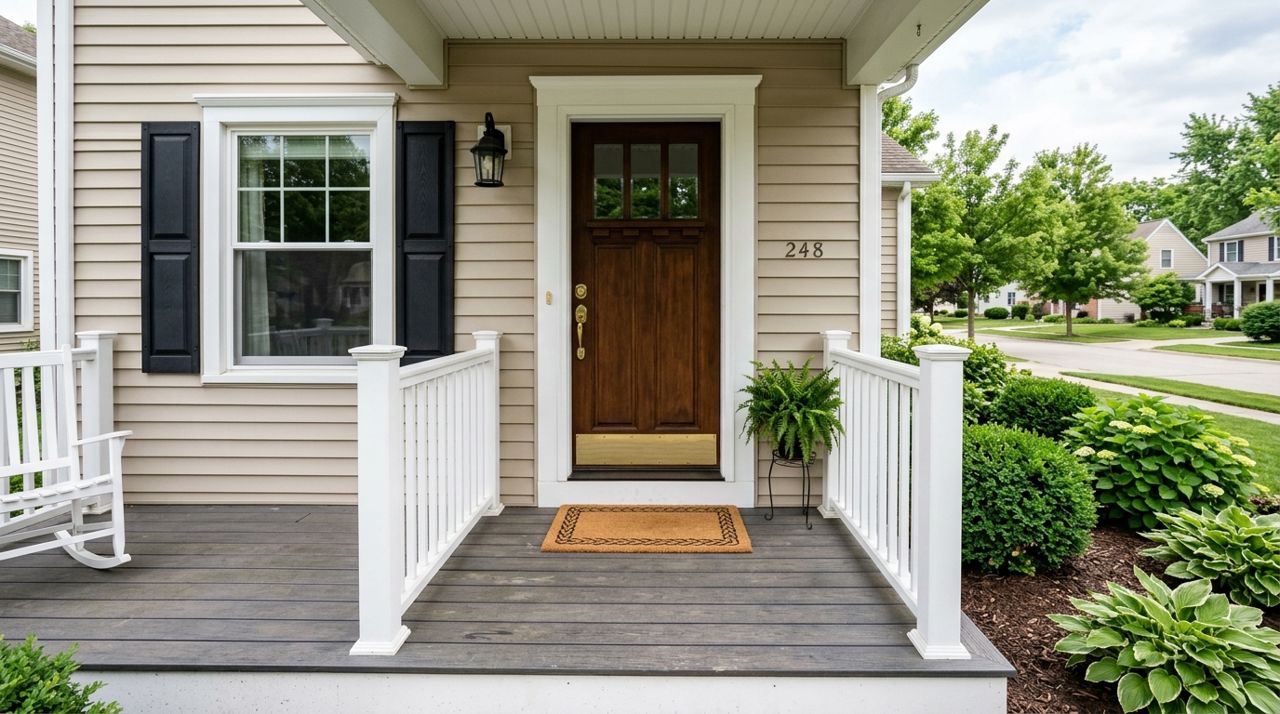
Empty front porch showing no delivery present, clear view of door and surrounding area If you step outside and there's no order, immediately take several photos of your empty doorstep, the area around your entrance, and any nearby doors or mailboxes where a driver might have left it by mistake. Capture your house number or apartment unit clearly. If the drop-off photo shows a completely different location, screenshot that photo and take pictures of your actual door side-by-side. These images are your evidence when you contact support. Also check with neighbors quickly—ring doorbells on either side or text your building group chat. Sometimes drivers misread numbers or GPS pins, and a neighbor finds an unexpected bag. If you locate it this way, take a photo showing where it actually was before you move it.
- 05
Step 5: Contact support immediately with your evidence
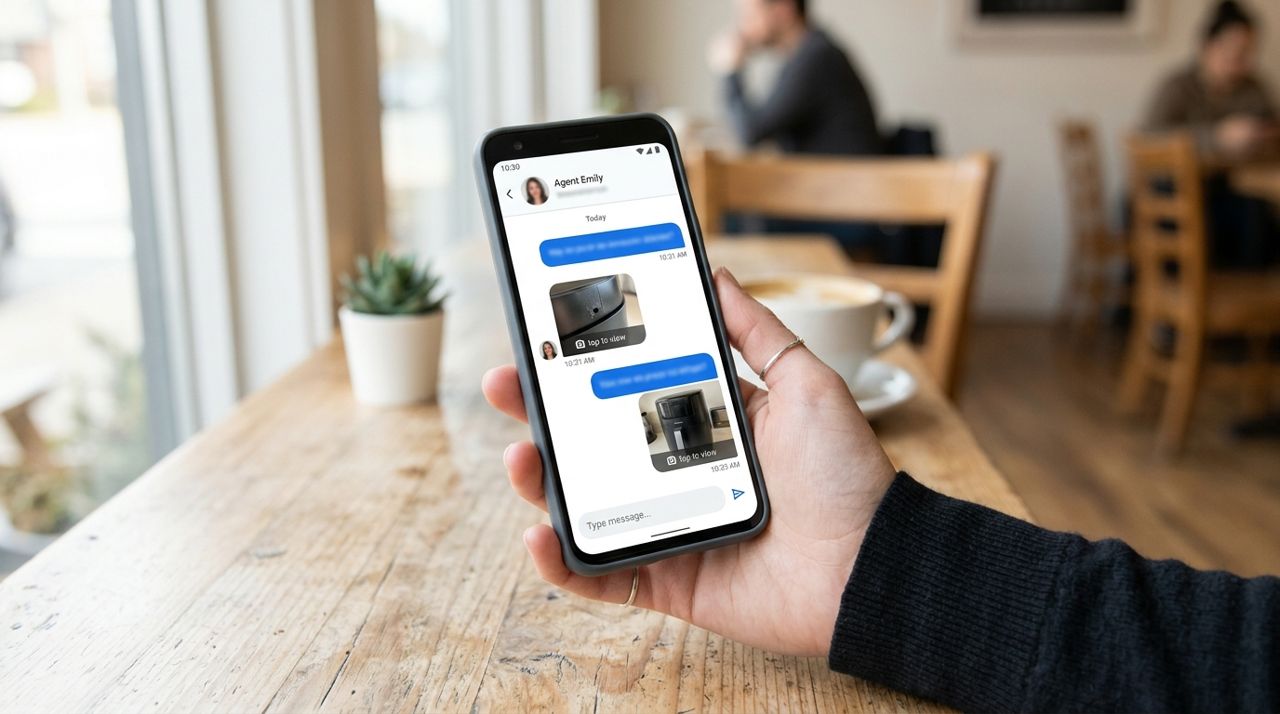
Smartphone displaying a customer support chat conversation with uploaded photo attachments Open the app and find the 'Help' or 'Support' option in your order details. Most platforms offer a 'Report missing order' or 'Report issue' button. Select that, upload your photos, and write a brief, factual description: 'The drop-off photo shows a red door; my door is blue. I went outside within two minutes and found nothing. I checked with my neighbors and no one has seen it.' Stay calm and clear. Support teams process these claims faster when they have visual proof and a timeline. On Lumo, you can also message support directly in-app, and the timestamp from your live tracking map helps confirm when the driver marked it delivered versus when you went outside. Most platforms will issue a refund or reorder once they verify the mismatch.
- 06
Step 6: Review and update your delivery instructions for next time
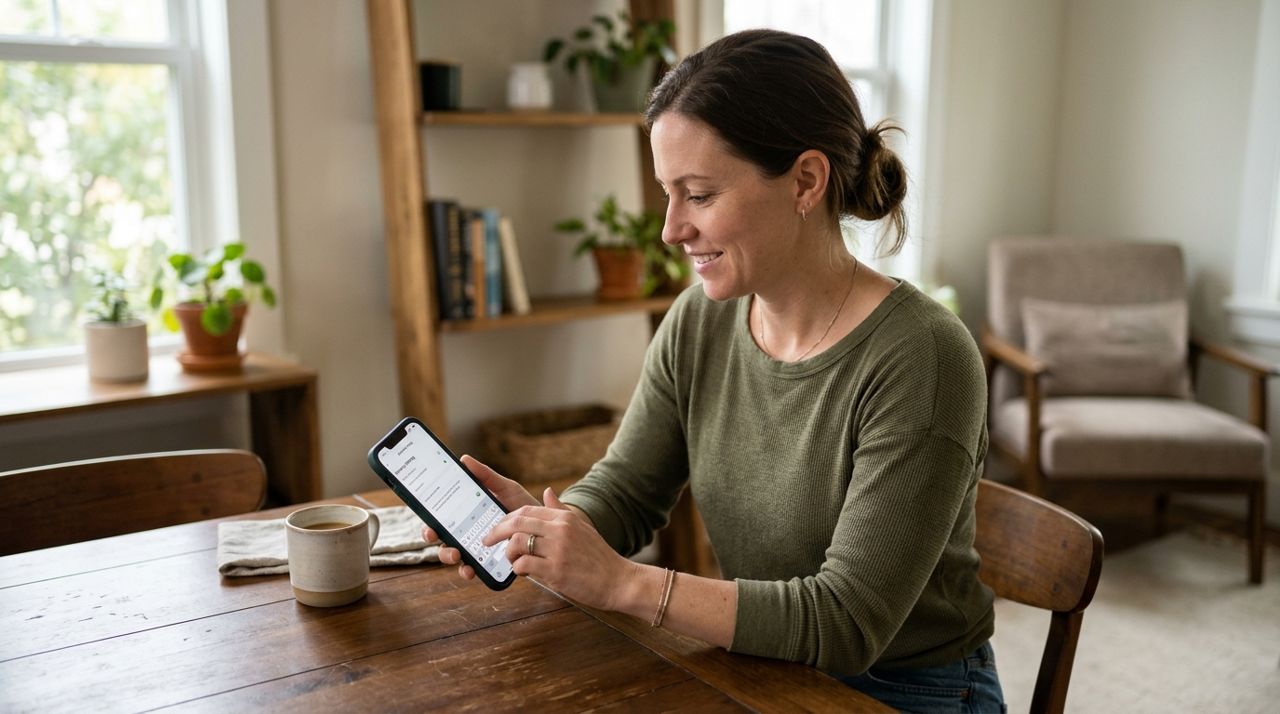
Person updating delivery instructions on a smartphone app settings screen Once the immediate issue is resolved, take a moment to prevent it from happening again. Go into your account settings and review your delivery address. Is the street name spelled correctly? Is there a unit number, gate code, or building name that's missing? Add detailed instructions: 'Blue house with white trim, second door on the left in the duplex,' or 'Apartment 3B, third floor, leave at door marked 3B near the elevator.' Include gate codes, parking notes, and landmarks. The more specific you are, the less room for error. If you have a confusing layout—a side entrance you use more than the front, or a duplex where two doors look identical—consider taping a small note or flag on your preferred door. Clear instructions reduce misdeliveries and make the drop-off photo far more useful when you need it.
- 07
Step 7: Rate and tip fairly based on what actually happened
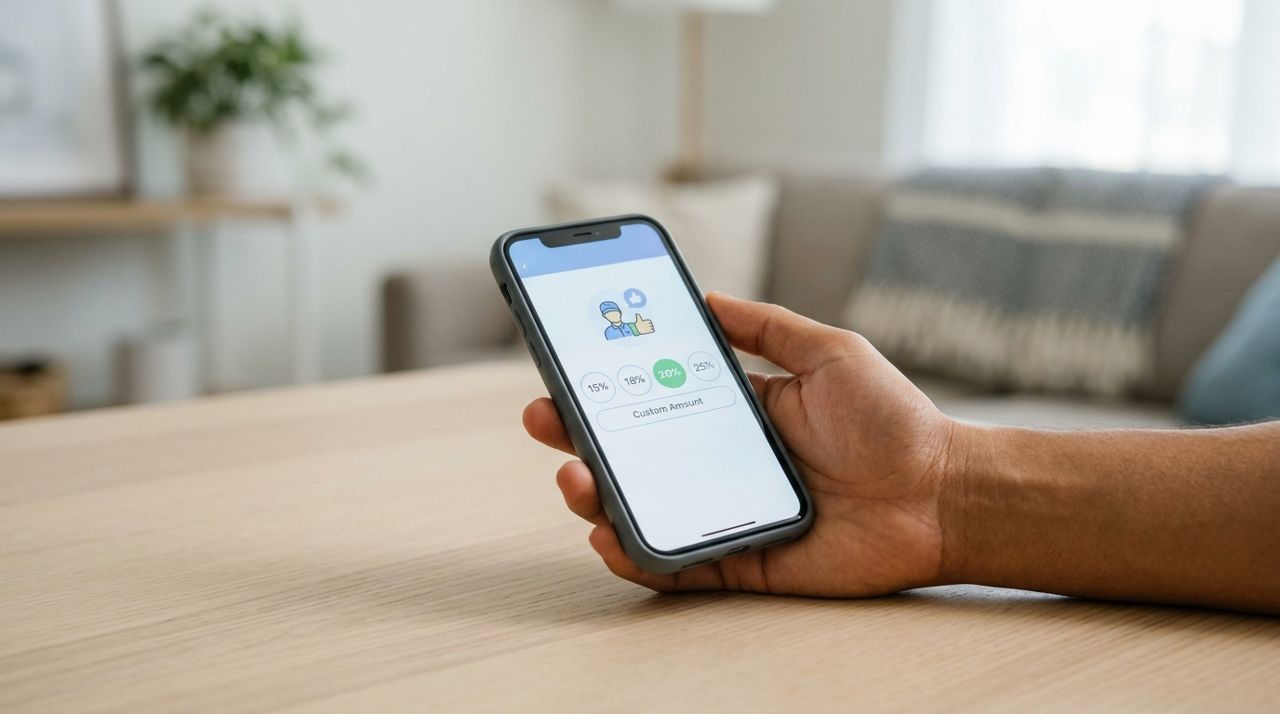
Mobile phone screen showing a delivery app tip selection with percentage options If the driver delivered to the right place and you simply missed the notification, that's on you—rate them well and tip 15 to 20 percent. If the photo clearly shows the wrong house and you never got your order, rate honestly and explain in the review what went wrong. Don't punish a driver for GPS errors the app generated, but do note if they ignored your instructions or didn't respond to messages. Tips are optional but expected for good service; on Lumo, 100 percent of your tip goes directly to the driver. A fair review helps other customers and gives platforms data to coach drivers. If the driver went above and beyond—texted you, double-checked the address, or waited to hand it to you—reward that effort. Your feedback and tips shape the quality of service everyone gets.
Pro tips
- Turn on push notifications for your delivery app so you know the instant an order is marked delivered.
- Save delivery instructions as your default in the app so you don't have to re-enter them each time.
- If you live in a complex or hard-to-find building, include your phone number in the instructions and tell drivers to call if lost.
- Keep your porch light on for evening deliveries so the driver can see your address and take a clear photo.
- Review your past drop-off photos occasionally to see how drivers are interpreting your instructions and adjust if needed.
Frequently asked questions
- What if the drop-off photo is blurry or doesn't show my door clearly?
- Report it through the app's support feature. A blurry or unhelpful photo undermines the whole point of contactless proof. If your order is there, retrieve it and note the photo quality in your feedback. If it's missing, tell support the photo doesn't provide enough detail to confirm the location, and include your own clear photos of your entrance.
- Can I opt out of contactless delivery and ask the driver to hand it to me?
- Yes, most apps let you choose 'Hand it to me' instead of 'Leave at door' when you place the order. You can also add this request in the delivery instructions. Just be ready to answer the door promptly when the driver arrives, or they may leave it anyway after waiting.
- How long do I have to report a missing or wrong delivery?
- It varies by platform, but most give you 15 to 60 minutes from the delivery timestamp to file a claim. The sooner you report it, the stronger your case. After a few hours, platforms assume you received the order and may deny refunds.
Drop-off photos are a simple tool that protects both you and your driver. By checking them immediately, comparing them to your actual door, and acting fast when something's wrong, you can resolve issues before they become expensive headaches. Update your delivery instructions, communicate clearly, and always document problems with your own photos. Next time you order, you'll know exactly what to do when that delivery notification pings.
Photos are illustrative. Service prices are typical ranges and vary by city. How we write our guides.
More guides like this
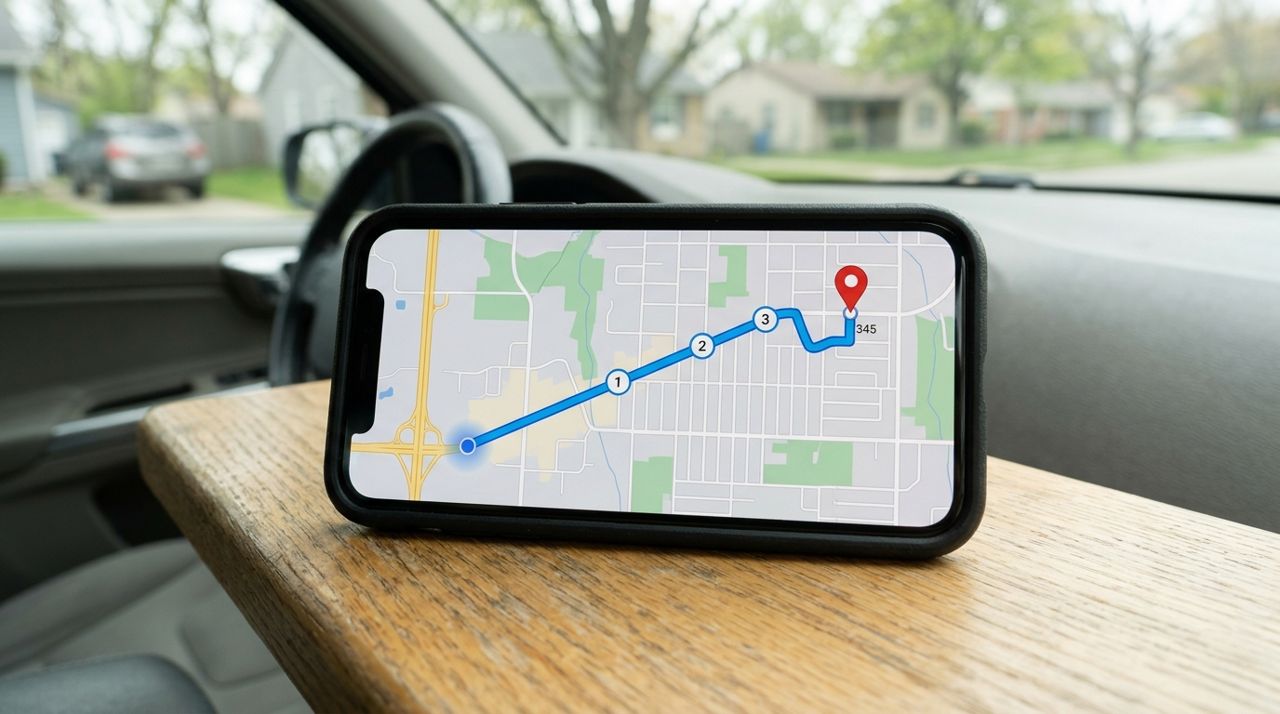
How Delivery Fees Are Calculated: Distance, Order Size & More
Delivery fees aren't random—they're calculated from a base fee plus distance and order size. Here's exactly how the math works and how to predict what you'll pay.
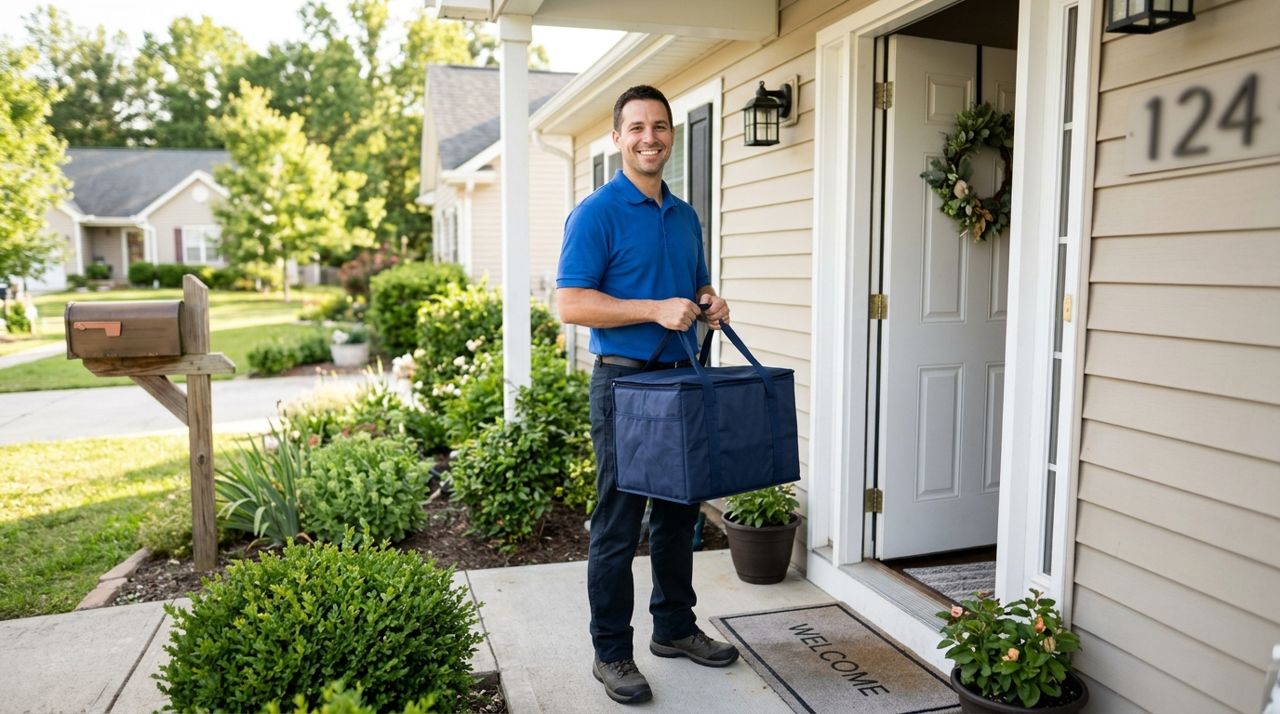
How to Tip Your Delivery Driver Fairly (and Why It All Goes to Them)
Tipping your delivery driver isn't just polite—it's a crucial part of their income. Here's how to tip fairly and what happens to every dollar you add.
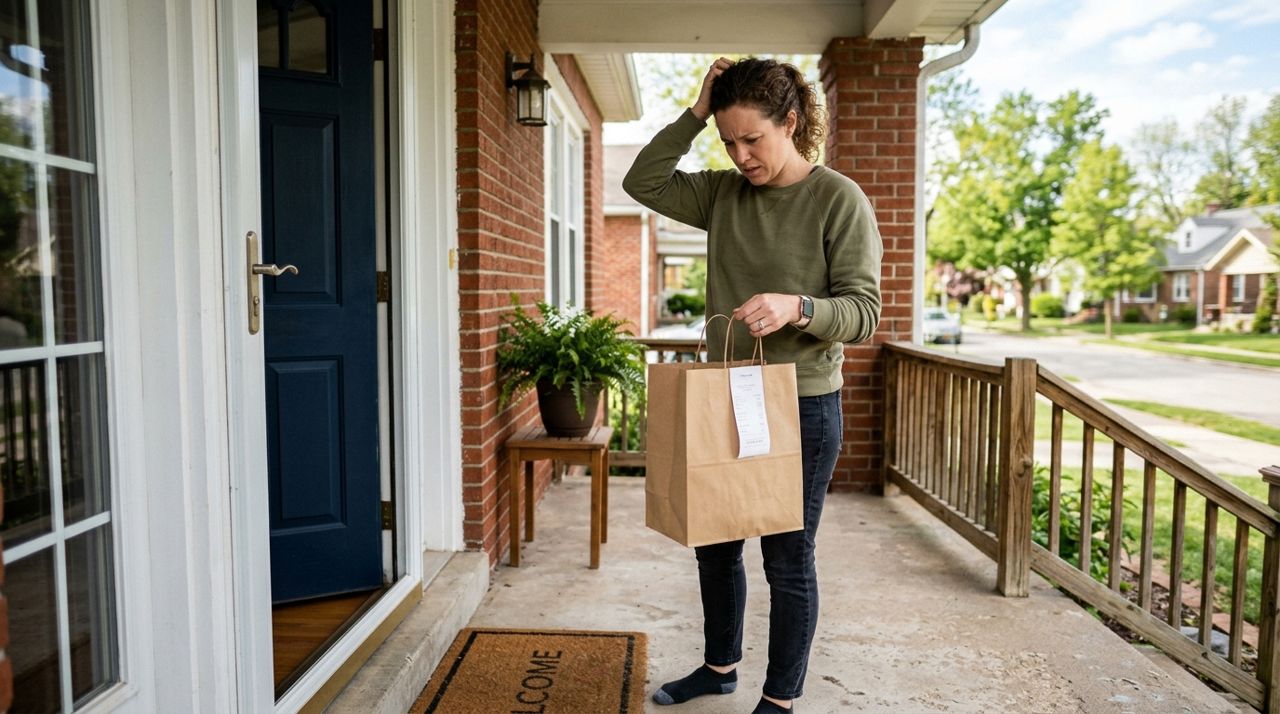
What to Do When Your Delivery Is Late, Wrong, or Missing Items
Your delivery is late, the order is wrong, or items are missing—now what? This guide walks you through exactly what to do, when to contact support, and how to get refunds or replacements.