
What to Do When Your Delivery Is Late, Wrong, or Missing Items
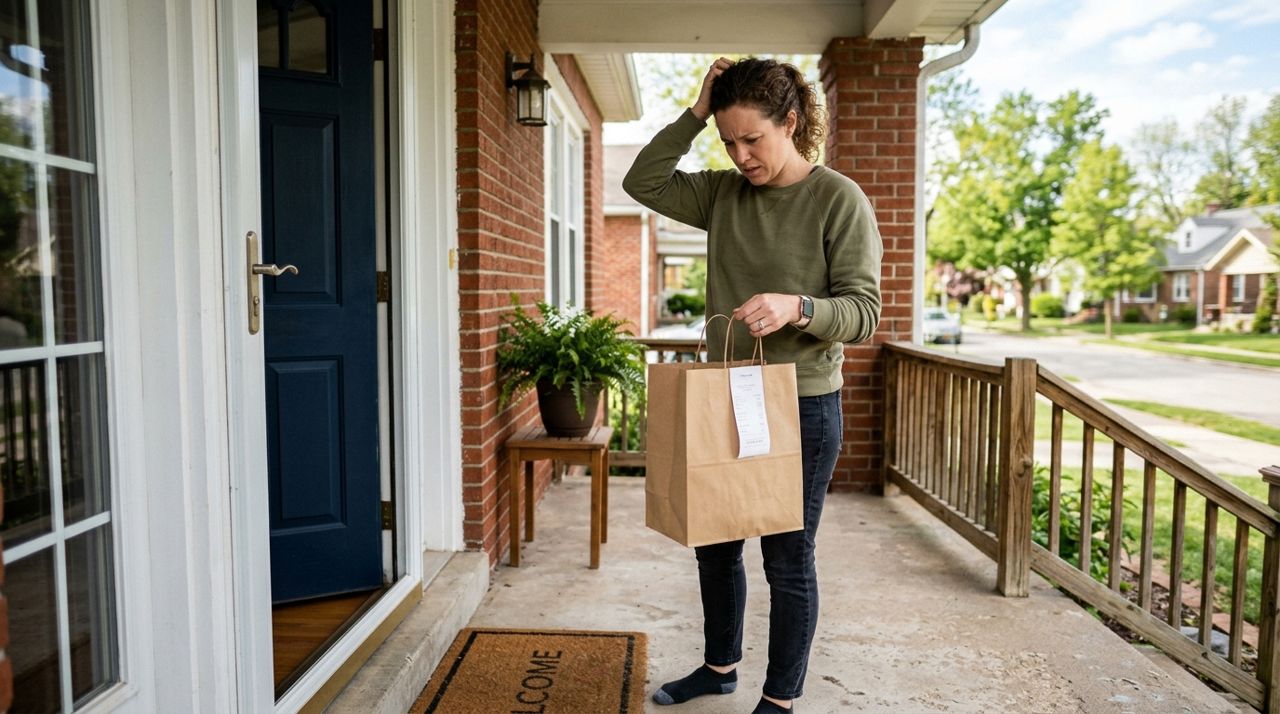
You've been watching the clock. Your dinner was supposed to arrive 20 minutes ago, or it showed up but half the order is missing, or everything in the bag belongs to someone else entirely. Delivery problems happen—drivers get lost, restaurants make mistakes, and sometimes orders get mixed up at pickup. The good news is that most issues can be resolved quickly if you know the right steps to take.
This guide covers exactly what to do when your delivery goes wrong. You'll learn when to wait versus when to act, how to document problems, who to contact first, and how to get refunds or replacements. Whether you're using Lumo or any other delivery app, these steps will help you turn a frustrating situation into a solution.
- 01
Step 1: Check the delivery status and estimated time
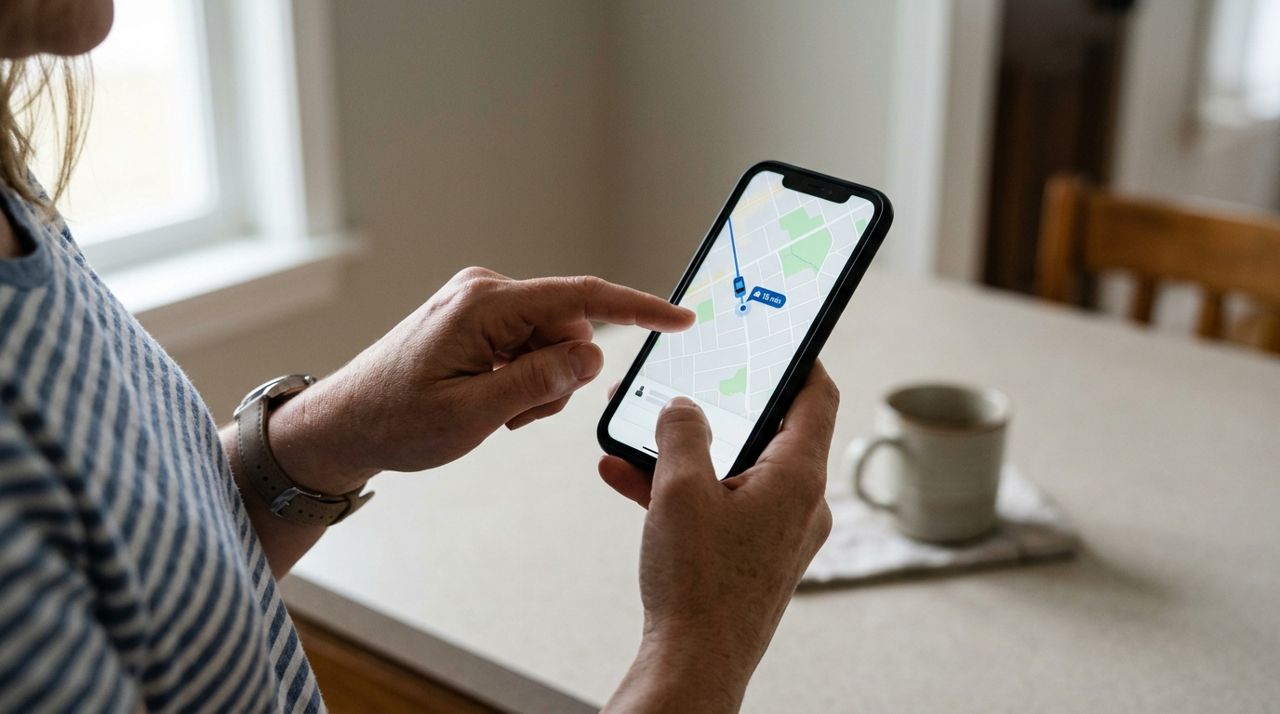
Customer checking delivery driver location on smartphone app with live map tracking Before you assume something is wrong, open the app and check the current status. If the order shows "on the way," look at the map to see where the driver actually is—they might be stuck in traffic, handling another delivery, or searching for parking. Most apps show an estimated arrival time that updates in real time.
If the estimate has pushed back by 10–15 minutes, that's normal during busy periods. If it's been more than 30 minutes past the original window with no movement on the map, or if the status hasn't changed from "preparing" for over an hour, it's time to investigate. In Lumo, you can follow your driver live on the map and see exactly where they are, which helps you know whether to wait or reach out.
- 02
Step 2: Contact the driver or restaurant first
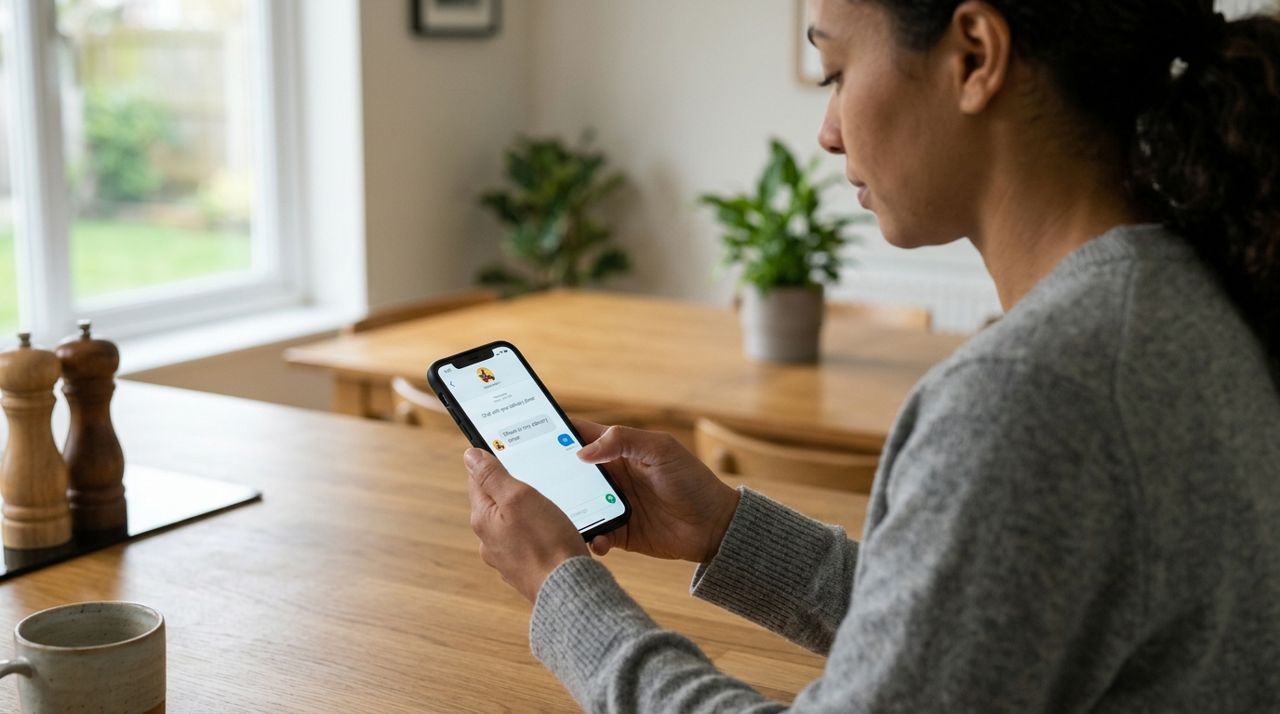
Person sending a message to delivery driver through food delivery app interface Most apps let you message or call the driver through the app without sharing phone numbers. Send a quick, polite message: "Hi, just checking on my order—estimated time was 6:30 and it's now 7:00. Are you close?" Drivers often appreciate the heads-up and can tell you if they're running late or had trouble finding your address.
If the order is still being prepared, contact the restaurant or seller instead. They can confirm whether the order is ready, if something was out of stock, or if there was a mix-up. In Lumo, in-app messaging lets you communicate directly with drivers and sellers so you can sort things out quickly. Most issues—like a driver circling your block or a restaurant running behind—get resolved with one quick message.
- 03
Step 3: Document the problem immediately
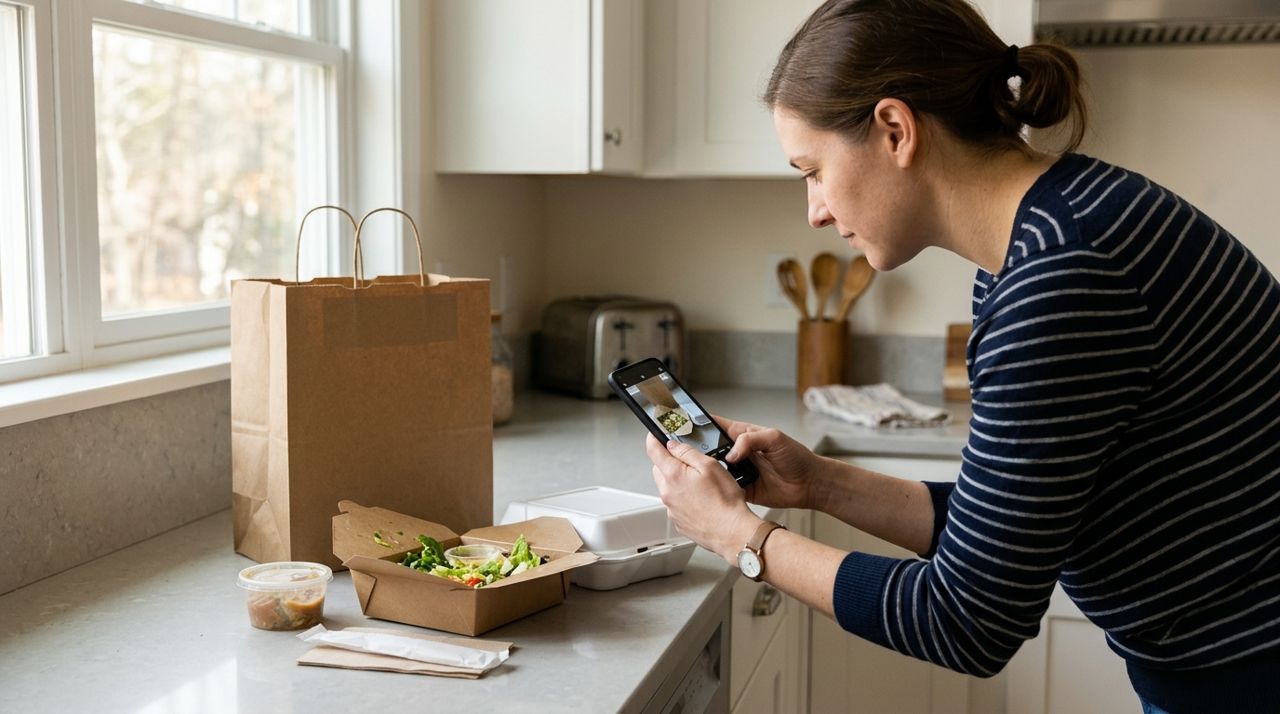
Customer taking photo of incorrect or incomplete food delivery order on kitchen counter The moment you realize something is wrong, grab your phone and take photos. If items are missing, photograph the bag, the receipt if there is one, and everything that did arrive. If the entire order is wrong, photograph the bag with the label showing the order number and everything inside. If the food is cold, spilled, or inedible, document that too.
This evidence is critical for getting refunds or credits. Support teams need proof, and photos eliminate any back-and-forth about what actually happened. Also check if your driver took a drop-off photo—most apps require this now—and save a screenshot if the photo shows the order was left at the wrong address or in an unsafe spot. Lumo drivers must take a drop-off photo, which creates a record for both you and support.
- 04
Step 4: Report the issue through the app
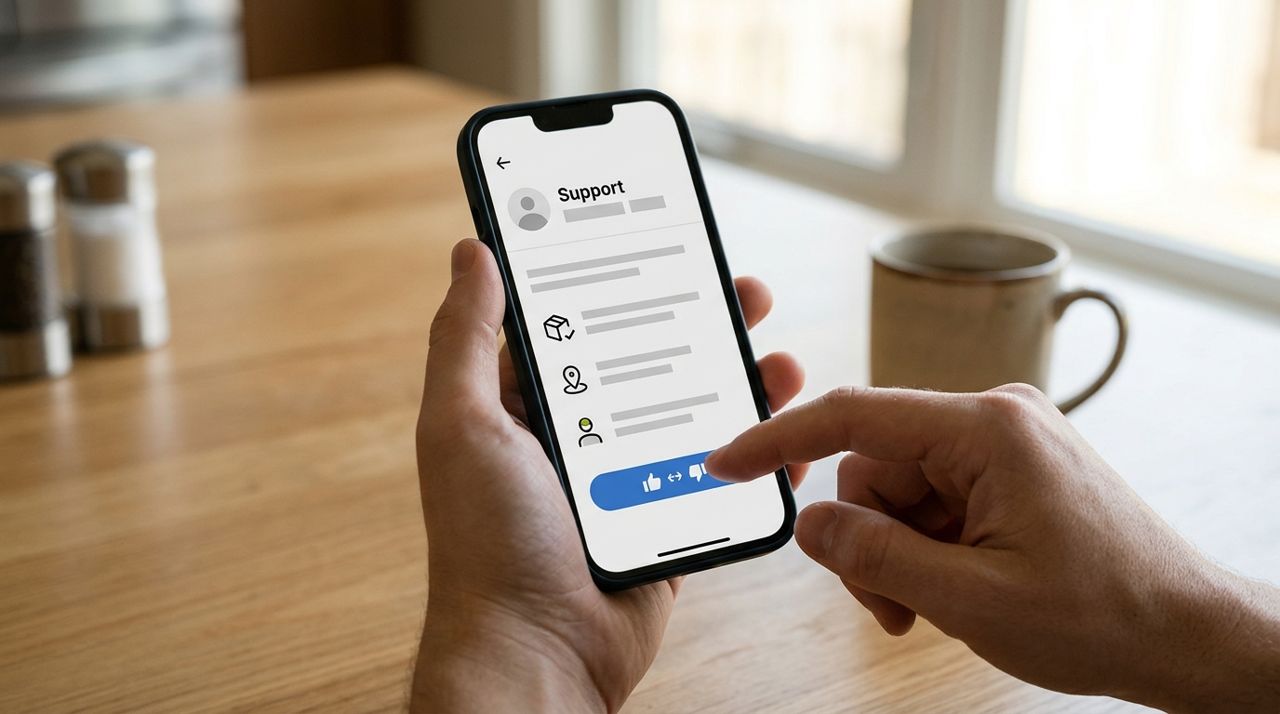
Smartphone showing delivery app support screen with order issue reporting options Every delivery app has a help or support section where you can report problems. Go to your order history, find the problem order, and look for options like "Get help," "Report an issue," or "Order wrong." You'll usually see categories:
- Order never arrived
- Items missing
- Wrong items delivered
- Food quality issue
- Order delivered to wrong address
Select the closest match and follow the prompts. Upload your photos, describe what happened in a sentence or two, and submit. Most platforms process these reports quickly—refunds or credits often appear within minutes to a few hours. Don't wait days to report; most apps have a 24- to 48-hour window for filing claims.
- 05
Step 5: Request a refund or redelivery
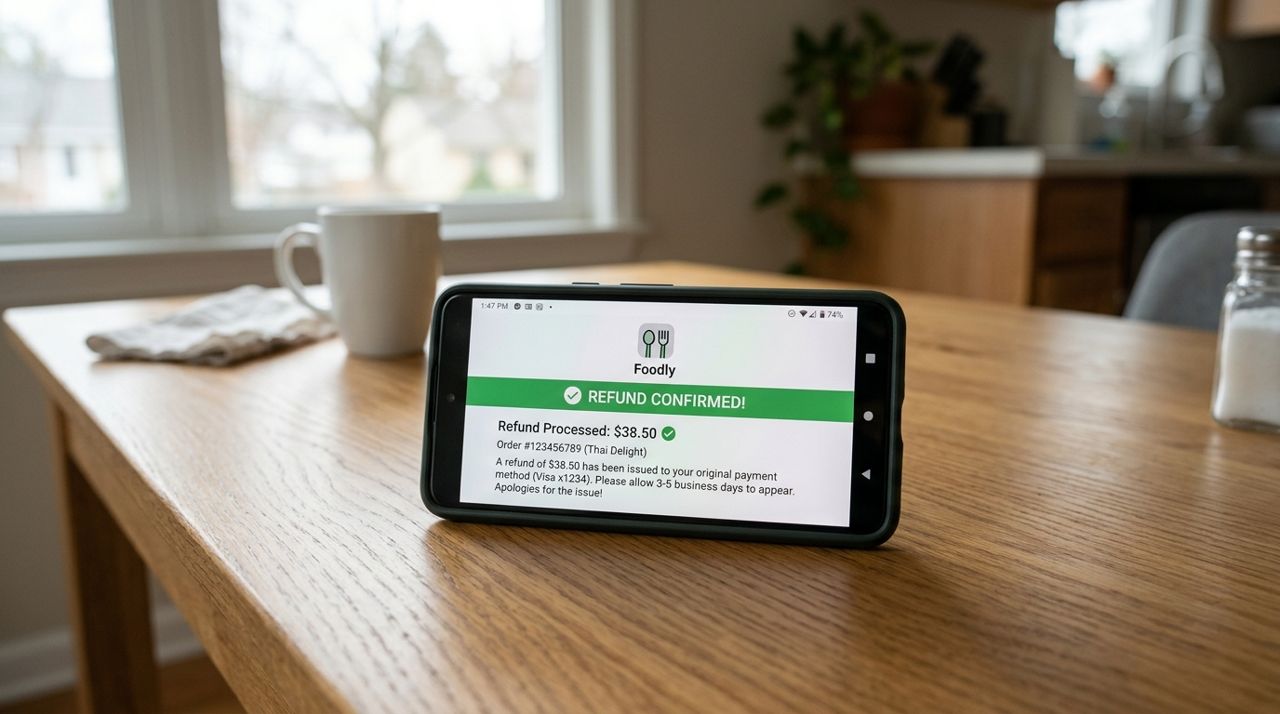
Smartphone displaying refund confirmation notification from food delivery app on screen Depending on the problem, you can usually request a full refund, partial refund, or redelivery. If the entire order never showed up or is completely wrong, ask for a full refund. If one or two items are missing, request a partial refund for those items. Some apps offer credits instead of refunds—credits go back into your account for future orders.
Redelivery is less common because the restaurant has to remake the order and a driver has to deliver it again, which takes time. If you're hungry now, a refund is faster. If the restaurant made an honest mistake and you're willing to wait another 30–45 minutes, redelivery might be an option. In Lumo, you can message the seller directly to discuss whether they can send the missing items, and support can process refunds quickly if needed.
- 06
Step 6: Follow up if you don't hear back
Person typing follow-up email to delivery app customer support on laptop computer If you haven't received a response or refund within a few hours, follow up. Most apps have live chat or email support—use both if necessary. Reference your original report, include your order number, and attach your photos again if the system lets you.
If the app's support is unresponsive after 24 hours, escalate by mentioning you'll dispute the charge with your credit card company. That usually gets attention. For repeated problems with the same restaurant or driver, mention this in your follow-up—patterns matter, and platforms want to know if a seller or driver is consistently causing issues. Keep your tone calm and factual; support teams respond better to clear explanations than angry rants.
- 07
Step 7: Leave honest feedback and ratings
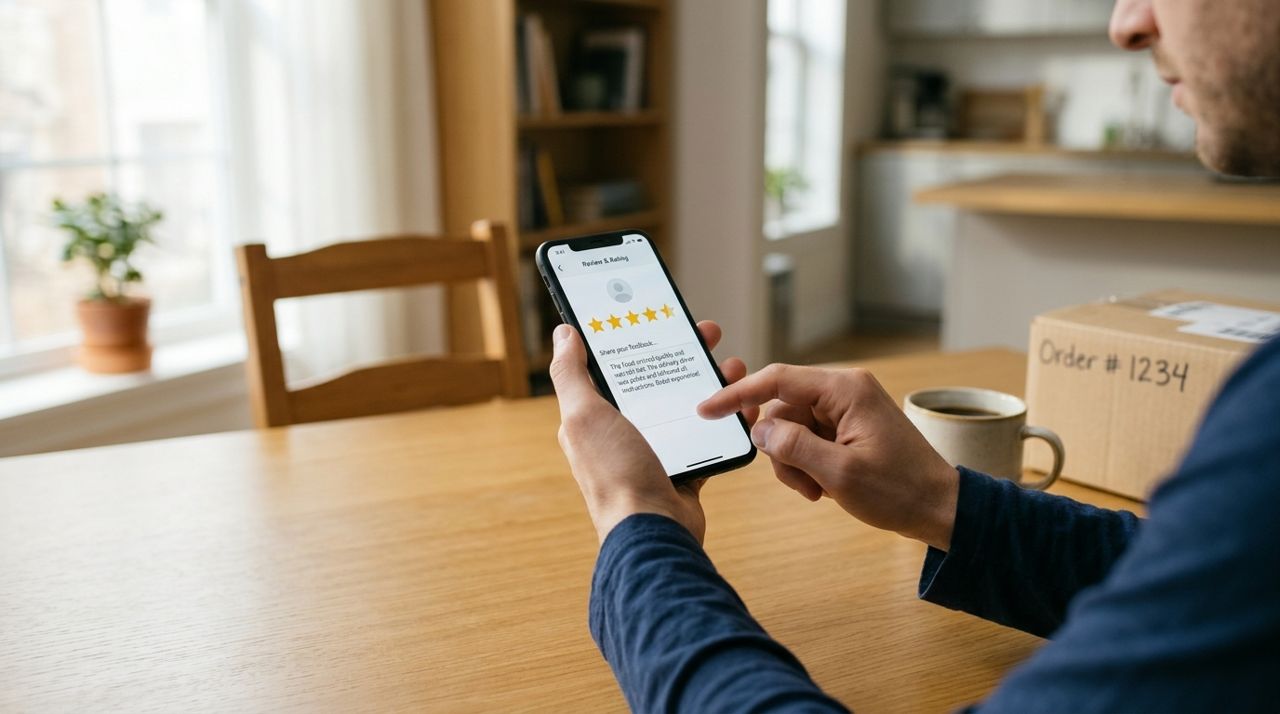
Customer leaving star rating and written review for delivery order on mobile app Once the issue is resolved, leave a rating and review. If the restaurant messed up, rate the restaurant accordingly and explain what happened—this helps other customers and alerts the platform. If the driver was professional despite the restaurant's mistake, give the driver a good rating separately.
Be specific: "Order was missing two items, but driver was polite and support refunded me quickly" is more helpful than "Terrible experience." In Lumo, you rate both the seller and the driver after each order, so you can give credit where it's due and flag problems accurately. Honest feedback improves the system for everyone and helps platforms identify which sellers and drivers need coaching or removal.
Pro tips
- Report problems immediately—most apps have a 24- to 48-hour window for refund requests.
- Always take photos before eating or throwing anything away; evidence speeds up refunds dramatically.
- If you order from the same restaurant regularly and have one bad experience, give them a chance to make it right before leaving a harsh review.
- Check your delivery instructions—vague addresses or missing apartment numbers cause most late deliveries.
- If you get someone else's order, don't eat it; report it and you'll usually get a full refund plus the mistake order for free.
Frequently asked questions
- How long should I wait before reporting a late order?
- If the estimated delivery time has passed by 30 minutes and the app shows no movement or updates, reach out to the driver or restaurant. After 45 minutes to an hour with no response, report the issue to support. Traffic and busy periods can add 10–15 minutes, but anything beyond that deserves a check-in.
- Will I get a refund if only one item is missing?
- Yes, most apps issue partial refunds for missing items. Report the specific items that are missing, upload a photo of what you received, and you'll typically get credited for those items within a few hours. You won't get a full refund unless the entire order is wrong or never arrived.
- Can I get the driver's tip back if the order was terrible?
- It depends on the app and the situation. If the driver did their job correctly but the restaurant messed up, the driver still deserves the tip. If the driver delivered to the wrong address, didn't follow instructions, or was unprofessional, contact support and explain—they can sometimes adjust or refund the tip. In Lumo, 100% of tips go to the driver, so only request a tip refund if the driver was genuinely at fault.
Delivery problems are frustrating, but most get resolved quickly if you act fast and document everything. Check the app first, contact the driver or restaurant, take photos, and report the issue through official channels. Whether you're ordering through Lumo or another platform, following these steps will help you get refunds, replacements, or answers without wasting time. Next time you order, you'll know exactly what to do if something goes wrong.
Photos are illustrative. Service prices are typical ranges and vary by city. How we write our guides.
More guides like this
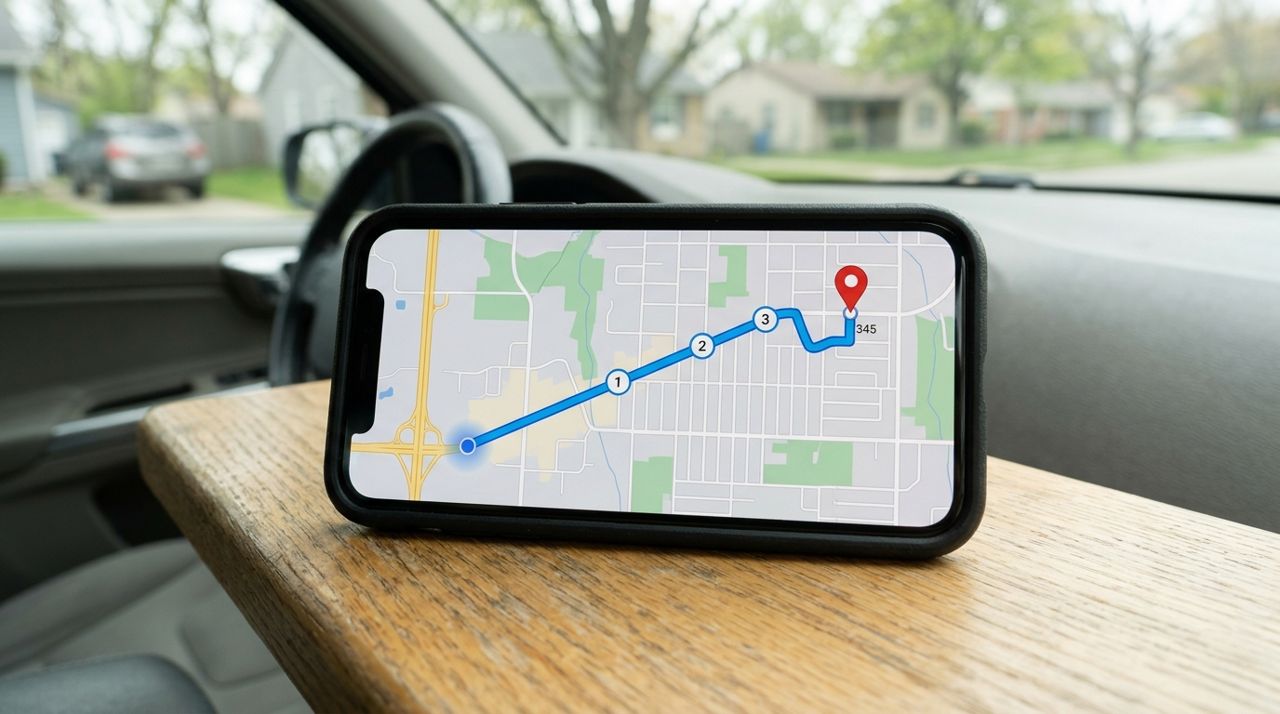
How Delivery Fees Are Calculated: Distance, Order Size & More
Delivery fees aren't random—they're calculated from a base fee plus distance and order size. Here's exactly how the math works and how to predict what you'll pay.
How to Tip Your Delivery Driver Fairly (and Why It All Goes to Them)
Tipping your delivery driver isn't just polite—it's a crucial part of their income. Here's how to tip fairly and what happens to every dollar you add.
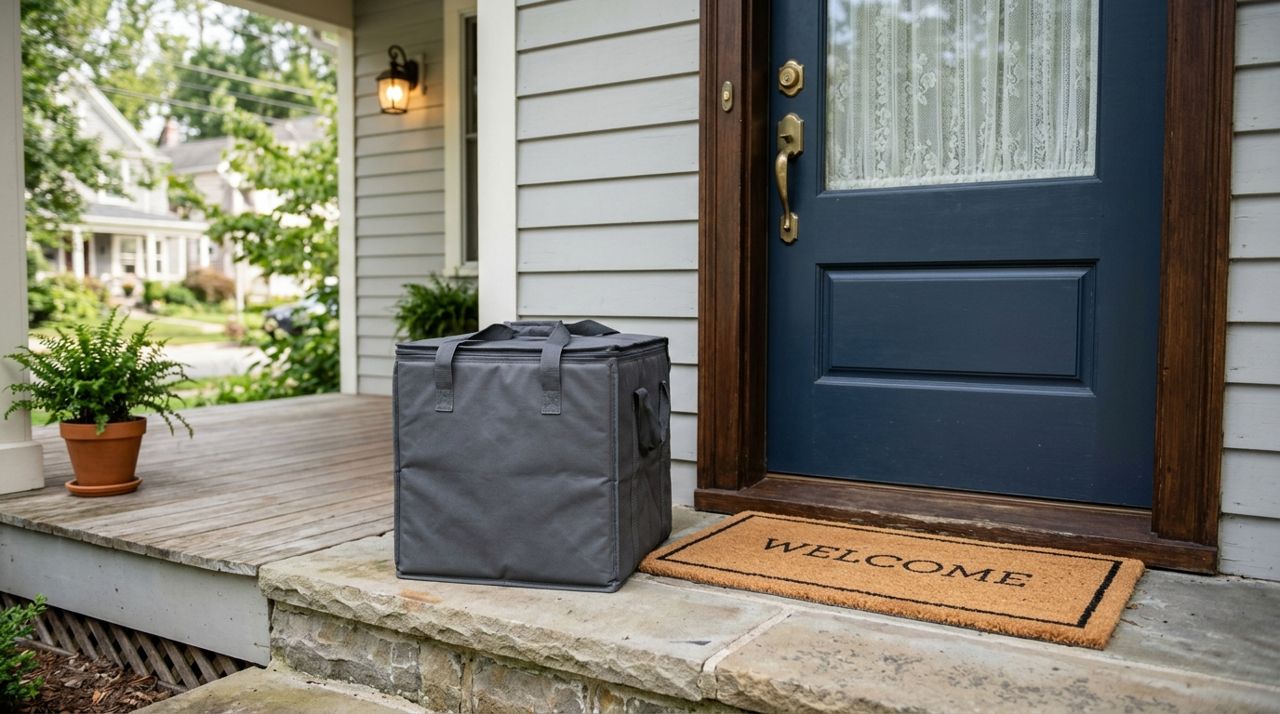
How to Use the Drop-Off Photo to Confirm Your Contactless Delivery
Drop-off photos are your proof that your order arrived at your door. Here's how to check them, what to look for, and what to do if something doesn't match.