
How to Tip Your Delivery Driver Fairly (and Why It All Goes to Them)
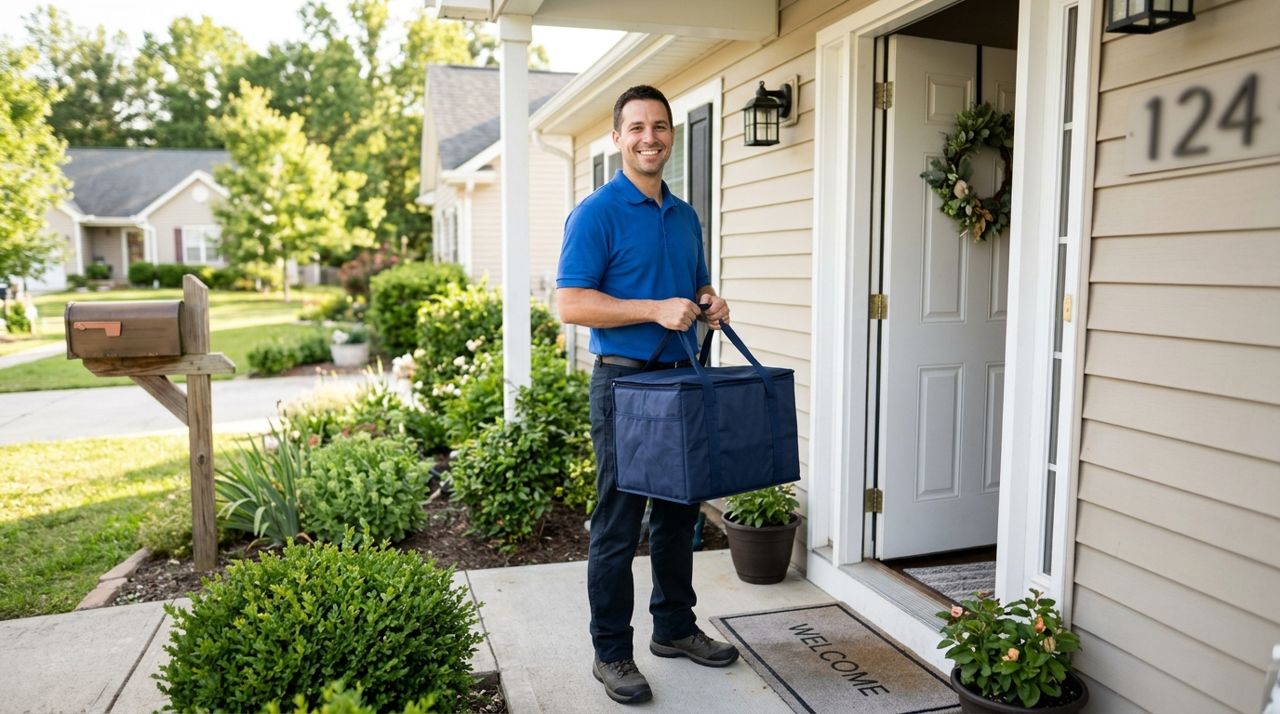
Most delivery drivers earn the bulk of their income from tips, not base pay. A $3 tip might seem small to you, but it can mean the difference between a driver accepting your order or passing it by. Yet many customers don't know how much drivers actually receive, what amount is fair, or how distance and weather should affect their decision.
This guide walks you through exactly how to calculate a fair tip, what drivers keep, and the real-world factors that should influence your choice. You'll learn what industry standards look like, when to tip more, and how apps handle the money you add—so you can feel confident that you're supporting the person who brought your meal.
- 01
Step 1: Understand what drivers actually keep from your tip
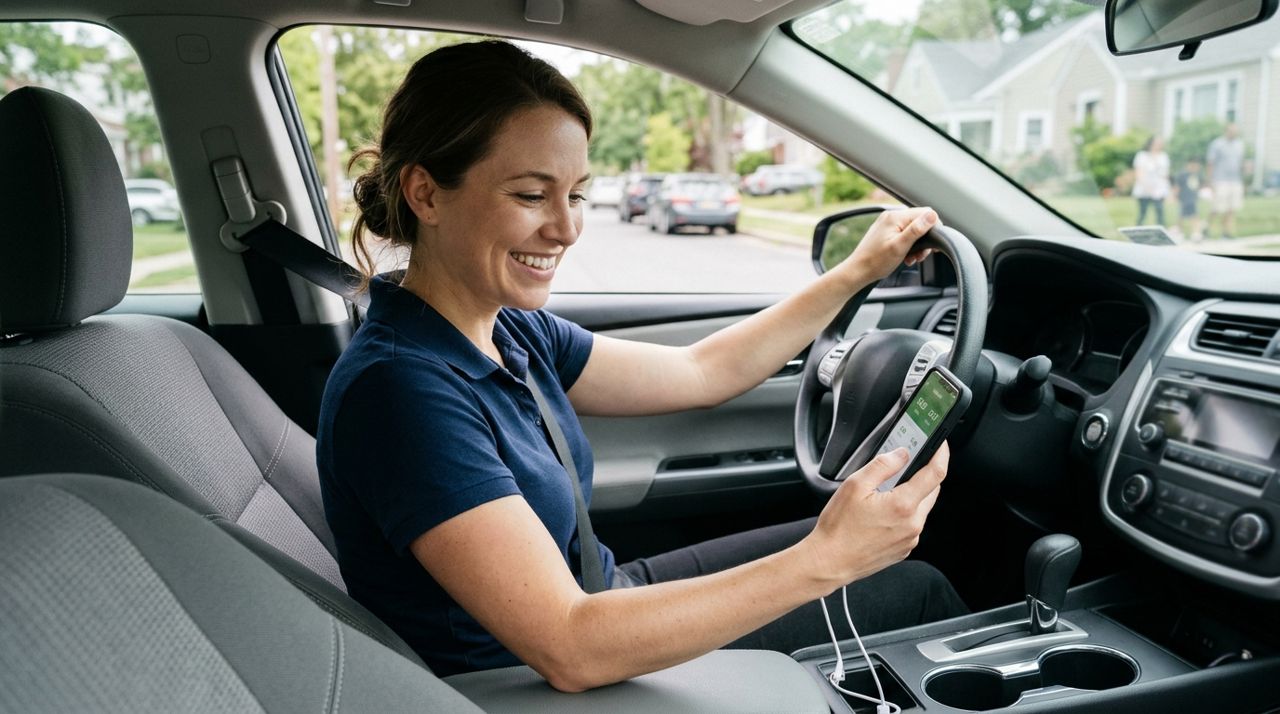
Delivery driver smiling while checking earnings on smartphone in car The most important fact: on platforms like Lumo, 100% of your tip goes directly to the driver. No commission, no cut, no hidden fees. What you add is exactly what they receive in their wallet. This isn't universal—some older platforms have been caught using tips to subsidize base pay or taking a percentage. Always check an app's tip policy before you order.
Drivers typically earn a base delivery fee (often $2–$5 depending on the platform and city), plus your tip, minus their own costs: gas, car maintenance, insurance, and time. On a typical 4-mile delivery taking 25 minutes round-trip, a driver might spend $1.50 in gas and wear-and-tear. If the base pay is $3 and you don't tip, they've netted $1.50 for half an hour of work—well below minimum wage.
- 02
Step 2: Start with the 15-20% restaurant standard
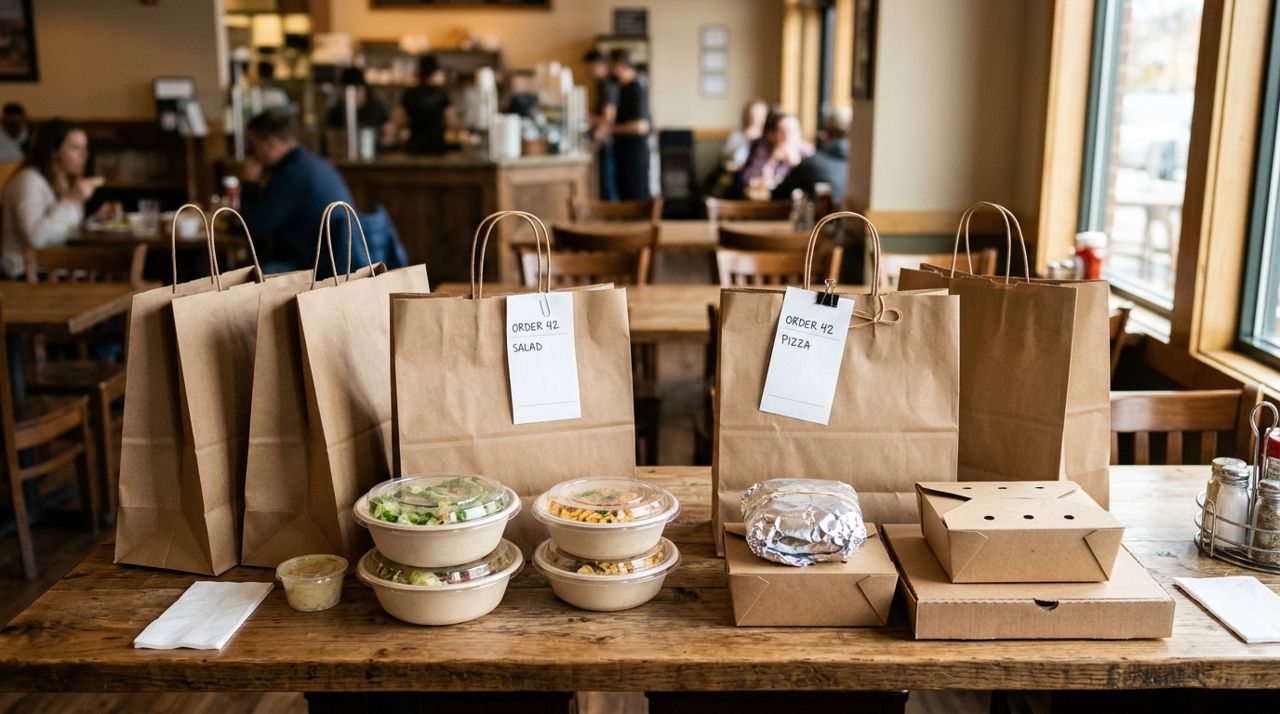
Takeout food bags and containers arranged on table ready for delivery The same rule you use in restaurants applies to delivery: 15% is acceptable, 18% is standard, 20% is generous. For a $30 order, that's $4.50 to $6. This baseline works for straightforward deliveries—nearby, good weather, easy access.
Many apps including Lumo offer quick-tap buttons for 10%, 15%, and 20%, plus a custom field. The 10% option exists for small orders (a $6 coffee becomes $0.60, which is too low), but for meal deliveries, start at 15% minimum. If your order total is under $20, consider tipping a flat $4–$5 instead of a percentage, since the driver's effort is the same whether they carry a $12 sandwich or a $40 family meal.
- 03
Step 3: Add $1–$2 per mile for longer distances
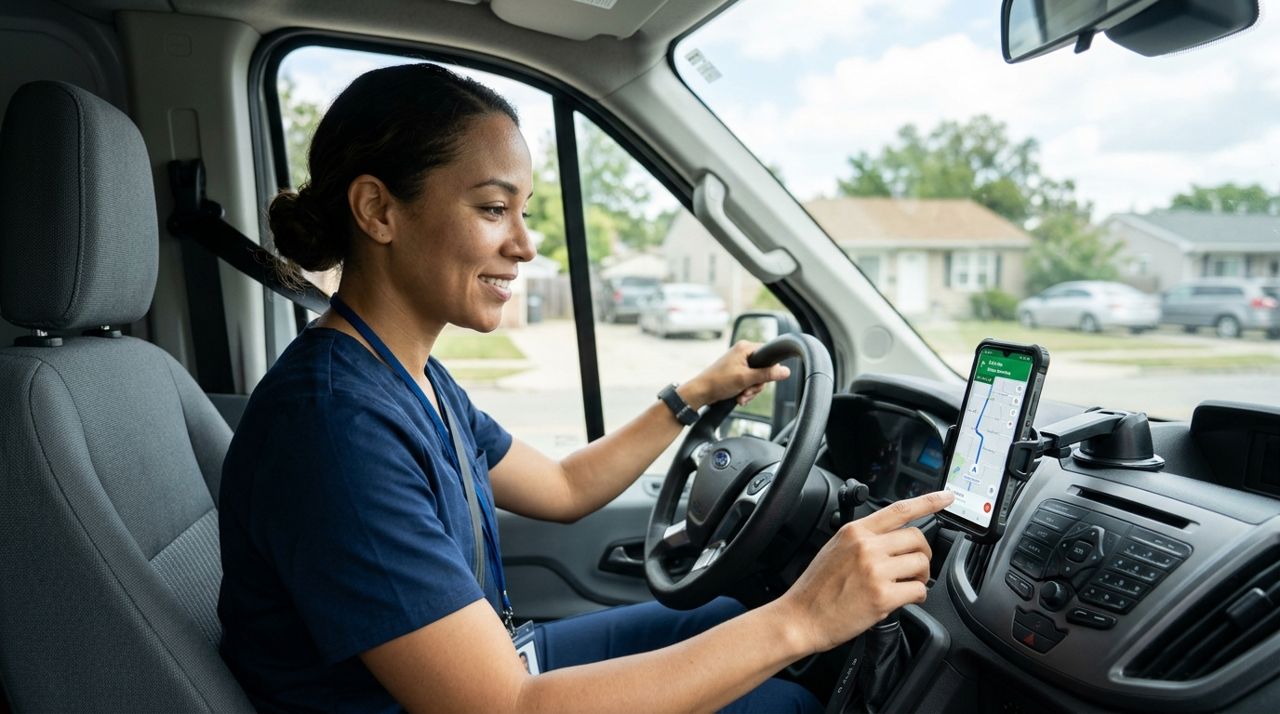
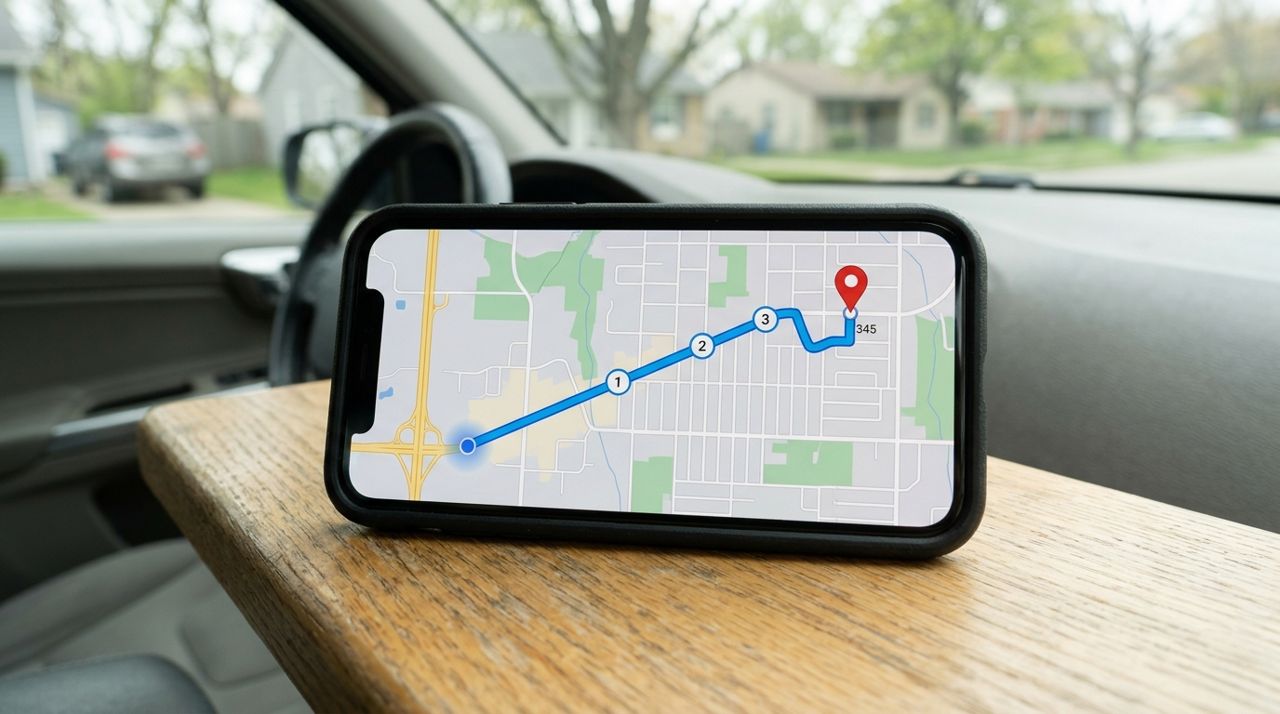
Delivery driver looking at GPS map on phone mounted in vehicle Distance is the biggest factor most customers ignore. A 1-mile delivery takes 5–7 minutes; a 6-mile trip takes 20–25 minutes each way, plus the driver has to get back to the busy area to find another order. For every mile over three, add $1–$2 to your baseline tip.
Example: you're ordering $35 of food from a restaurant 5 miles away. A standard 18% tip is $6.30. The extra 2 miles beyond the 3-mile baseline means adding $2–$4, bringing your fair tip to $8–$10. Apps like Lumo show the delivery fee before checkout, which is calculated based on distance and order size, but that fee covers the platform—your tip is what makes the trip worth the driver's time.
- 04
Step 4: Adjust for weather, traffic, and difficulty
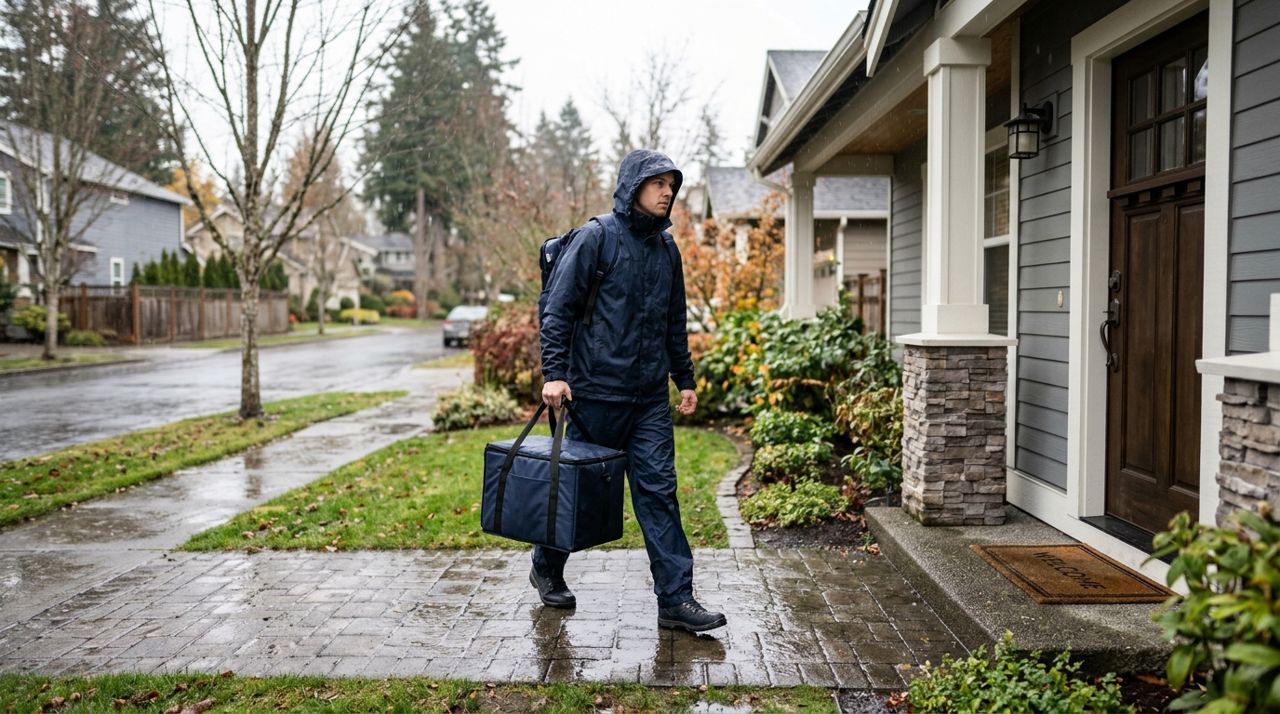
Delivery person walking in rain carrying insulated food bag toward door Bad weather and tough conditions deserve extra. Rain, snow, ice, or extreme heat means slower, more dangerous driving and more wear on the car. Add $2–$5 when:
- It's raining or snowing
- It's rush hour or a major traffic day
- You live in an apartment complex with confusing layouts or locked gates
- You're ordering late at night or very early morning
- It's a major holiday
Drivers remember customers who tip well in tough conditions and are more likely to accept future orders from your address. Conversely, a $2 tip on a rainy night for a 6-mile drive will get your order declined repeatedly, and you'll wait much longer for your food.
- 05
Step 5: Tip in the app, not cash—and do it before delivery
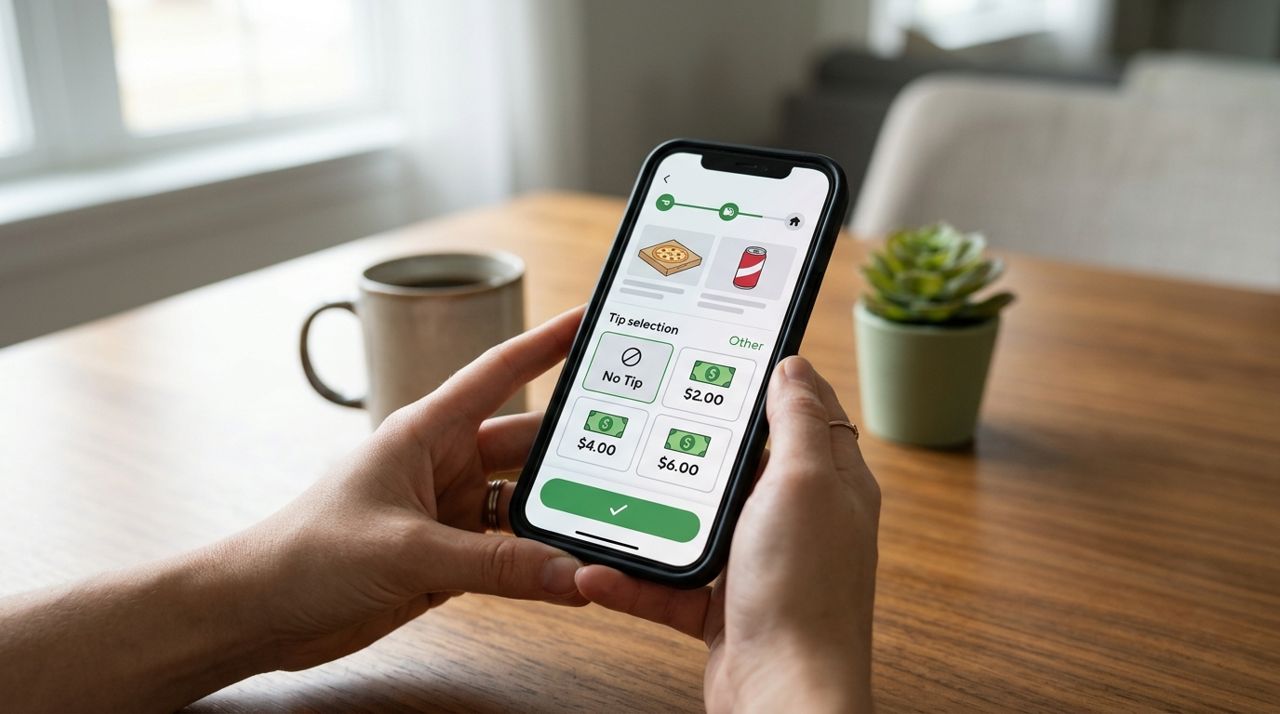
Close-up of smartphone screen showing delivery app checkout with tip options Drivers see your tip amount before they accept your order. A $0 tip means most experienced drivers will pass, and your order will sit unassigned until a new driver picks it up—adding 20–40 minutes to your wait. Promising "cash at the door" in the notes doesn't work; drivers have heard it a thousand times and been stiffed 999 times.
Tip in the app when you place the order. You can usually adjust it for an hour or two afterward if something goes wrong, but upfront tips get your order picked up fast and delivered carefully. Cash tips on top of an in-app tip are always appreciated, but they're a bonus, not a replacement. Apps like Lumo let you choose your tip percentage or enter a custom amount before checkout, and the full amount lands in the driver's in-app wallet immediately after delivery.
- 06
Step 6: Know when to tip more—and when you can tip less
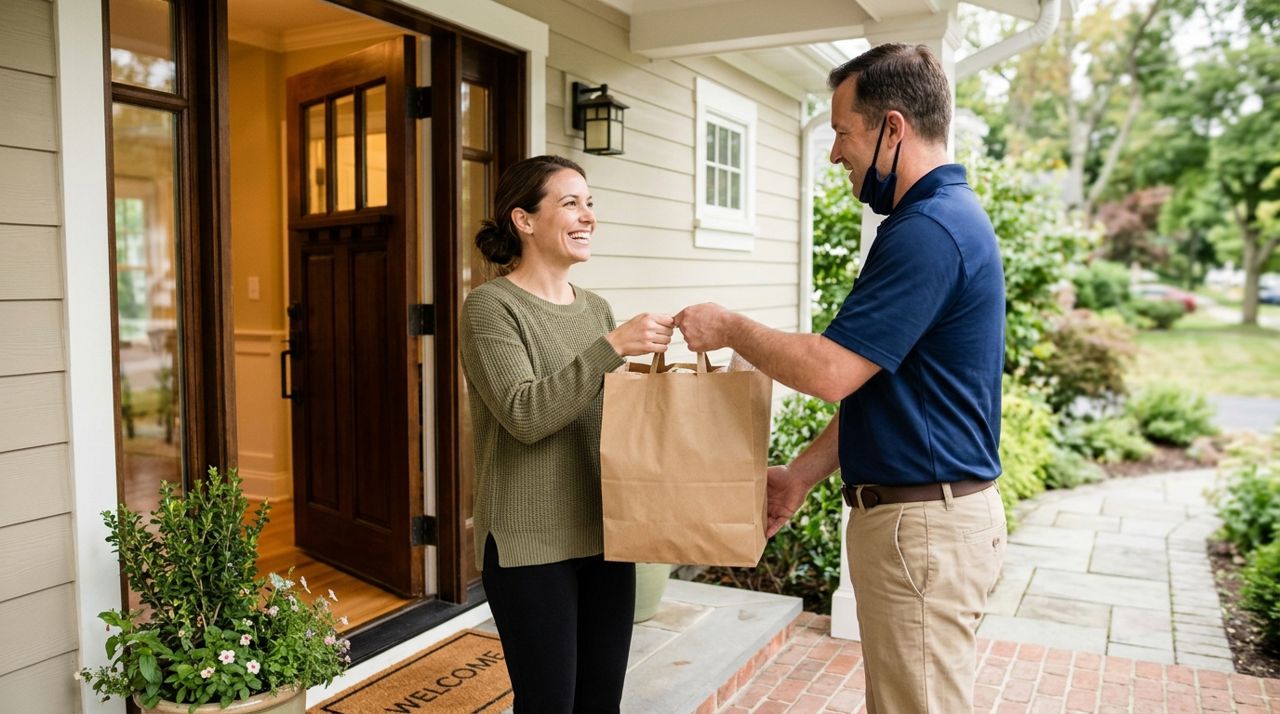
Smiling customer accepting food delivery bag from driver at front door Tip more (25–30% or an extra $5–$10) when: the driver goes above and beyond (texts updates, handles a special request, climbs stairs with heavy bags), you're ordering a huge amount of food, or you're a regular customer building a relationship with local drivers.
You can tip less (10–12%) when: you're picking up the order yourself (no tip needed at all), the order is extremely small (under $10), or the service was genuinely poor—but poor service means wrong address, no communication, or food left in the rain, not traffic delays or restaurant slowness.
If you adjust a tip down after delivery, include a note explaining why (most apps allow post-delivery feedback). Drivers can see reductions and learn from them. If something was wrong with the food itself, don't punish the driver—that's on the restaurant.
Pro tips
- Set a personal minimum tip of $5 no matter the order size—anything less isn't worth a driver's time.
- Double your normal tip once a month for a random driver; it makes someone's day and costs you $8.
- Save favorite drivers' names (if the app shows them) and request them again if possible.
- If you can't afford a fair tip, choose pickup instead—there's no delivery fee and no tip expected.
Frequently asked questions
- What if I tip well but my food arrives cold or wrong?
- The driver doesn't cook or pack your food—they just transport it. If the order is wrong or cold because of restaurant error, don't reduce the driver's tip; leave feedback for the restaurant instead. If the driver made an obvious mistake (delivered to the wrong address, left it outside in the rain when you said to ring the bell), you can adjust the tip in the app and explain why.
- Do drivers really see my tip before accepting the order?
- Yes, on most modern platforms including Lumo. Drivers see the base pay plus tip total and the distance before deciding to accept. A no-tip order often gets declined multiple times, bouncing between drivers until someone desperate accepts it, which is why your food takes 90 minutes to arrive.
- Can I tip cash instead of in the app?
- You can, but drivers won't know until after delivery, so you'll still wait longer for someone to accept your order. Tip in the app to get fast service, and add cash on top if you want to go the extra mile. Never promise cash in the notes as a substitute—it rarely works out for either party.
Tipping your driver fairly means your order arrives faster, handled with more care, and you're supporting someone trying to earn a living. Start with 18%, add for distance and difficulty, and tip in the app before delivery. Knowing that every dollar you add goes directly to the person bringing your food makes it easy to tip with confidence. Next time you order, try tipping 25% just once—you'll see the difference it makes.
Photos are illustrative. Service prices are typical ranges and vary by city. How we write our guides.
More guides like this
How Delivery Fees Are Calculated: Distance, Order Size & More
Delivery fees aren't random—they're calculated from a base fee plus distance and order size. Here's exactly how the math works and how to predict what you'll pay.
How to Use the Drop-Off Photo to Confirm Your Contactless Delivery
Drop-off photos are your proof that your order arrived at your door. Here's how to check them, what to look for, and what to do if something doesn't match.
What to Do When Your Delivery Is Late, Wrong, or Missing Items
Your delivery is late, the order is wrong, or items are missing—now what? This guide walks you through exactly what to do, when to contact support, and how to get refunds or replacements.