
How to Order Food for Pickup and Skip the Delivery Fee
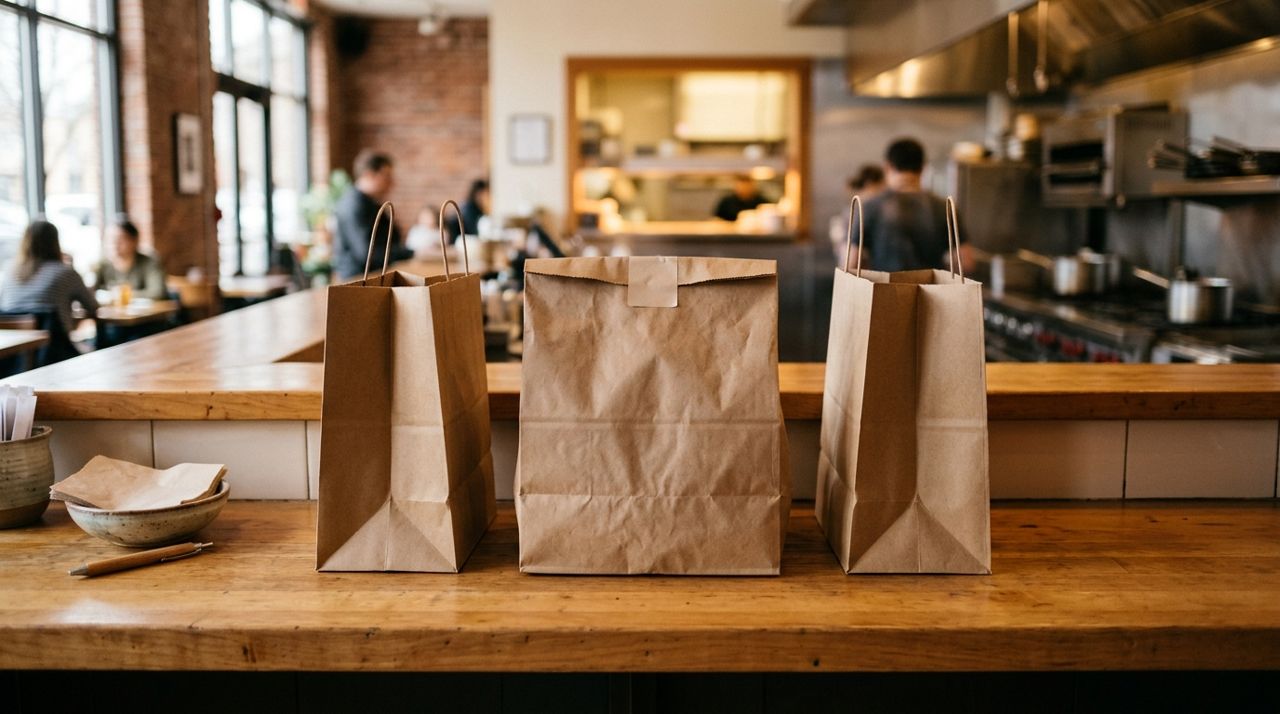
Delivery fees typically range from $2 for nearby restaurants to $6 or more for distant locations or large orders. If you're ordering lunch a few blocks from your office or dinner on your way home, paying that fee makes no sense. Pickup orders eliminate the delivery charge, often cut your wait time in half, and give you control over exactly when you collect your food.
This guide walks you through placing a pickup order from start to finish, whether you're using a food delivery app or ordering directly. You'll learn how to find restaurants that offer pickup, how to time your order so it's ready when you arrive, and what to expect when you walk in to collect your meal.
- 01
Step 1: Open the app and switch to pickup mode
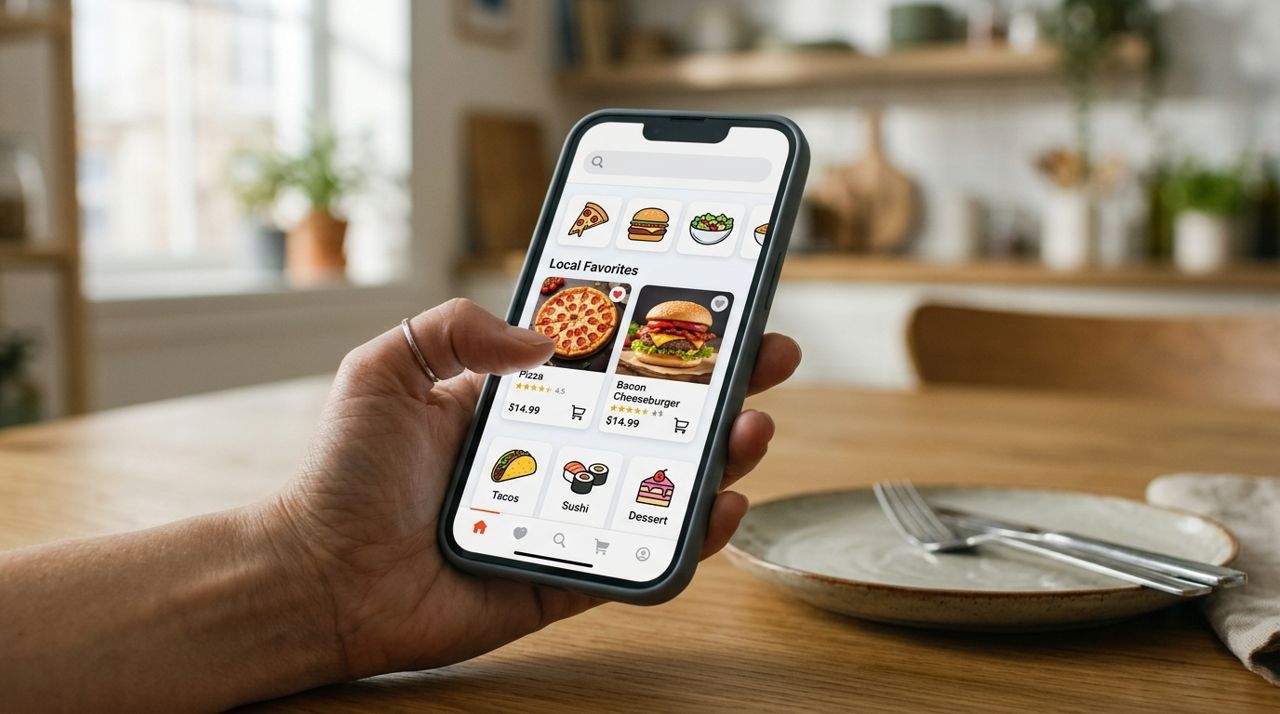
Close-up of a smartphone screen showing a food delivery app interface Most food apps default to delivery, so your first step is changing the order type. In Lumo, you select your mode (Customer, Worker, Seller, or Real Estate) on the welcome screen, then browse restaurants and choose pickup at checkout. Other apps usually have a toggle at the top of the screen—tap it and select "Pickup" instead of "Delivery."
Once you switch modes, the app will show only restaurants that offer pickup and display their addresses so you can judge the distance. If you don't see a pickup option, the restaurant may only offer delivery or dine-in. Check the restaurant's own website or call directly to confirm.
- 02
Step 2: Browse restaurants and check pickup times
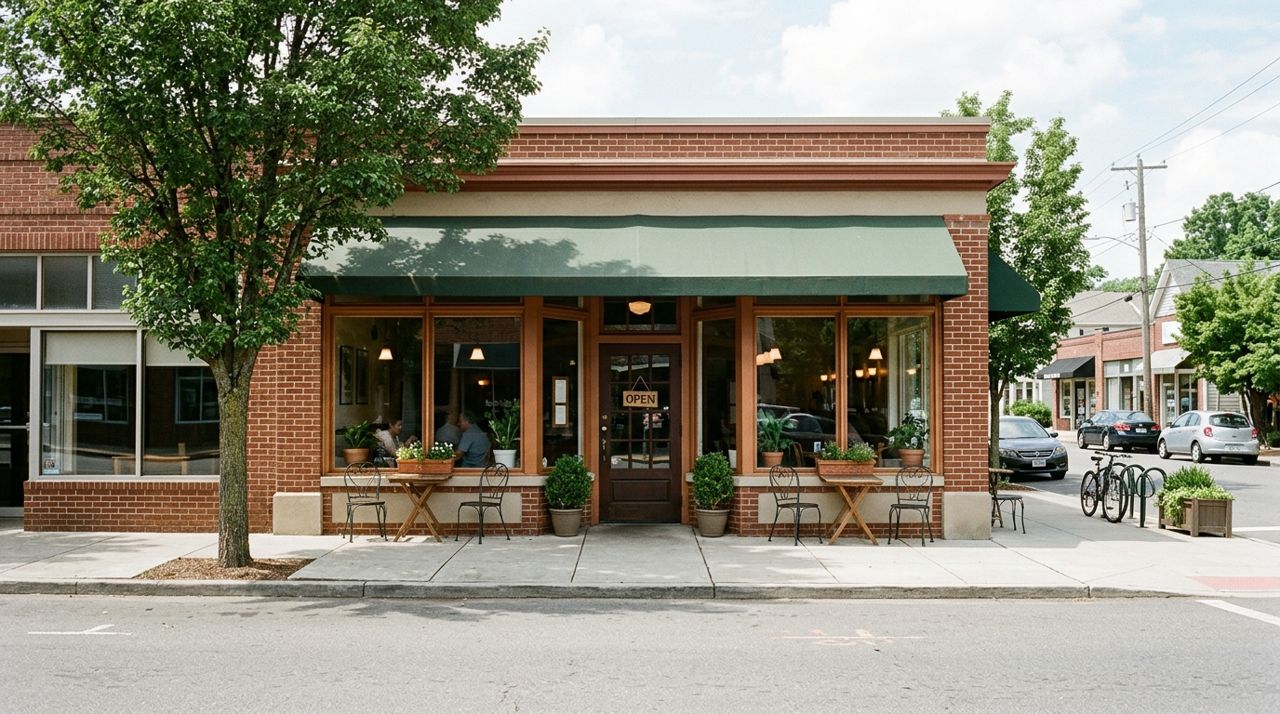
Exterior view of a local restaurant with large windows and entrance door Look for restaurants within a comfortable distance—typically five to ten minutes' drive or a fifteen-minute walk. Most apps show estimated prep times, usually between 15 and 45 minutes depending on the restaurant's current volume and the complexity of your order.
Pay attention to the prep time estimate before you start building your cart. If you need food in twenty minutes and the restaurant shows a forty-minute wait, keep browsing. Lunch rushes (11:30 a.m. to 1:30 p.m.) and dinner peaks (5:30 to 7:30 p.m.) will stretch prep times at popular spots. Ordering outside those windows often cuts your wait by ten to fifteen minutes.
- 03
Step 3: Build your order and review the cart
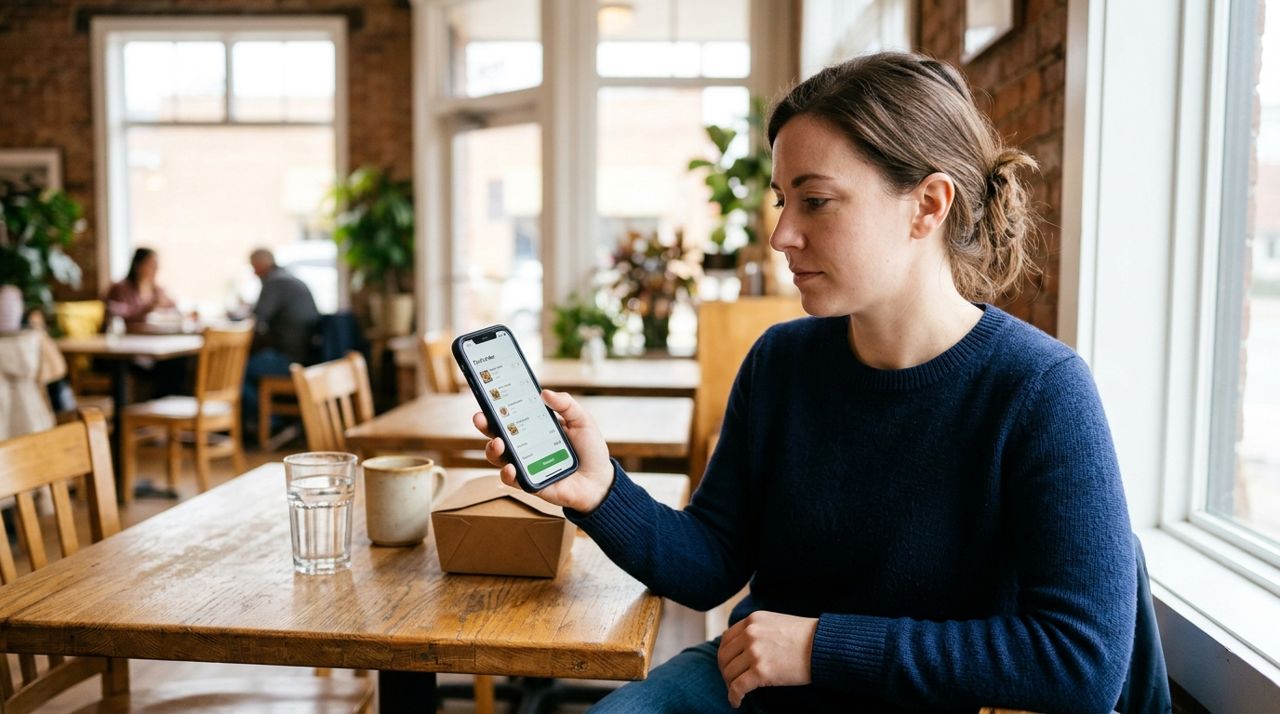
Person holding smartphone and reviewing their food order on screen Add items to your cart just as you would for delivery. Read descriptions carefully—some dishes come with sides, others don't. If you have allergies or preferences (no onions, dressing on the side, extra hot), use the special instructions field. Most kitchens honor these notes for pickup orders just as they do for delivery.
Before you check out, double-check quantities, customizations, and any add-ons. It's much easier to fix a mistake now than to drive back because you ordered one burrito instead of two. Verify that your cart total matches what you expect—pickup orders have no delivery fee, so you'll see only the food subtotal, taxes, and optional tip.
- 04
Step 4: Place your order and note the pickup time
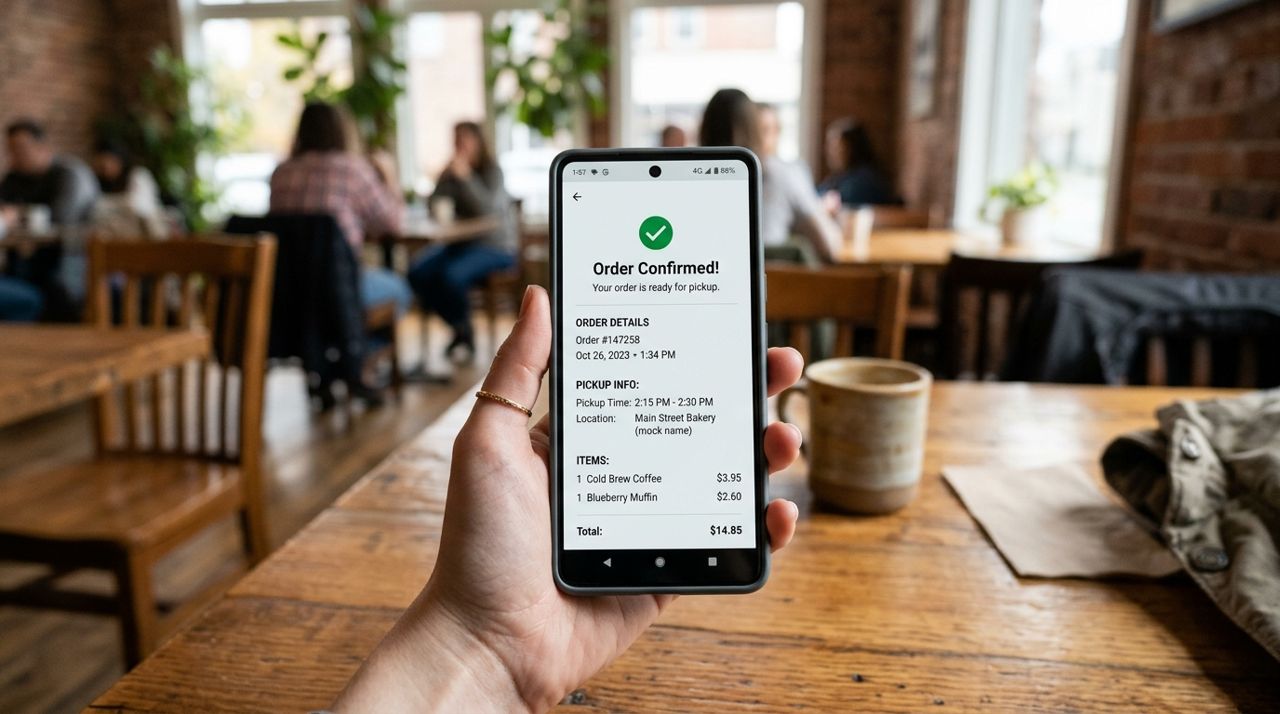
Smartphone displaying an order confirmation screen with pickup time and details Tap through to checkout, confirm your payment method, and place the order. The confirmation screen will show an estimated pickup time—screenshot it or write it down. Most apps also send a confirmation email or text with the details.
Some apps let you add a tip for the kitchen staff at checkout; others let you tip in cash when you pick up. Tipping on pickup orders is optional but appreciated, especially if you requested customizations or the kitchen is clearly slammed. A dollar or two on a small order or 10 percent on a larger one is standard.
Set a phone reminder for five minutes before the pickup time so you leave with enough buffer to find parking or walk over.
- 05
Step 5: Head to the restaurant at the right time
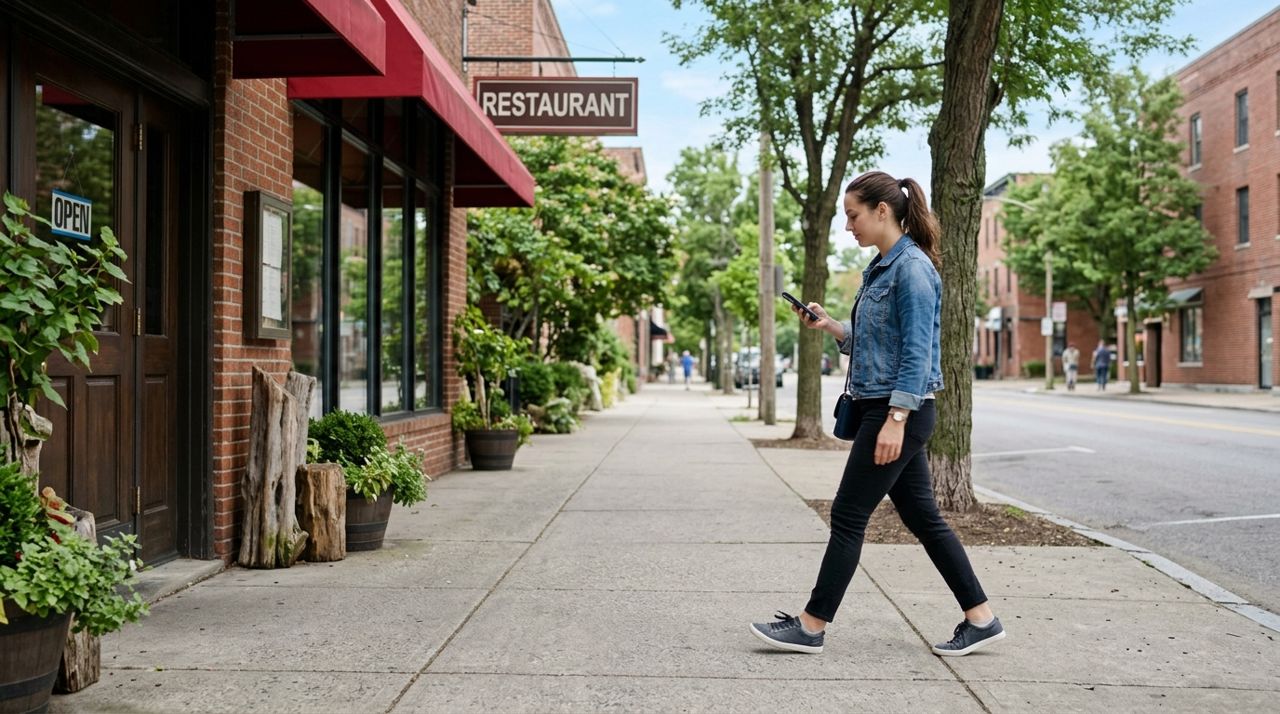
Person walking on sidewalk toward a restaurant entrance while holding smartphone Arriving exactly at the estimated time usually works well—your food will be hot and ready. Showing up ten minutes early means you'll stand around waiting, and arriving fifteen minutes late risks your food sitting under a heat lamp or going cold.
Bring your phone so you can show the order number if needed, though many places just ask for your name. If parking is tight near the restaurant, factor in an extra five minutes to circle the block or walk from a nearby lot. Some restaurants have dedicated pickup parking spots or curbside zones—check their website or the app for details.
- 06
Step 6: Collect your order and check it before you leave
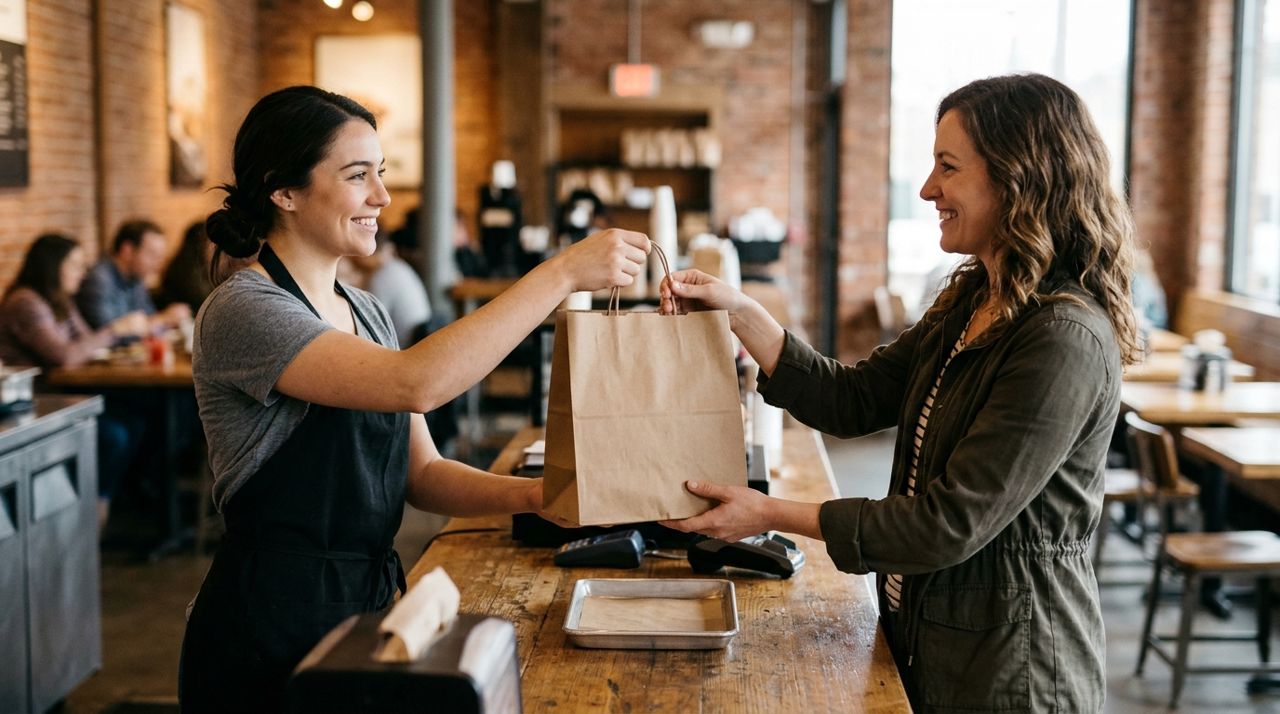
Restaurant staff member handing a takeout bag to a customer at the counter When you walk in, look for a pickup counter, shelf, or sign—many restaurants separate pickup orders from the dine-in flow. Give your name or show the order number on your phone. The staff will hand over a sealed bag or container.
Before you leave, open the bag and verify that everything is inside: right number of entrees, sides, drinks, utensils, napkins, and condiments. If something is missing or looks wrong, speak up immediately. It's far easier to fix it on the spot than to discover the mistake when you're back at your desk or home. Once you confirm everything is correct, you're done—no waiting for a driver, no delivery fee, and you saved $3 to $8.
Pro tips
- Order ten to fifteen minutes earlier than you plan to leave if you're picking up during lunch or dinner rush.
- Save your favorite pickup spots in the app so you can reorder quickly next time.
- Call the restaurant directly if the app's pickup time seems off—they can give you a more accurate estimate.
- Keep a reusable bag in your car for carrying multiple orders or drinks without spilling.
Frequently asked questions
- Can I schedule a pickup order for later in the day?
- Many restaurants allow scheduled pickup—look for a "Schedule for later" or similar option at checkout. This is especially useful for catering orders or if you want to grab dinner on your commute home. If the app doesn't offer scheduling, call the restaurant directly to arrange a time.
- What if I'm running late to pick up my order?
- Most restaurants will hold your order for fifteen to thirty minutes past the pickup time, though it may not be as hot. If you're going to be more than ten minutes late, call the restaurant to let them know—they'll appreciate the heads-up and will keep your food ready.
- Do I still tip on pickup orders?
- Tipping is optional for pickup but appreciated if you had special requests or a large order. A dollar or two on small orders or 10 percent on larger ones is thoughtful. You can tip through the app at checkout or leave cash at the counter.
Pickup orders save money, cut wait times, and give you full control over when you get your food. Once you've done it a few times, the process becomes second nature—browse, order, arrive on time, check the bag, and go. Next time a delivery fee feels steep, spend five minutes driving to the restaurant instead and pocket the savings.
Photos are illustrative. Service prices are typical ranges and vary by city. How we write our guides.
More guides like this
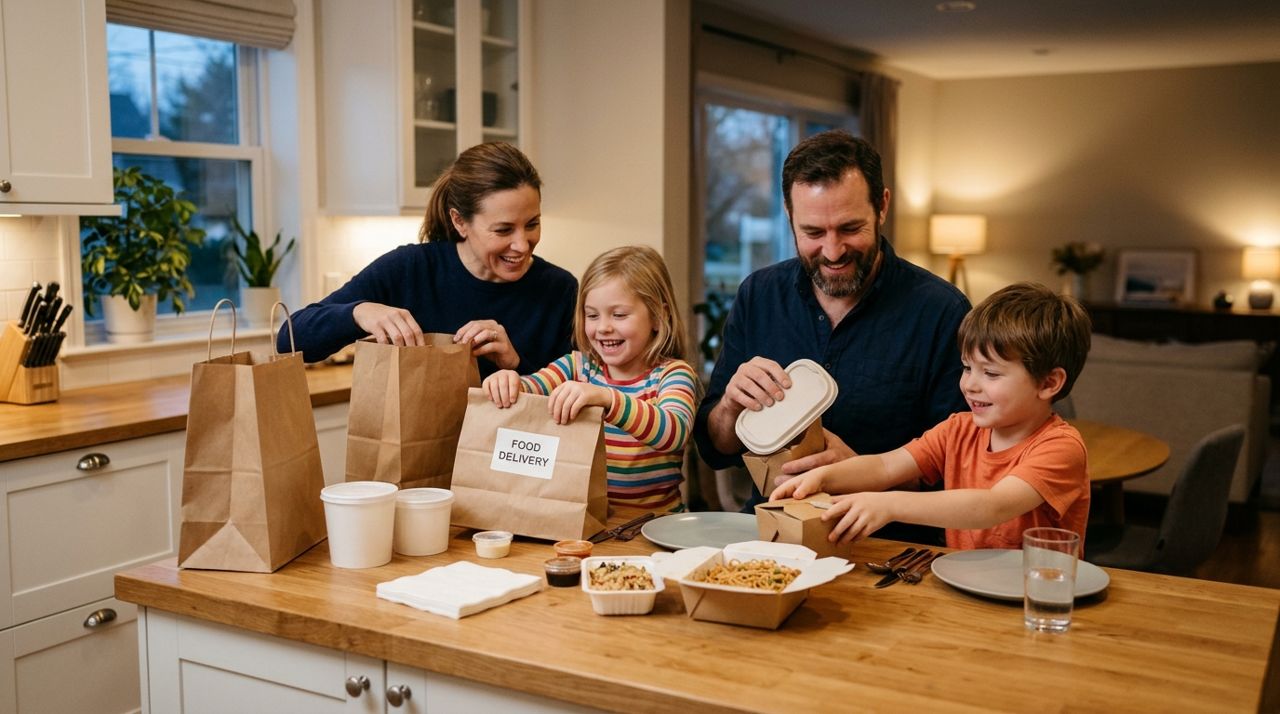
How Food Delivery Works: From Browsing Menus to Getting Dinner
Ordering dinner for delivery is simple once you know the process. This guide walks through every step from browsing restaurants to getting your meal at the door.

How to Order Lunch for Your Office Team Without the Chaos
Ordering lunch for eight coworkers shouldn't feel like herding cats. Here's how to coordinate a group order, keep everyone happy, and get food delivered on time without juggling twenty phone calls.
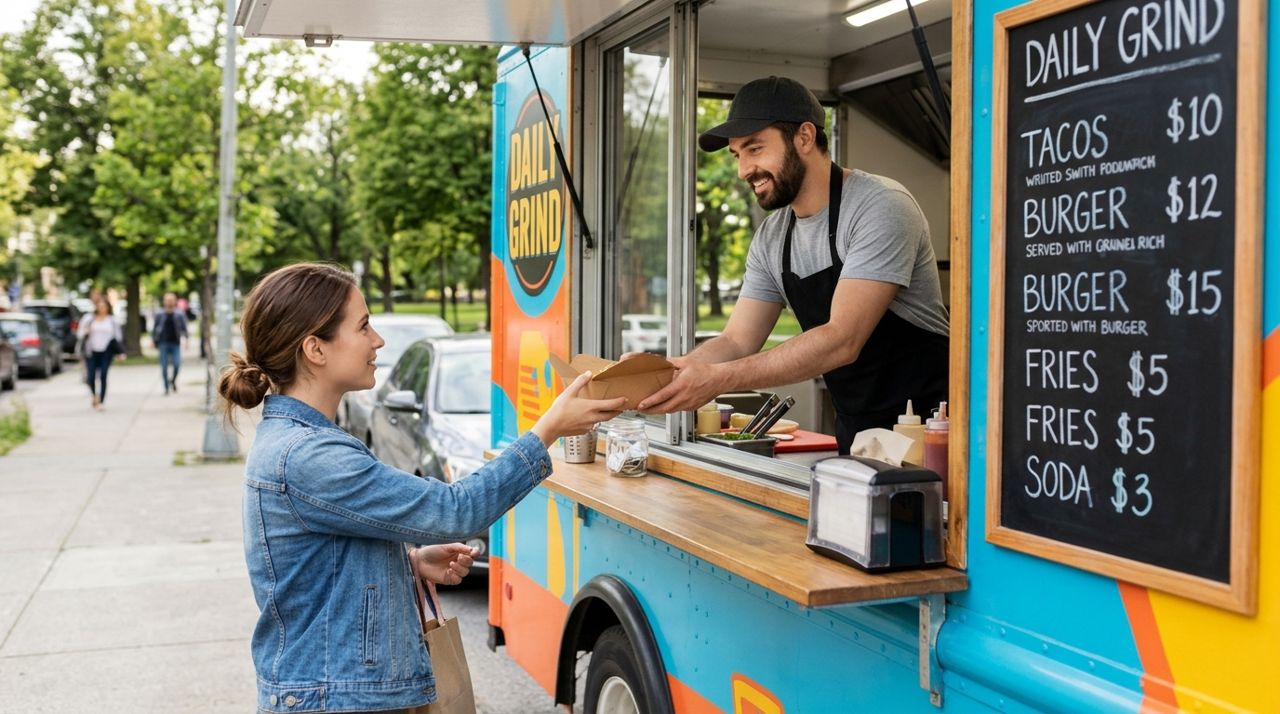
How to Find and Order from a Food Truck Near You
Food trucks bring restaurant-quality meals to neighborhoods, parks, and events—but finding them and placing orders can be tricky. Here's a step-by-step guide to ordering from food trucks near you.