
How to Order Lunch for Your Office Team Without the Chaos

You've been volunteered to order lunch for the team. Eight people means eight opinions, dietary restrictions you're just hearing about now, and someone who inevitably changes their mind after you've already called the restaurant. It's enough to make you want to skip lunch entirely.
The good news: ordering for a group is straightforward when you have a system. This guide walks through the entire process, from picking a restaurant everyone can agree on to making sure the delivery driver can find your office. Follow these steps and you'll look like the office hero instead of the person frantically calling the restaurant at 12:47 p.m.
- 01
Step 1: Take orders from your team before you choose a restaurant

Group of office workers gathered around a table discussing lunch options together Start by asking what people actually want to eat. Send a quick message in your team chat or walk around the office. Ask about:
- Type of food (Mexican, pizza, sandwiches, Asian)
- Dietary needs (vegetarian, vegan, gluten-free, allergies)
- Budget per person
- Any places people definitely don't want
Set a deadline—give people 15 minutes to respond, not all day. You're not running a restaurant focus group. Once you know what the group wants, you can pick a place that works for most people. Someone will always be disappointed; that's fine. Write down the specifics: "John wants extra lettuce, no tomato" or "Sarah needs gluten-free." You'll need these details in a few minutes.
- 02
Step 2: Pick a restaurant that can handle a big order
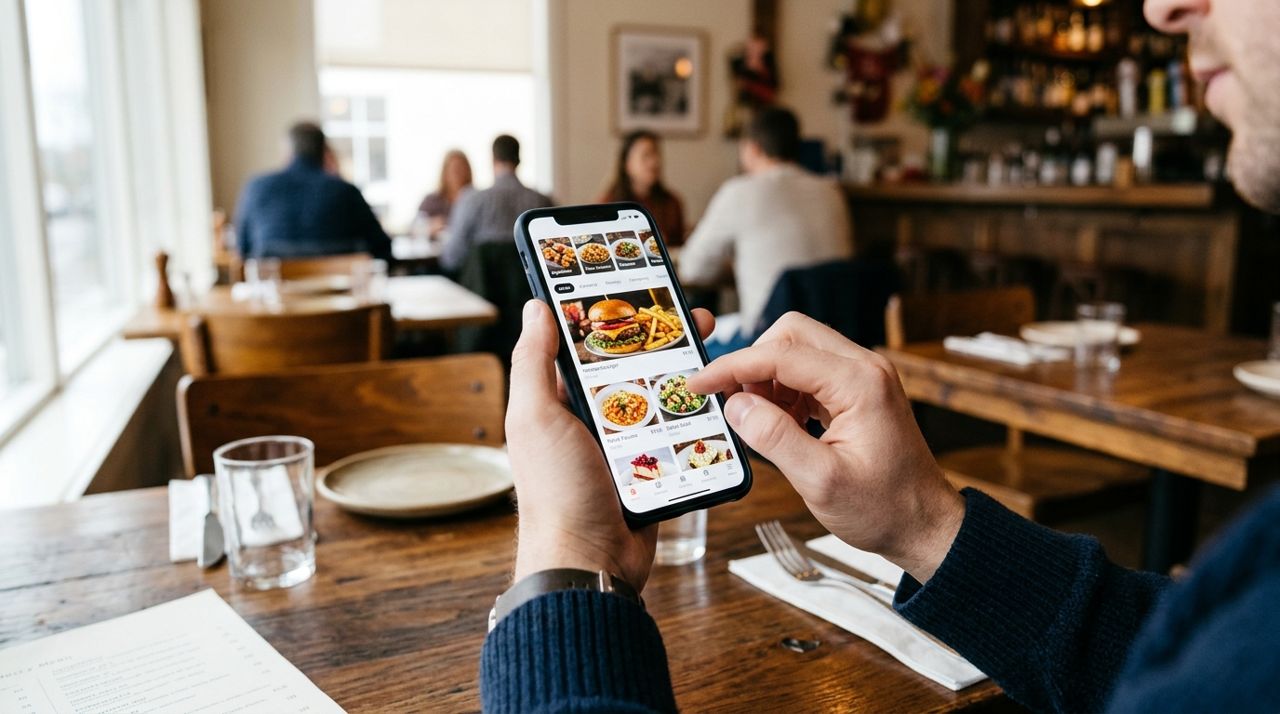
Person holding smartphone browsing restaurant menus and food delivery options on screen Not every restaurant is set up for large orders. A food truck might run out of ingredients halfway through. A tiny café might take 90 minutes. Look for places that explicitly handle catering or large orders, or call ahead and ask if they can do eight lunches for a specific pickup or delivery time.
Check reviews for mentions of group orders or office delivery. If other teams have ordered successfully, you probably will too. Mexican places, pizza shops, and sandwich chains are usually safe bets—they're built for volume. Open the restaurant's menu and make sure there are at least three or four options that cover your team's needs. If half your team is vegetarian and the menu has one sad salad, keep looking. Browse restaurants on an app like Lumo where you can filter by cuisine, see full menus with photos and prices, and compare delivery fees before you commit.
- 03
Step 3: Place the order with all eight meals at once
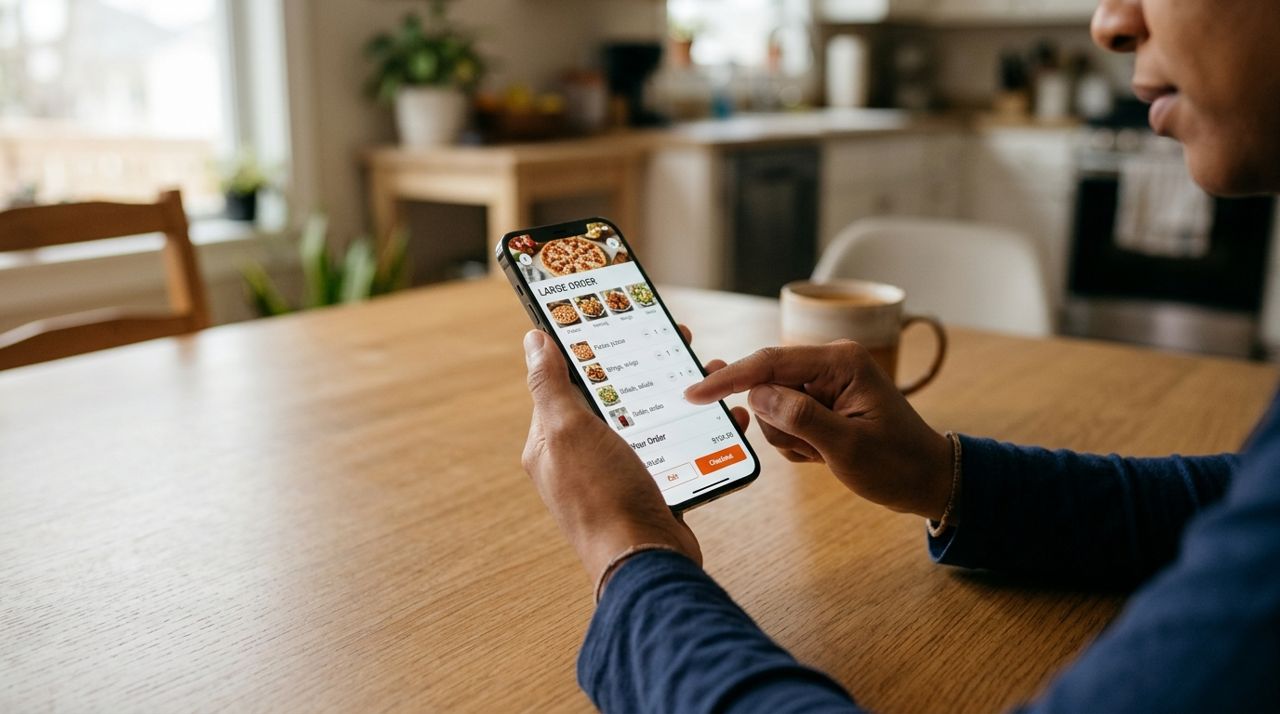
Close-up of hands holding phone placing a large group food order online Now that you've picked a place, add everything to one order. Go person by person with your notes. Double-check modifications: extra sauce, no onions, dressing on the side. Restaurants mess up complicated orders, so the clearer you are now, the better.
If you're using an app, you can add notes to each item. Type the person's name so you can tell the meals apart when the food arrives: "John – burrito bowl, no beans, extra guacamole." Before you check out, look at the total and divide by eight. If it's way over budget, now is the time to edit, not after the driver shows up. Most apps show the delivery fee based on distance and order size before you pay. Pickup is free if someone on your team can drive over. Add your office address, suite number, and a phone number where the driver can reach you if they get lost.
- 04
Step 4: Coordinate delivery time and location details
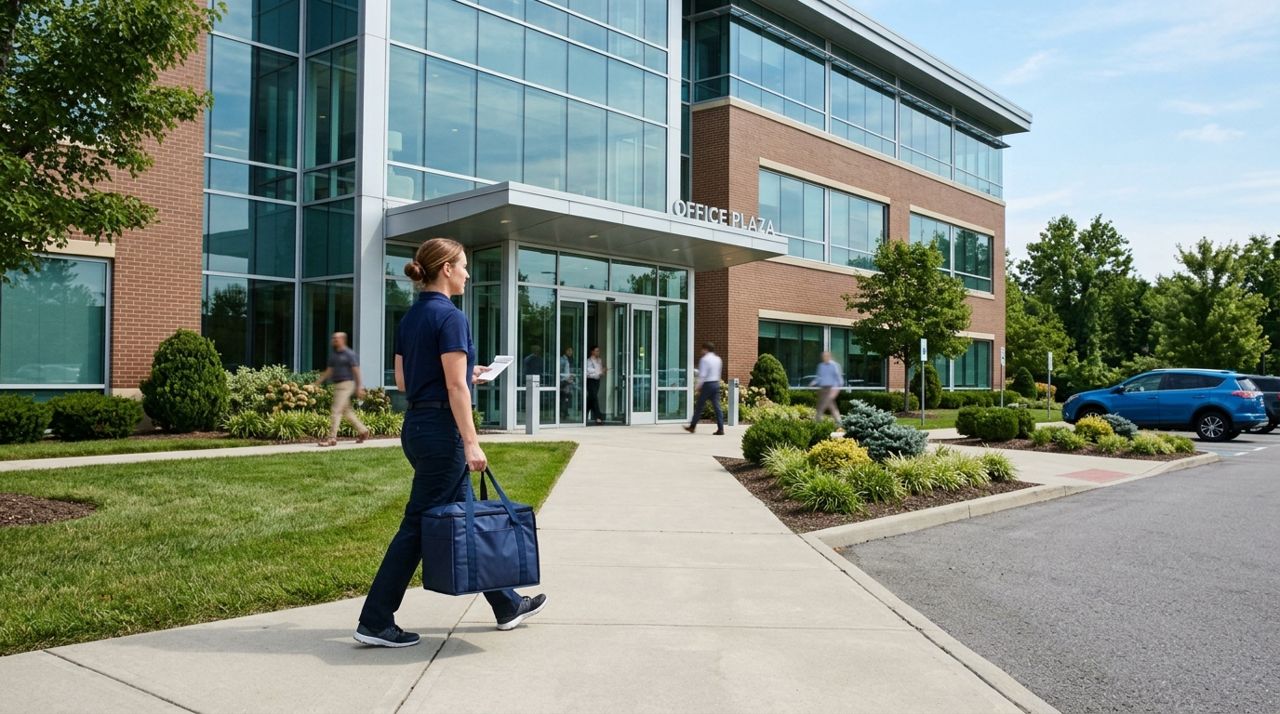
Delivery person walking toward modern office building entrance carrying large food order bag Pick a delivery time that gives the restaurant enough runway. If it's 11:30 a.m. and everyone wants to eat at noon, you're setting yourself up for disappointment. Most places need 45–60 minutes for a big order during lunch rush. Schedule for 12:15 or 12:30 if you want food at 12:30.
In the delivery instructions, be extremely specific. "Office building on Main Street" is not helpful. Write: "Gray building, 425 Main St, Suite 210, second floor. Buzz unit 210 at the front door and we'll come down" or "Leave with the receptionist at the front desk, name is Maria." If your office is hard to find, add your cell number and tell the driver to call when they're close. The easier you make it, the faster you eat.
- 05
Step 5: Track the delivery and give the team a heads-up
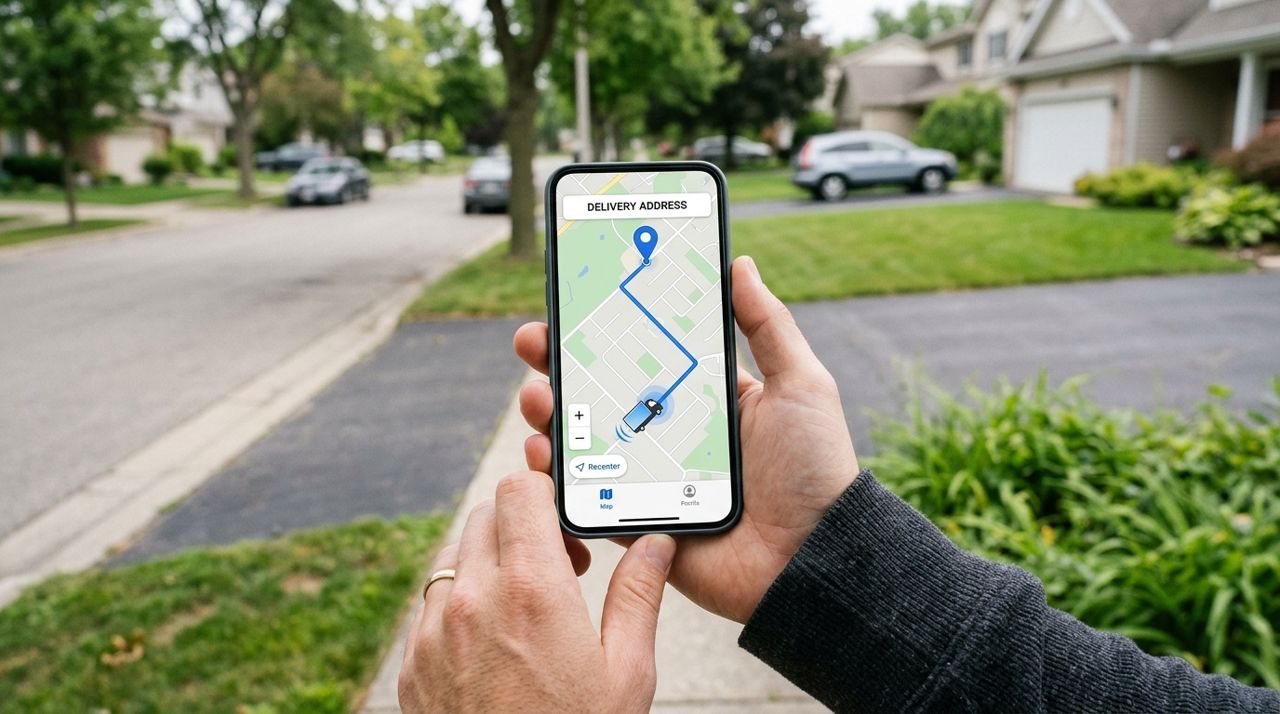
Smartphone screen showing real-time delivery driver location on a map interface with route Once the order is confirmed, let everyone know it's on the way. Post in the team chat: "Lunch ordered from [Restaurant], should arrive around 12:30." That way people don't wander off to buy their own food or schedule a last-minute meeting.
If you're using an app that lets you track the driver live on a map, keep an eye on it as the delivery time approaches. When the driver is five minutes out, give the team a warning so people can wrap up what they're doing and head to the break room. If the app requires a drop-off photo, the driver will snap a picture when they deliver—helpful proof if anything goes missing. Meet the driver at the entrance or lobby if possible. Eight meals is a lot of bags; don't make them hunt for your desk.
- 06
Step 6: Distribute the meals and handle payment

Office team gathered around table unpacking and distributing takeout food bags and containers When the food arrives, lay everything out on a table and match each meal to the person who ordered it. This is where your notes with names pay off. If the restaurant labeled the bags or containers, great. If not, you might need to open a few to figure out who got what.
Collect money from everyone if you're splitting the bill. Divide the total (food + delivery fee + tip) by eight and round up a dollar to make the math easy. Most people use Venmo or Cash App for this. If you paid through an app with a card, the charge is already done—just collect from your coworkers. Don't forget to add a tip for the driver, typically 15–20% depending on distance and how heavy the order was. In apps like Lumo, you can tip 10%, 15%, 20%, or a custom amount, and 100% of it goes to the driver.
- 07
Step 7: Leave a review and save the restaurant for next time
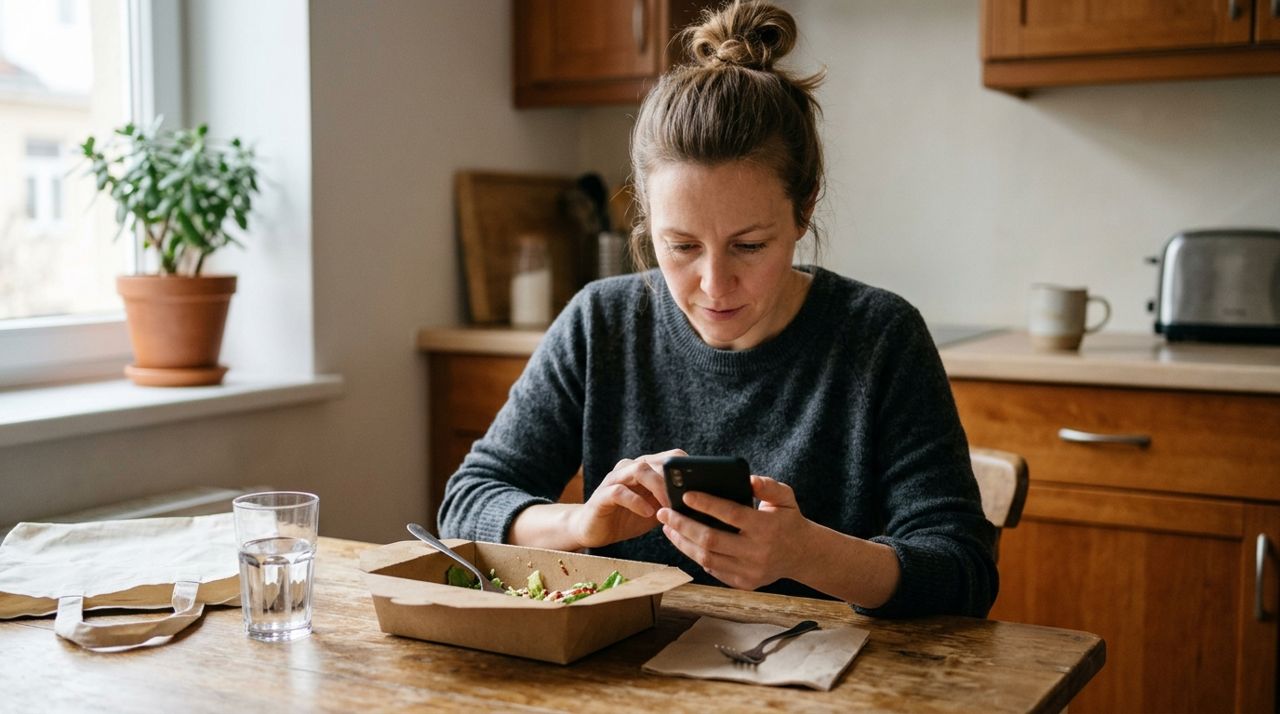
Close-up of someone rating and reviewing a restaurant on their phone after delivery After lunch, take two minutes to rate the restaurant and driver. If everything went smoothly, leave a good review—it helps other people ordering for groups, and restaurants appreciate the feedback. If something was wrong (missing items, cold food, wrong order), mention it. Most apps let you report issues and may offer a refund or credit.
Save the restaurant in your favorites or write down what you ordered. Next time you're stuck organizing lunch, you'll have a proven option instead of starting from scratch. Keep a running list of places that work well for your team. Over time, you'll build a rotation of five or six reliable spots, and ordering lunch becomes a ten-minute task instead of a half-hour ordeal. If one person keeps requesting the same modifications, snap a photo of their order so you don't have to ask again.
Pro tips
- Order 15 minutes earlier than you think you need to. Lunch rush is real, and restaurants get slammed between 11:45 and 12:30.
- Ask one person to be the "order coordinator" every week so the same person isn't stuck doing it forever.
- Keep a shared note or spreadsheet with everyone's usual orders and dietary restrictions so you're not asking the same questions every time.
- If your office orders regularly, some restaurants offer corporate catering discounts or free delivery over a certain amount—just call and ask.
Frequently asked questions
- What if someone doesn't like what the group picked?
- Let them order separately or bring their own lunch. You're coordinating, not running a democracy. As long as you asked for input up front and picked something reasonable, you've done your job.
- How much should we tip on a big office order?
- 15–20% is standard. If the driver had to climb stairs, navigate a confusing office park, or carry a huge order, go closer to 20%. Split the tip cost among everyone.
- What if the order is wrong or missing items?
- Check everything before the driver leaves if possible. If you find a problem after, contact the restaurant or app support right away with your order number and a photo. Most will send a replacement or refund the missing items.
Ordering lunch for eight people is mostly about clear communication and a little planning. Take orders early, pick a restaurant that can handle the size, add detailed notes, and track the delivery so nobody's stuck waiting around. Do it a few times and you'll have a system that works. If your team orders regularly, try using an app like Lumo to streamline the process—you can reorder past meals, track the driver live, and handle payment all in one place.
Photos are illustrative. Service prices are typical ranges and vary by city. How we write our guides.
More guides like this
How Food Delivery Works: From Browsing Menus to Getting Dinner
Ordering dinner for delivery is simple once you know the process. This guide walks through every step from browsing restaurants to getting your meal at the door.
How to Find and Order from a Food Truck Near You
Food trucks bring restaurant-quality meals to neighborhoods, parks, and events—but finding them and placing orders can be tricky. Here's a step-by-step guide to ordering from food trucks near you.
How to Order Food for Pickup and Skip the Delivery Fee
Delivery fees add up quickly—anywhere from $2 to $8 per order depending on distance and order size. Pickup orders let you skip that charge entirely while often getting your food faster.