
How to Find and Order from a Food Truck Near You
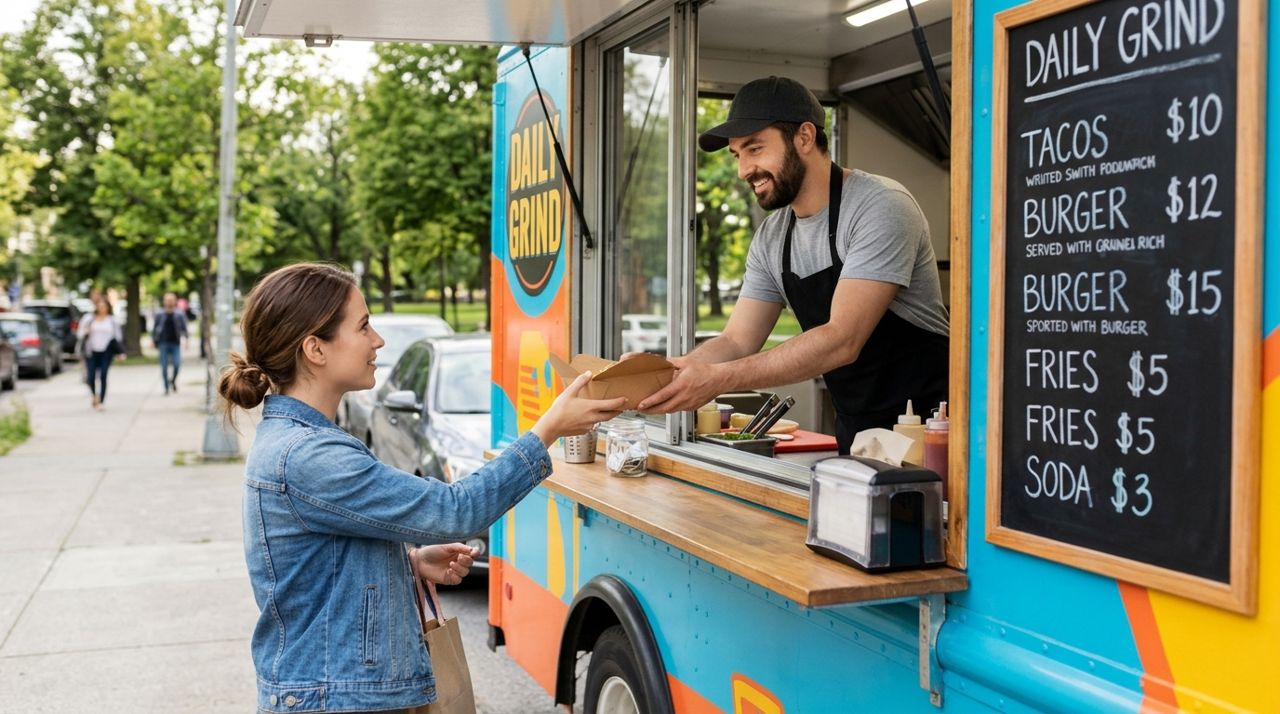
Food trucks offer everything from tacos and barbecue to vegan bowls and gourmet burgers, often at better prices than sit-down restaurants. The challenge? Many food trucks move between locations throughout the week, post menus on Instagram stories that disappear, or only accept cash. You might drive across town only to find they've sold out or aren't there today.
This guide walks you through finding active food trucks near you, browsing current menus with prices, placing orders for pickup or delivery, and tracking your meal from the truck to your door. Whether you're looking for lunch at the office park or dinner at home, you'll know exactly how to get hot food from a truck without the guesswork.
- 01
Step 1: Find food trucks operating near you right now
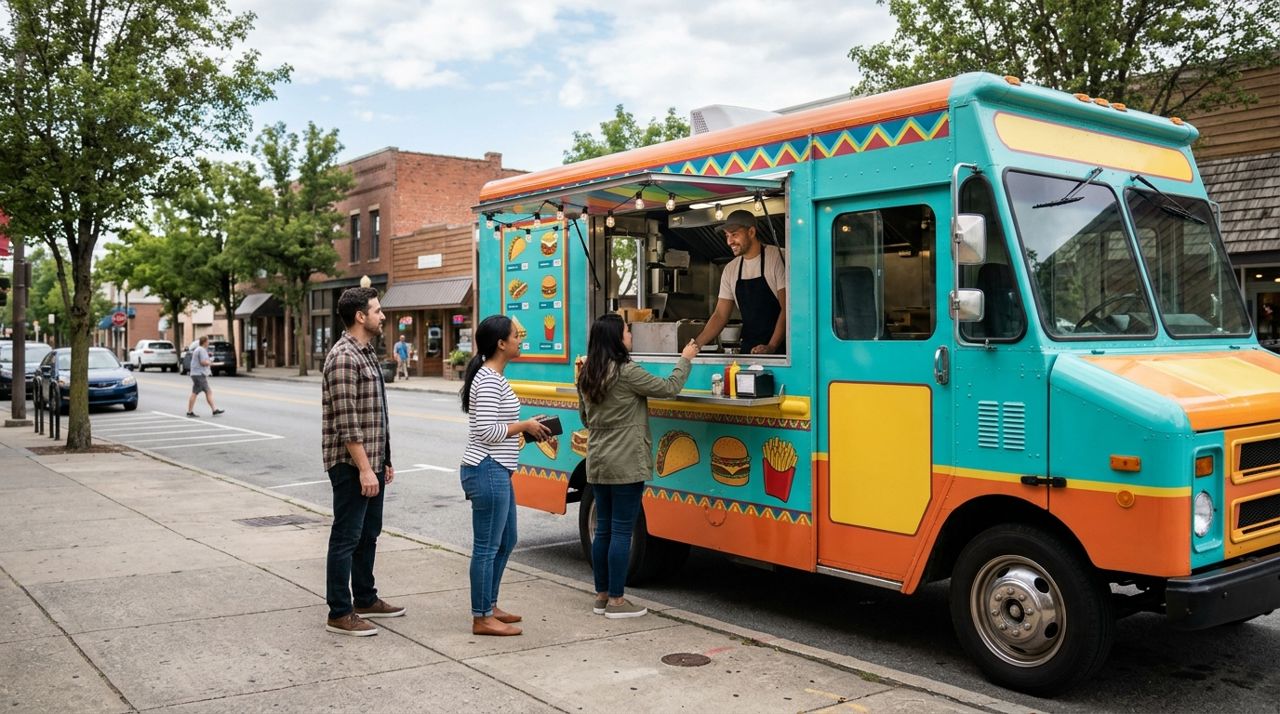
Colorful food truck parked on street with open service window and customers nearby Start by opening an app that shows food trucks in real time with their current locations and hours. Look for a food or restaurant category, then filter by "food truck" or check which vendors are marked as mobile.
- Distance from your current location or delivery address
- Whether they're open now or their hours today
- Estimated prep time (food trucks often cook to order, so expect 15–30 minutes)
- Pickup versus delivery availability
On Lumo, switch to Customer mode on the welcome screen, tap the food category, and browse food trucks nearby. Each listing shows the truck's name, cuisine type, current location, and whether they're accepting orders. You can also search by cuisine—"BBQ," "tacos," "dessert"—to narrow the list.
- 02
Step 2: Browse the menu and check prices
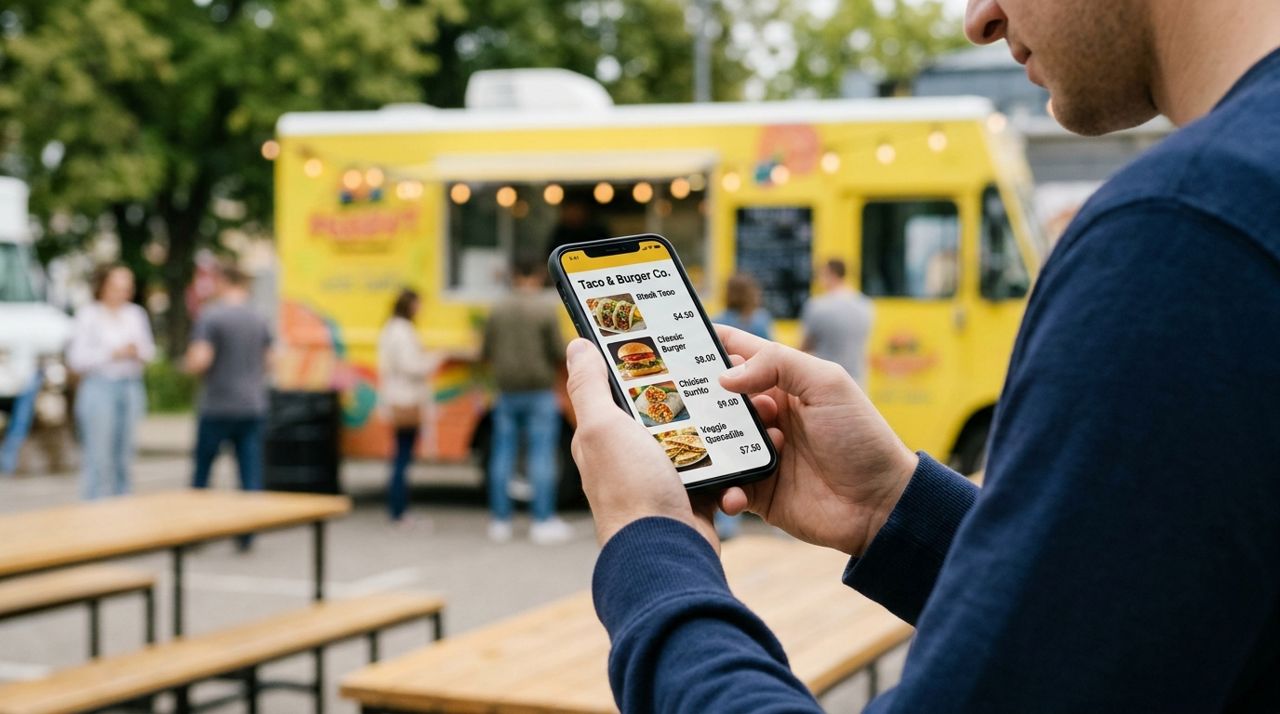
Person holding phone displaying food truck menu with photos and prices on screen Tap into a food truck's listing to see their full menu. Unlike chasing down a Facebook post from yesterday, you're looking at what's actually available right now, with current prices and photos.
- Description and ingredients (important for allergies or preferences)
- Price, including any combo deals
- Customization options (extra toppings, spice level, side swaps)
- Whether items are marked as unavailable or sold out
Many food trucks update their menu daily based on ingredients or specials. If something looks low on stock or you're ordering for a group, consider calling ahead or adding a note with your order. Most trucks appreciate a heads-up for large orders during peak lunch hours.
- 03
Step 3: Add items to your cart and choose pickup or delivery
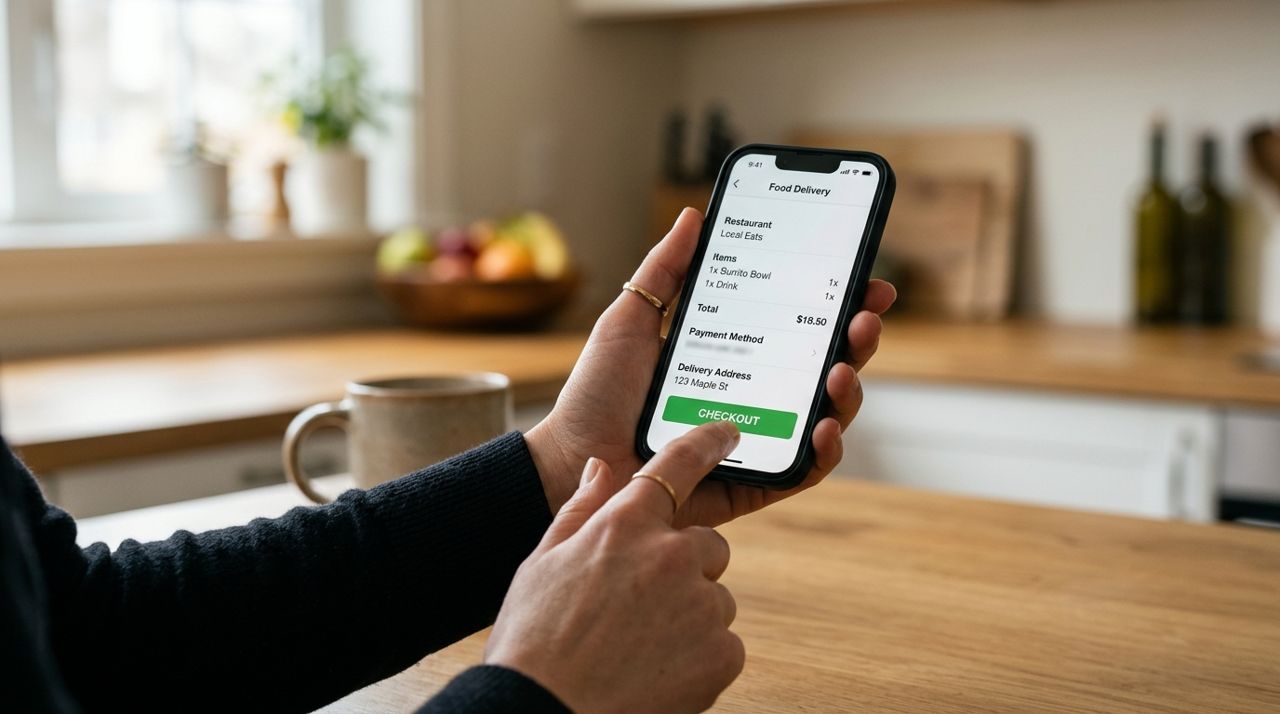
Close-up of hand tapping checkout button on food delivery app screen Select items, make any customizations, and add them to your cart. Once you're ready, choose whether you want to pick up at the truck's current location or have the order delivered.
Pickup is straightforward: you'll get the truck's exact address or intersection, see it on a map, and receive a notification when your order is ready. Pickup orders have no delivery fee.
For delivery, enter your address and you'll see the delivery fee before you confirm—it's calculated based on distance, order size, and a base fee. Typical delivery fees run $3–$8 for most neighborhoods. Delivery makes sense when the truck is at a festival, far from your home, or you're at work and can't step out. You'll be able to track the driver live on a map once they pick up your food.
- 04
Step 4: Place your order and pay securely in the app
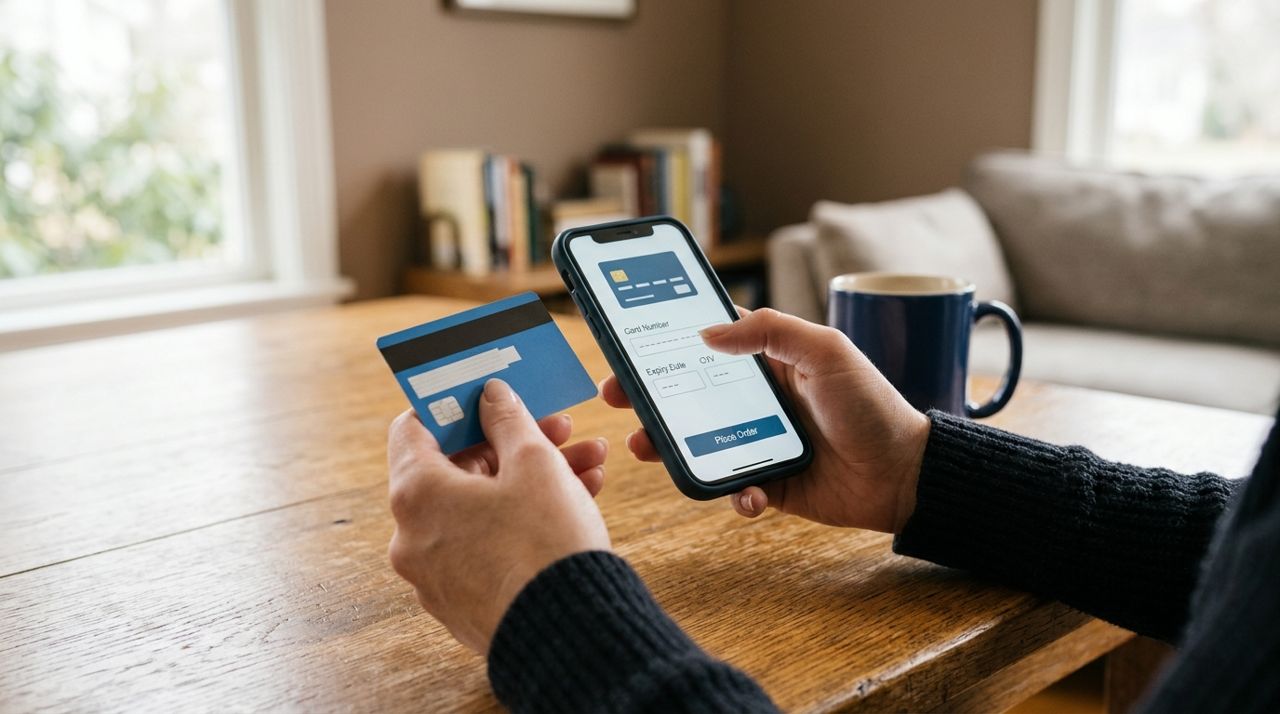
Hand entering credit card information on phone for secure mobile payment Review your cart, double-check any special instructions ("extra napkins," "no onions," "call when you arrive"), and confirm your order. Payment is handled in the app by credit or debit card—no need to carry cash or worry about card readers that don't work.
- Subtotal for your food
- Delivery fee (if applicable)
- Estimated prep and delivery or pickup time
- Option to add a tip (more on that below)
Once you place the order, the food truck receives an instant alert and confirms they're preparing it. You'll get a notification as soon as they accept. If the truck is slammed or out of an ingredient, they can message you directly in the app to suggest substitutions or a slightly longer wait.
- 05
Step 5: Track your order in real time
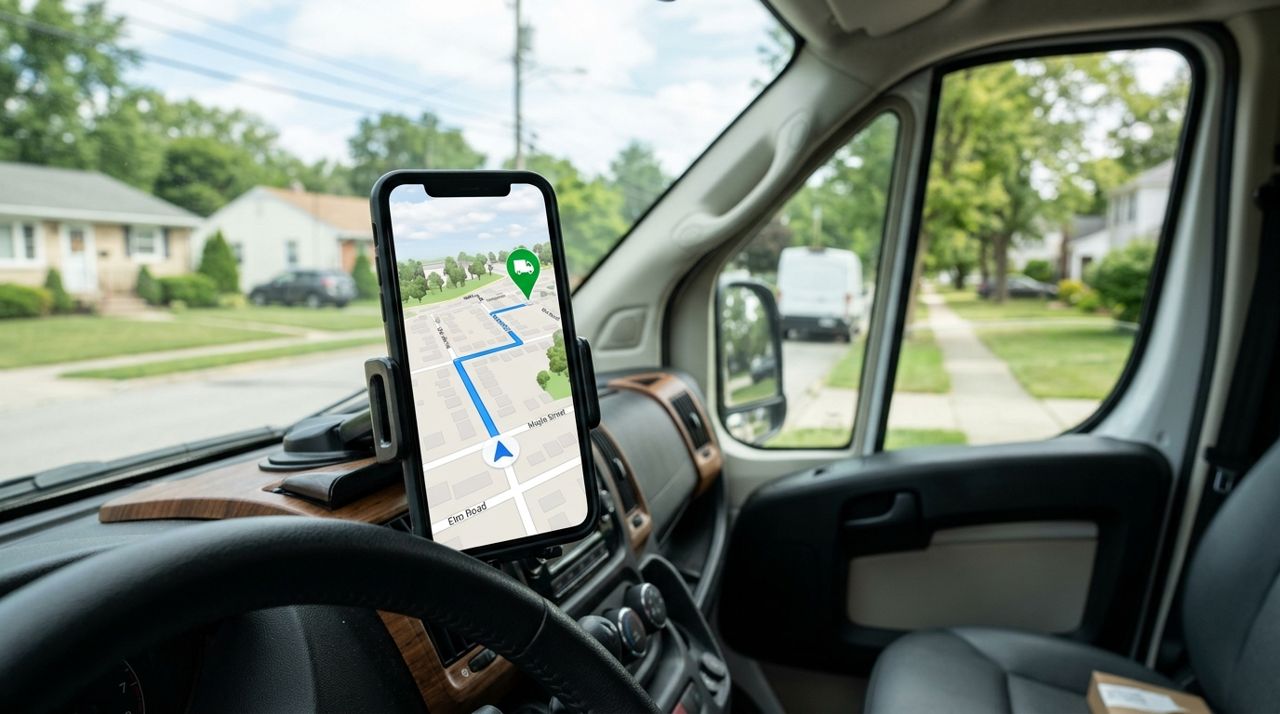
Smartphone screen showing live map with delivery driver location and route to destination For pickup orders, you'll see a timer counting down the estimated prep time and get a notification when your food is ready. Head to the truck, give your name or order number, and grab your meal.
For delivery, once a driver picks up your order, you can follow them live on a map as they head to your address. You'll see their route, estimated arrival time, and get updates if anything changes. When the driver arrives, they'll take a photo of the drop-off (your door, porch, or lobby) as proof of delivery. You'll get that photo in the app along with a notification that your food has arrived.
If you're not home, you can leave delivery instructions like "leave at side door" or "call when close." Use the in-app messaging if you need to reach the driver or the food truck directly.
- 06
Step 6: Tip the driver and rate your experience
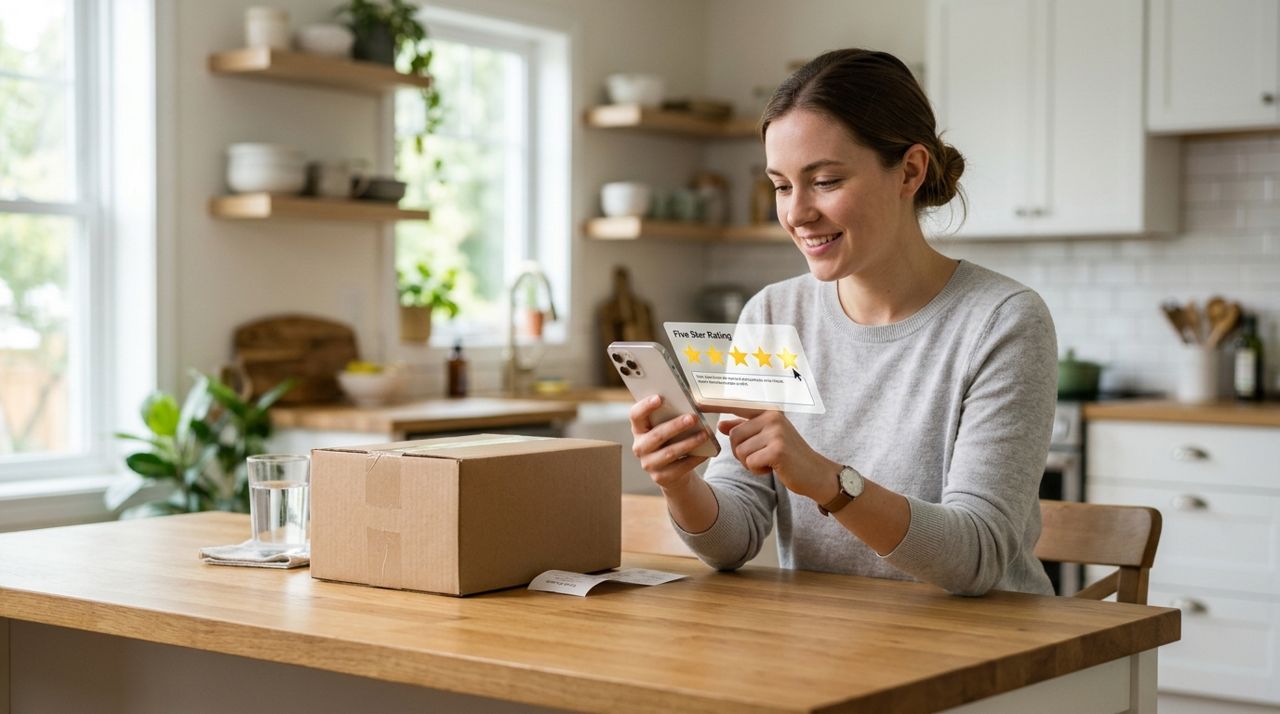
Customer selecting five-star rating and leaving review on mobile app after delivery After delivery, you'll have the option to tip your driver. Suggested amounts are usually 10%, 15%, or 20%, or you can enter a custom tip. One hundred percent of the tip goes directly to the driver—none of it is kept by the app. Drivers rely on tips as a significant part of their income, and food delivery often involves tight timing, keeping food hot, and navigating traffic or parking.
You'll also be prompted to rate the food truck and, if delivered, the driver. Ratings and reviews help other customers decide where to order and give food trucks feedback on what's working. Be specific: mention standout dishes, speed, packaging quality, or any issues. Good reviews help small food truck owners build their reputation, and constructive feedback helps them improve.
Pro tips
- Order ahead during lunch and dinner rushes (11:30 a.m.–1 p.m. and 5–7 p.m.) to avoid long wait times.
- Check the truck's profile for weekly schedules—many food trucks park at the same spots on the same days.
- Save your favorite trucks so you get notified when they're nearby or post new specials.
- If you're ordering for a group, send a message through the app first—trucks appreciate advance notice for large orders.
- For hot food, choose pickup when you're close by; delivery works best when you're 10+ minutes away or at the office.
Frequently asked questions
- What if the food truck runs out of an item I ordered?
- The truck will message you in the app to offer a substitution or refund for that item. You can reply instantly to approve a swap or cancel that part of the order. If they're out of a main dish, you can cancel the whole order before it's prepared.
- How much does delivery cost from a food truck?
- Delivery fees are shown before you check out and are based on distance, order size, and a small base fee. Most neighborhood deliveries cost $3–$8. Pickup orders have no delivery fee, so if the truck is nearby, pickup saves you money.
- Can I track the food truck's location if I'm picking up?
- Yes. The truck's current address or intersection is shown on a map in the app. Food trucks sometimes move slightly (across a parking lot, down a block), so check the map right before you leave. If you can't find them, message through the app and they'll guide you.
Ordering from a food truck no longer means hunting down Instagram posts or hoping they're parked where you expect. With the right app, you can see which trucks are nearby, browse live menus, pay securely, and track your meal from grill to door. Next time you're craving street tacos or a gourmet grilled cheese, skip the guesswork and get exactly what you want, when you want it.
Photos are illustrative. Service prices are typical ranges and vary by city. How we write our guides.
More guides like this
How Food Delivery Works: From Browsing Menus to Getting Dinner
Ordering dinner for delivery is simple once you know the process. This guide walks through every step from browsing restaurants to getting your meal at the door.

How to Order Lunch for Your Office Team Without the Chaos
Ordering lunch for eight coworkers shouldn't feel like herding cats. Here's how to coordinate a group order, keep everyone happy, and get food delivered on time without juggling twenty phone calls.
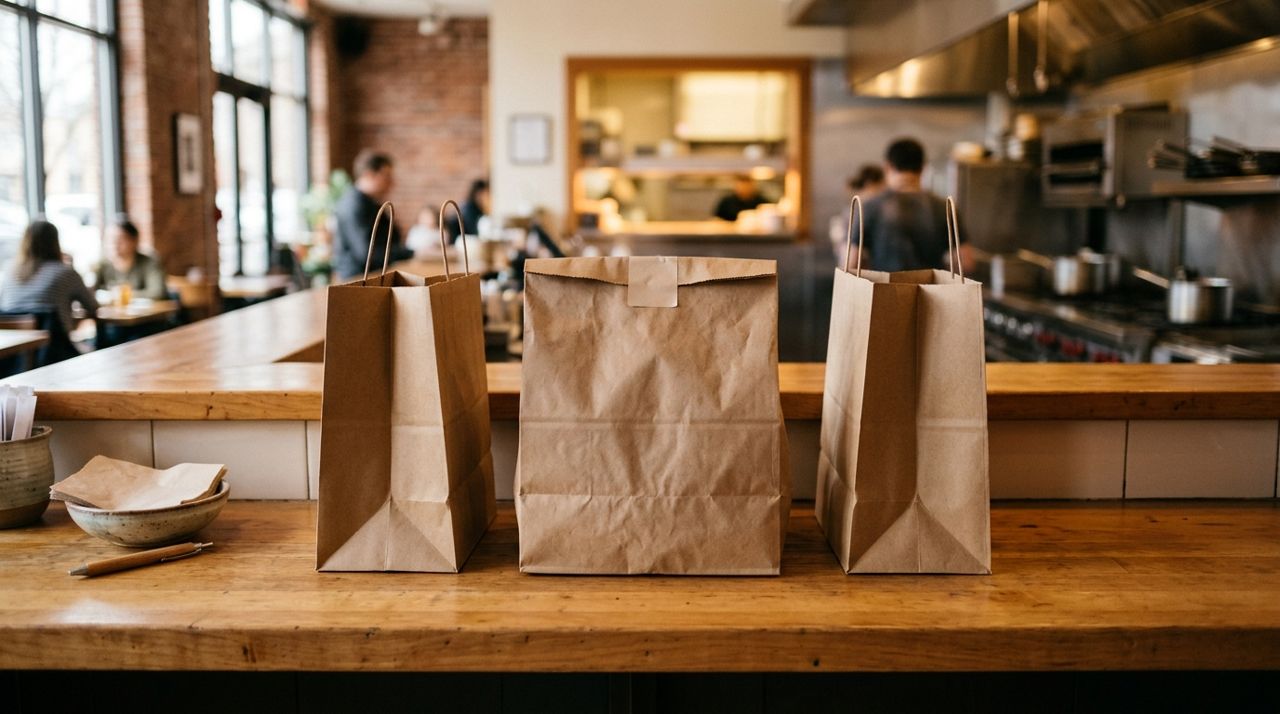
How to Order Food for Pickup and Skip the Delivery Fee
Delivery fees add up quickly—anywhere from $2 to $8 per order depending on distance and order size. Pickup orders let you skip that charge entirely while often getting your food faster.