
How to Book a Short-Term Rental for Your Work Trip in 7 Steps

Work trips bring their own set of challenges: you need a place close to your meetings, reliable WiFi for late-night calls, and ideally a kitchen so you're not spending $30 on hotel breakfast every morning. Hotels work, but short-term rentals often give you more space, better amenities, and lower nightly rates—especially for stays longer than three days.
This guide walks you through the entire process: searching by location and dates, comparing options, checking the details that matter for work travel, communicating with hosts, booking securely, and preparing for arrival. Whether this is your first rental or your fiftieth, these steps will help you book confidently and avoid surprises.
- 01
Step 1: Search by location and dates
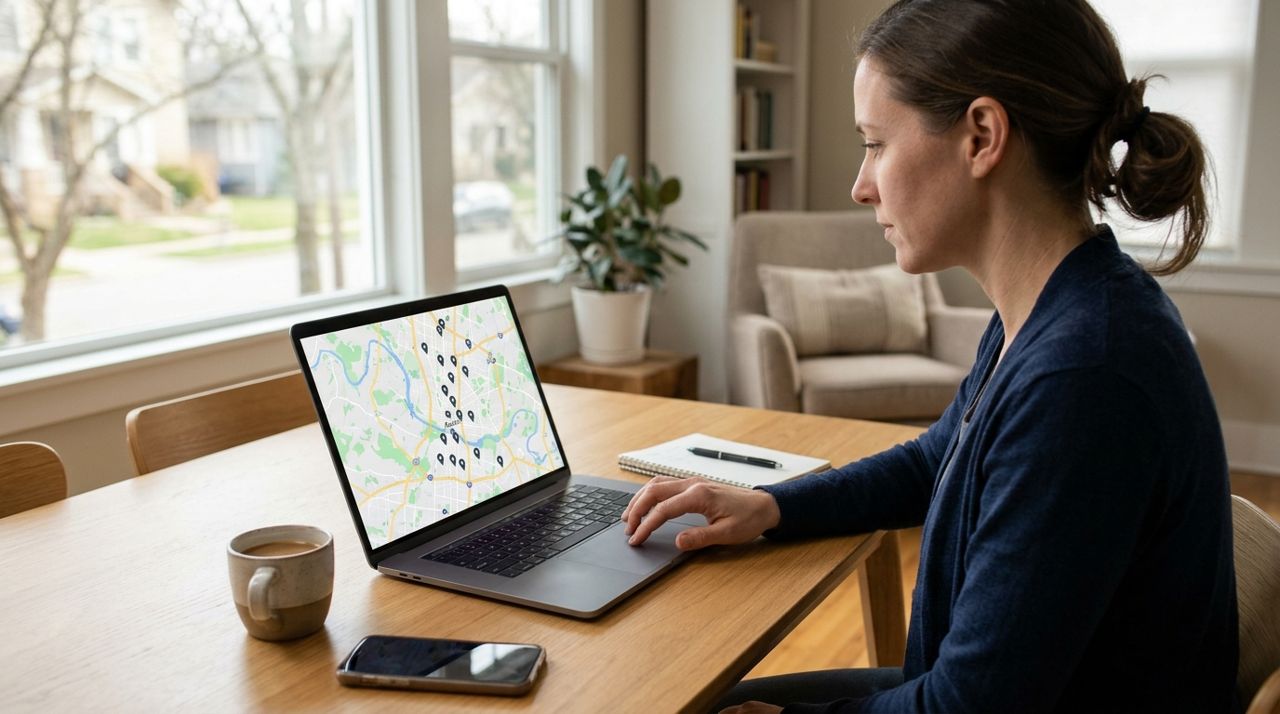
Person searching for rental properties on laptop with city map visible on screen Start by entering your destination city and your exact arrival and departure dates. Be precise—most platforms including Lumo let you browse short-term rentals by city, and availability changes daily. If your meetings are downtown, filter for neighborhoods within a 10-15 minute commute. If you're driving, make sure parking is available. If you're flying in, look for places near public transit or budget an extra $25-40 each way for rideshares.
Set your budget filter realistically. In mid-size cities, expect $70-120/night for a studio or one-bedroom; major metros can run $120-200+. Don't forget that some platforms add service fees at checkout—usually 5-15% of the nightly rate—so build that into your budget.
- 02
Step 2: Compare listings and read descriptions carefully
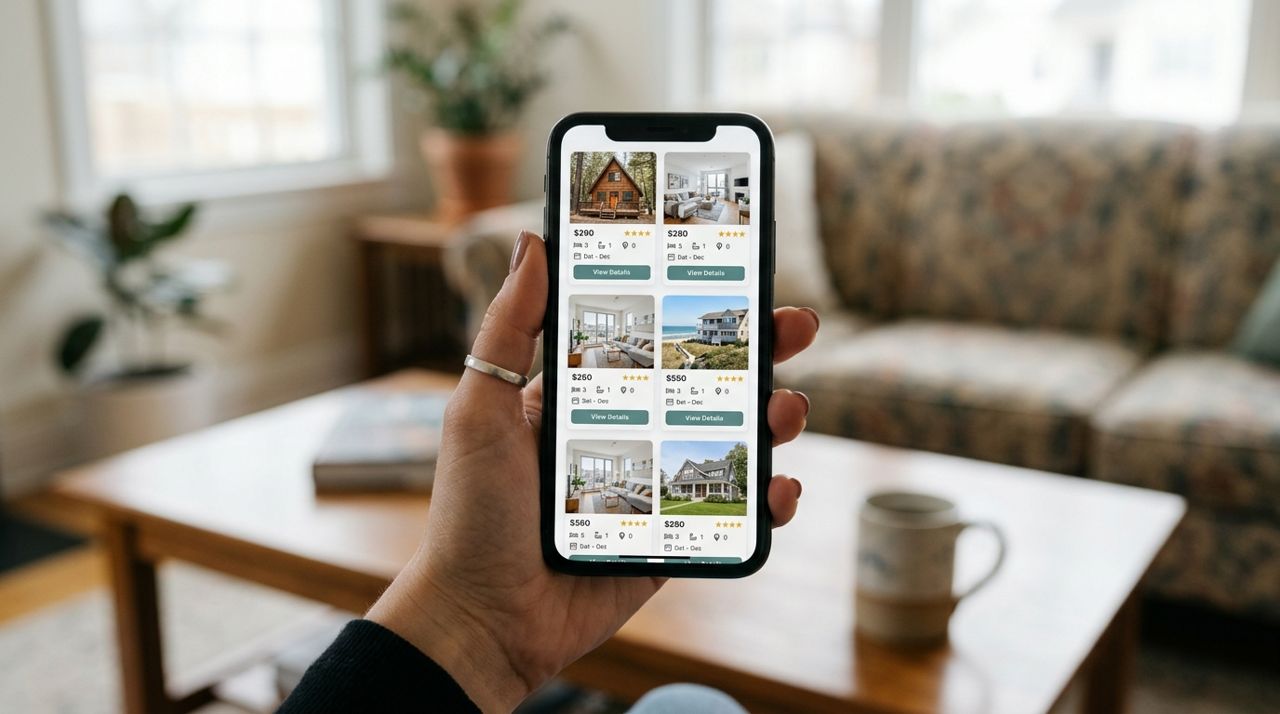
Hand holding smartphone displaying multiple short-term rental property listings and photos Open several promising listings in new tabs and compare them side-by-side. Look for:
- WiFi speed (ask the host if it's not listed—anything under 25 Mbps will struggle with video calls)
- Workspace: a real desk and chair, not just a dining table
- Kitchen facilities if you want to save on meals
- Washer/dryer for trips longer than four days
- Quiet location (top-floor units and places away from bars are safer bets)
Read the full description. If it says 'self check-in', that's ideal for late arrivals. If it mentions construction next door or shared walls, expect noise. Check the cancellation policy—flexible policies let you cancel up to 24 hours before for a full refund; strict policies may only refund 50% and often lock you in a week out.
- 03
Step 3: Check reviews and ratings

Close-up of person reading customer reviews and star ratings on mobile device Scroll straight to the reviews. Look for recent ones—anything older than six months may not reflect current conditions. Pay special attention to reviews from other business travelers; they'll mention WiFi reliability, noise levels, and workspace quality.
Red flags include: multiple mentions of cleanliness issues, WiFi problems, misleading photos, or unresponsive hosts. A 4.8+ average rating with at least 10 reviews is a good benchmark. One or two negative reviews aren't dealbreakers if the host responded professionally and the issues were resolved.
If the listing has fewer than five reviews or is brand new, proceed cautiously. Message the host with specific questions about WiFi and workspace before booking.
- 04
Step 4: Message the host with work-specific questions

Person typing message on smartphone to communicate with rental property host Before you book, use the in-app messaging to confirm details. Keep it brief and specific:
'Hi, I'm booking for a work trip March 10-14. Can you confirm: (1) WiFi speed for video calls, (2) is there a desk and office chair, (3) how quiet is the unit during weekday mornings? Thanks.'
Most hosts reply within a few hours. If you don't hear back within 24 hours, that's a warning sign about their responsiveness. On platforms like Lumo, all messaging stays in the app so you have a record. Professional hosts will answer clearly and may offer arrival instructions or local recommendations. If a host is vague or defensive about basic questions, move on to another listing.
- 05
Step 5: Book and pay securely through the platform
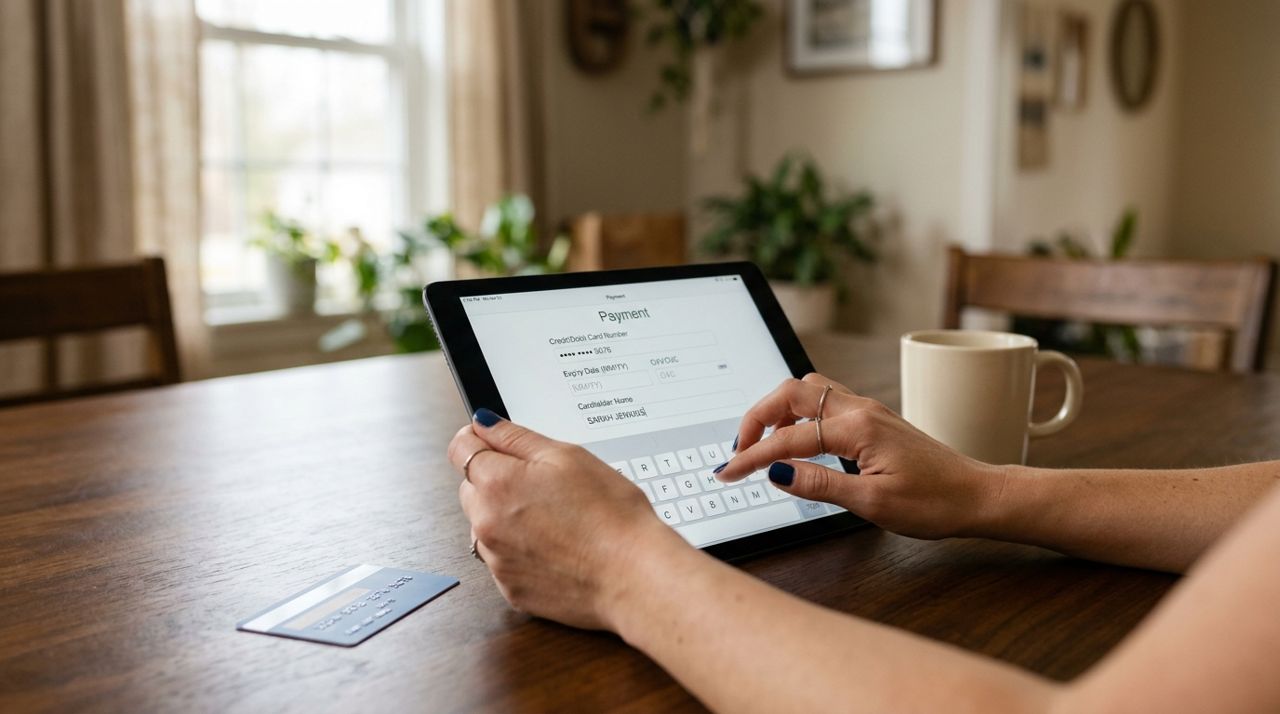
Hands entering credit card information for secure booking payment on tablet screen Once you've chosen a place and confirmed details, book directly through the app. On Lumo and similar platforms, you'll enter your card information and the total cost is shown upfront—nightly rate × number of nights + any service fees. For short-term rentals on Lumo, hosts pay a 5% service fee per booking, so your total is typically just the nightly rate × nights.
Never pay outside the platform via Venmo, Zelle, or wire transfer—you lose all buyer protection. Legitimate platforms process payments securely and hold funds until after check-in, giving you recourse if something goes wrong.
After booking, you'll get a confirmation with the address, check-in instructions, and the host's contact info. Screenshot this or save it offline in case you lose cell service on arrival.
- 06
Step 6: Confirm check-in details 24 hours before arrival

Business traveler checking arrival confirmation and check-in instructions on smartphone at airport The day before you travel, message the host to confirm check-in time and access instructions. Most rentals use lockboxes, smart locks with codes, or key exchanges. Make sure you have:
- Exact street address and unit number
- Door code or lockbox location
- Parking spot number if applicable
- Host's phone number in case of issues
If you're arriving late (after 10 PM), let the host know. If your flight is delayed, update them as soon as possible. Professional hosts appreciate the heads-up and can leave lights on or extra instructions.
Save the address in your phone's maps app ahead of time so you're not fumbling with directions after a long flight.
- 07
Step 7: Inspect the space and communicate issues immediately
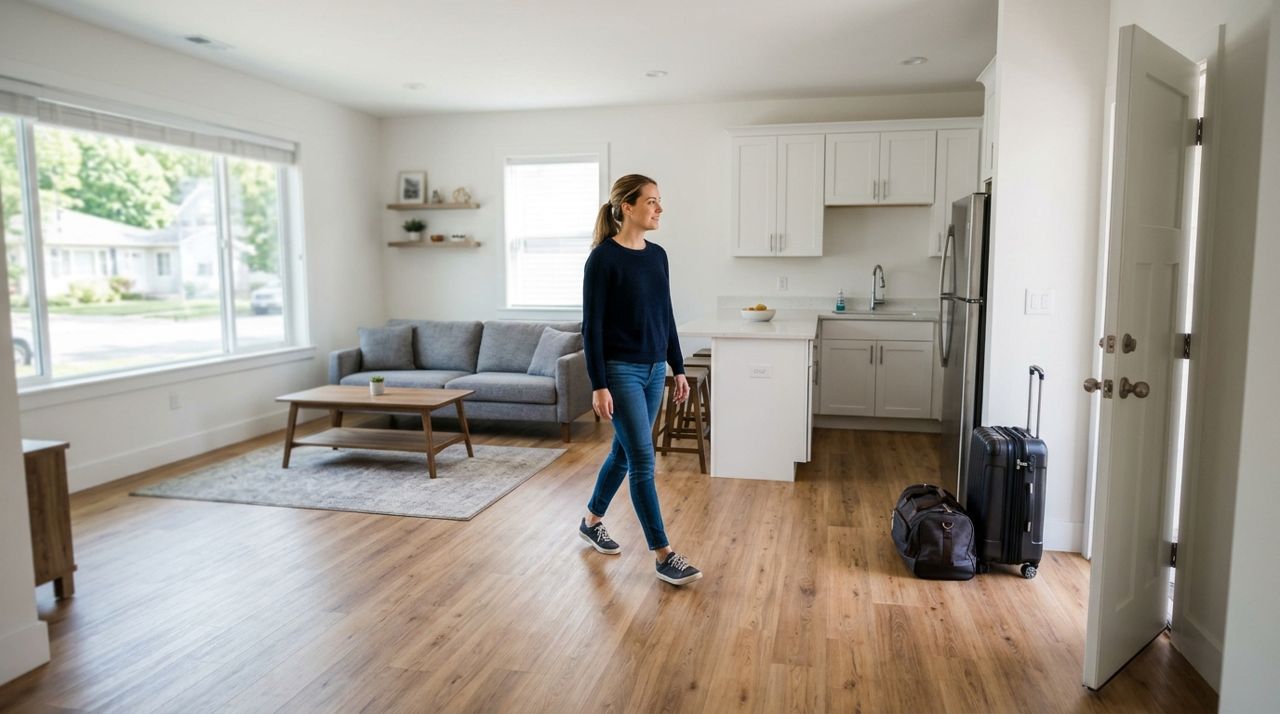
Guest walking through and inspecting clean modern rental apartment with luggage at entrance When you arrive, take five minutes to check the basics before you unpack: WiFi connects and works, hot water runs, heating or AC functions, door locks properly, and the workspace is as described. If something is broken or missing, photograph it and message the host right away. Most issues—a WiFi router that needs resetting, a missing desk lamp—can be solved quickly if you speak up immediately.
Don't wait until checkout to report problems. Platforms side with guests who document issues promptly. If the place is uninhabitable (no heat in winter, serious cleanliness issues), contact the platform's support immediately to request a refund and alternative accommodation. On the flip side, if everything is great, let the host know—it builds goodwill if you need a late checkout or have questions during your stay.
Pro tips
- Book at least two weeks ahead for the best selection; popular work destinations fill up fast during conference season.
- If you're traveling monthly, message hosts about discounts—many offer 10-20% off for stays over 28 days.
- Always book one extra night if you can; flight delays and meeting overruns happen, and last-minute extensions are expensive.
- Take a photo of the lockbox code or door instructions when you arrive—you'll forget by day three.
- Leave a review after checkout. Detailed feedback helps the next business traveler and encourages hosts to maintain quality.
Frequently asked questions
- How far in advance should I book a short-term rental for work travel?
- Two to three weeks ahead is ideal for most cities. Popular business destinations and conference weeks can book up a month or more in advance, while smaller markets may have availability with just a few days' notice. If your travel dates are firm, book early to lock in the best price and location.
- What happens if I need to cancel my short-term rental?
- It depends on the cancellation policy shown at booking. Flexible policies usually allow free cancellation up to 24 hours before check-in. Moderate policies may give a 50% refund up to five days before, while strict policies often provide no refund within a week of check-in. Always read the policy before you book, especially for work trips where plans can change.
- Are short-term rentals cheaper than hotels for work trips?
- Usually, yes—especially for stays longer than three nights. A one-bedroom rental typically costs $70-150/night in mid-size cities compared to $120-200+ for a hotel, and you get a kitchen and often more space. Factor in the cost of hotel breakfasts ($15-25/day) and the savings add up quickly.
Booking a short-term rental for work travel is straightforward once you know what to check: search by location and dates, compare listings carefully, read reviews, confirm work-specific needs with the host, book securely through the platform, and inspect the space on arrival. Whether you're using Lumo to browse short-term rentals or another platform, these steps will help you find a comfortable, functional space that makes your work trip smoother and more productive.
Photos are illustrative. Service prices are typical ranges and vary by city. How we write our guides.
More guides like this
How to Find a Long-Term Rental Apartment in a New City: A Step-by-Step Guide
Finding a rental apartment in an unfamiliar city can feel overwhelming, but breaking the process into clear steps makes it manageable. This guide walks you through searching listings, evaluating neighborhoods, and locking down the right place.
How to List Your Home for Sale Without Paying Listing Fees
Listing your home for sale doesn't have to cost you hundreds or thousands in upfront fees. Here's how to create a free listing that reaches serious buyers.
How to List Your Long-Term Rental and Screen Tenants Properly
Listing a rental property and finding reliable tenants takes more than posting an address and waiting. This guide walks you through pricing, photography, listing details, and a tenant screening process that protects your investment.