
How to Get a Local Tech Pro to Set Up Your Home Wi-Fi and Devices
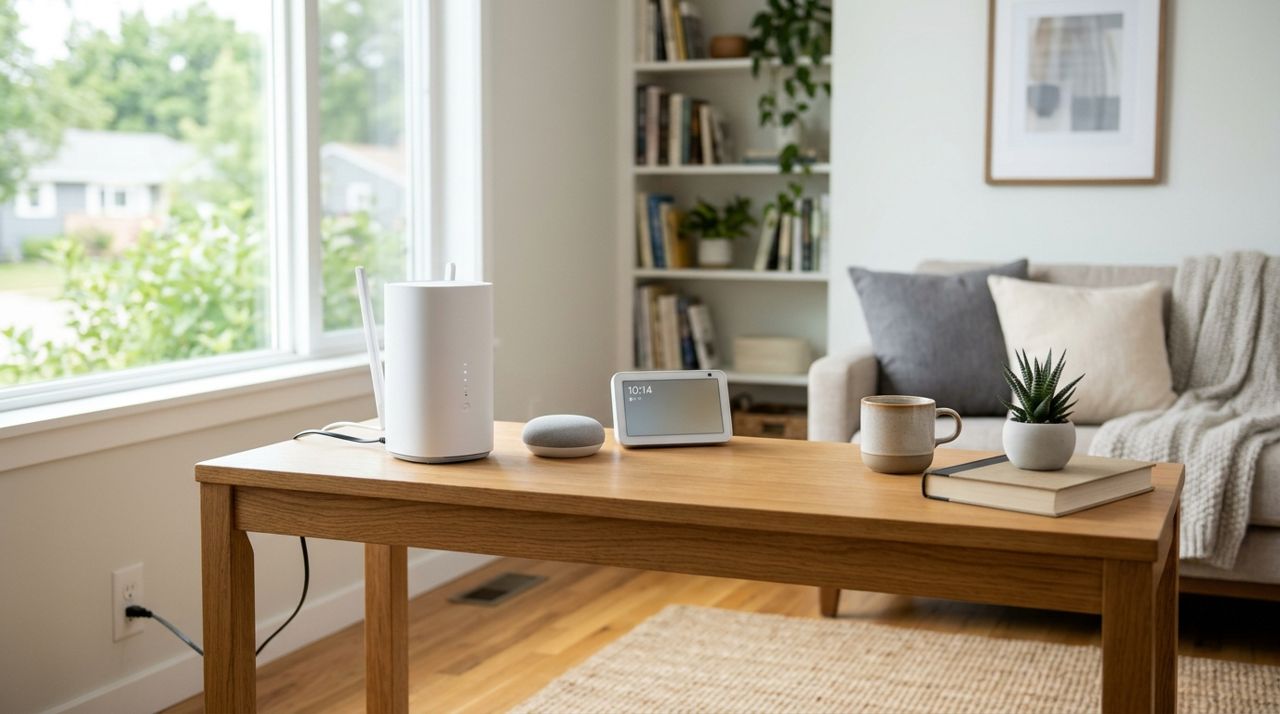
You just moved in, or your internet is slow, or you bought a smart doorbell and have no idea how to connect it. Routers, mesh networks, Alexa devices, Nest cameras—this stuff isn't as plug-and-play as it should be. One wrong setting and you're dealing with dead zones, dropped calls or devices that won't connect.
Hiring a local tech pro costs $50–$150 per hour depending on your city and the job complexity, and it saves hours of trial and error. This guide walks through exactly how to find someone trustworthy, what to ask, how the appointment works, and how to make sure you get what you pay for.
- 01
Step 1: List Exactly What You Need Done

Person writing a checklist on paper at a desk with laptop nearby Before you reach out to anyone, write down every tech issue or device you want help with. The clearer you are upfront, the more accurate the quote and the smoother the job.
- Set up or troubleshoot Wi-Fi router
- Install mesh network (Eero, Google Nest Wifi, etc.)
- Connect smart speakers (Alexa, Google Home)
- Mount and configure security cameras
- Set up smart lights, thermostats or doorbells
- Fix slow internet or dead zones
- Connect printers, TVs or streaming devices
If you bought equipment yourself, have model numbers ready. If you need the tech to bring or recommend gear, say so. Knowing whether you want advice or just installation helps the pro budget time and bring the right tools.
- 02
Step 2: Find a Local Tech Pro
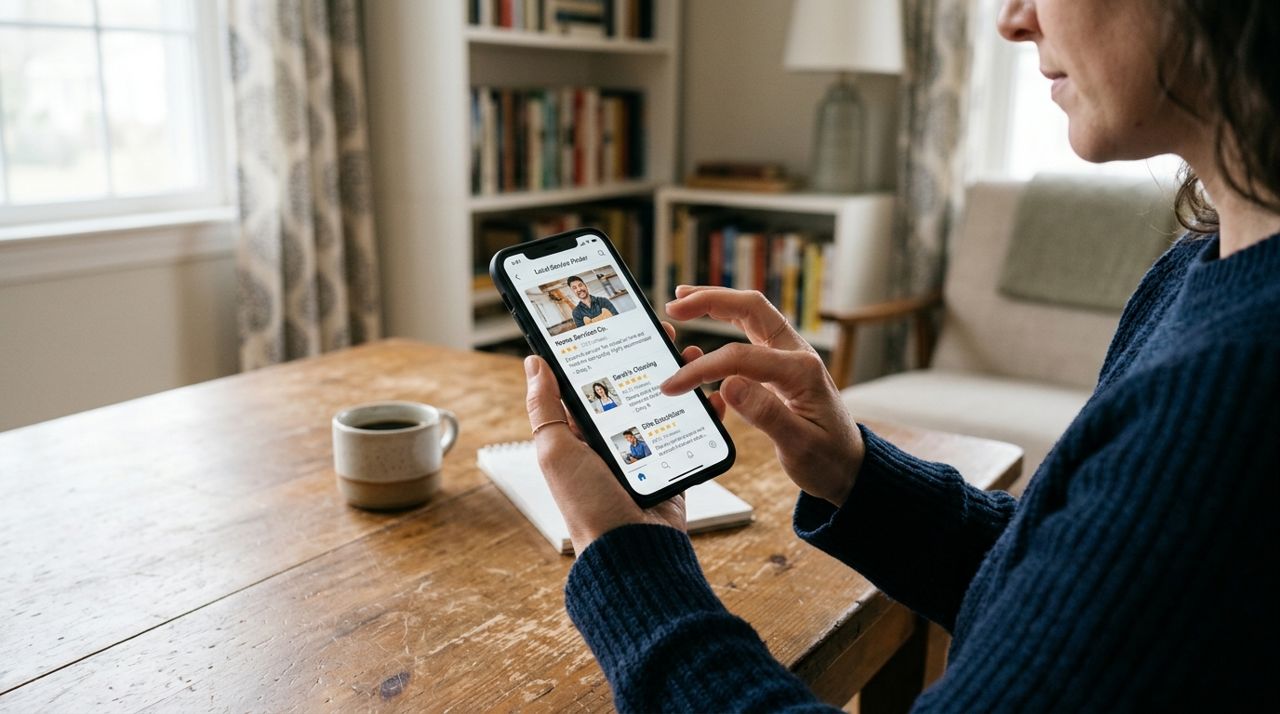
Hand holding smartphone browsing service provider profiles and reviews on mobile app You can search online directories, ask neighbors for recommendations, or use an app that connects you directly with vetted local pros. Lumo lets you book tech help the same way you'd order food: open the app, pick 'Tech Help' from the services menu, describe the job, and see responses from nearby technicians with ratings, hourly rates, and availability.
Look for someone with recent reviews, a clear rate structure, and experience with the specific devices or brands you own. If you're setting up a Google Nest system, a pro who lists Google setup experience is a better bet than a generalist. Most techs charge $50–$80/hour in smaller cities, $80–$150/hour in metro areas, plus any parts. Ask whether they charge a trip fee or diagnostic fee upfront.
- 03
Step 3: Message to Confirm Details and Get a Quote
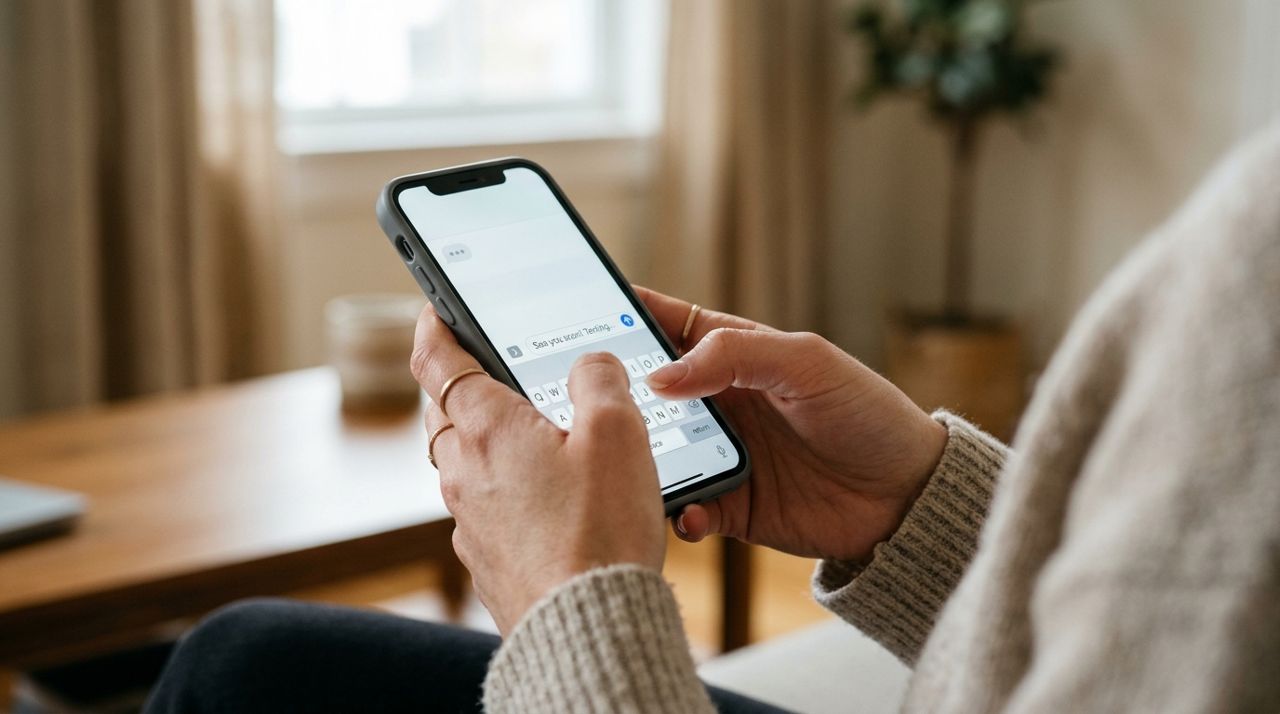
Close-up of hands typing a text message on a smartphone screen Once you find someone promising, send a quick message with your list and ask three things: estimated time, total cost including any service call fee, and whether they can bring equipment if needed. Most pros will give you a time range—'This should take 1–2 hours'—and confirm their rate.
In-app messaging (available in Lumo) keeps the whole conversation in one place and time-stamped, which is handy if there's any confusion later. Ask if they need anything from you—Wi-Fi password, ladder access, specific device login credentials—so you're ready when they arrive. If your router is in a weird closet or the attic, mention it; access affects time and cost.
- 04
Step 4: Prepare Your Space Before the Appointment
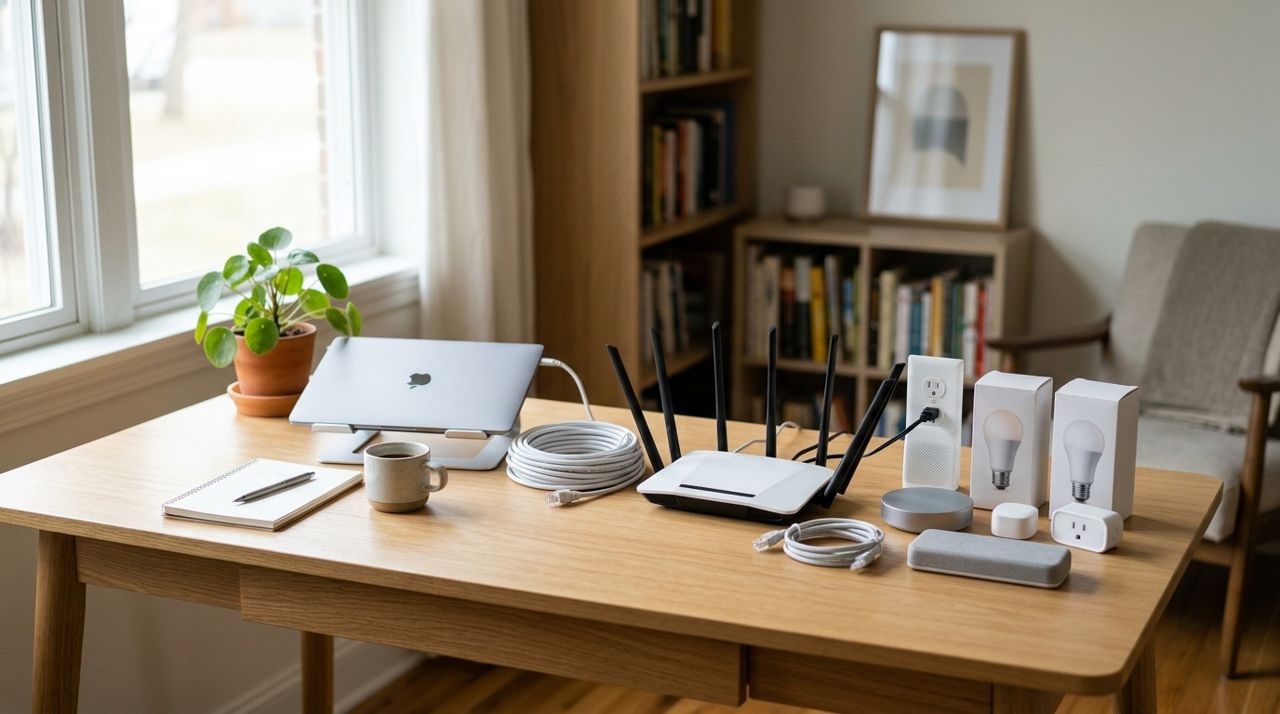
Clean organized home office desk with router and smart home devices ready for setup The day of the visit, make sure the tech can get to every device and the router without moving furniture or digging through boxes. Unbox any new equipment but don't throw away packaging until everything works. Have your internet account login handy (often on your ISP bill) and any app logins for smart devices.
If you have kids or pets, keep them clear of the work area—nobody wants a toddler unplugging the router mid-setup. Point out where you want cameras mounted or speakers placed. The clearer your preferences, the less back-and-forth. If you're unsure about placement, ask the tech; they'll know where Wi-Fi signal is strongest or where a camera gets the best angle.
- 05
Step 5: Walk Through the Setup and Ask Questions
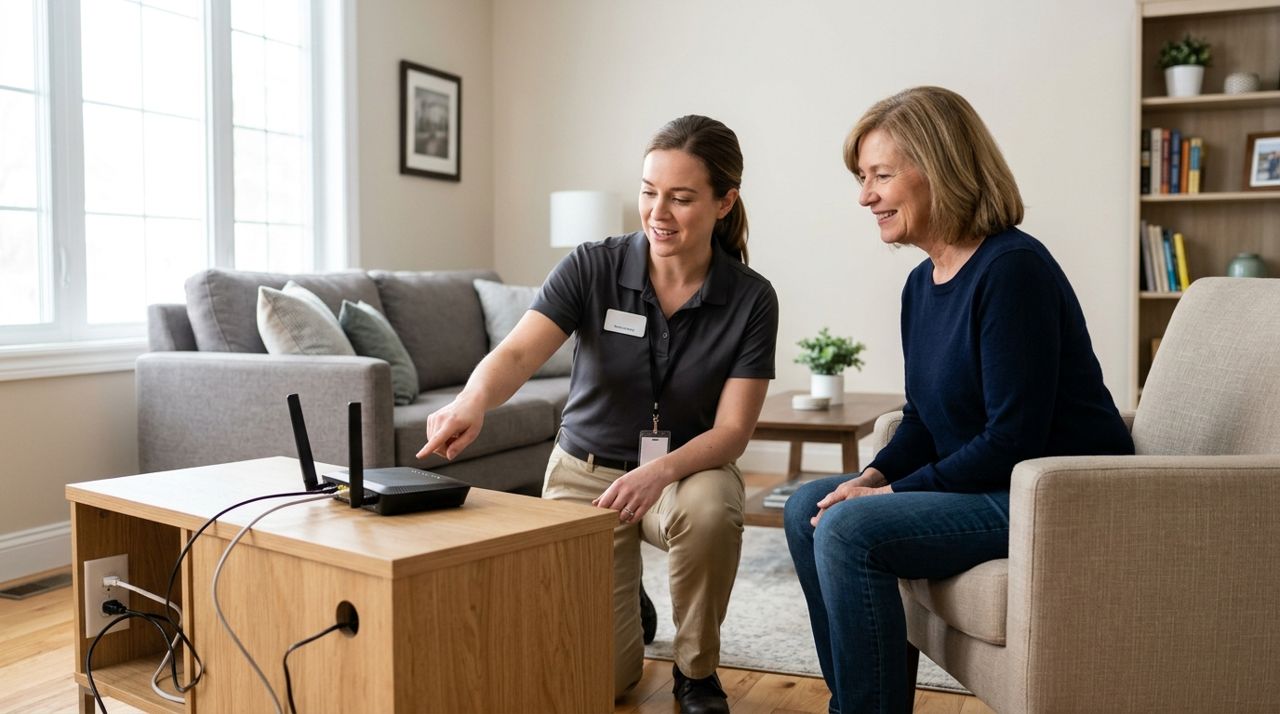
Technician pointing at router and explaining setup to homeowner in living room Stay nearby while the tech works, especially during the initial configuration. They'll connect devices, test signal strength, create network names and passwords, and install apps on your phone if needed. This is your chance to ask how everything works: how to add a new device, restart the router, check camera footage, or adjust the thermostat schedule.
Good techs will explain as they go, but if they don't volunteer info, speak up. Ask for written network passwords and any new account logins. If they recommend a firmware update or security setting, ask why—it's your network, and you should understand the changes. When they're done, test each device yourself: open the camera app, play music through the speaker, check Wi-Fi speed on your phone.
- 06
Step 6: Test Everything Before They Leave
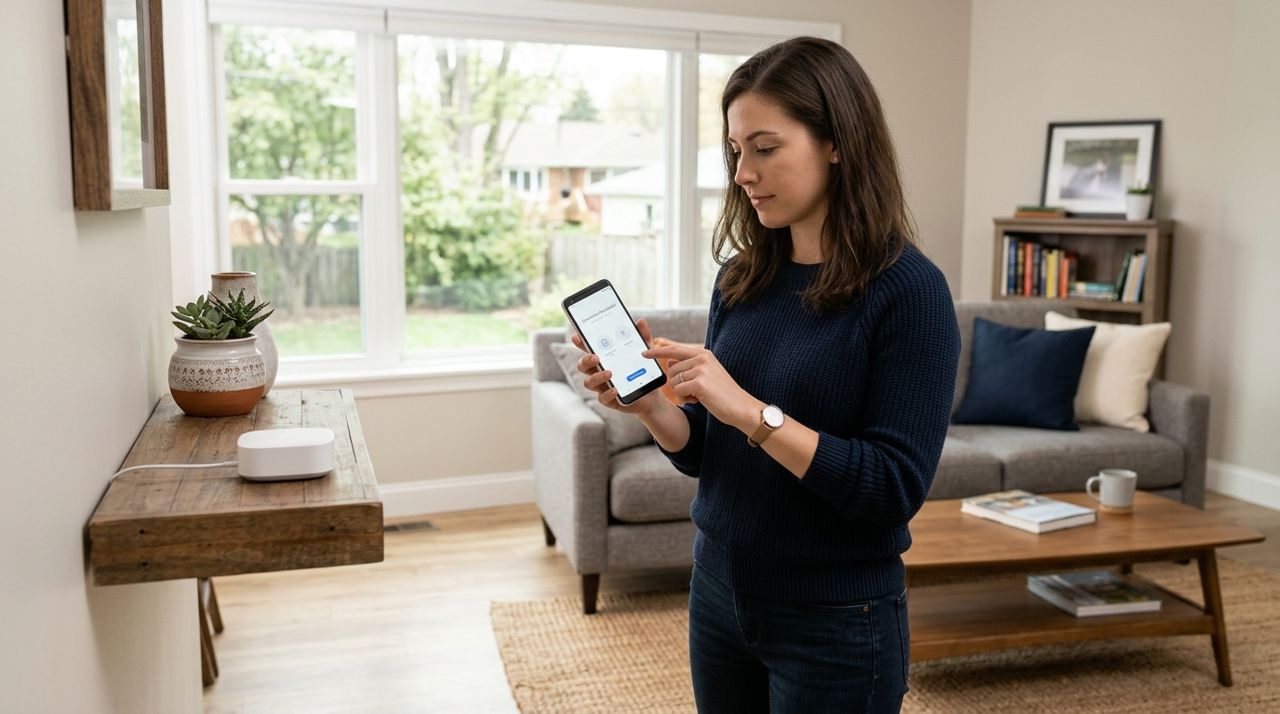
Person holding smartphone testing smart home device connection in modern living room Before you pay, verify every device does what you hired them for. Connect your phone and laptop to the new Wi-Fi. Open each smart-home app and confirm devices respond. Walk to the farthest room and check signal strength. Ring the smart doorbell and make sure the notification pops up on your phone.
If something doesn't work, say so immediately. Most pros will troubleshoot on the spot; if it's a device defect, they'll tell you and note it. Once you're satisfied, approve payment in the app (Lumo processes payments securely by card). You'll have the option to tip 10%, 15%, 20% or a custom amount—100% goes to the tech. After the job, you can rate and review, which helps other customers and holds pros accountable.
- 07
Step 7: Save Setup Info and Follow-Up Instructions

Person taking notes on smartphone with Wi-Fi router visible in background at home Ask the tech to write down or text you the new Wi-Fi network name and password, any new device logins, and basic troubleshooting steps ('If the camera goes offline, unplug the hub for 30 seconds'). Take photos of router lights and settings screens so you have a reference if something changes.
Most pros will answer a quick follow-up question for free within a day or two, but if you need another visit, expect to pay again. Keep the tech's contact info or the Lumo booking thread so you can rehire them for future upgrades or issues. If something stops working a week later, check your notes and try the basic reset steps before calling—it's often a quick fix.
Pro tips
- Bundle jobs to save money: if you need Wi-Fi, camera and smart-lock setup, one visit is cheaper than three.
- Ask the tech to label cables and write the router password on a sticker somewhere safe—you'll thank yourself later.
- If your internet is slow, ask the tech to test speed at the modem before blaming the router; the problem might be your ISP plan.
- Request a quick walkthrough of your router's admin panel so you can change the password or reboot remotely if needed.
- Keep device boxes and receipts for 30 days in case something is defective and needs to be returned.
Frequently asked questions
- How long does a typical home Wi-Fi and smart-device setup take?
- Most jobs take 1–2 hours for a router, mesh network and 3–5 devices. Complex setups with whole-home camera systems or advanced network configs can run 3–4 hours. Ask for an estimate when you describe the job.
- Do I need to buy equipment before hiring a tech, or can they bring it?
- You can do either. If you buy your own router or devices, have them unboxed and ready. Many techs can purchase and bring equipment for you, but they'll add the retail cost plus a markup to the bill, so buying in advance is usually cheaper.
- What if something stops working a few days after the tech leaves?
- Reach out through the same message thread or contact info. Most pros will answer a quick troubleshooting question for free. If it requires another visit, expect to pay, unless they guarantee their work for a certain period—ask about that upfront.
Hiring a local tech pro for Wi-Fi and smart-home setup turns a frustrating afternoon into a smooth one-hour appointment. You get expert advice, everything works the first time, and you can actually enjoy your new devices instead of Googling error codes. Whether you book through Lumo or another service, following these steps ensures you get quality help at a fair price.
Photos are illustrative. Service prices are typical ranges and vary by city. How we write our guides.
More guides like this

How to Help Your Grandparent Set Up Their New Phone and Video Calls
Setting up a new phone for a grandparent and teaching them video calls takes patience and a clear plan. This guide walks you through every step, from unboxing to the first successful FaceTime or video chat.

How Food Delivery Works: From Browsing Menus to Getting Dinner
Ordering dinner for delivery is simple once you know the process. This guide walks through every step from browsing restaurants to getting your meal at the door.

How to Order Lunch for Your Office Team Without the Chaos
Ordering lunch for eight coworkers shouldn't feel like herding cats. Here's how to coordinate a group order, keep everyone happy, and get food delivered on time without juggling twenty phone calls.