
How to Get Groceries Delivered When You're Sick at Home
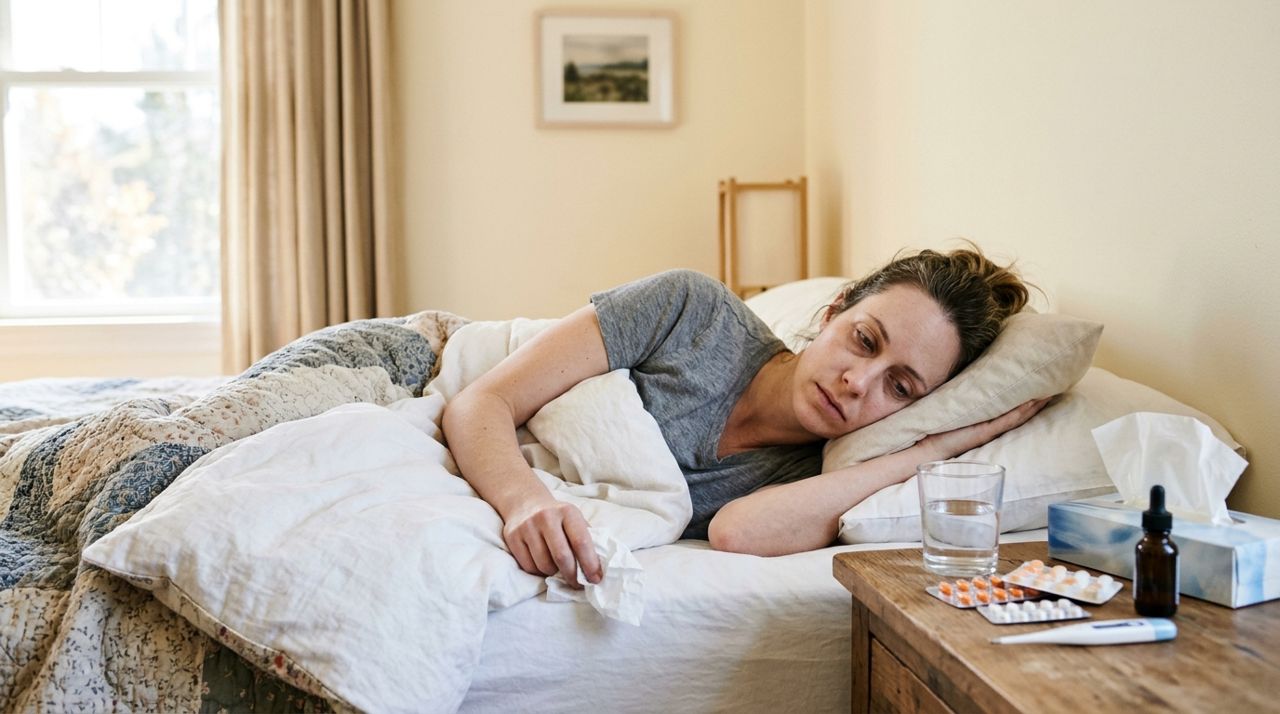
When you're sick, the last thing you want to do is drag yourself to the grocery store. But running out of tissues, cough drops, throat lozenges, crackers, or orange juice when you're already miserable makes everything worse. Whether you live alone or your whole household is down with the flu, getting essentials delivered can make recovery a lot easier.
This guide walks you through ordering groceries for delivery when you're sick—from building a practical sick-day list to getting everything safely to your door. You'll learn what to order, how payments work, typical delivery fees and times, and how to make the process as smooth as possible when you're not feeling your best.
- 01
Step 1: Open the app and find local stores or sellers
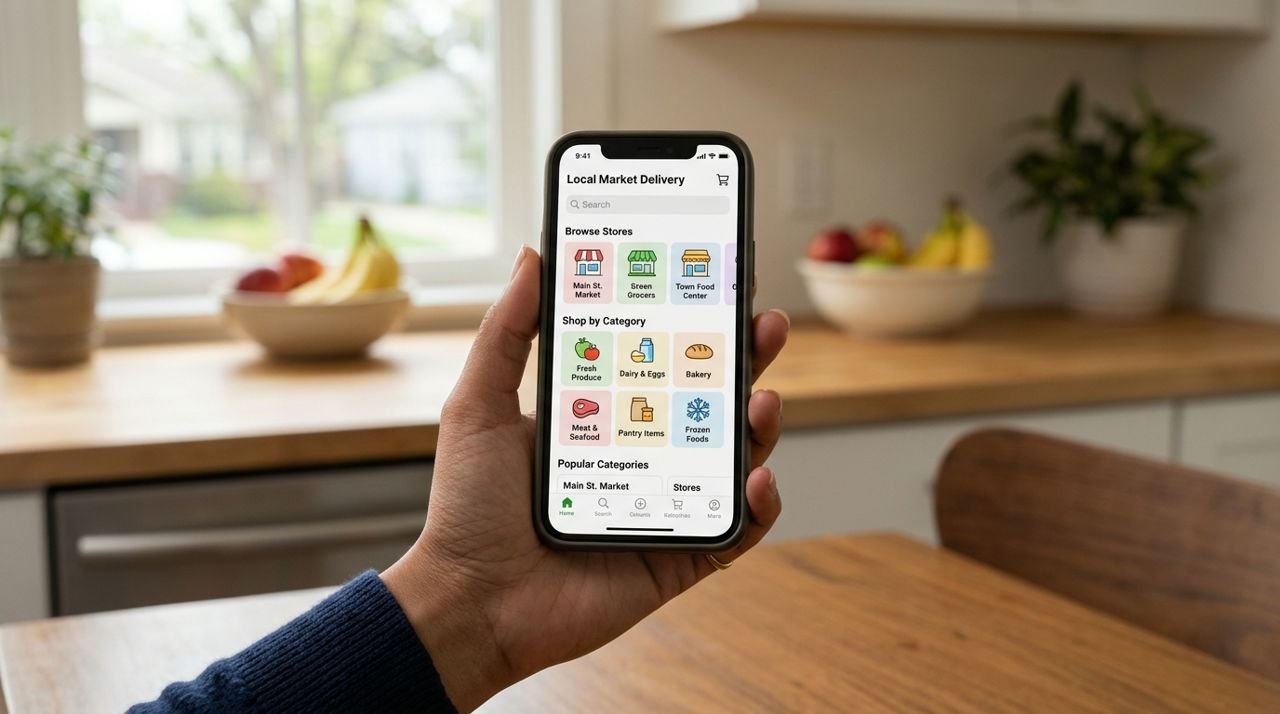
Hand holding smartphone displaying grocery delivery app with product categories and local stores Download the grocery delivery app on your phone or visit the website from your laptop or tablet. Many apps let you browse local grocery stores, pharmacies, convenience stores, and individual sellers who stock household essentials. Look for stores that carry what you need—cold medicine, tissues, soup, crackers, juice, tea, honey, and any other comfort items.
Some platforms like Lumo let you order from local shops and personal sellers in one app. You can filter by pickup or delivery, browse different stores' inventories, and compare prices without creating multiple accounts. Check each store's delivery area to make sure they serve your address, and look at estimated delivery times so you know when to expect your order.
- 02
Step 2: Build your sick-day essentials list
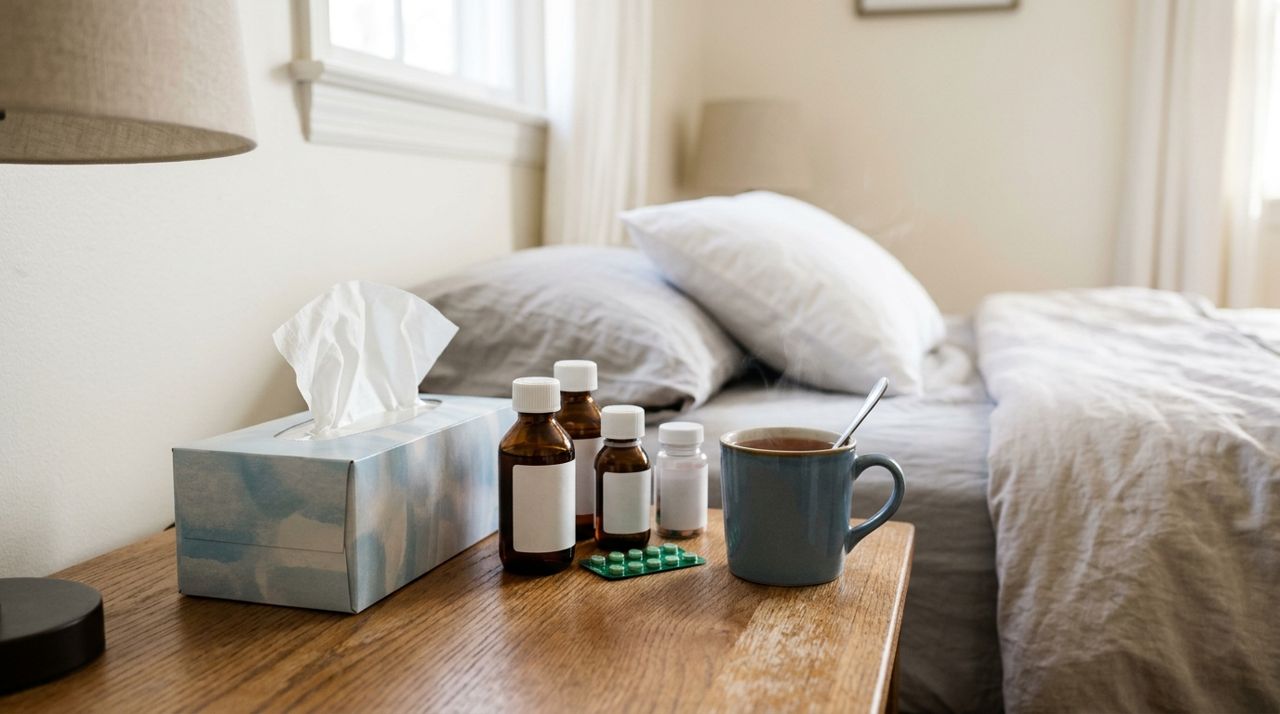
Box of tissues next to cold medicine bottles and mug of tea on bedside table Think through what you'll need for the next few days. Focus on items that will help you recover and stay comfortable without requiring another order soon. A practical sick-day list usually includes:
- Cold and flu medicine (pain relievers, decongestants, cough syrup)
- Tissues, hand sanitizer, disinfecting wipes
- Easy-to-eat foods: crackers, applesauce, bananas, toast, rice
- Hydration: water bottles, electrolyte drinks, herbal tea, honey, lemon
- Comfort items: chicken soup, ginger ale, popsicles
- Household basics you're running low on: toilet paper, paper towels, dish soap
Add everything to your cart as you browse. Most apps show stock availability in real time, so you'll know immediately if something isn't available and can find a substitute.
- 03
Step 3: Review your cart and choose delivery
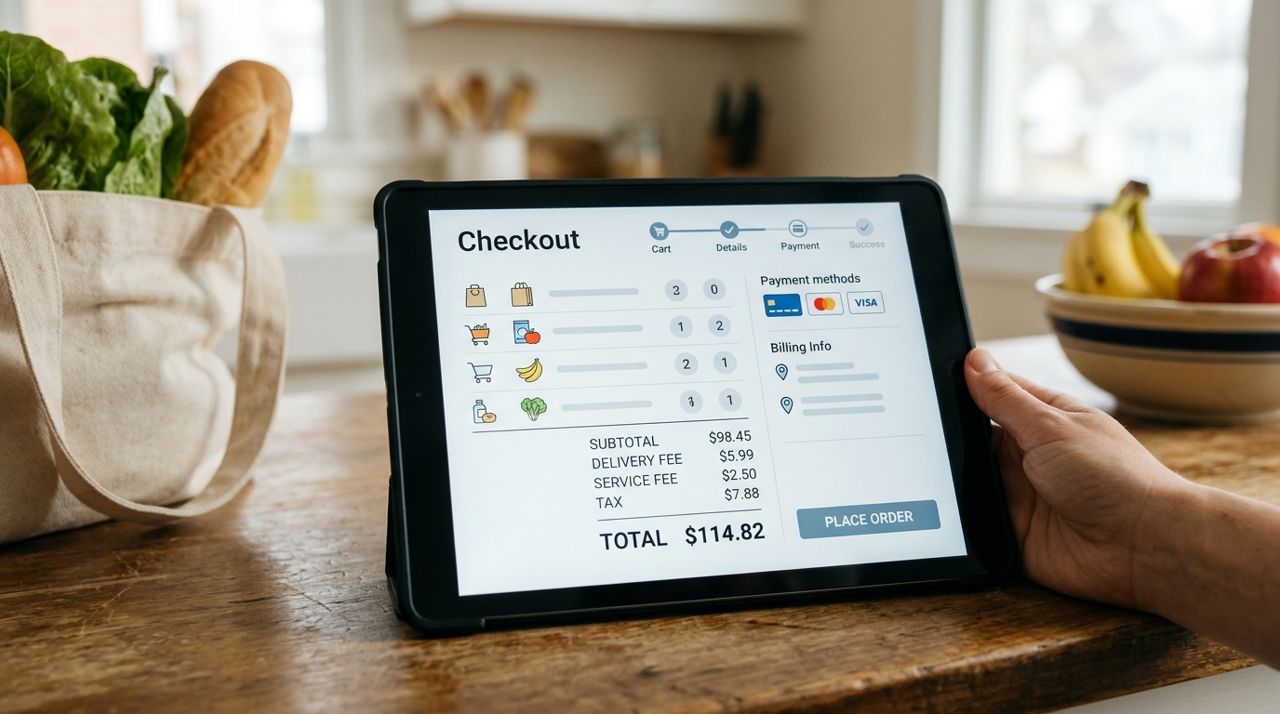
Close-up of delivery checkout screen showing itemized cart, delivery fee, and total cost Once your cart is complete, review the items and quantities. Double-check that you haven't forgotten anything critical—it's frustrating to place an order and realize ten minutes later you forgot tissues or cough drops.
Choose delivery instead of pickup. The app will calculate the delivery fee based on distance from the store to your home and the size of your order. Typical delivery fees range from $3 to $10 depending on your city and how far the driver has to travel. Some stores offer free delivery over a certain order amount, like $35 or $50. You'll see the exact fee before you check out, so there are no surprises. If the fee seems high, consider adding a few more items to reach a free-delivery threshold if one exists.
- 04
Step 4: Enter your address and delivery instructions
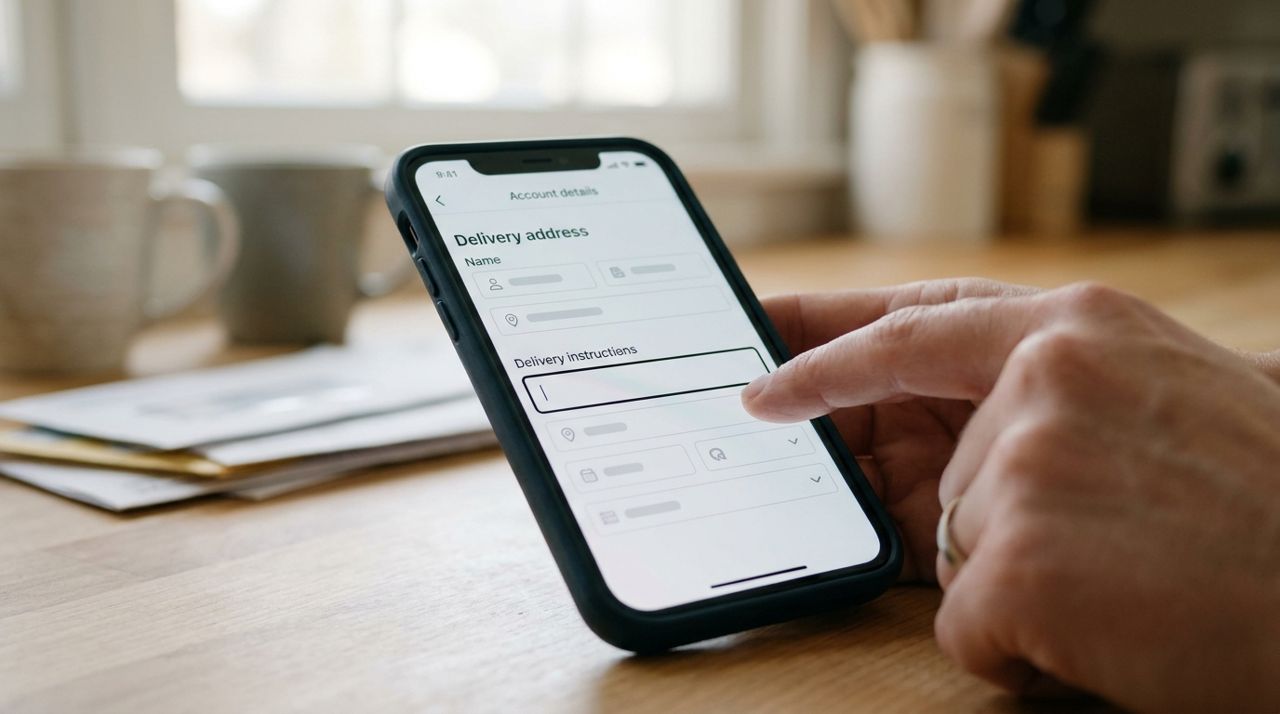
Smartphone screen showing delivery address form with special instructions text field highlighted Enter your full delivery address, including apartment number if applicable. In the delivery instructions field, add any details that will help the driver find you and drop off your order safely. For example: "Apartment 3B, second floor, ring doorbell and leave bag at the door" or "Gray house with red mailbox, please leave on front porch."
If you're contagious and want to minimize contact, specify contactless delivery. The driver will leave your groceries at your door, knock or text you, and step back. This is standard practice now and drivers are used to it. You can also request that they text when they arrive instead of ringing the doorbell if you're trying to rest.
- 05
Step 5: Pay securely and confirm your order
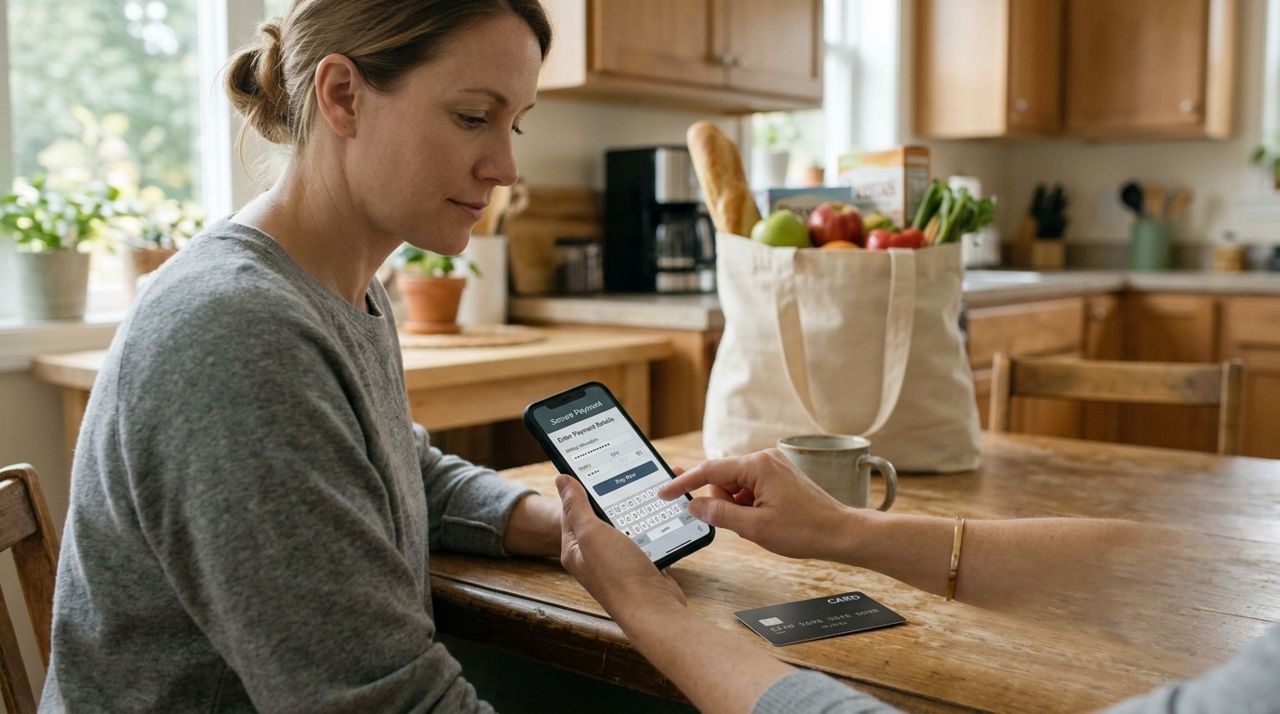
Person entering credit card information on phone for secure online grocery payment Payment happens in the app using a debit or credit card. Enter your card details once and most apps will save them securely for future orders. You'll see a full breakdown: item total, delivery fee, taxes, and an optional tip for the driver.
Tipping is expected for delivery—drivers rely on tips as part of their income. Standard tips are 10%, 15%, or 20% of your order total, though you can add a custom amount if you want to tip more (or less). On an app like Lumo, 100% of your tip goes directly to the driver. Once you confirm the order, you'll get an instant notification and the store or seller will start preparing your items. You'll typically receive an estimated delivery window, such as 30–60 minutes or a specific time range.
- 06
Step 6: Track your delivery and stay in touch
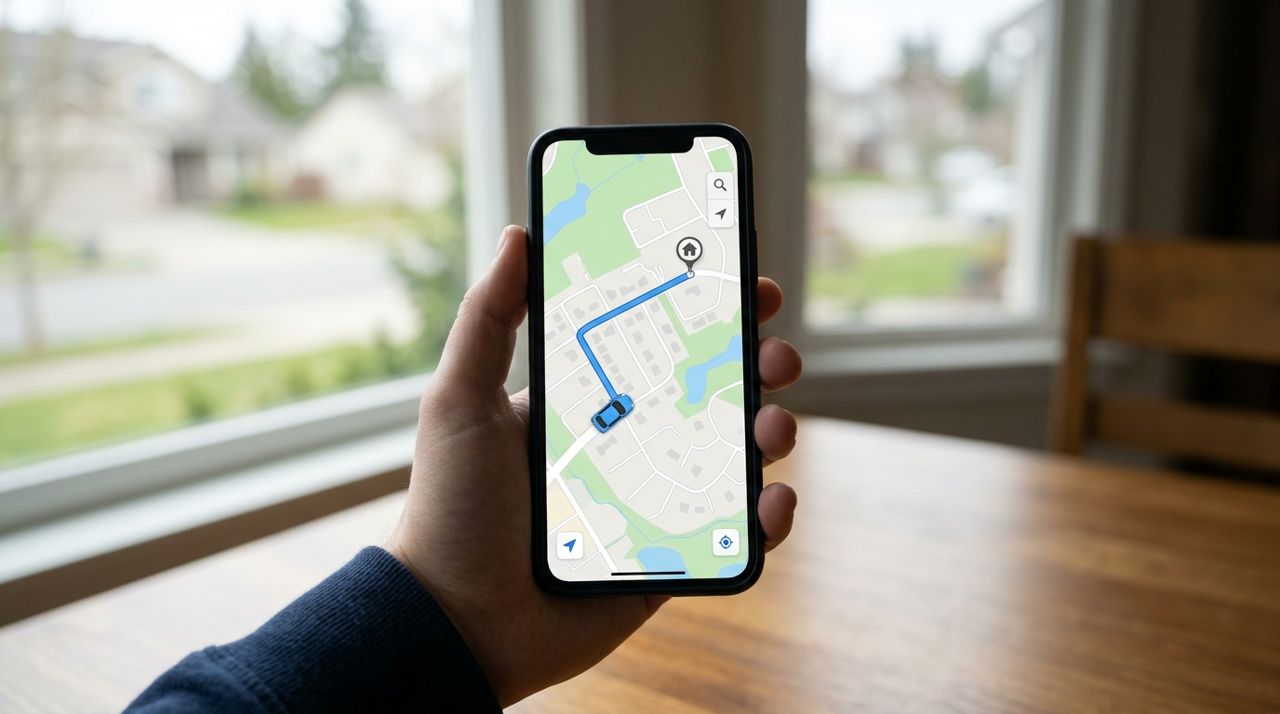
Mobile phone screen displaying live map with delivery driver location moving toward customer home Most apps let you track your driver in real time once they pick up your order. You'll see their location on a map and get updates when they're close. This is especially helpful when you're sick—you can stay in bed until the delivery is almost there, then meet them at the door or wait for the drop-off.
If you need to communicate with the driver or the store, use the in-app messaging feature. For example, if you realize you need them to ring the doorbell instead of knocking, or if you have a question about a substitution, send a quick message. When the driver arrives, they'll typically knock, ring the bell, or send a text. Many drivers also take a photo of the drop-off to confirm delivery. Grab your groceries, sanitize your hands, and get back to resting.
- 07
Step 7: Rate your experience and rest up
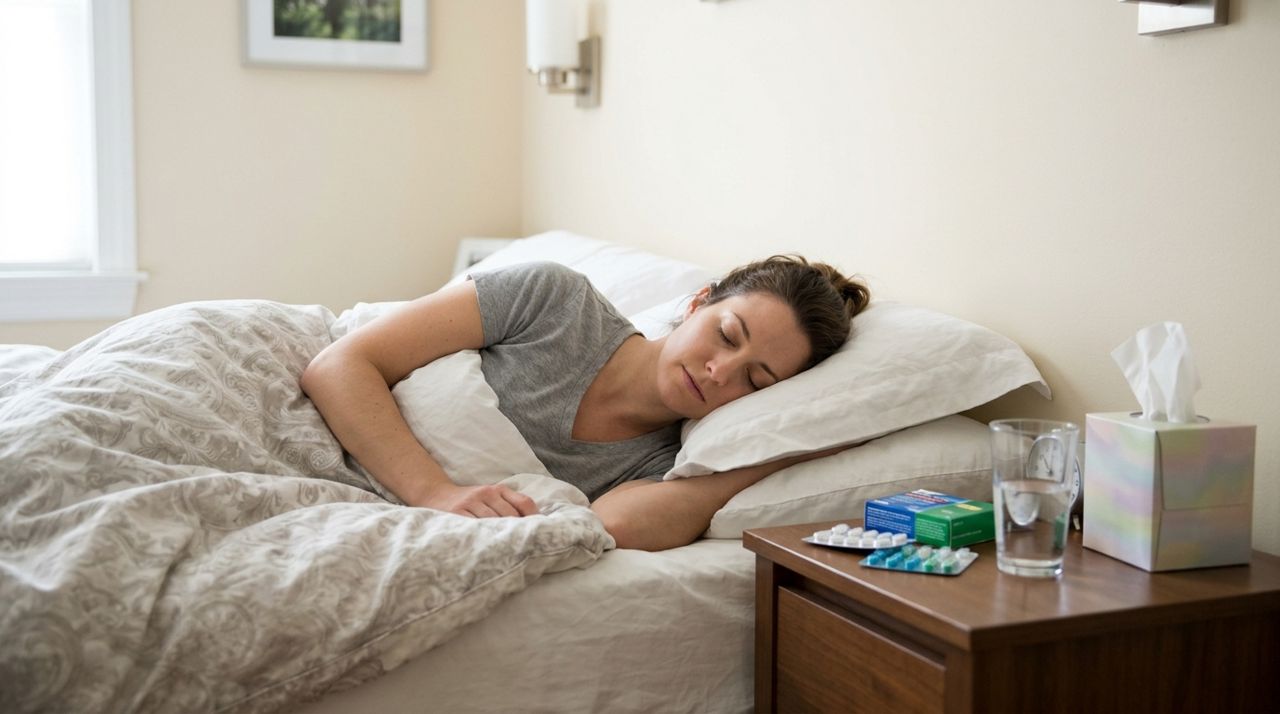
Person resting comfortably in bed with medicine, water, and tissues on nightstand nearby After delivery, the app will ask you to rate the experience and leave a review. This helps other customers know what to expect and gives feedback to the driver and store. If everything went smoothly, a good rating and a brief compliment go a long way. If something was wrong—missing items, long delay, damaged goods—mention it honestly so the issue can be addressed.
Now that you have everything you need, focus on getting better. Stay hydrated, rest, take your medicine as directed, and don't hesitate to place another order if you run out of something or need a different item. The whole point of delivery is to let you recover without adding the stress of a store trip.
Pro tips
- Order early in the day if possible—delivery windows are shorter and stores are better stocked in the morning.
- Keep a screenshot or note of items you needed this time so you can reorder quickly if you get sick again.
- Stock your pantry with a few shelf-stable essentials (crackers, soup, tea) before cold and flu season hits so you have less to order when you're ill.
- If you're contagious, wipe down grocery bags and packaging with disinfecting wipes before bringing them into your living space.
- Set up your payment method and delivery address in the app while you're healthy so you're ready to order with just a few taps next time.
Frequently asked questions
- How much does grocery delivery cost when I'm sick?
- Delivery fees typically range from $3 to $10 depending on your city, the distance from the store to your home, and the size of your order. Some stores waive the fee for orders over $35 or $50. You'll see the exact fee before you pay, so you can decide if it's worth it or if you want to add more items to qualify for free delivery.
- Can I get medicine delivered the same day?
- Yes, many grocery and pharmacy delivery services offer same-day delivery for over-the-counter cold and flu medicine. Delivery times usually range from 30 minutes to a few hours depending on how busy the service is and how far you are from the store. Check the estimated delivery window before you order so you know when to expect your medicine.
- What if I'm too sick to answer the door?
- Request contactless delivery in your delivery instructions. The driver will leave your groceries at your door, knock or send a text, and step away. You can wait a minute, then open the door and bring everything inside without any face-to-face interaction.
Getting groceries delivered when you're sick is straightforward once you know the steps. With a little planning, you can have everything you need—medicine, tissues, soup, and comfort foods—at your door in an hour or two. Focus on recovery, stay hydrated, and let delivery services handle the rest. If you're looking for an easy way to order from local stores and sellers in one app, check out Lumo for quick, reliable delivery.
Photos are illustrative. Service prices are typical ranges and vary by city. How we write our guides.
More guides like this
How to Get Groceries Delivered From Your Neighborhood Market
Need milk, eggs, and fresh produce without leaving home? This guide shows you exactly how to order groceries from local markets and get them delivered in under an hour.
How Food Delivery Works: From Browsing Menus to Getting Dinner
Ordering dinner for delivery is simple once you know the process. This guide walks through every step from browsing restaurants to getting your meal at the door.

How to Order Lunch for Your Office Team Without the Chaos
Ordering lunch for eight coworkers shouldn't feel like herding cats. Here's how to coordinate a group order, keep everyone happy, and get food delivered on time without juggling twenty phone calls.