
How to Handle a Dinner Rush: Managing High-Volume Orders Smoothly
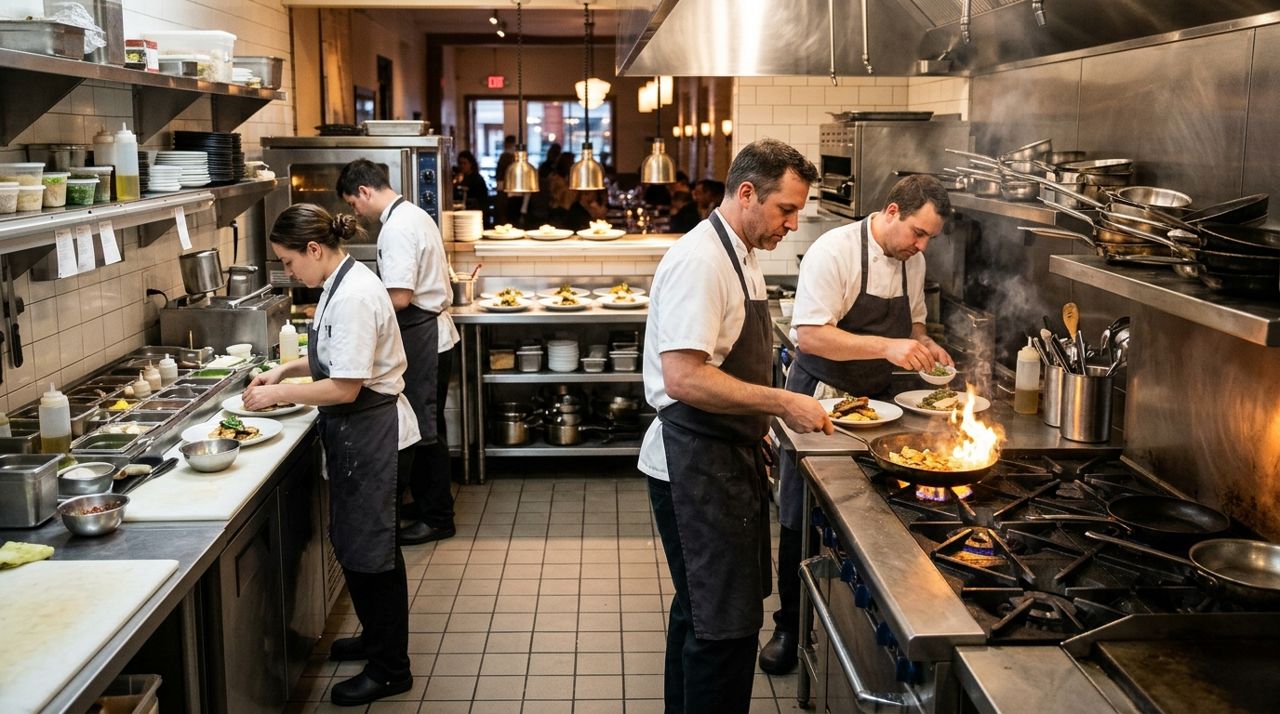
Between 6 and 8 PM, orders hit all at once. The printer spits out tickets faster than you can read them, the kitchen is shouting for clarification, and customers are texting about pickup times. One misstep – a cold burger, a 40-minute wait when you promised 20 – and you've lost a customer for good.
The restaurants that thrive during dinner rush don't have bigger kitchens or more staff. They have systems. This guide walks through the exact setup and habits that let you handle 30, 40, or 50 orders in two hours without the chaos. You'll learn prep work that matters, how to sequence orders so nothing sits, and when to pause new orders before quality drops.
- 01
Step 1: Set realistic prep times before the rush starts
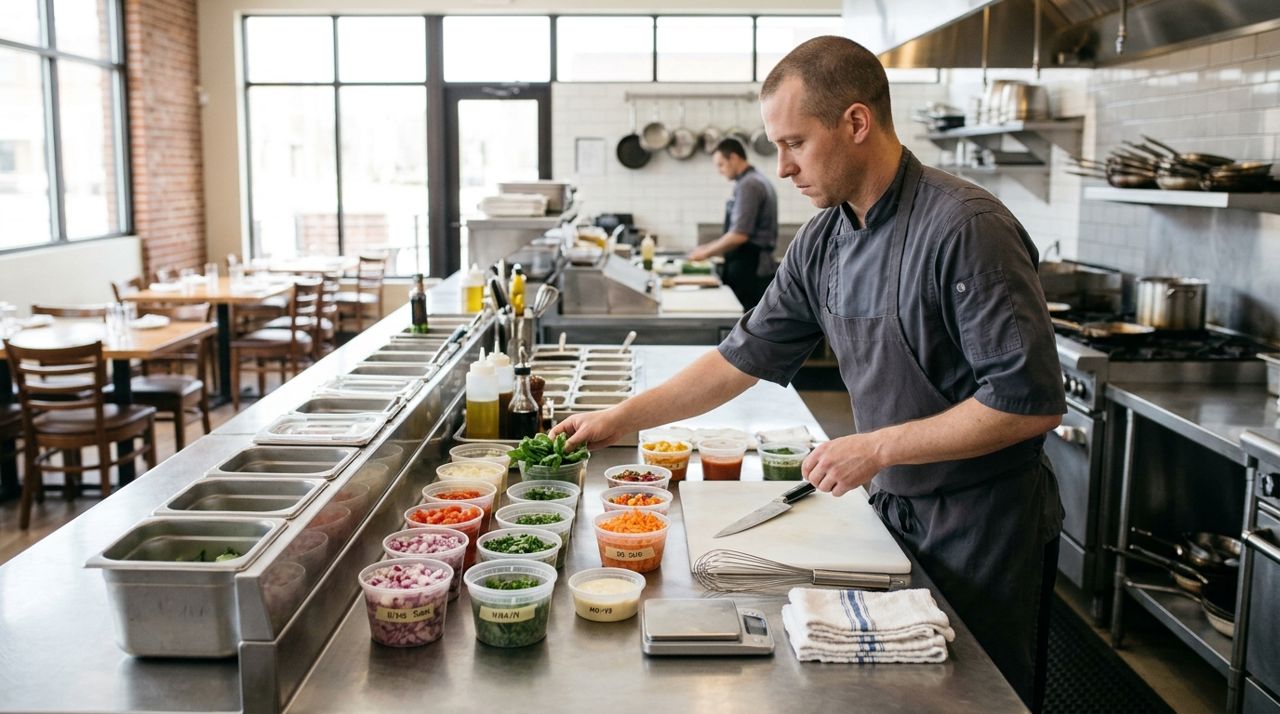
Restaurant chef organizing ingredients and containers at prep station before dinner service Log into your shop dashboard at golumo.app (or open the Seller mode in the Lumo app) and check your menu. Each item should have a prep time that reflects tonight's reality – if your fryer is slow or you're short a line cook, add five minutes. Customers see this estimate at checkout, and the app adds a buffer, but starting honest keeps you from drowning.
Between 4 and 5 PM, prep your stations: portioned proteins, sliced vegetables, sauces in squirt bottles, bags and boxes stacked within arm's reach. Write the evening's 86 list on a whiteboard where everyone can see it. If you're out of something, remove it from your Lumo shop or mark it out of stock so new orders don't include it. Nothing kills momentum like discovering mid-rush that you're out of chicken.
- 02
Step 2: Assign one person to manage incoming orders
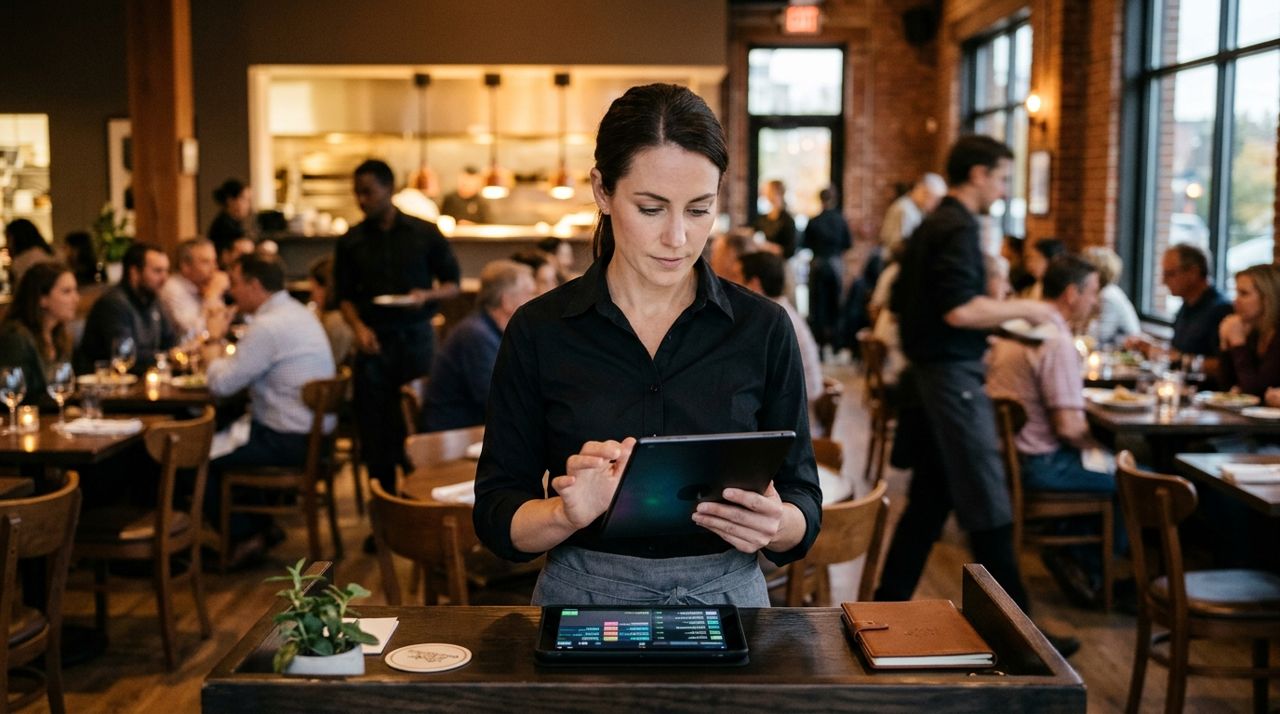
Restaurant manager reviewing digital orders on tablet during busy dinner service When the first wave hits, designate someone – manager, owner, or a calm front-of-house staffer – as the order captain. Their job is to monitor the tablet or phone for new Lumo orders, call out ticket times to the kitchen, and update prep times if things slow down. They also handle the in-app messages: a customer asking to swap a side, someone arriving early, a driver asking for the door code.
The order captain doesn't cook. They watch the screen, the clock, and the rail. If orders are coming every two minutes and your kitchen can handle one every four, the captain pauses new orders in the app (you can toggle your shop on or off in Settings) until you catch up. Better to stop taking orders for 15 minutes than to blow past your promised times and rack up complaints.
- 03
Step 3: Batch orders by pickup time, not arrival time
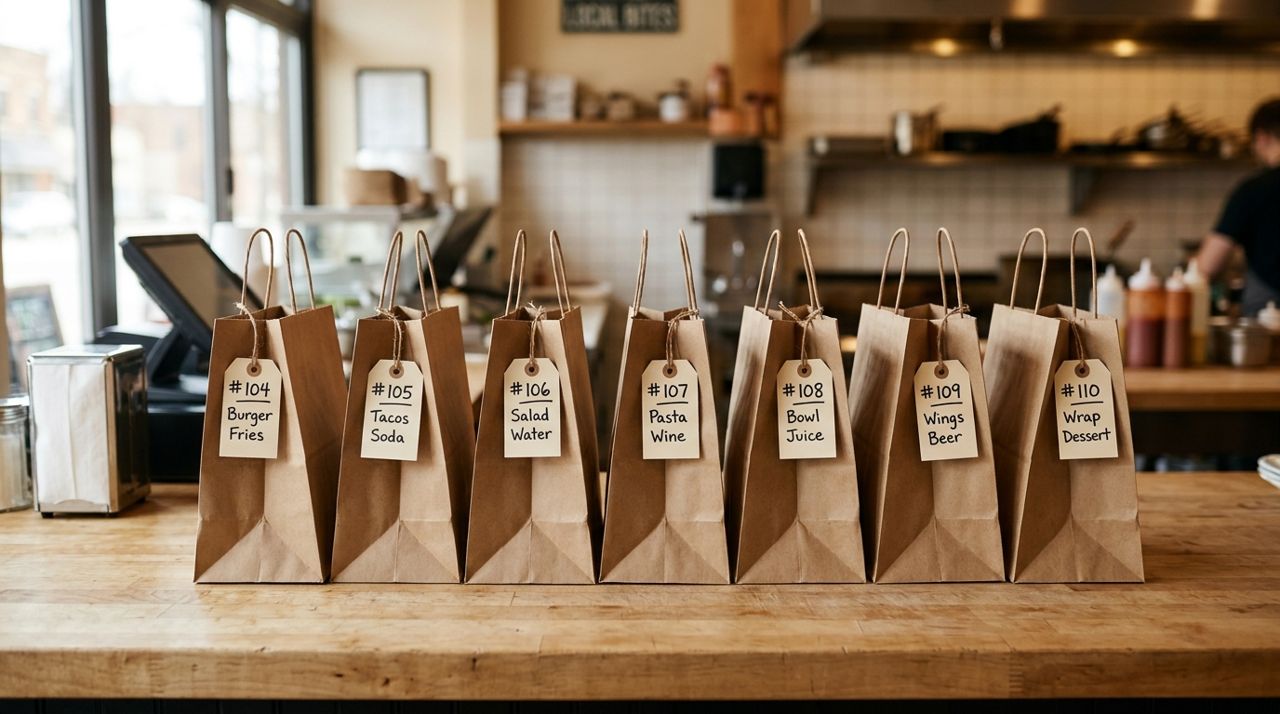
Row of labeled takeout bags organized on restaurant counter ready for pickup Print or display tickets in pickup-time order, not the sequence they arrived. If three orders are due at 6:40 and two at 6:50, start the 6:40 batch first even if a 6:50 order came in earlier. Use a marker or colored stickers to group tickets by ten-minute windows: everything from 6:30 to 6:40 gets a blue dot, 6:40 to 6:50 gets red.
This prevents the mistake of finishing orders too early – food sitting under a heat lamp for 20 minutes tastes worse than food that comes out right on time. It also keeps your counter clear; you're not juggling 15 bags when only three customers are walking in. When a pickup customer or delivery driver arrives, the app sends you an alert and they can message in-app if they can't find you.
- 04
Step 4: Use a runner to stage completed orders
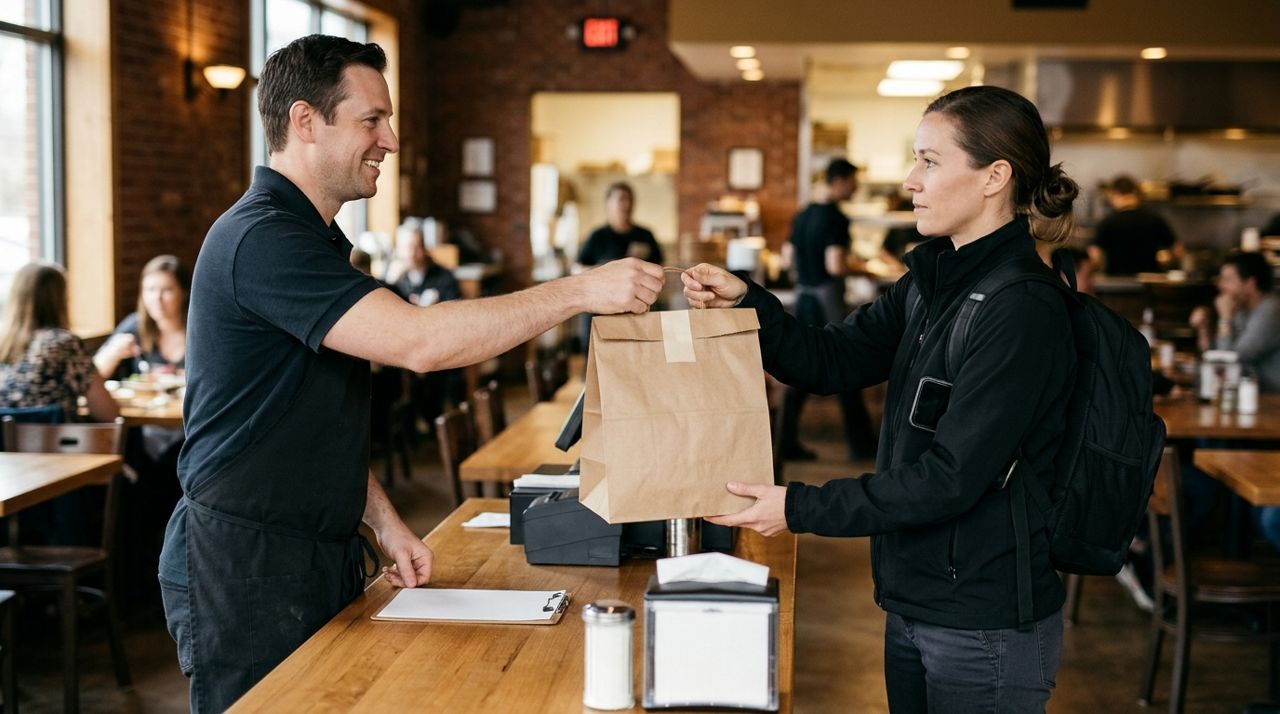
Restaurant employee handing sealed takeout bag to delivery driver at pickup counter Once a meal is plated or bagged, it goes to a staging shelf – not the counter where customers wait. Label each bag clearly: order name (from the Lumo ticket), pickup time, and any special notes ('extra napkins', 'utensils', 'nut allergy'). For delivery orders, the driver's name appears on the ticket; write it on the bag so your front staff can hand off fast.
The runner's only job during peak is moving finished orders from the kitchen to staging and from staging to customers or drivers. If you don't have a dedicated runner, rotate a prep cook or dishwasher into the role for the rush. This frees your order captain to focus on timing and your kitchen to focus on cooking. When the driver arrives and opens the app, they'll take a photo of the bag at pickup (Lumo requires this), so make sure everything is sealed and labeled.
- 05
Step 5: Communicate delays immediately
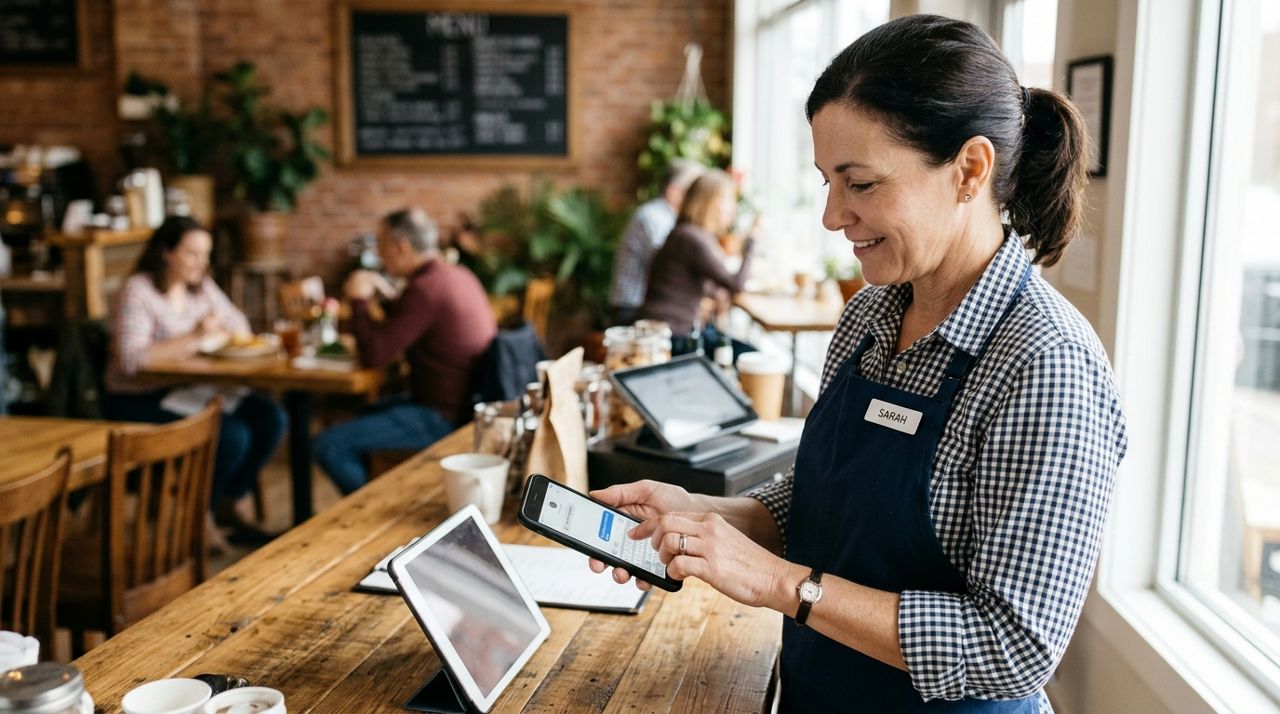
Restaurant owner typing message on smartphone to communicate with customer about order If you realize an order will be more than five minutes late, message the customer through the Lumo app right away. Tap the order, hit the message button, and type something simple: 'Running 10 minutes behind due to volume – your food will be fresh and hot, thanks for your patience.' Most customers are fine with a delay if you tell them; they're furious if they show up and wait without warning.
For delivery orders, the customer can already track the driver on a map once pickup happens, so they'll know if things are slow on your end. If you're swamped and need to stop taking orders, pause your shop in the app. You can unpause when you've cleared half the board. The 5% service fee Lumo charges only applies to completed sales, so there's no penalty for pausing – it's built in as a relief valve.
- 06
Step 6: Check quality before every bag leaves
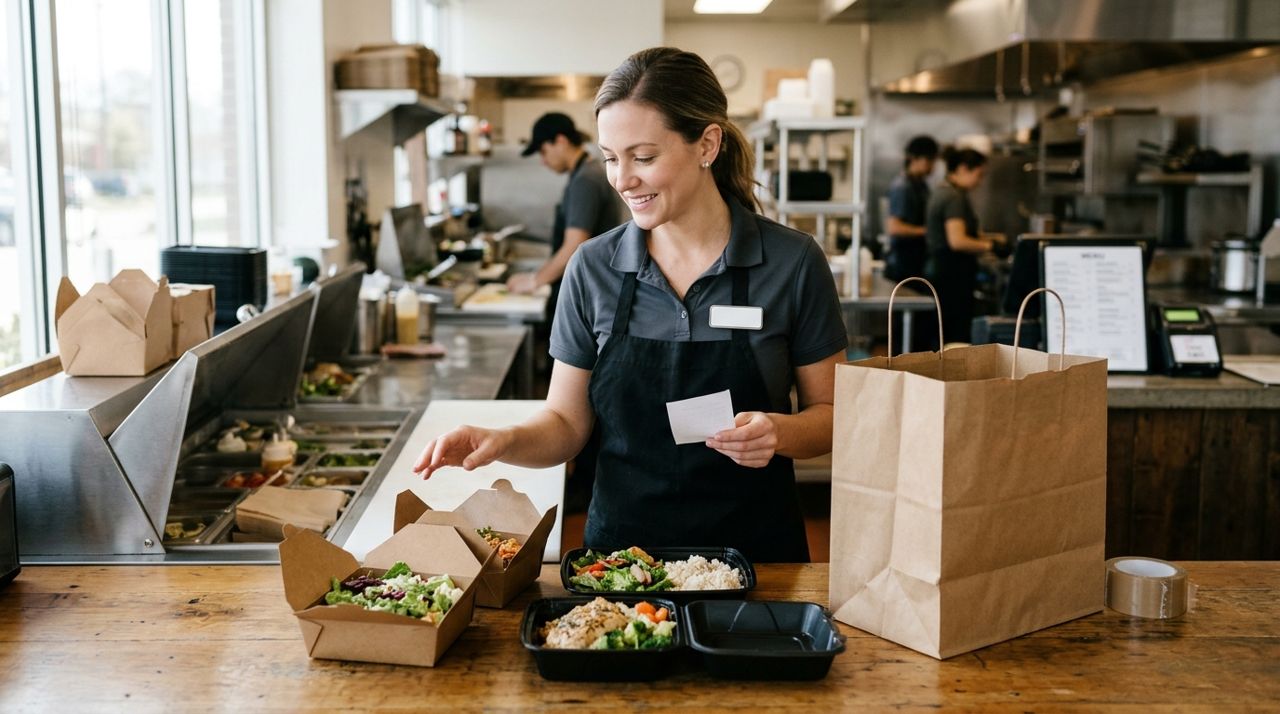
Restaurant staff member inspecting takeout containers before sealing bag for customer Right before a bag goes out, open it. Check that the order matches the ticket: right entrées, correct sides, no missing items. Feel the container – is it still hot? If something sat too long, remake it. This takes 15 seconds and prevents the dreaded 'wrong order' message an hour later.
After delivery or pickup, customers rate the order in the app. A string of four-star reviews because food arrived cold or incomplete will hurt your shop's visibility. Lumo shows ratings and reviews on your storefront, and customers sort by rating when they're deciding where to order. One bad rush can cost you a week of new orders. If you do get a low rating, respond to the review politely and fix the issue – most customers appreciate the follow-up and some will revise their rating.
- 07
Step 7: Debrief after the rush ends
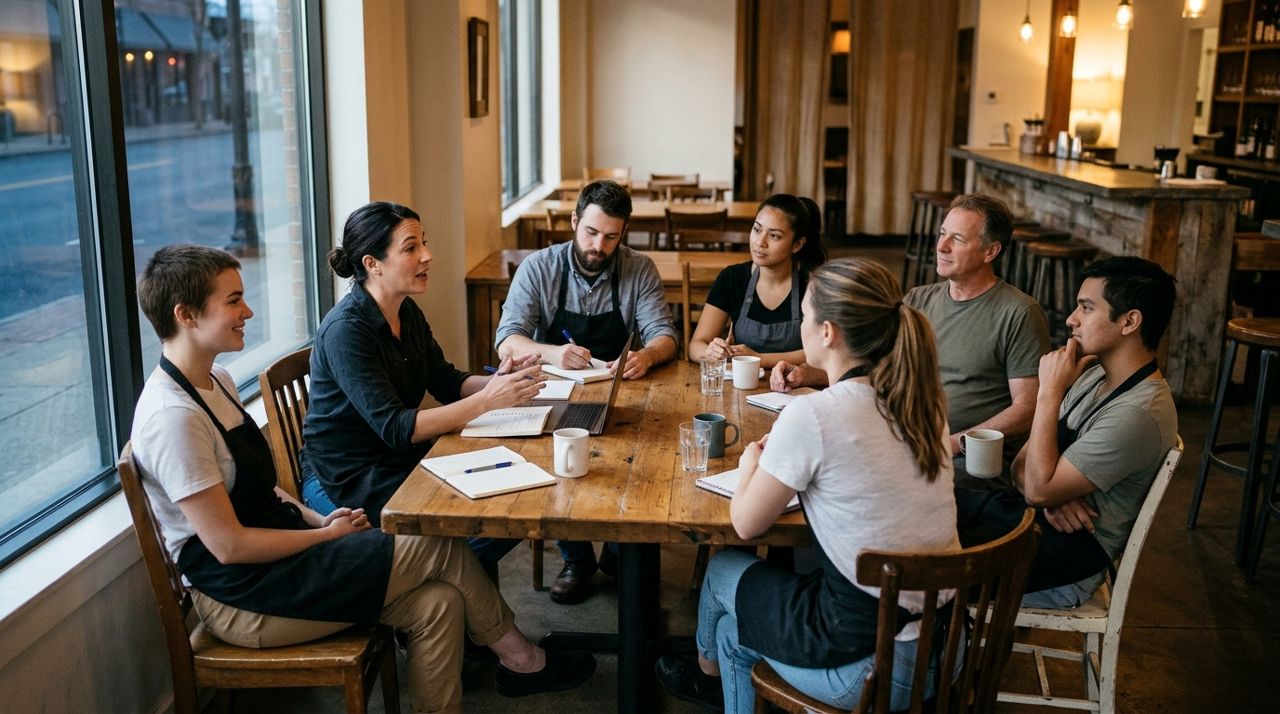
Small restaurant staff gathered together discussing operations after busy dinner service Once the last order goes out, gather your team for five minutes. What backed up? Which menu items took longer than expected? Did you run out of anything you didn't anticipate? Write down two or three changes for tomorrow: 'Prep double the sauce,' 'Add five minutes to burger cook time,' 'Move the bagging station closer to the fryer.'
Check your Lumo earnings in the app's wallet – you'll see each completed order and the 5% service fee deducted. If you did $800 in Lumo orders tonight, you keep $760. Tomorrow, adjust your menu prices or prep times based on tonight's reality. Restaurants that do this debrief consistently handle rushes better every week. The goal isn't perfection on day one; it's a system that improves every shift.
Pro tips
- Turn off your shop for 10–15 minutes if tickets pile up past your capacity; customers can order elsewhere and you protect your rating.
- Pre-bag condiments, utensils and napkins in small bundles during slow hours so you're not hunting during the rush.
- Keep a phone charger at the order station – a dead tablet mid-rush is a nightmare.
- Set your job-alert radius and working hours in the app to control when orders come in; don't let the app wake you at midnight.
- Use the in-app messaging for quick questions, but for complex changes (big catering orders, allergy substitutions), call the customer directly.
Frequently asked questions
- What if a delivery driver is late picking up the order?
- Message the driver through the app to check their ETA. If they're more than 15 minutes late and the food is getting cold, you can remake the order when they arrive or message the customer to explain the delay. Lumo requires drivers to take a pickup photo, so there's a timestamp record if there's a dispute.
- Can I raise prices during peak hours?
- Yes. Log into your shop dashboard and edit item prices anytime. Some restaurants add a dollar to popular items from 6–8 PM to manage demand. Just remember customers can see your menu all day, so frequent changes might confuse regulars.
- How do I handle a customer complaint about a wrong or cold order?
- Respond to their review or message in the app, apologize, and offer a fix – a refund, a credit on their next order, or a remake for pickup. Lumo processes payments, but you control customer service. A fast, genuine response often turns a one-star review into a loyal customer.
The dinner rush will always be intense, but it doesn't have to be chaos. With honest prep times, a designated order captain, clear staging, and a willingness to pause when you're at capacity, you'll complete more orders with fewer mistakes. Every restaurant figures out its own rhythm – the key is building a system that your whole team can execute, then refining it one shift at a time. Open your Lumo shop, set your evening up for success, and let the orders roll in.
Photos are illustrative. Service prices are typical ranges and vary by city. How we write our guides.
More guides like this
How to Put Your Restaurant Menu Online with Photos and Prices
An online menu with photos and prices lets customers order ahead for pickup or delivery, discover your dishes from home, and see exactly what they're getting before they buy.
How to offer pickup and delivery from your family restaurant
If you run a small family restaurant and want to reach more customers with pickup and delivery, this guide walks you through exactly what you need to do.
How to Run a Food Truck Shop and Tell Customers Where You Are
Running a food truck means constantly updating customers on where to find you. Here's how to set up your mobile shop and make location updates easy so hungry customers always know where you're parked.