
How to Run a Food Truck Shop and Tell Customers Where You Are
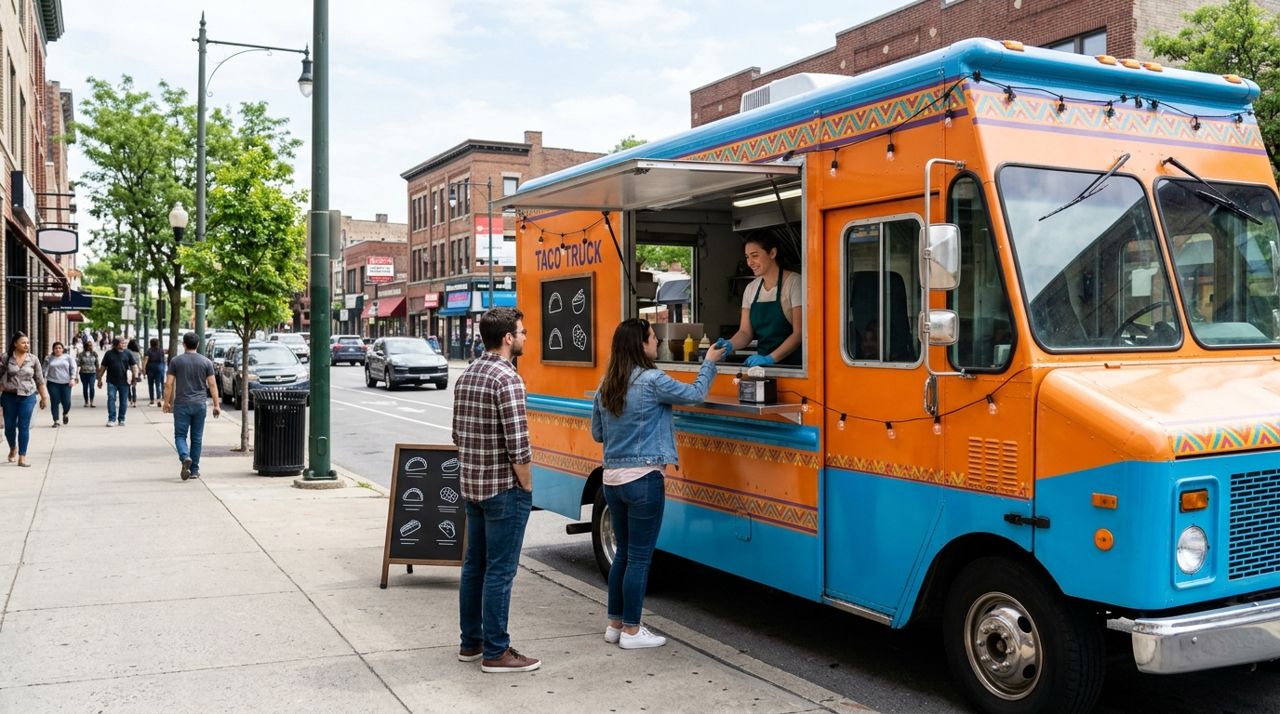
Food trucks face a challenge brick-and-mortar restaurants don't: your customers can't just remember a street address and show up. Every morning, you're somewhere new, and every lunch rush depends on people knowing exactly where you parked today. Miss that daily update, and you miss sales.
This guide walks you through setting up a food truck shop that travels with you, updating your location so customers can find you, and managing orders on the move. Whether you're serving tacos at a construction site Monday and downtown Tuesday, you'll learn how to keep your regulars informed and your order flow steady.
- 01
Step 1: Set up your food truck shop once
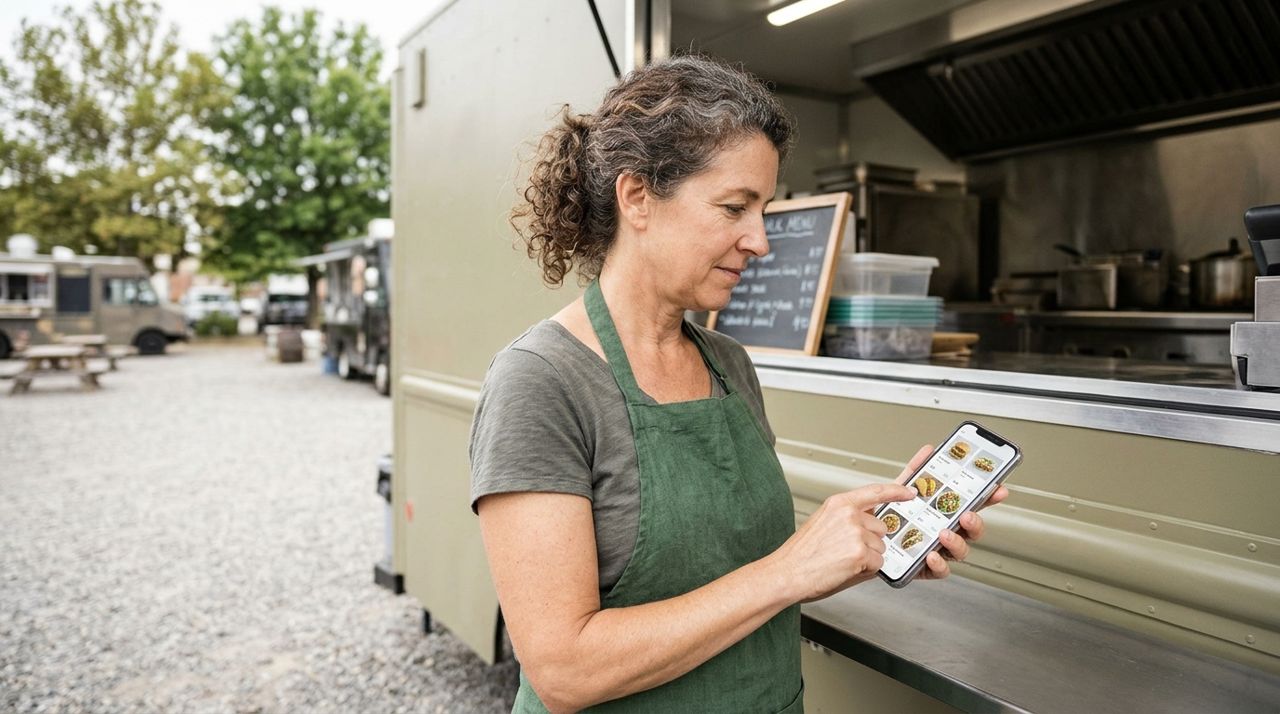
Food truck owner adding menu items with photos and prices on a smartphone Before you can tell customers where you are, you need a shop they can order from. Open the Lumo app, pick Seller mode on the welcome screen, and create your food truck shop. Add your truck's name, a photo of your setup or your best dish, and a short description of what you serve.
Then build your menu: add each item with a photo, price, and any options (sizes, toppings, spice level). Mark items out of stock if you run out during the day. You pay a 5% service fee only when you make a sale—no monthly fees, no listing costs. Once your menu is live, customers anywhere can browse it, but they'll only be able to order when you update your location and go live for the day.
- 02
Step 2: Update your location every morning (or whenever you move)
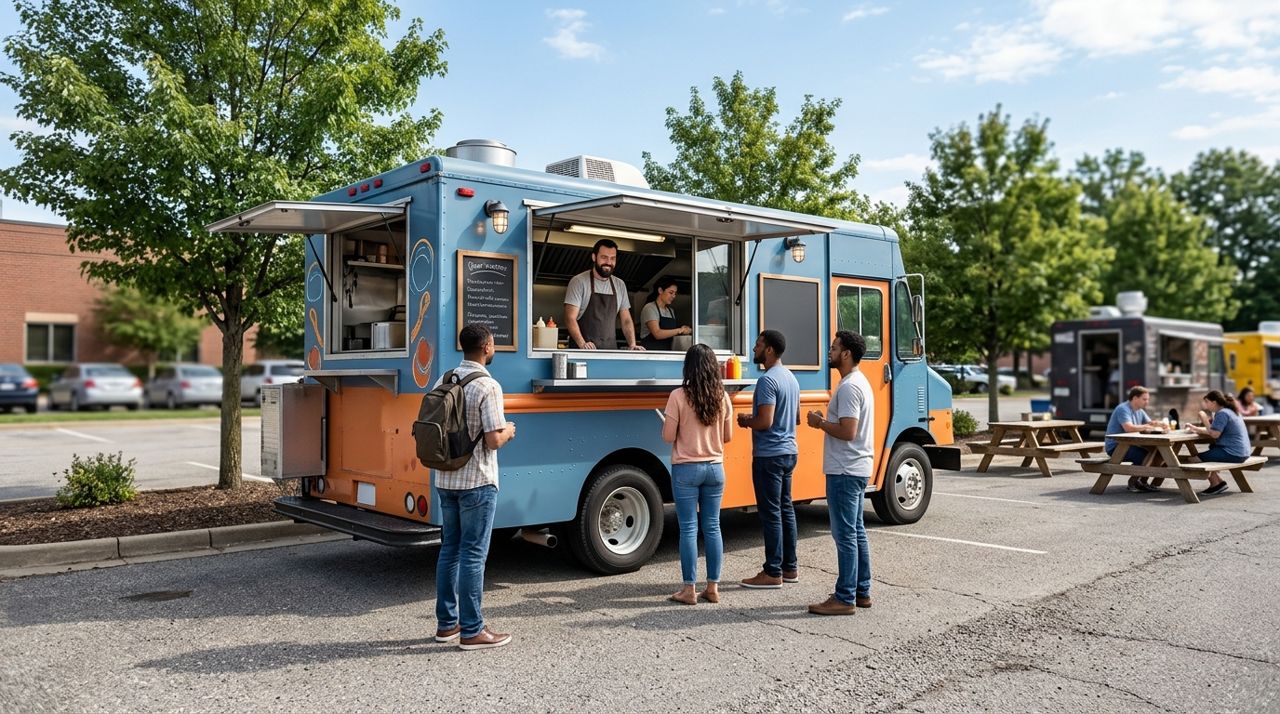
Food truck parked in an outdoor lot ready to serve customers This is the most important daily task. When you park for the day, open your Lumo seller account and update your location. The app uses your phone's GPS to pin your exact spot on the map, so customers see where you are right now.
If you move midday—say, from a morning spot near offices to an afternoon spot by the park—update your location again. Customers within your delivery radius will see you're open and nearby. If you only offer pickup, anyone searching for food trucks in the area will find you. Your location is the bridge between your truck and your next order, so make it a non-negotiable part of your setup routine every time you park.
- 03
Step 3: Set your hours and delivery options for the day
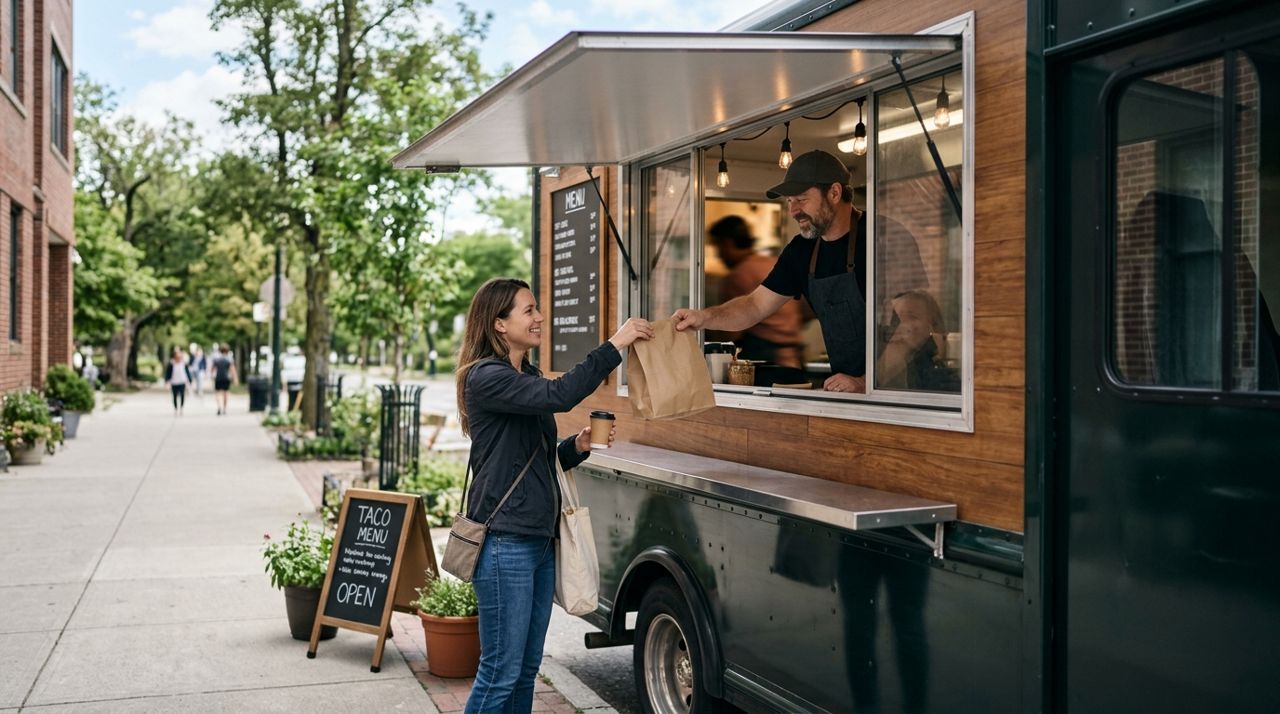
Customer receiving takeout order at a food truck service window Once your location is live, confirm your hours for that shift. If you're open 11 a.m. to 2 p.m. for lunch, set that window so customers know when to order. If you're staying until dinner, update it.
Decide whether you're offering pickup only or delivery too. Most food trucks do pickup—customers walk up to your window—but if you have a driver or want to deliver within a few blocks (to an office park, for example), you can turn on delivery. Pickup orders have no delivery fee for the customer, which often means more orders. Be realistic: if you're slammed and can't spare someone to run food across the street, stick to pickup. You can always toggle delivery on later in the day if things slow down.
- 04
Step 4: Receive and confirm orders in real time
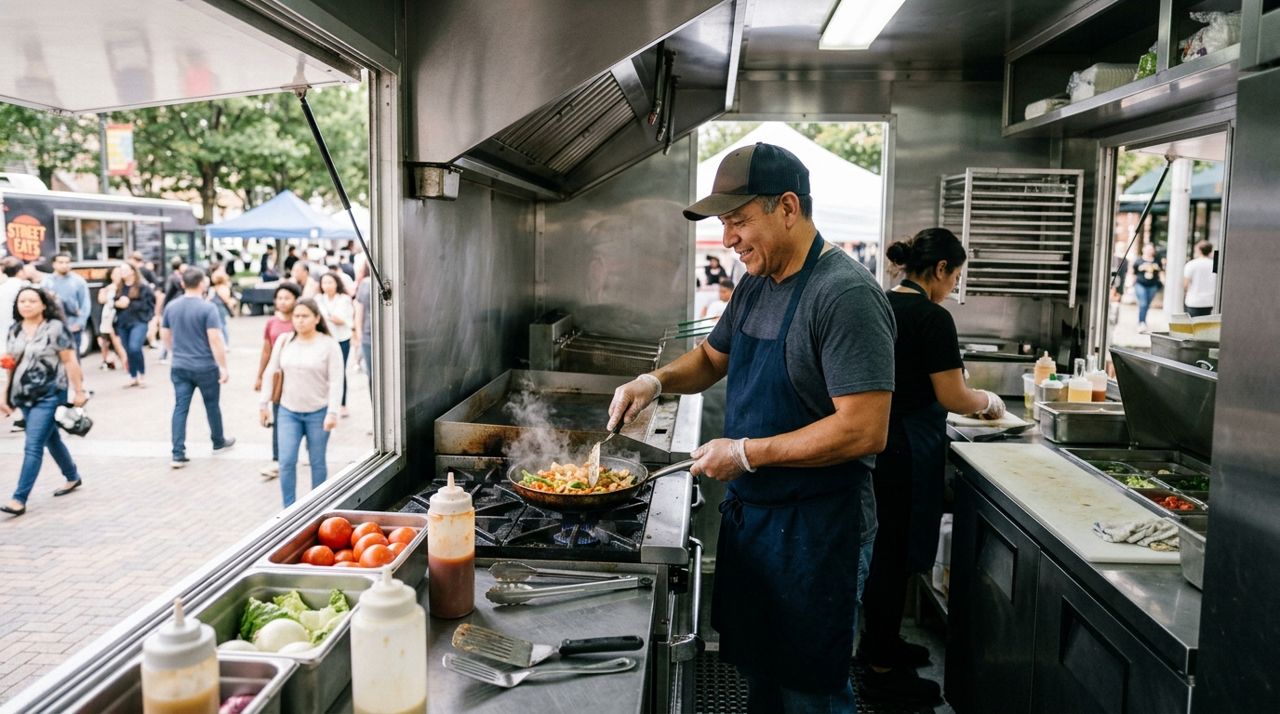
Chef preparing fresh food inside a busy food truck kitchen Orders come through as instant alerts on your phone. You'll see the customer's name, what they ordered, and whether it's pickup or delivery. Tap to accept the order and confirm a realistic prep time—usually 10 to 20 minutes depending on your kitchen speed and current queue.
The customer gets a notification with the estimated time and, if it's pickup, your exact location on the map. If it's delivery, you'll coordinate with your driver or handle the run yourself. In-app messaging lets you clarify details ('We're the blue truck on the corner' or 'Do you want jalapeños on the side?'). Accuracy here matters: a smooth first order turns a one-time buyer into a regular.
- 05
Step 5: Keep your menu and stock updated throughout the day
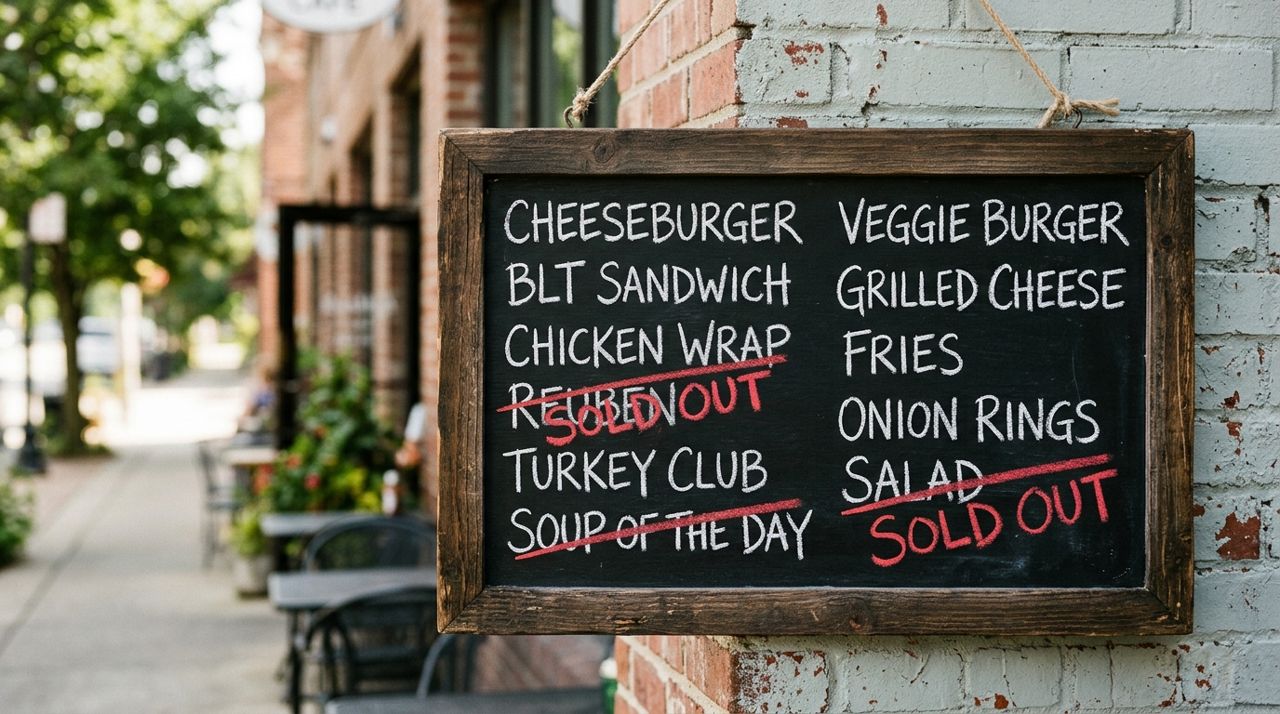
Close-up of a menu board with some items marked as sold out As you sell through items, mark things out of stock so customers don't order what you can't make. If you run out of carnitas at 1 p.m., pull it from the menu right then. If you prep more and it's available again, flip it back on.
This real-time management prevents frustration and cancellations. Customers appreciate knowing what's actually available, and you avoid the awkward conversation when someone shows up for an item you sold out of an hour ago. If you have a daily special or a limited batch of something, note that in the item description ('Only 12 available today') so people know to order early.
- 06
Step 6: Message your regulars and build a following
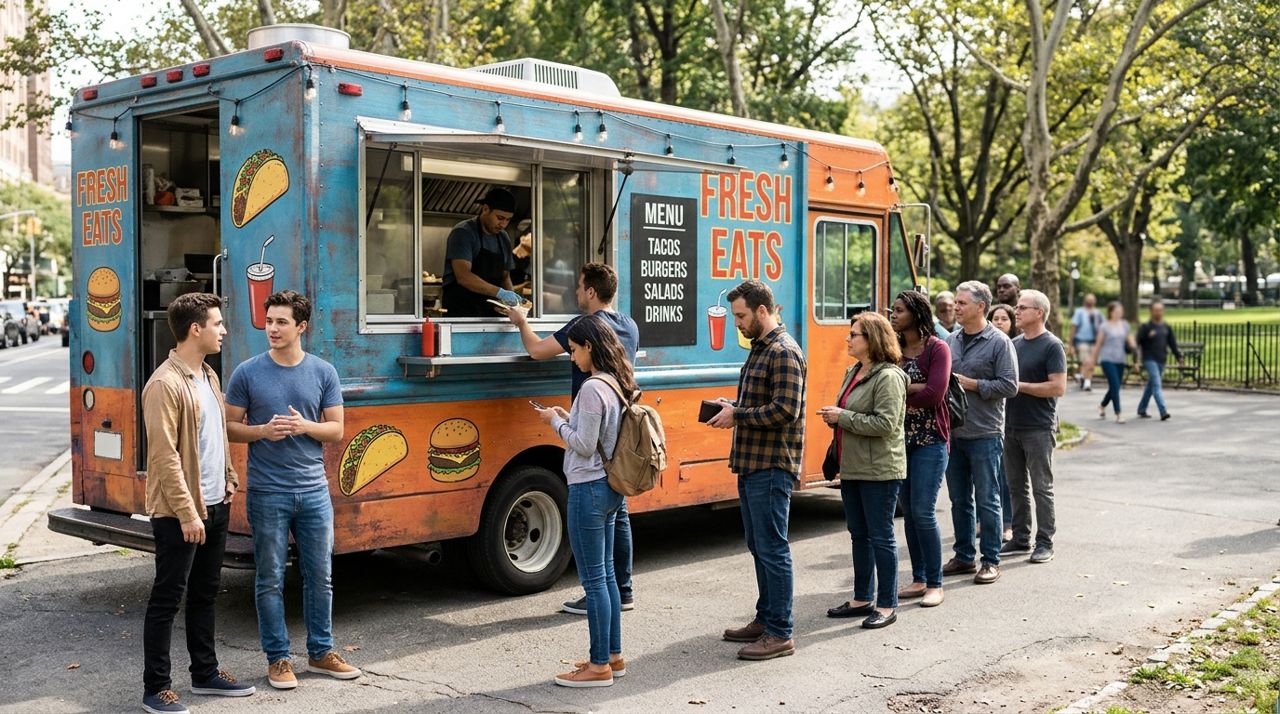
Line of customers waiting to order from a popular food truck The food truck business runs on regulars who check in to see where you are. Use the in-app messaging to let repeat customers know your schedule: 'We'll be at the brewery every Thursday evening this month.' Post your location update on your social media each morning and tell people they can order ahead on Lumo for faster pickup.
Over time, customers will follow your truck in the app and get notified when you're nearby. This turns casual fans into a loyal base that shows up wherever you park. The easier you make it to find you and order from you, the less you rely on walk-up traffic and the more you can plan your inventory and route around predictable demand.
- 07
Step 7: Cash out your earnings and review your day
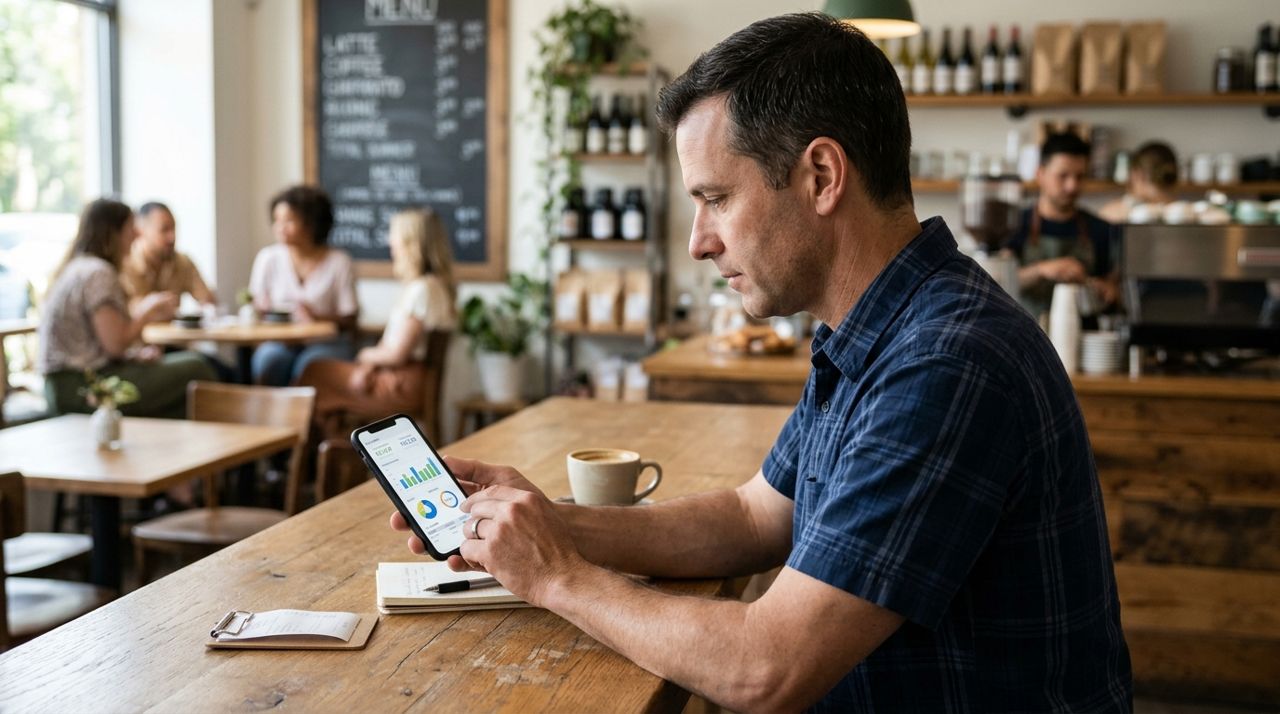
Business owner reviewing daily sales and earnings on a smartphone screen At the end of your shift, review your orders, check your ratings, and respond to any reviews. Payments land in your in-app wallet, and you can transfer earnings to your bank whenever you want. The 5% service fee is already deducted, so what you see is what you keep.
Look at which items sold well and which didn't move. If you sold out of one thing by noon and had six orders of another left over, adjust tomorrow's prep. Note which locations brought the most orders and consider returning there regularly. Over a few weeks, you'll see patterns—busy Tuesdays downtown, slow Thursdays by the park—and you can plan your route and menu around real data instead of guessing.
Pro tips
- Post your location on Instagram or Facebook every morning and tell people they can order on Lumo—social + app = more orders.
- If you're at the same spot weekly (every Friday at the brewery), say so in your shop description so regulars can plan ahead.
- Keep your phone charged and notifications on; missing an order alert during a two-hour lunch window costs you money.
- Offer a 'truck favorite' or 'chef's special' to make decision paralysis easier for first-timers browsing your menu.
- If a location consistently brings low orders, try a new spot—your time and gas cost money, so go where the customers are.
Frequently asked questions
- Do I need to update my location every single day?
- Yes, every time you park and open for business. Your location is how customers find you and place orders. If your location is stale or wrong, people will assume you're closed or give up looking. It takes 30 seconds and makes all the difference.
- What if I park in the same spot every week—do I still update?
- Yes, update your location each time even if it's the same corner every Tuesday. The app needs to confirm you're open right now, not just that you were there last week. It also ensures your hours and menu are current.
- Can I turn off orders if I get too busy?
- Absolutely. If you're slammed and can't handle more orders, pause new orders in your seller settings or mark items out of stock temporarily. It's better to deliver great service to the customers you have than to overpromise and fall behind.
Running a food truck shop is all about showing up, updating your spot, and making it easy for customers to find and order from you. The routine is simple—set your location, confirm your hours, manage orders as they come, and keep your menu accurate—but doing it consistently turns occasional buyers into regulars who track you down wherever you park. If you're ready to stop losing sales to 'I didn't know where you were today,' set up your shop and start each morning with a location update.
Photos are illustrative. Service prices are typical ranges and vary by city. How we write our guides.
More guides like this
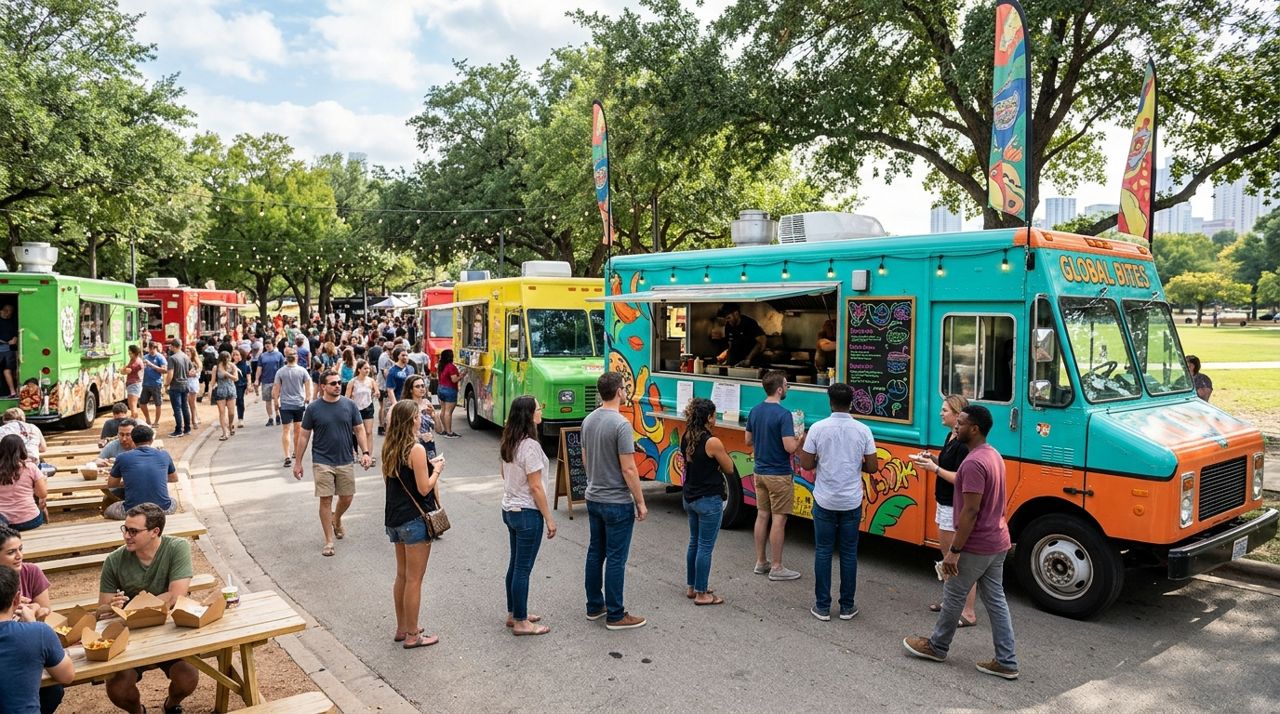
How to take pre-orders for your food truck at weekend markets
Pre-orders cut lines, reduce food waste, and help you prep better. Here's how to set up pre-ordering for your weekend market spot in under 30 minutes.
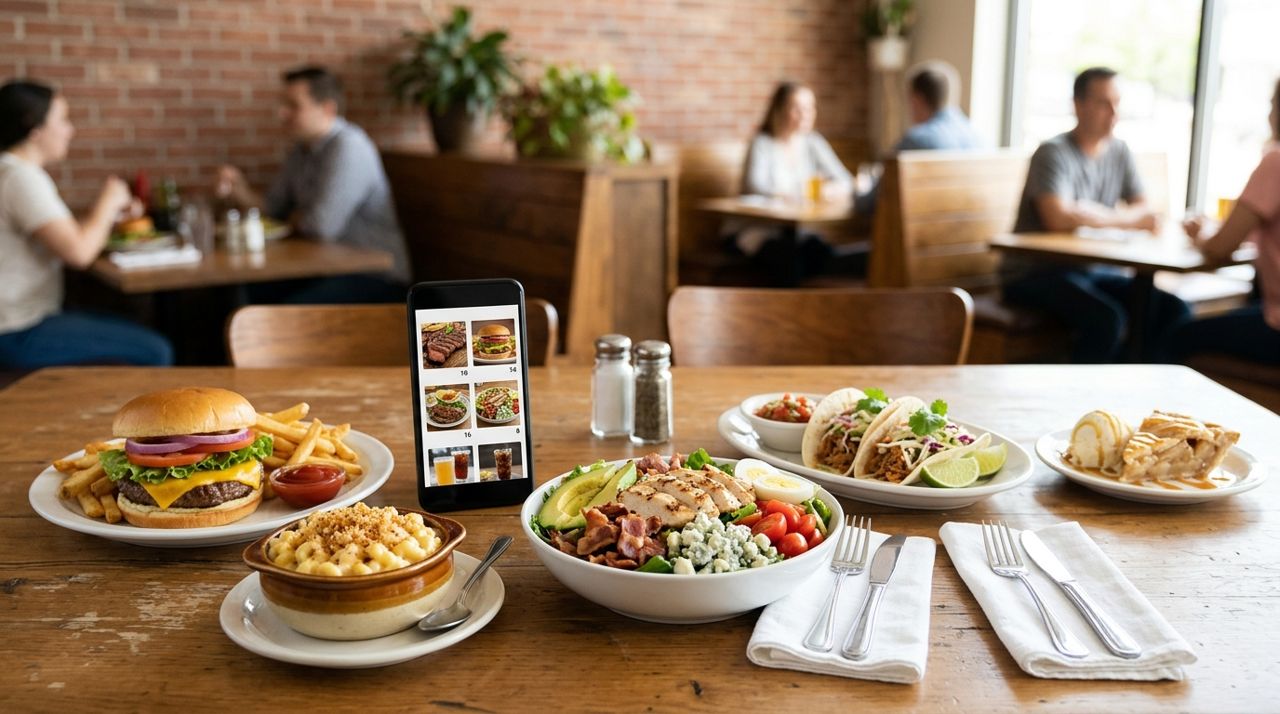
How to Put Your Restaurant Menu Online with Photos and Prices
An online menu with photos and prices lets customers order ahead for pickup or delivery, discover your dishes from home, and see exactly what they're getting before they buy.
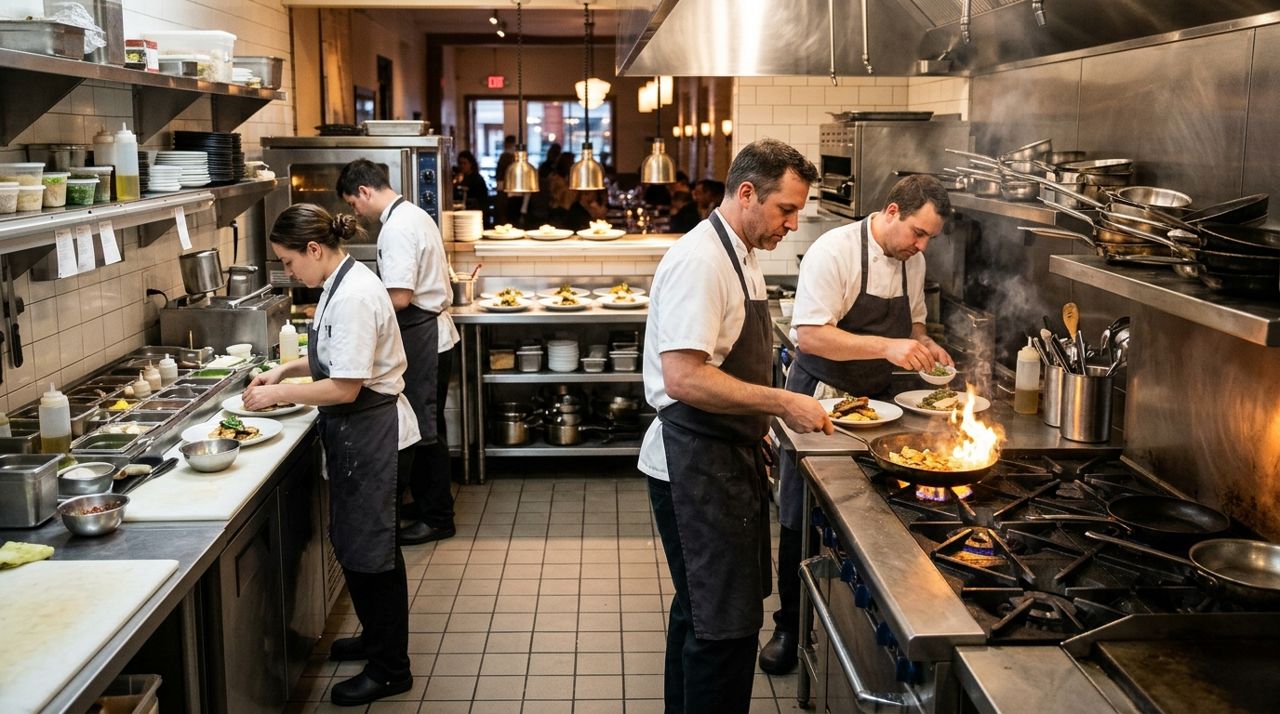
How to Handle a Dinner Rush: Managing High-Volume Orders Smoothly
The dinner rush can make or break your evening revenue. Here's how to set up systems that keep orders flowing smoothly when tickets pile up.