
How to offer pickup and delivery from your family restaurant
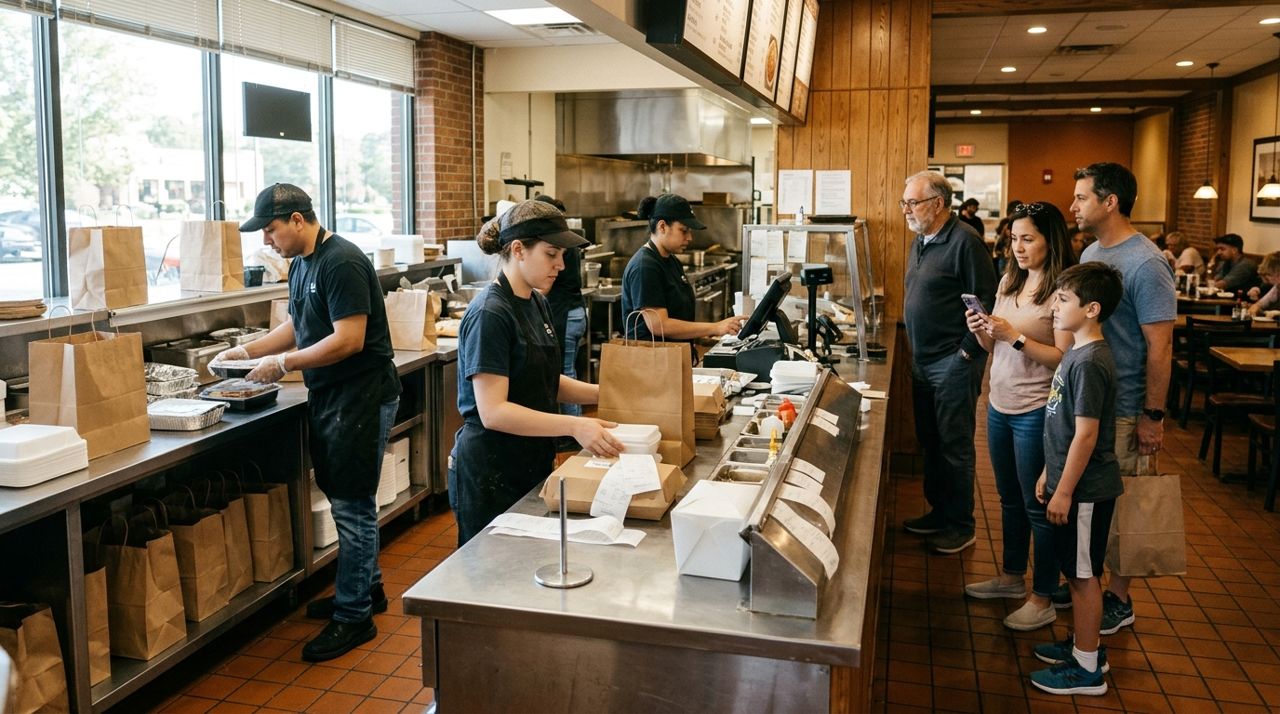
Most family restaurants still rely on walk-in traffic and phone orders, but customers now expect to browse menus, place orders and track deliveries on their phones. Adding pickup and delivery does not have to mean hiring extra staff or paying steep commission fees that eat your profits.
This guide shows you how to set up a working pickup and delivery system for a small restaurant, from creating your digital menu to handling your first orders. Whether you have one location or three, these steps will help you start serving customers beyond your dining room.
- 01
Step 1: Set up your digital storefront
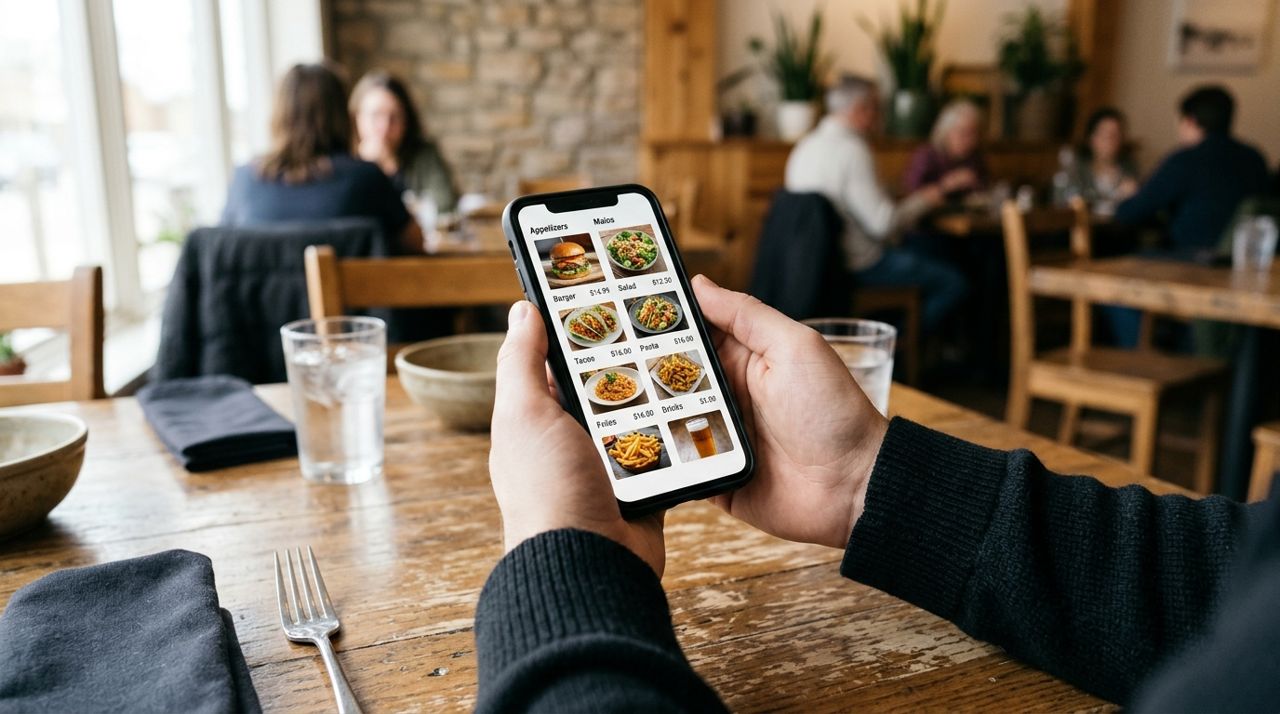
Person holding smartphone showing digital restaurant menu with food photos and prices Choose a platform where customers can browse your menu and place orders. You will need a way to add your dishes with photos, prices and descriptions, mark items out of stock, and receive instant alerts when orders come in.
Lumo lets you open a free shop, add your full menu with photos and prices, and get order alerts on your phone. You pay a 5% service fee only when you make a sale. If you are already using another system, make sure it gives you control over your menu and does not lock you into a long contract.
Take clear photos of your most popular dishes in good light. Write honest descriptions with portion sizes. List any common allergens or dietary labels (vegetarian, gluten-free, spicy).
- 02
Step 2: Decide on pickup and delivery options
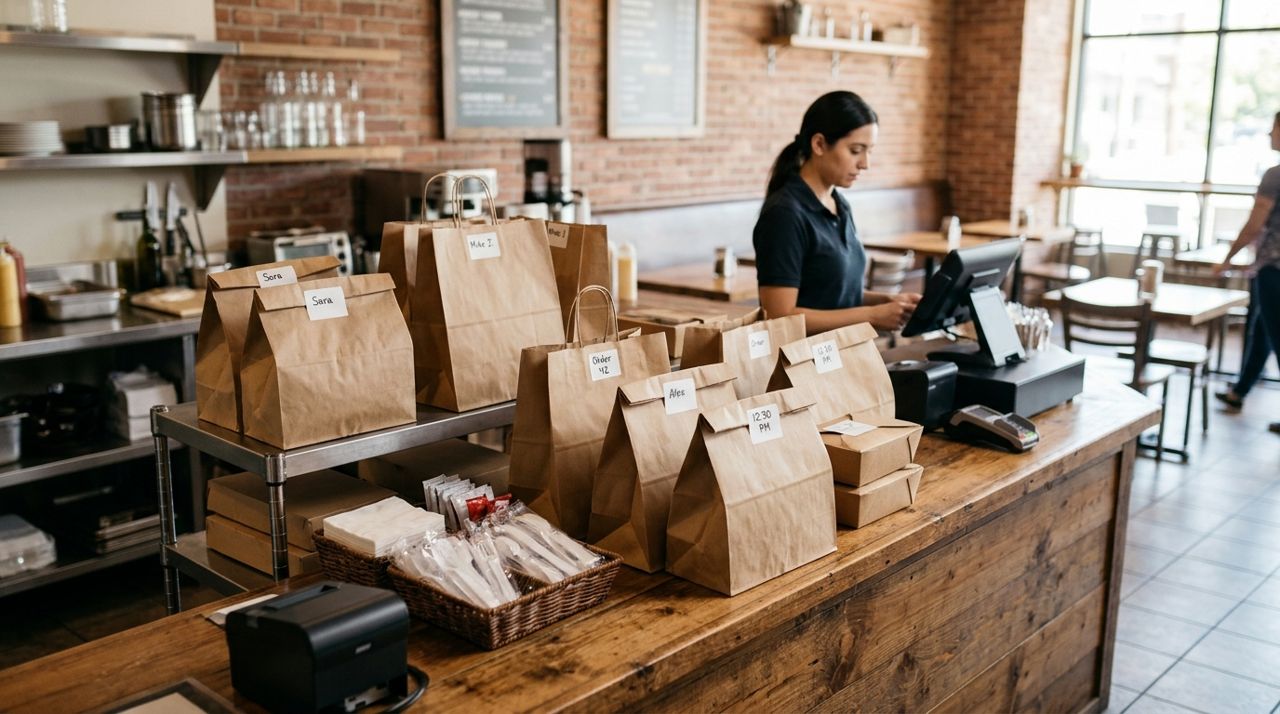
Restaurant counter with packed takeout orders ready for customer pickup Pickup is simpler and has no extra cost to the customer, so start there. Set realistic pickup times—typically 15 to 30 minutes depending on your kitchen speed during busy hours.
For delivery, you can hire your own driver or use customers who sign up as drivers on the platform. With Lumo, drivers keep 90% of the delivery fee, which is calculated from a base fee plus distance and order size. The customer sees the delivery fee before checkout.
Mark your delivery radius honestly. If you are in a suburb, a 5-mile radius might work. In a city, 2 miles may be more realistic. Test a few practice runs to see how long deliveries actually take.
- 03
Step 3: Organize your kitchen for off-premise orders
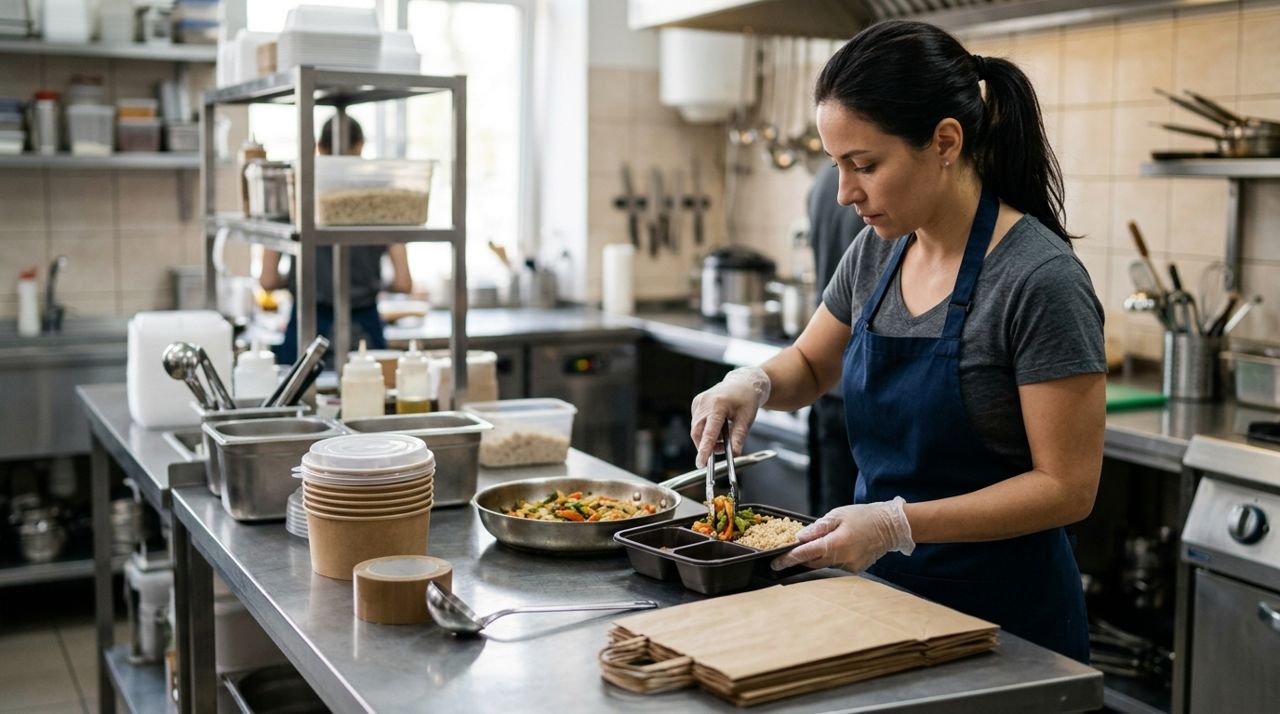
Restaurant worker packing prepared meal into takeout containers at kitchen station Off-premise orders arrive all at once, not spread out like dine-in tickets. Decide who checks the order alert, confirms it in the system, preps the food and packs it.
Set up a packing station with your to-go containers, bags, napkins, utensils and condiments. Label every bag clearly with the customer's name and order number. Include napkins, utensils and any sauces the dish needs.
For hot food, use containers that do not get soggy. For cold items like salads, pack dressing separately. If you offer soup, use leak-proof lids and double-bag. These details prevent complaints and low ratings.
- 04
Step 4: Train your team on the new workflow
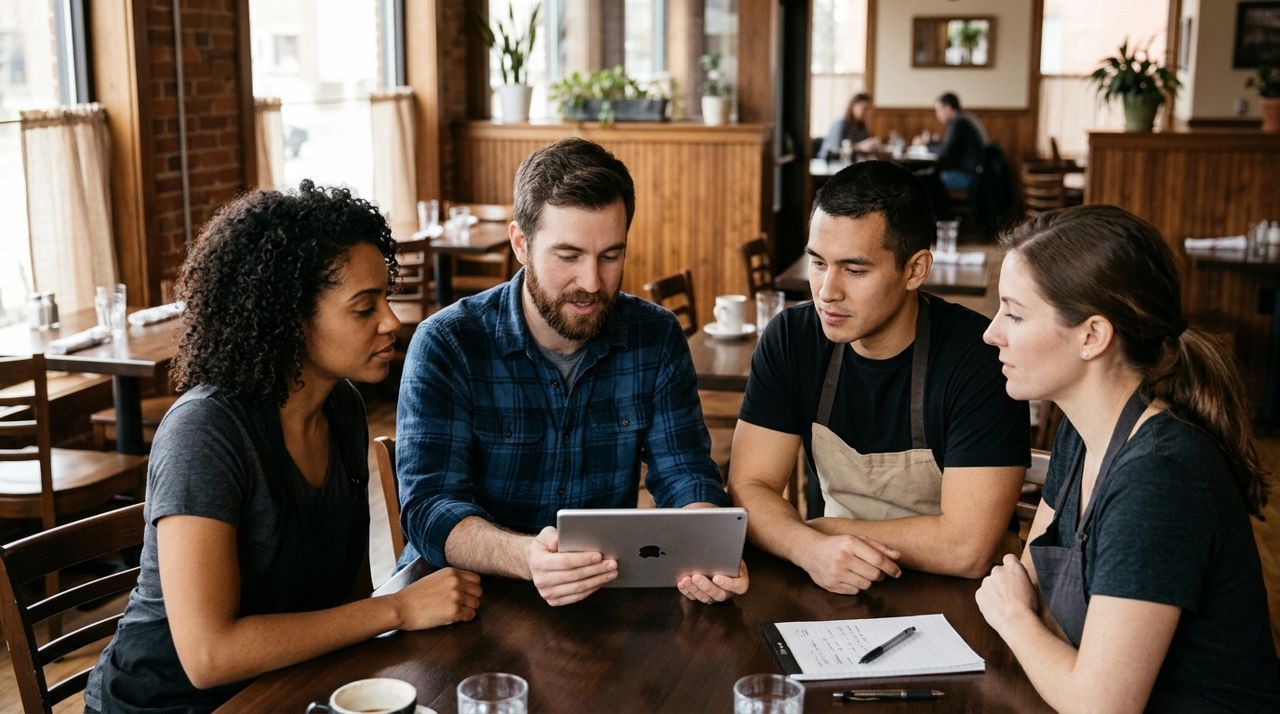
Small group of restaurant workers gathered around tablet discussing order process Walk your team through the full process: hearing the order alert, confirming the order, cooking, packing, handing off to the customer or driver, and marking it complete.
Assign one person per shift to manage online orders, especially during the lunch and dinner rush. That person checks the tablet or phone, communicates with the kitchen, and handles any customer messages in the app.
On Lumo and most platforms, customers can message you directly. Teach your team to reply quickly if a customer asks about an ingredient substitution or delivery time. Fast, friendly replies prevent cancellations and improve ratings.
- 05
Step 5: Handle your first orders carefully
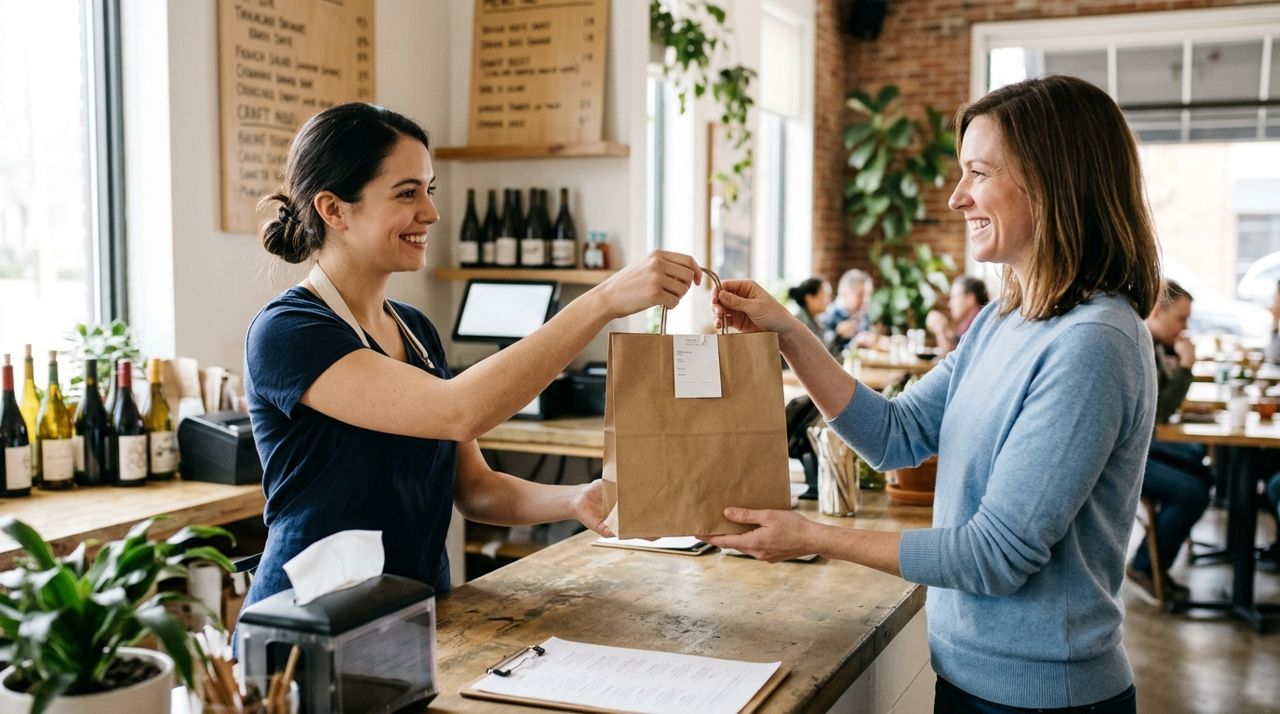
Restaurant worker handing labeled takeout bag to smiling customer at counter Your first ten orders set the tone. Double-check every item, pack neatly, include extra napkins, and send the order off on time. If something goes wrong—you are out of an ingredient or the order will be late—message the customer immediately and offer a solution.
For pickup, greet the customer by name and hand them the bag with a smile. For delivery, drivers on Lumo must take a drop-off photo, and the customer can track them live on a map. Make sure the order is ready when the driver arrives so food stays hot.
After each order, customers can rate and review. A strong start with 5-star reviews builds trust and pushes you higher in search results.
- 06
Step 6: Monitor performance and adjust
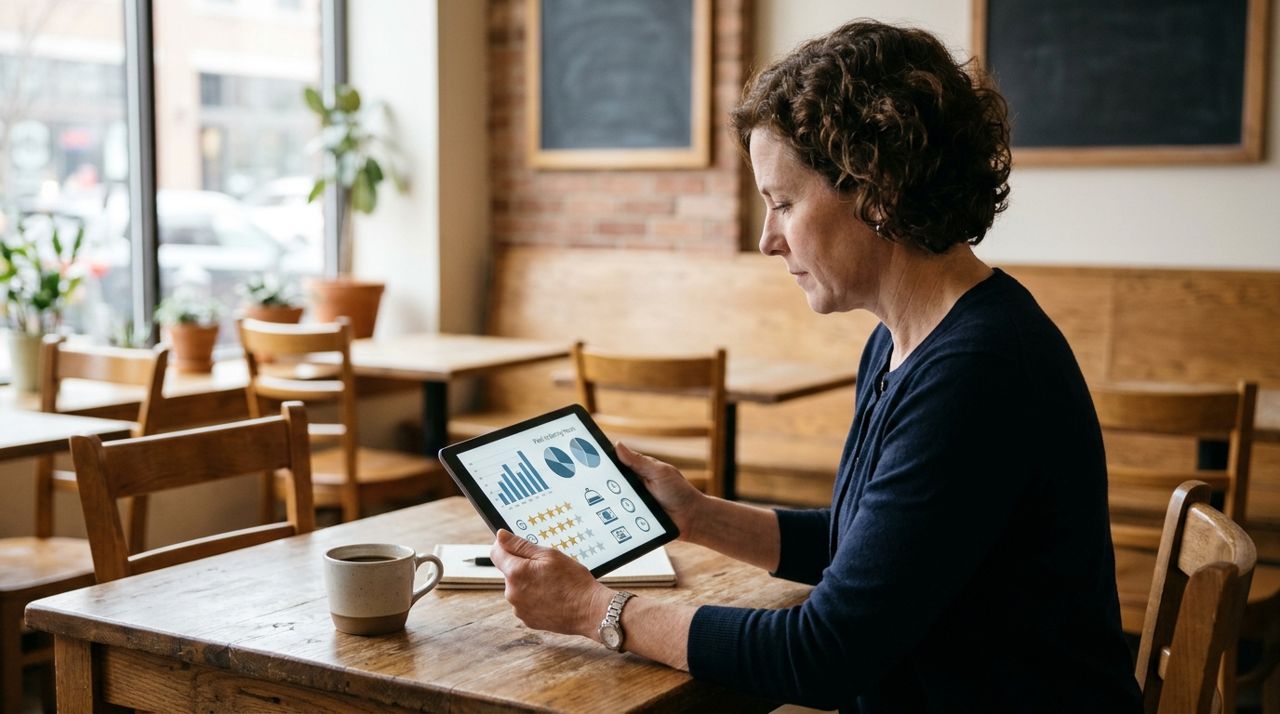
Restaurant owner reviewing order data and customer ratings on tablet screen After your first week, look at your numbers: how many orders, average order size, peak times, and your rating. If orders are slow, check your photos and descriptions—do they make people hungry?
If you are getting complaints about long waits, either extend your prep time estimate or add a second person during rush hours. If customers say portions are too small, adjust or add a note about serving size in the description.
Update your menu regularly. Mark items out of stock as soon as you run out. Add seasonal specials with a photo and a short story. Customers order more when the menu feels current and the restaurant feels responsive.
- 07
Step 7: Promote your new pickup and delivery service
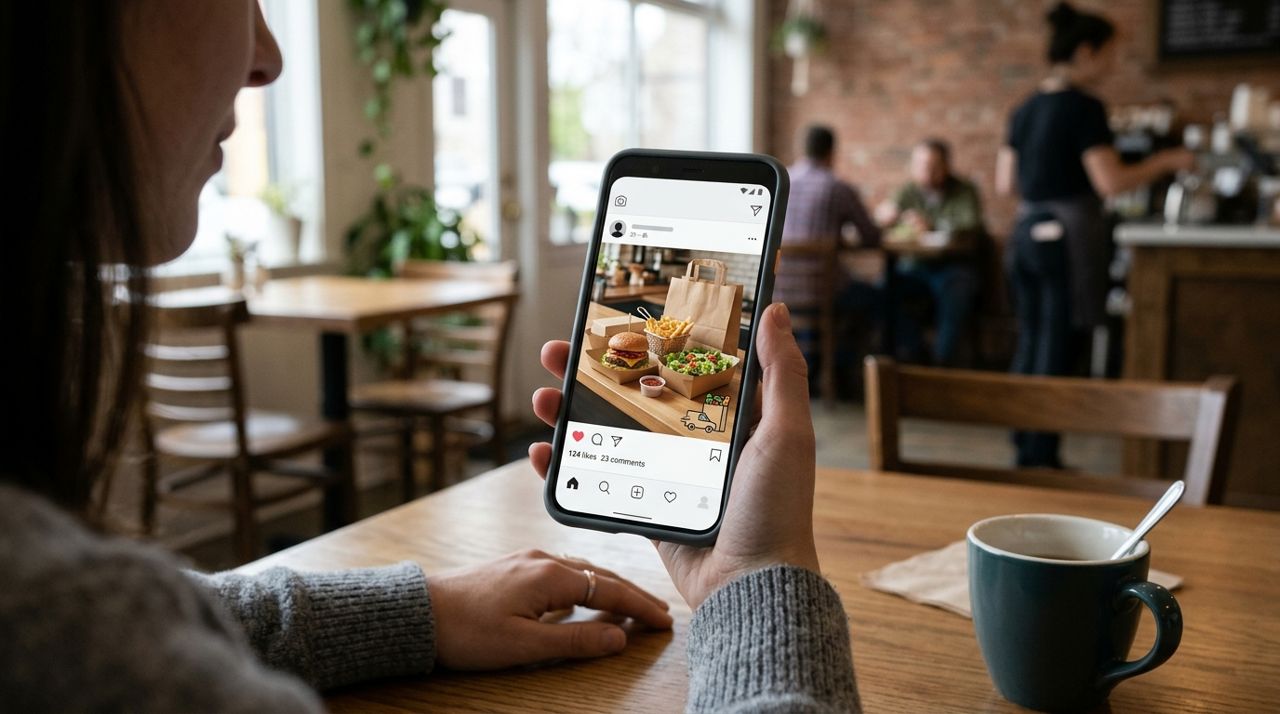
Smartphone showing restaurant social media post promoting new delivery and pickup service Tell your existing customers first. Put a sign in your window, print a flyer to include with dine-in checks, and post on your social media pages with a link to your menu.
Ask happy customers to leave a review and share your page. Offer a small discount or free appetizer for first-time online orders to encourage people to try it.
On Lumo, every city has a Recruiter Hub leaderboard, and the top recruiters each month win $100, $50 and $25. Encourage regulars to share your shop link. As orders grow, consider running a weekend special just for online orders to keep momentum going.
Pro tips
- Start with pickup only for the first week to learn the workflow before adding delivery.
- Use insulated bags for delivery orders to keep hot food hot and cold food cold.
- Reply to every review, good or bad, to show you care about customer experience.
- Turn off online ordering 30 minutes before closing to avoid last-minute rushes.
- Keep a small stock of popular items prepped during peak hours to speed up order times.
Frequently asked questions
- How much do delivery apps usually charge restaurants?
- Most third-party delivery platforms charge restaurants 15% to 30% per order, plus marketing fees. Some also charge customers a service fee and a delivery fee. On Lumo, restaurants pay 5% per sale and customers pay a delivery fee that goes mostly to the driver.
- Do I need a separate tablet or phone for online orders?
- You can use your existing smartphone or tablet. Just make sure notifications are turned on and the device stays charged during business hours. Many small restaurants prop up a tablet at the packing station so the team can see incoming orders.
- What if I run out of an item during service?
- Mark it out of stock immediately in your menu so new customers cannot order it. If someone already ordered it, message them right away, apologize, and offer a substitute or refund. Quick communication prevents bad reviews.
Offering pickup and delivery does not require a huge investment or a complicated system. Start with a clear digital menu, train your team on a simple workflow, and focus on getting your first orders right. As you build reviews and refine your process, online orders will become a steady second revenue stream for your family restaurant.
Photos are illustrative. Service prices are typical ranges and vary by city. How we write our guides.
More guides like this
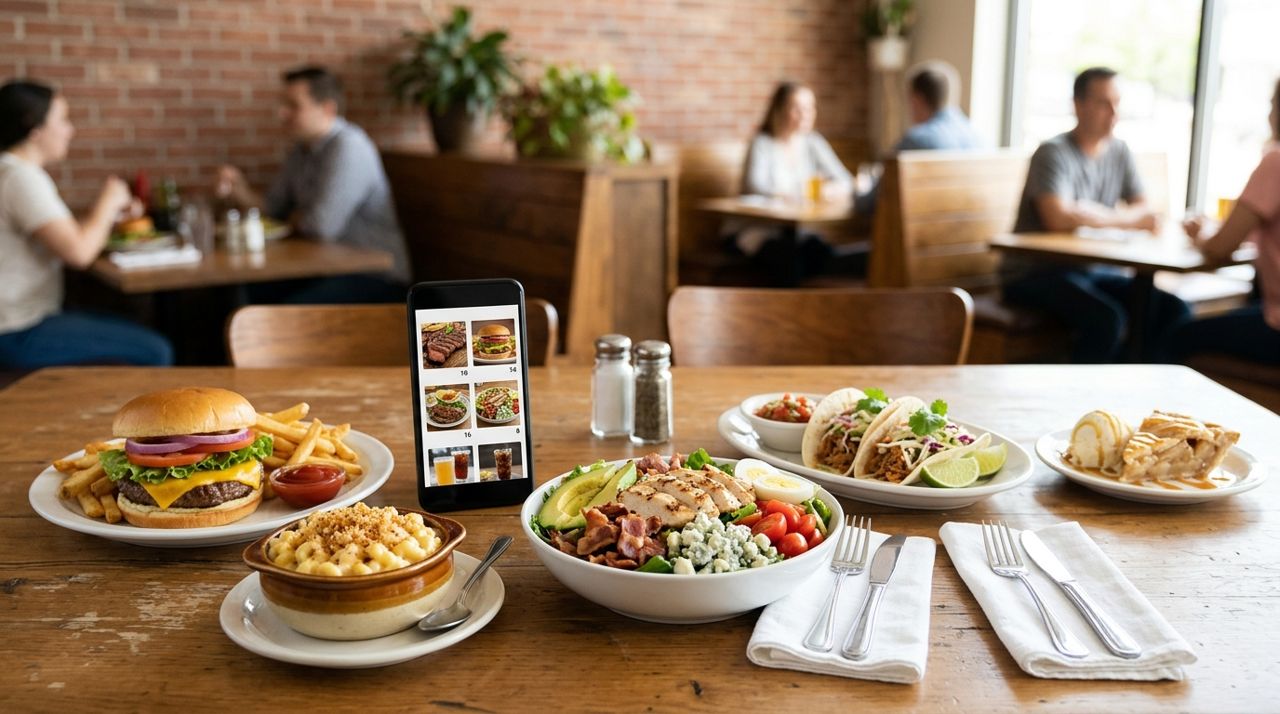
How to Put Your Restaurant Menu Online with Photos and Prices
An online menu with photos and prices lets customers order ahead for pickup or delivery, discover your dishes from home, and see exactly what they're getting before they buy.
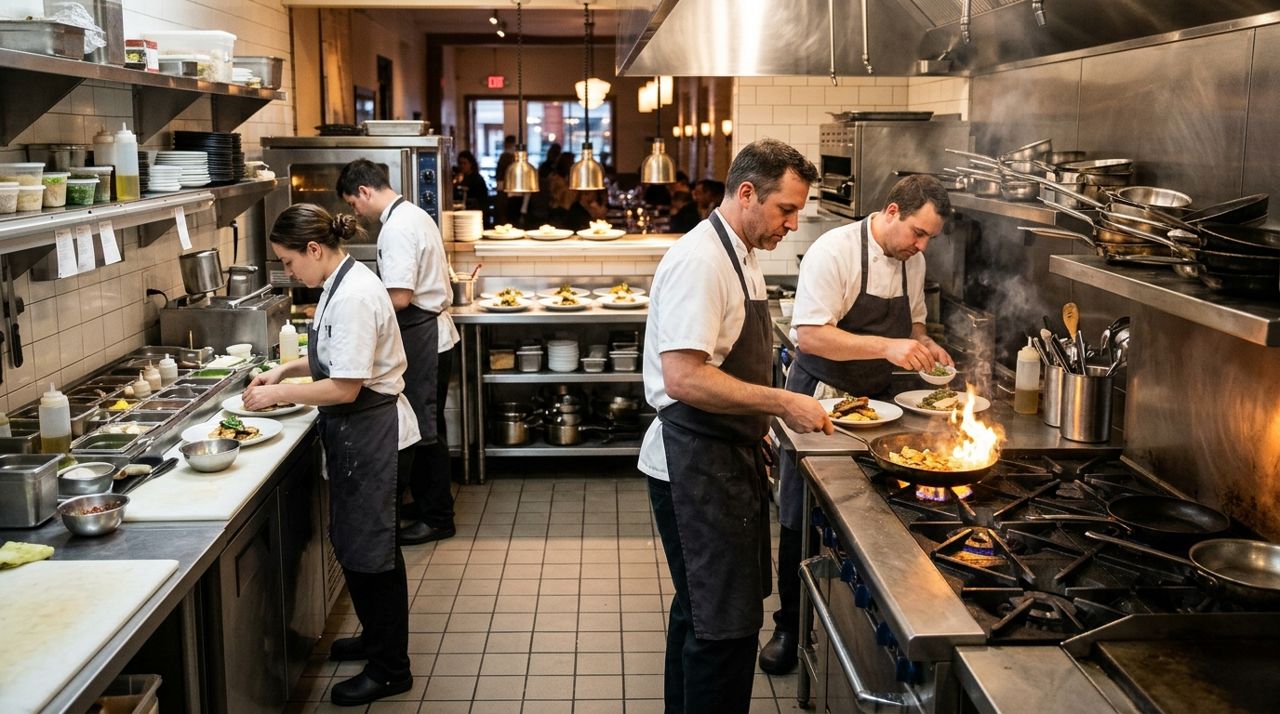
How to Handle a Dinner Rush: Managing High-Volume Orders Smoothly
The dinner rush can make or break your evening revenue. Here's how to set up systems that keep orders flowing smoothly when tickets pile up.
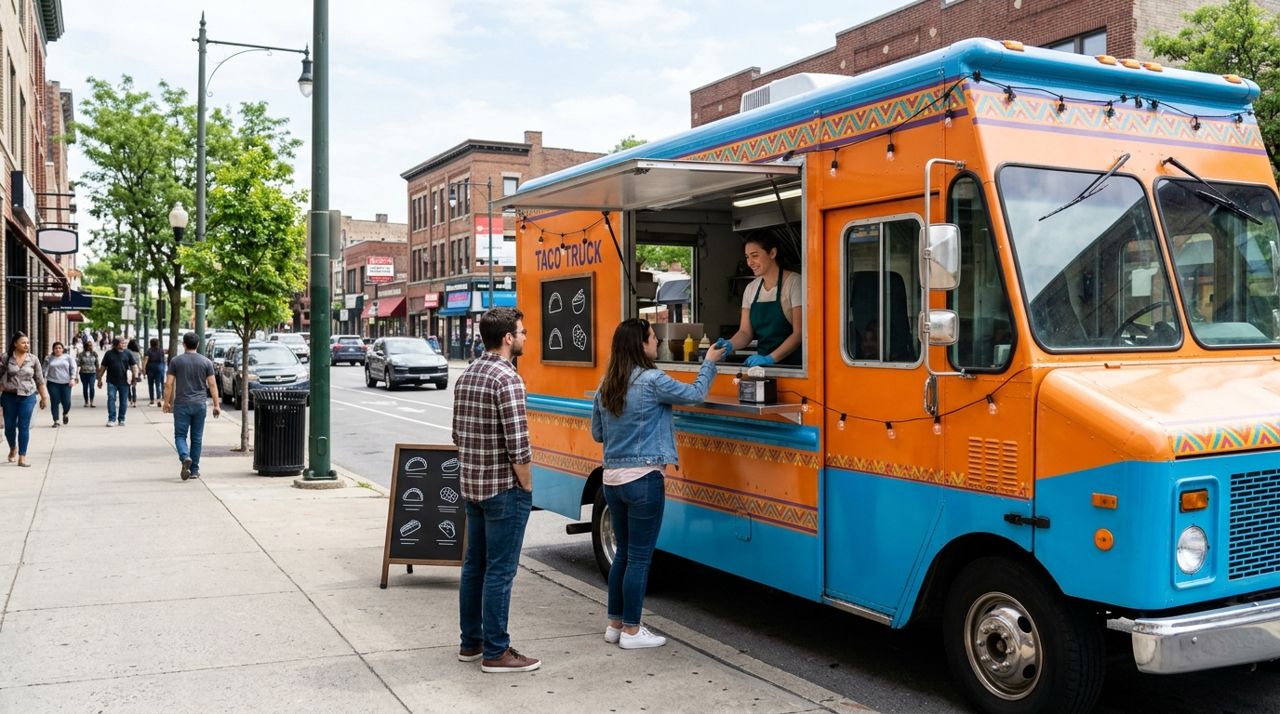
How to Run a Food Truck Shop and Tell Customers Where You Are
Running a food truck means constantly updating customers on where to find you. Here's how to set up your mobile shop and make location updates easy so hungry customers always know where you're parked.