
How to Host a Short-Term Rental and Keep 95% of Every Booking
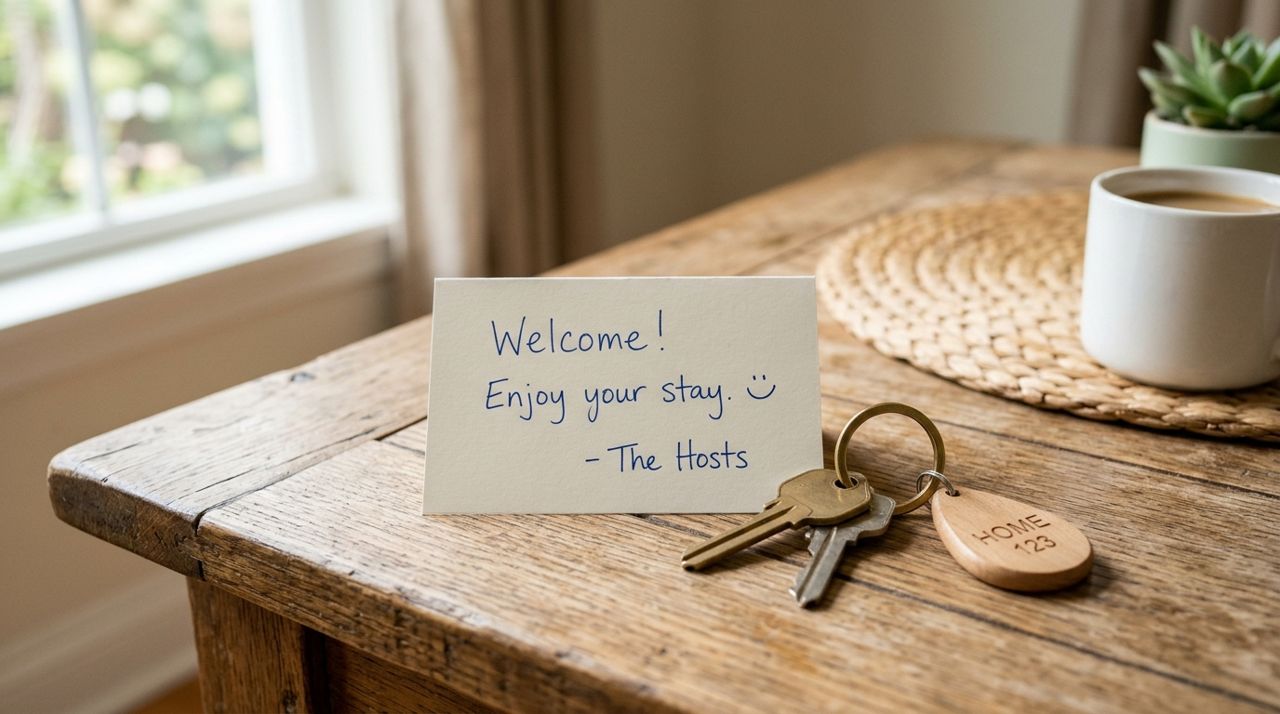
Short-term rental hosting has become one of the most popular ways to monetize extra space, whether you own a vacation home, a spare bedroom, or an investment property. The appeal is clear: nightly rates beat long-term rental income, you control your calendar, and you meet interesting travelers. But most platforms charge hosts 3% and guests 14–20%, which adds up fast.
This guide walks through how to list and manage a short-term rental where you pay just 5% per booking and guests pay nothing extra. You'll learn what to prepare before your first listing, how to handle inquiries and check-ins, and how to build repeat bookings that keep your calendar full.
- 01
Step 1: Prepare your space and gather photos

Bright, clean living room staged with fresh flowers and natural light for rental photos Before you list anything, walk through your rental as if you're the guest. Check that everything works: locks, appliances, Wi-Fi, heating and cooling, hot water. Stock basics like fresh linens, towels, toilet paper, soap, and a coffee maker. Clean thoroughly—guests notice dust and grime immediately.
Take at least ten high-quality photos in daylight. Shoot the entrance, living areas, each bedroom, the kitchen, bathrooms, and any outdoor space. Wide angles help, but keep photos honest; don't misrepresent square footage. A clean, well-lit photo of a small room beats a dark shot of a large one. If your place has a unique feature—a fireplace, a deck with a view, a game room—highlight it.
- 02
Step 2: Create your listing with accurate details

Person typing property details on laptop to create a short-term rental listing Open the app or visit golumo.app, choose Real Estate mode, and tap 'List a Property.' Select 'Short-Term Rental.' Enter your address, property type (entire home, private room, shared room), number of bedrooms and bathrooms, and maximum guest count.
Write a clear title: 'Cozy 2BR Near Downtown' or 'Waterfront Cottage with Kayaks' works better than generic phrases. In the description, cover the essentials: what's included, house rules (pets, smoking, parties), check-in and check-out times, parking, and nearby attractions. Mention Wi-Fi speed if you have fast internet—remote workers care. Set your nightly rate based on comparable listings in your area; you can always adjust later. Upload your photos, review everything, and publish.
- 03
Step 3: Respond quickly to inquiries and booking requests

Host reading a booking inquiry message on smartphone and preparing to reply quickly When someone views your listing and sends a message or booking request, you'll get an instant alert. Reply within an hour if possible—fast responses win bookings. Answer questions honestly: if your place is a ten-minute drive from the beach, say so; don't call it 'beachfront.'
Lumo's in-app messaging keeps the conversation organized. Confirm check-in details, share the door code or lockbox location, and ask if the guest needs anything special. If someone asks for a discount, you can adjust the rate manually, but don't undervalue your space. Once the guest books, their payment is processed securely; you'll see the booking amount minus the 5% service fee in your dashboard.
- 04
Step 4: Manage the calendar and avoid double-bookings

Hand marking dates on a calendar to manage short-term rental availability and bookings Block off dates when your rental isn't available: personal trips, maintenance, family visits. Update your calendar immediately after every booking. If you list on multiple platforms, sync calendars manually or keep one master calendar to prevent double-bookings—nothing ruins your reputation faster.
You can set minimum and maximum night stays. A two-night minimum filters out one-night party bookings; a seven-night maximum keeps inventory moving during high season. Adjust rates for weekends, holidays, and local events. A college graduation weekend or a nearby festival can justify a 30–50% premium. Check comparable listings weekly to stay competitive.
- 05
Step 5: Prepare for check-in and provide clear instructions
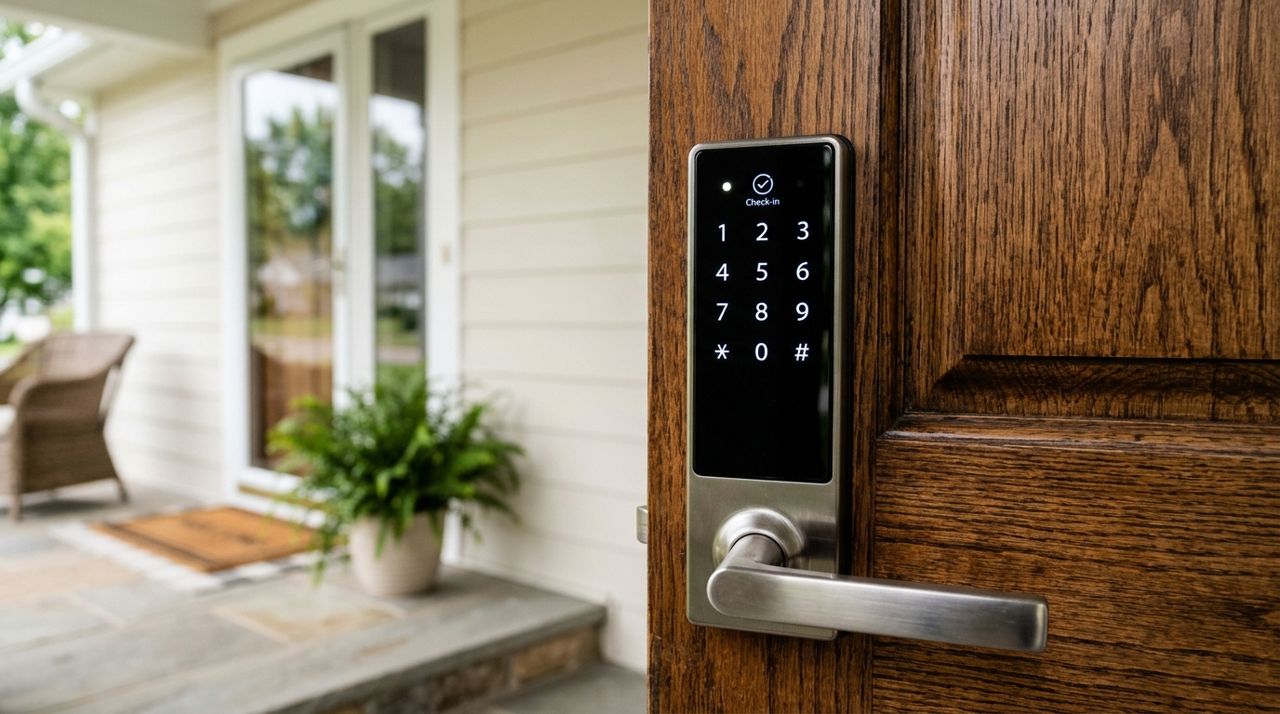
Smart keypad lock on front door with numeric code for secure guest check-in The day before check-in, send a welcome message with the exact address, parking instructions, entry code or key location, and your phone number for emergencies. If check-in is after dark, turn on exterior lights. A simple welcome binder inside—Wi-Fi password, appliance instructions, trash day, restaurant recommendations, emergency contacts—saves you a dozen texts.
Clean and inspect the rental the morning of check-in. Restock consumables, check for maintenance issues, and do a final walk-through. If you hire a cleaner, budget $60–120 per turnover depending on size. Many hosts pass this cost to guests as a separate cleaning fee; just disclose it upfront in your listing.
- 06
Step 6: Handle checkout and request a review
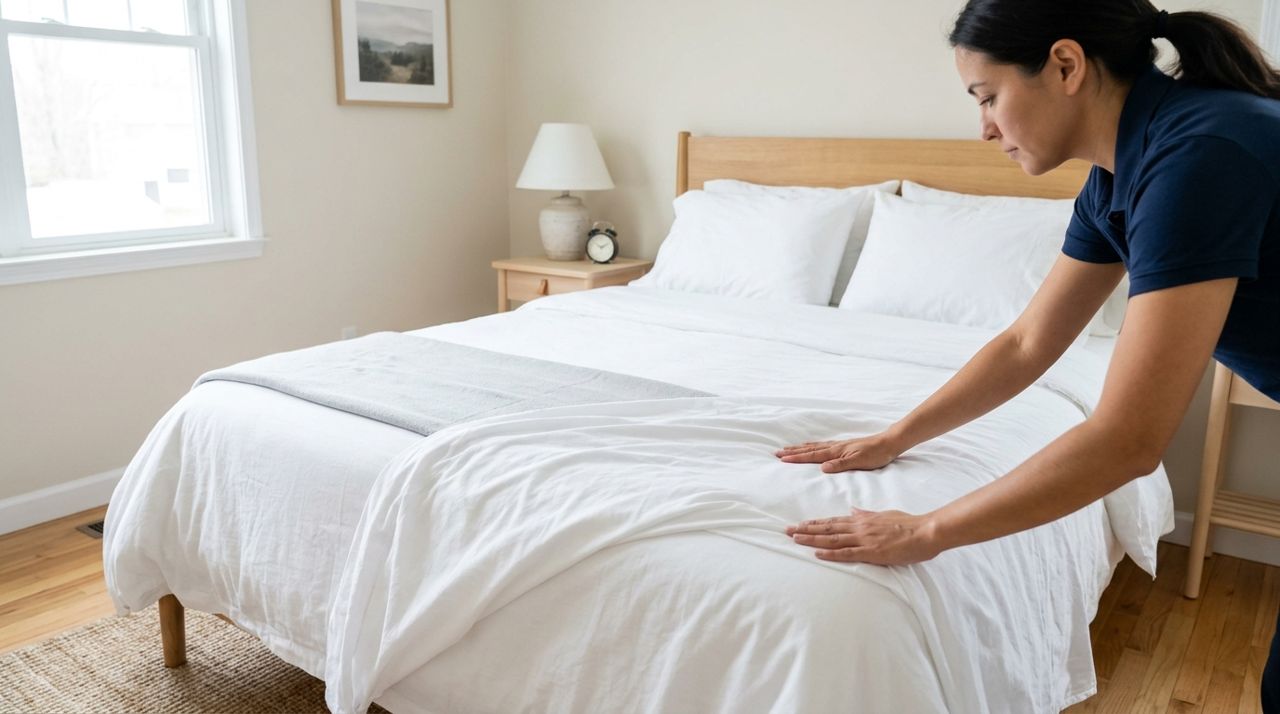
Hands smoothing fresh white linens on a bed during short-term rental turnover cleaning Set a clear checkout time—usually 10 or 11 a.m.—and list simple tasks: strip beds, start the dishwasher, take out trash, lock up. Don't make it a chore list; guests paid for lodging, not housekeeping. After checkout, inspect for damage and missing items. Photograph anything unusual before you clean.
Once the guest has left, send a thank-you message and ask them to leave a review. Positive ratings build trust and push your listing higher in search results. If something went wrong, address it politely in your reply to their review. Most issues—a blown light bulb, a noisy neighbor—can be resolved with good communication. After a few bookings, your rating and response rate become your best marketing tools.
- 07
Step 7: Track earnings and understand the 5% fee

Person reviewing short-term rental earnings and payout summary on smartphone app dashboard Every booking generates a payout: the nightly rate times the number of nights, minus 5%. So if you charge $150 per night for three nights ($450 total), you receive $427.50. The guest pays $450 with no added fees—a huge advantage when travelers compare platforms.
Your earnings land in your in-app wallet and can be paid out to your bank account. Keep records for taxes; short-term rental income is taxable, and you can usually deduct expenses like cleaning, utilities, mortgage interest (prorated), repairs, and platform fees. Some cities require a business license or collect occupancy taxes; check local rules. A 5% fee is among the lowest in the industry, which means more profit per booking and competitive pricing that attracts guests.
Pro tips
- Offer early check-in or late checkout when your calendar allows; guests appreciate flexibility and often mention it in reviews.
- Create a digital guidebook with local tips—best coffee, hiking trails, grocery stores—and share the link in your welcome message.
- Install a smart lock with unique codes for each guest; it's safer than hiding keys and you can reset codes remotely.
- Respond to every review, even brief ones; it shows future guests you're attentive and professional.
Frequently asked questions
- Can I list multiple properties on the same account?
- Yes. You can add as many short-term rentals as you own or manage under one account. Each property gets its own listing, calendar, and set of bookings, and the 5% fee applies to every reservation.
- What happens if a guest damages my property?
- Document the damage with photos immediately after checkout and contact the guest through in-app messaging. Many issues are resolved directly; for serious damage, file a claim with your homeowner's or short-term rental insurance. Always carry proper coverage.
- Do I have to accept every booking request?
- No. You can decline requests if dates don't work, if a guest's profile raises concerns, or for any other reason. However, a high acceptance rate and fast response time improve your listing's visibility, so decline sparingly.
Hosting a short-term rental takes effort up front—great photos, clear communication, a well-stocked space—but once your listing is live and reviews start rolling in, bookings can become steady side income. A 5% booking fee leaves more money in your pocket every month, which adds up over dozens of reservations. If you're ready to list, open the app, choose Real Estate, and publish your first rental today.
Photos are illustrative. Service prices are typical ranges and vary by city. How we write our guides.
More guides like this
How to Find a Long-Term Rental Apartment in a New City: A Step-by-Step Guide
Finding a rental apartment in an unfamiliar city can feel overwhelming, but breaking the process into clear steps makes it manageable. This guide walks you through searching listings, evaluating neighborhoods, and locking down the right place.

How to Book a Short-Term Rental for Your Work Trip in 7 Steps
Booking a short-term rental for a work trip doesn't have to be complicated. Follow these seven practical steps to find the right place, check what you need, and confirm your stay.
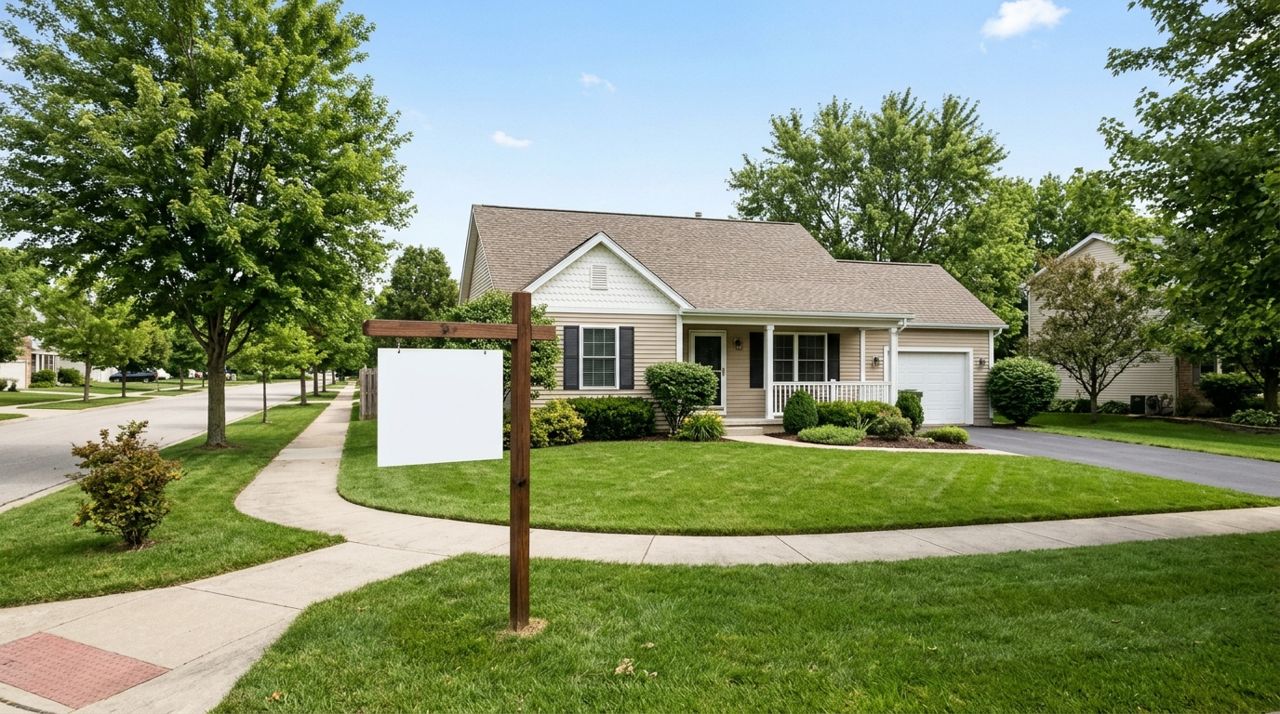
How to List Your Home for Sale Without Paying Listing Fees
Listing your home for sale doesn't have to cost you hundreds or thousands in upfront fees. Here's how to create a free listing that reaches serious buyers.