
How to List a Garage Full of Items for Sale Online (Step by Step)
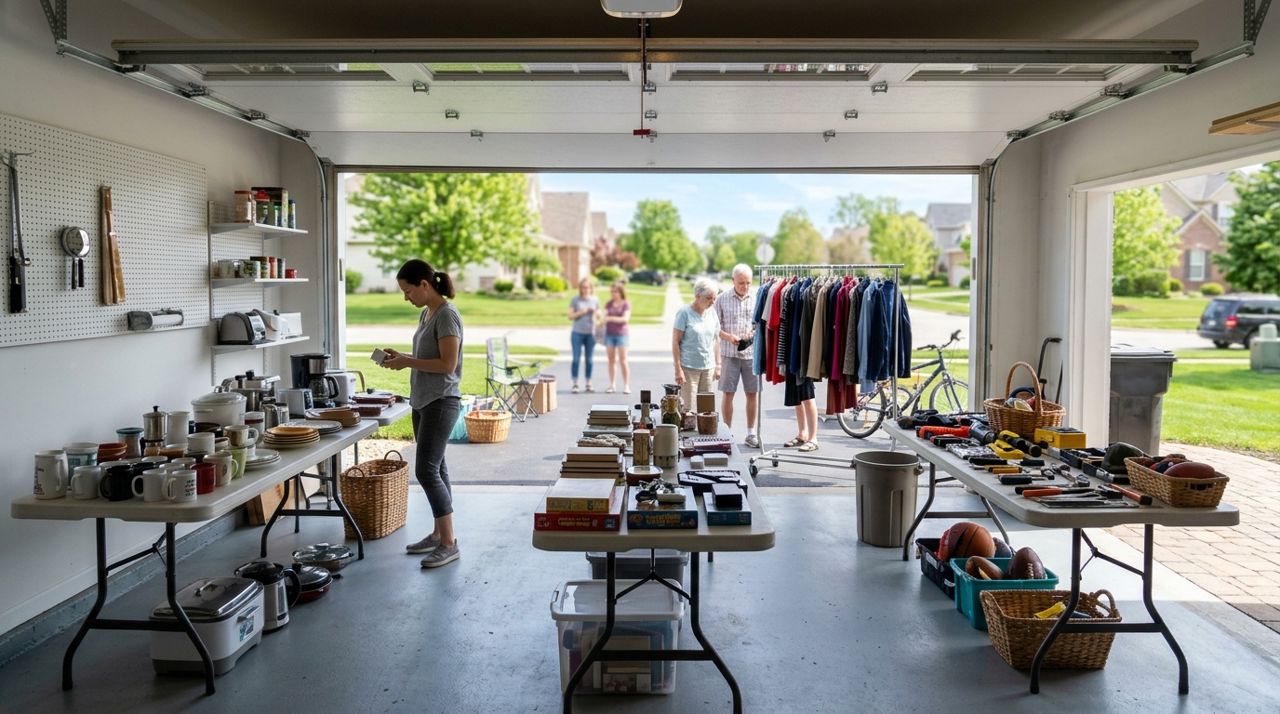
Whether you're downsizing, moving, or finally tackling that cluttered garage, selling a large number of items online can feel overwhelming. You have tools, furniture, sports gear, holiday decorations, electronics and boxes of mystery items—and the idea of listing each one separately sounds exhausting.
The good news: with the right system, you can turn that garage cleanout into cash without losing your mind. This guide shows you how to sort, photograph, price and list many items at once, then manage the sales as they roll in. By the end, you'll have a functioning online shop and a clearer garage.
- 01
Step 1: Sort everything into categories and decision piles
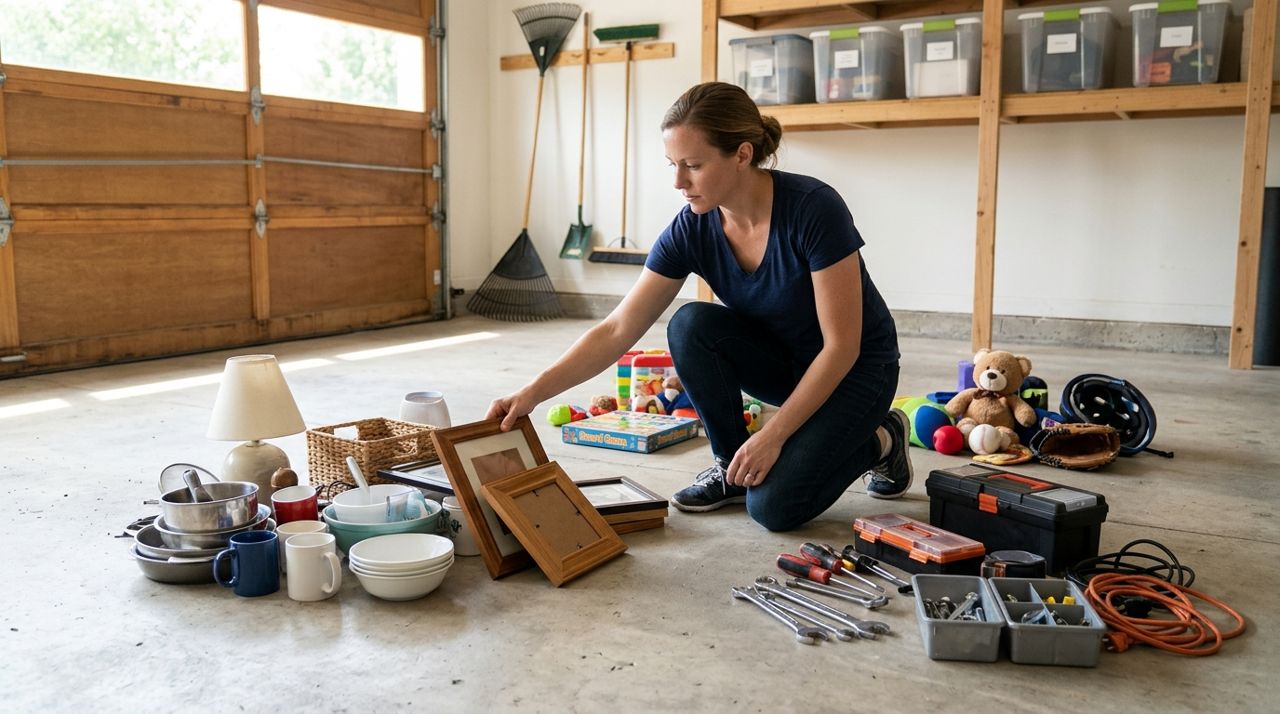
Person organizing household items into piles on garage floor for selling Before you photograph anything, walk through the garage and group items by type: tools, sporting goods, furniture, kitchen items, electronics, decor, toys, holiday items. Create three zones: Keep, Sell, Donate/Trash. Be honest—if it's broken, stained or missing parts, it goes in Donate/Trash unless it's a valuable collectible. For the Sell pile, group similar items together on tables or tarps. This makes photographing faster and helps you see what you actually have. Write a quick inventory list on your phone: '12 hand tools, 3 camping chairs, 1 leaf blower, box of picture frames.' You don't need exact counts yet, but a rough list prevents you from forgetting items once you start listing.
- 02
Step 2: Clean and photograph items in batches
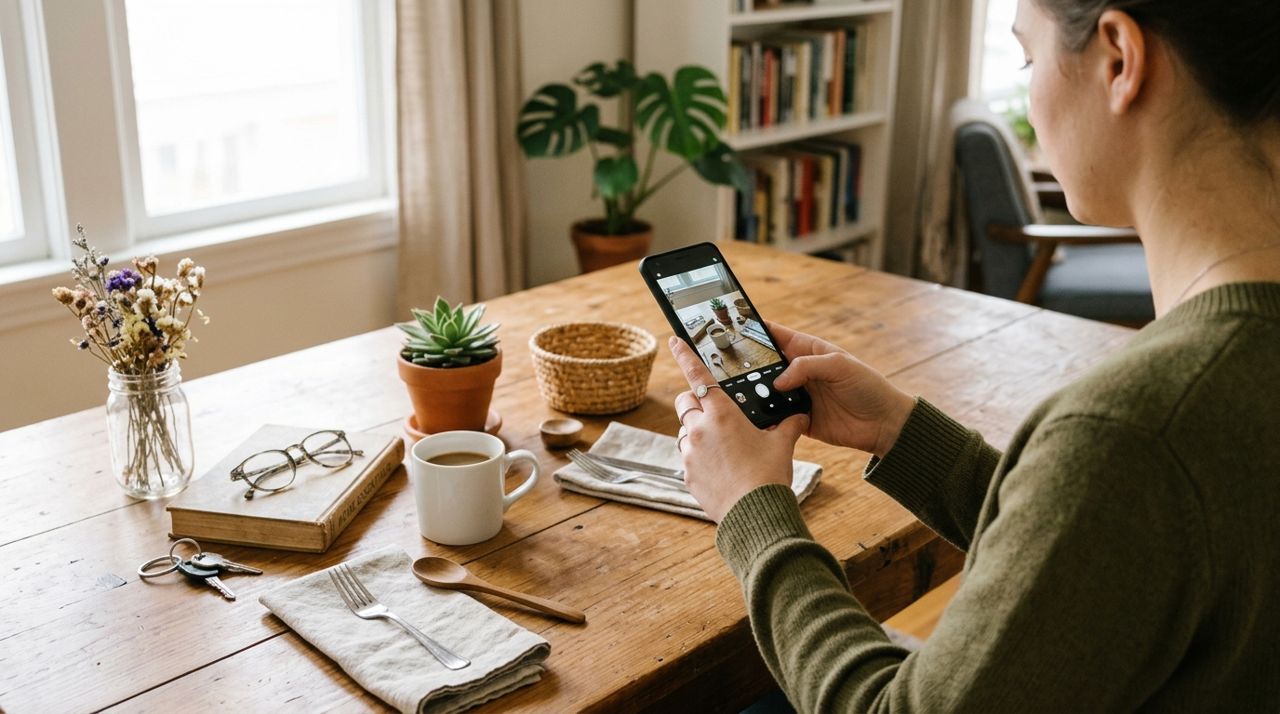
Smartphone taking photos of household items arranged on table with natural light Wipe down each item—dusty tools and grimy chairs don't sell. Set up a simple photo area: a folding table near the garage door in natural light, or a sweep of white poster board against a wall. Photograph each item from two angles: a straight-on shot showing the whole item, and a close-up of any brand labels, flaws or notable features. For small items (hand tools, kitchen gadgets), you can photograph several at once in a group shot, then take individual close-ups. Keep your phone camera focused and steady; blurry photos kill sales. Aim for 2–3 photos per item. Larger items like furniture or equipment should get 3–4 angles. Save all photos to a dedicated album on your phone so you can find them quickly when listing.
- 03
Step 3: Research prices and write down your numbers

Hand writing item prices on notepad next to laptop and household items Before you list, spend 30 minutes searching what similar items sell for locally. Check Facebook Marketplace, Craigslist and eBay sold listings (not asking prices—what actually sold). Write down a price for each item or category on your inventory list. Price garage-sale items to move: tools typically go for 30–50% of new retail, furniture 20–40%, electronics 25–50% depending on age. Round to the nearest $5 or $10—$35 looks better than $37. For items you're unsure about, price high and mention 'or best offer' in the description. You can always drop the price later. Having all your prices written down before you start listing saves you from decision fatigue halfway through.
- 04
Step 4: Open your shop and start listing items

Person typing product descriptions on laptop with photos and items on desk On Lumo, pick Seller mode on the welcome screen and open a free shop. Give it a straightforward name like 'Mike's Garage Sale' or 'Westside Home Goods.' Start listing your most valuable or eye-catching items first—these draw shoppers in. For each listing, add the photos, title (be specific: 'Craftsman 20V Drill with Battery,' not 'Drill'), price, and a short description: condition, brand, any flaws, whether it works. Mention pickup details: 'Pickup in Springfield, near Maple & 5th. I can meet you in the driveway.' For smaller items, offer the option to bundle: 'Buy 3 hand tools, get $5 off.' Work in batches—list all the tools, then all the sporting goods, then furniture. You'll get into a rhythm and finish faster. Lumo charges a 5% service fee only when an item sells, so there's no cost to list everything.
- 05
Step 5: Set your availability and respond quickly to orders
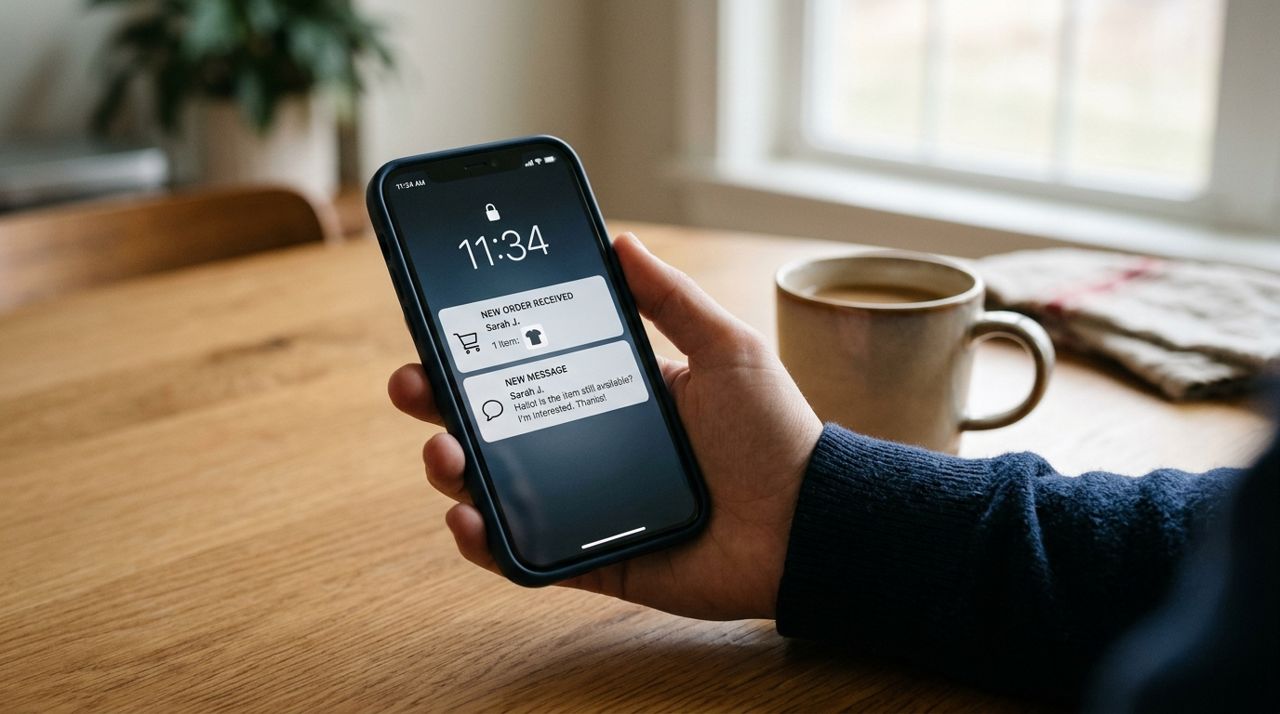
Smartphone screen showing new order notification and customer message on selling app In your shop settings, note your pickup hours: 'Available weekday evenings 5–7 PM and Saturday mornings.' When someone places an order, you'll get an instant alert. Reply within an hour if possible to confirm pickup time and your address or meeting spot. Use Lumo's in-app messaging to coordinate. If a buyer asks for extra photos or details, send them quickly—fast responses close sales. For items stored in the back of the garage, make a note on your inventory list so you can grab them without digging. If someone doesn't show up for pickup, message them once to reschedule, then cancel and relist if they don't reply within 24 hours. Keep your shop active by marking sold items as out of stock and relisting anything that didn't sell after a week at a lower price.
- 06
Step 6: Handle pickups safely and get paid
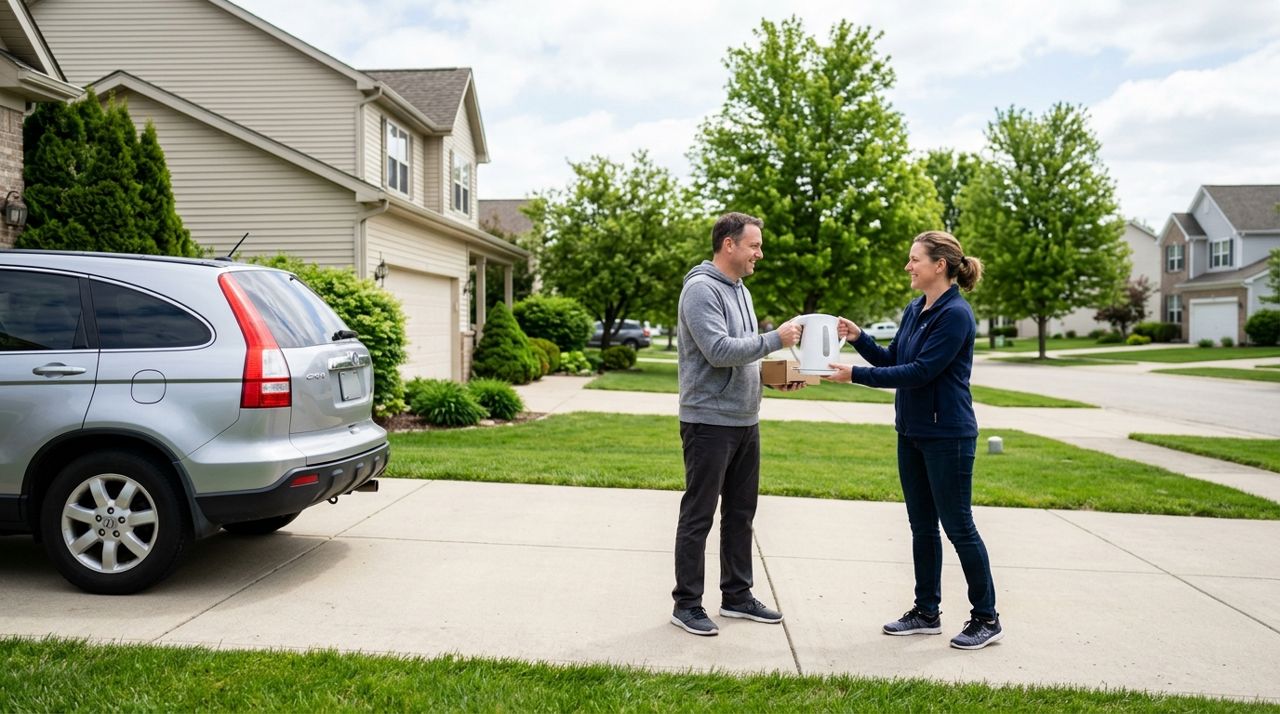
Two people exchanging household item in residential driveway during daytime When buyers arrive, greet them in your driveway or a public meeting spot—don't invite strangers into your home. Have the item ready to go; if it's large, help them load it. Payments are processed securely through the app, so you don't handle cash. Once the pickup is complete, mark the order as fulfilled in Lumo. Money lands in your in-app wallet, and you can transfer it to your bank account whenever you want. After each sale, the buyer can leave a rating. Good ratings help future sales, so be friendly, on time and honest about item condition. If something sells faster than expected, update your shop daily to remove sold items and add new finds from the back of the garage. As the pile shrinks, celebrate each sale—you're making money and reclaiming space.
Pro tips
- List your best or most unusual items first—they attract shoppers who then browse the rest of your shop.
- Bundle small related items ('Set of 4 picture frames, $15') to move them faster and reduce the number of individual pickups.
- Update your shop at least twice a week; fresh or repriced listings show up higher in search results.
- Take photos in the morning or late afternoon for the best natural light—midday sun creates harsh shadows.
- If an item hasn't sold in two weeks, drop the price by 20% or mention 'Must go this weekend' in the description.
Frequently asked questions
- How many items can I list in one shop?
- There's no limit. You can list dozens or even hundreds of items in a single Lumo shop. Organize them with clear titles and photos so buyers can browse easily, and update stock as items sell.
- What if I don't know the brand or value of something?
- Describe what you see: 'Vintage metal toolbox, red with some rust, latches work.' Take clear photos and price conservatively. Buyers who know the brand will recognize it, and you can always mention 'or best offer.'
- Should I offer delivery for heavy items like furniture?
- Only if you have a truck and want to charge extra for it. Most garage-sale buyers expect to pick up large items themselves. Just mention 'Buyer must arrange pickup and transport' in the listing to avoid confusion.
Clearing out a garage by listing everything online takes a weekend of work up front, but it's far more profitable than a yard sale and reaches more buyers. Once your shop is live, sales trickle in on their own while you go about your week. You'll reclaim your space, pocket the cash and maybe even discover you enjoy selling enough to make it a regular side income.
Photos are illustrative. Service prices are typical ranges and vary by city. How we write our guides.
More guides like this

How to Sell Your Used Furniture Online and Get Paid Quickly
Selling furniture you no longer need doesn't have to mean low-ball offers or sketchy parking-lot meetups. This guide walks you through photographing, pricing, listing, and getting paid for couches, tables, beds, and more.
How to Sell Kids' Clothes and Toys Online in Your Neighborhood
Your kids outgrow clothes and toys faster than you can keep up. Here's how to turn those gently used items into cash by selling locally to families who need them.

How to Sell Your Used Car Safely to a Local Buyer
Selling your car privately can net you $1,000–3,000 more than a dealer trade-in, but it requires careful planning to avoid scams and legal headaches. This guide walks you through every step from listing to handing over the keys.