
How to Manage Stock Levels for Your Retail Shop (And Never Oversell)
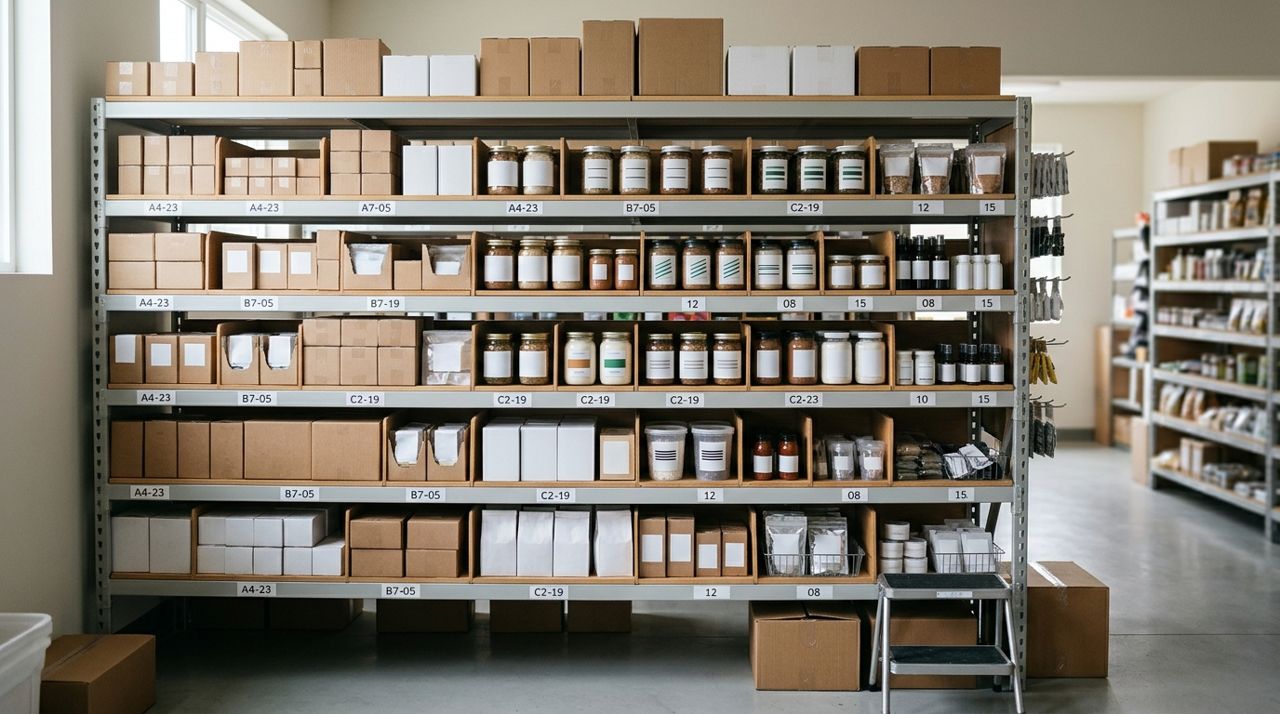
You've just sold the last candle in your shop. Ten minutes later, an online order comes in for two more. Now you're scrambling to explain to a customer that what they ordered isn't available. Overselling doesn't just cost you a sale—it damages trust, invites bad reviews, and eats up time you could spend running your business.
Accurate stock tracking isn't glamorous, but it's the backbone of a reliable shop. Whether you run a boutique, a farm stand, a gift shop or sell handmade goods from home, these steps will help you stay on top of inventory so every sale you make is one you can actually fulfill.
- 01
Step 1: Start with a complete physical count

Shop owner counting products on shelves with clipboard and pen in hand Before you can track stock, you need to know what you have. Set aside two hours and count everything in your shop, storage room, and back stock. Use a clipboard or spreadsheet with three columns: item name, current count, and notes. Don't estimate—physically touch and count each item. If you sell clothing, count by size and color. For packaged goods, check expiration dates and note anything damaged or unsellable. This baseline is critical. If your starting count is wrong, every update after that will be off. Do this on a slow day or after hours so you're not interrupted.
- 02
Step 2: Set up your inventory in your selling system
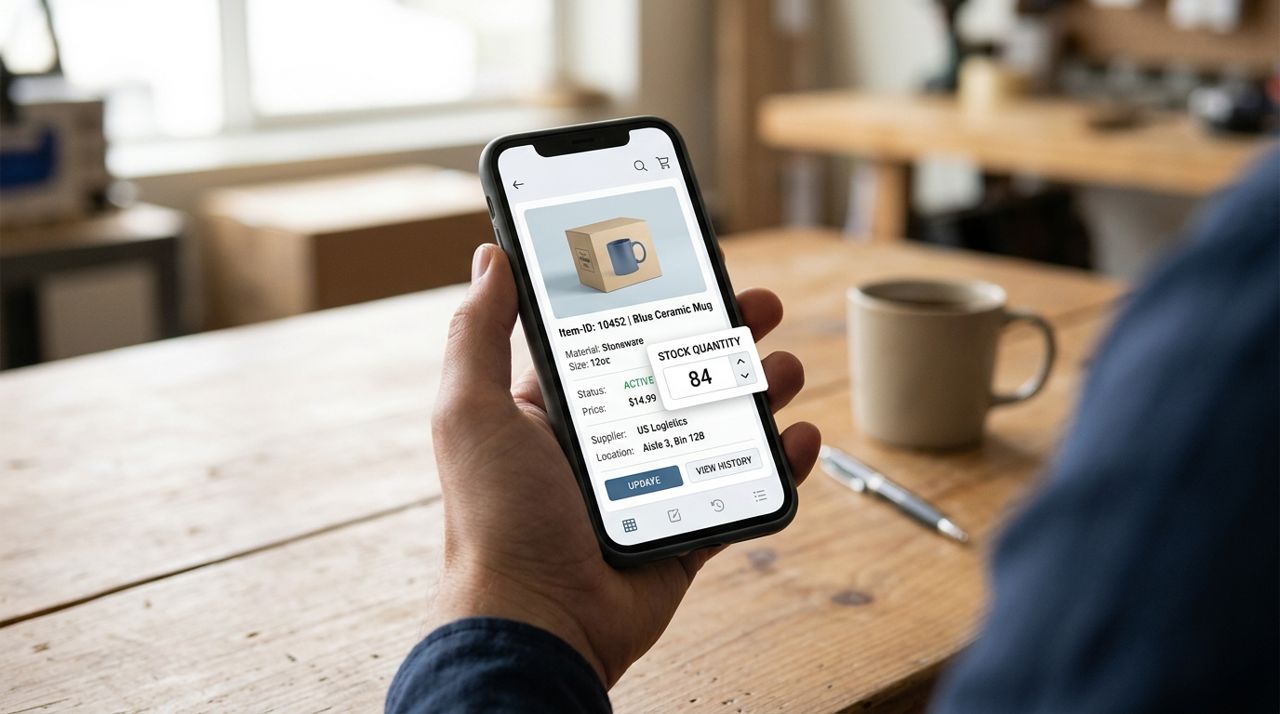
Close-up of mobile phone showing product listing with stock quantity field Once you know what you have, enter it into whatever system you use to sell. If you're on Lumo, open your shop, tap each product, and set the stock quantity. If you sell in person too, use a notebook or simple spreadsheet that you update after every sale. The key is one source of truth—a single place where your current stock lives. For each item, note not just the quantity but also any variants (size, color, flavor). If you make 12 bars of lavender soap and 8 bars of peppermint, track them separately. Generic counts lead to overselling. Update this list every single day, ideally at the end of your business day, so you start each morning knowing exactly what's available.
- 03
Step 3: Update stock immediately after every sale
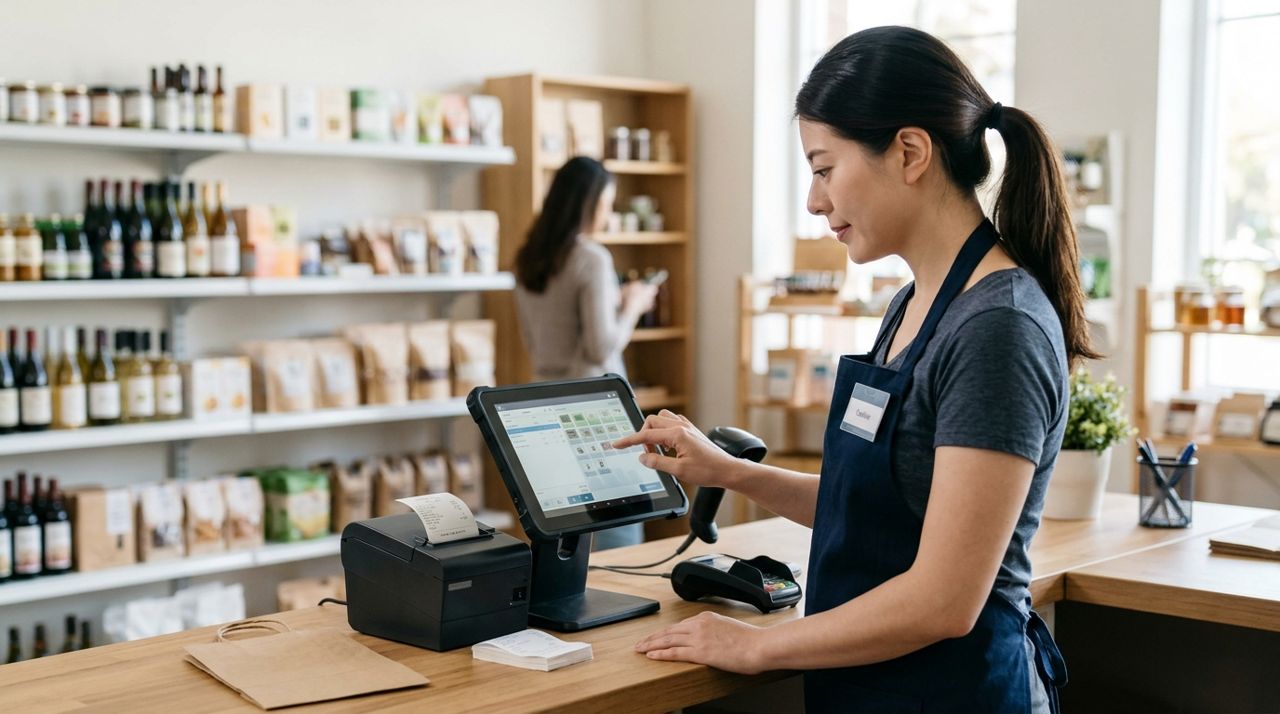
Cashier at counter using tablet to update inventory after customer purchase The moment an item sells—online or in person—subtract it from your stock count. If you're using an app like Lumo, the platform does this automatically when an order comes in. If you sell at farmers' markets or in a physical shop, keep a tally sheet at your register or on your phone and update your main inventory at the end of each day. The longer you wait, the more likely you'll forget a sale or sell the same item twice. Set a daily alarm for 8 p.m. as a reminder to reconcile your counts. If you have help, train anyone who handles sales to update stock or at least record what sold so you can update it later.
- 04
Step 4: Set low-stock alerts so you don't run dry
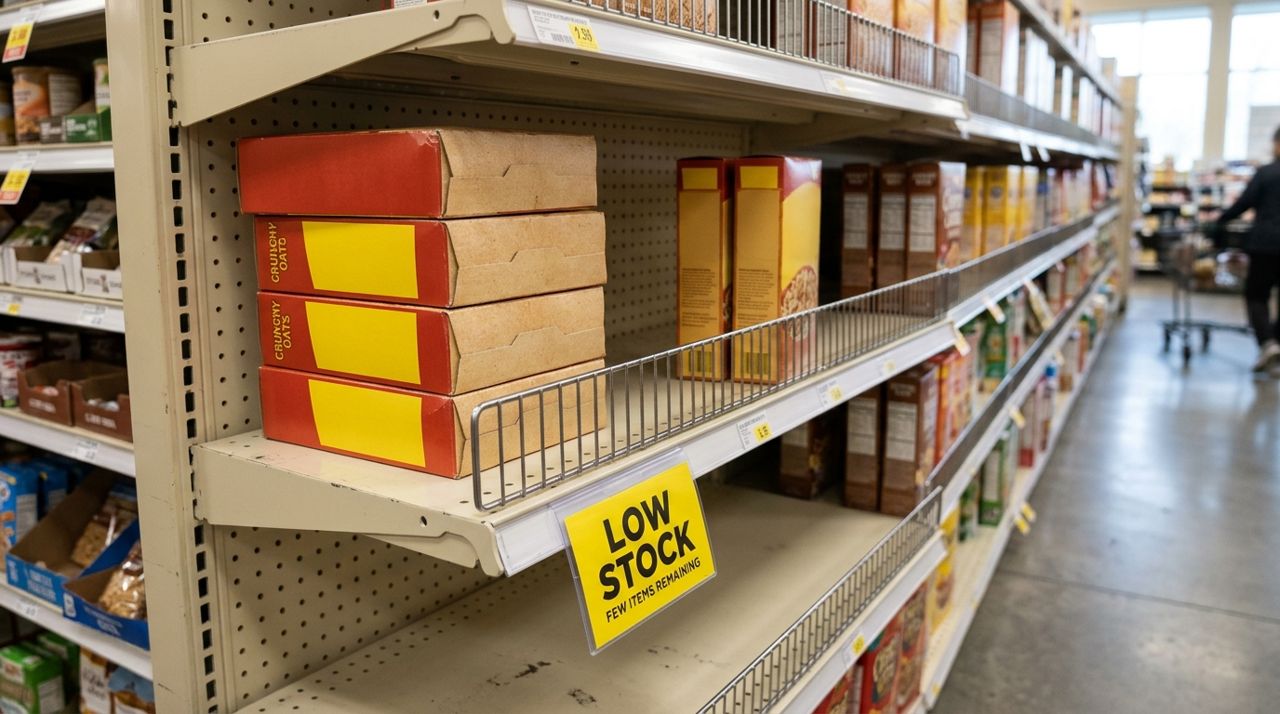
Retail shelf with low stock alert tag showing only few items remaining Decide on a minimum threshold for each product—the point where you need to reorder or make more. For a bakery, that might be five loaves; for a clothing boutique, two items per size. Write these thresholds down. Check your stock against them once a week. Some selling platforms let you set automatic alerts, but even a simple spreadsheet with conditional formatting (cells turn red when you hit the threshold) works. Running out isn't always bad, but not knowing you're about to run out is. Build in lead time: if it takes your supplier four days to restock, set your alert for five or six items left, not zero.
- 05
Step 5: Turn off listings when you're out of stock
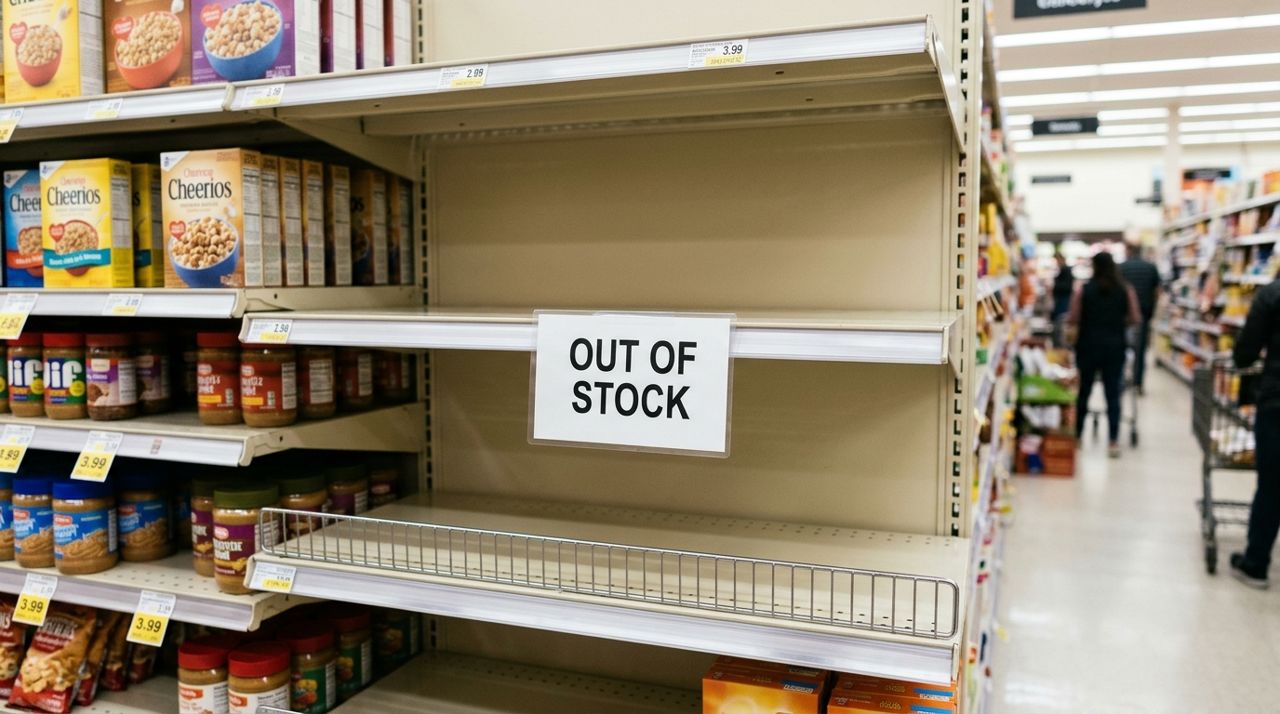
Empty product display with clear out of stock sign on retail shelf The instant you sell the last unit of something, make it unavailable for purchase. On Lumo, you can set stock to zero or pause the listing. If you sell on multiple platforms, update all of them. Don't leave a listing up hoping you'll restock tomorrow—customers order now, not tomorrow. If an item is temporarily out but coming back soon, add a note to the description ('Back in stock April 10') and turn off ordering. If it's gone for good, delete the listing or mark it as sold out permanently. This takes 30 seconds and prevents the headache of refunding orders and apologizing to frustrated buyers.
- 06
Step 6: Do a weekly physical recount to catch mistakes

Small business owner comparing physical stock to inventory list on clipboard Even with careful tracking, errors creep in—someone forgets to log a sale, a jar breaks, a customer returns an item. Once a week, pick five to ten of your best-selling items and recount them physically. Compare the actual count to what your system says. If they don't match, investigate. Did you forget to log a sale? Did someone shoplift? Was there a return you didn't add back? Adjust your system to match reality, not the other way around. For smaller shops, a full monthly recount of everything is smart. Mark it on your calendar like any other business task. These recounts are your safety net—they keep small mistakes from snowballing into big ones.
- 07
Step 7: Communicate clearly when stock is limited
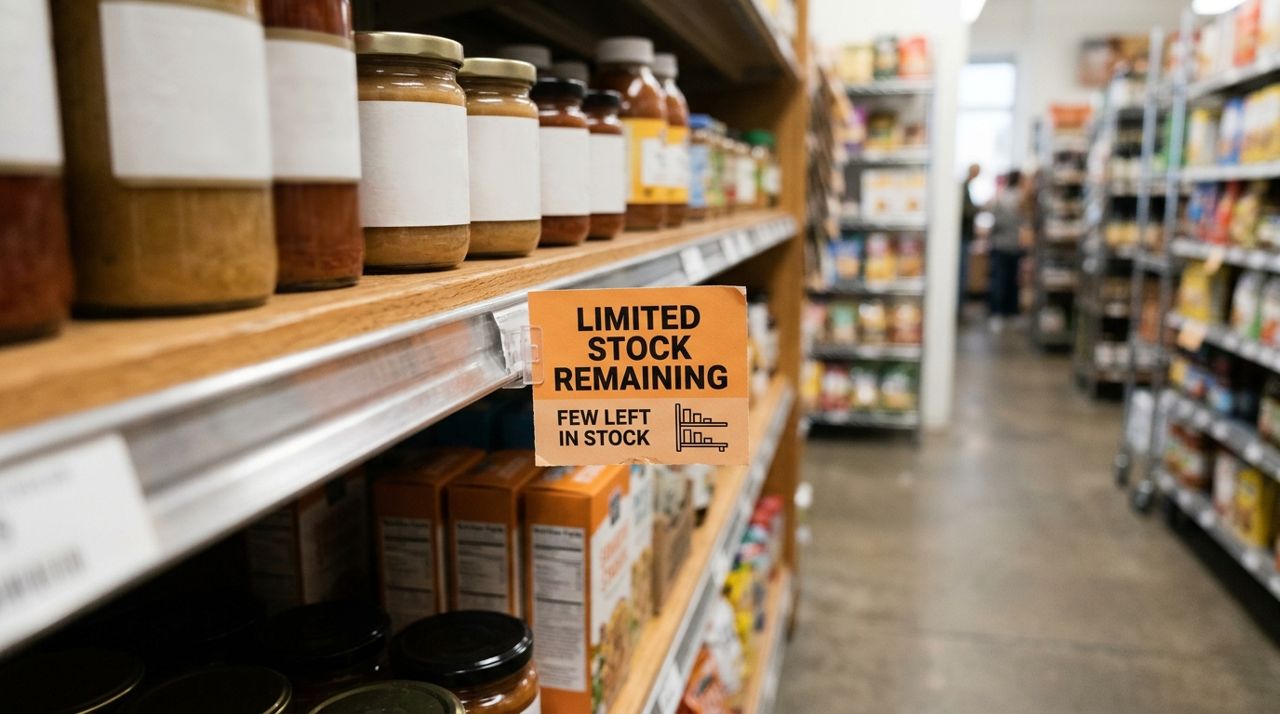
Product label showing limited stock remaining notice in retail setting If you only have three left of a popular item, say so in the listing: 'Only 3 available' or 'Limited stock.' Customers appreciate transparency, and it can even create urgency that boosts sales. If someone orders multiple units and you're low, message them before confirming: 'I have two in stock right now; I can get the third by Friday—does that work?' Most people would rather wait a day or adjust their order than have it canceled. On Lumo, use the in-app messaging to confirm details before you mark an order as confirmed. Honest communication turns a potential complaint into a loyal customer who knows you're paying attention.
Pro tips
- Batch similar tasks: update stock for all online sales at once each evening instead of scattered throughout the day.
- Use your phone's camera to snap a quick photo of your stock area at the end of each day—it's a visual backup if counts get confusing.
- If you sell perishables, track expiration dates alongside quantities so you can discount or pull items before they spoil.
- Color-code your inventory sheet: green for well-stocked, yellow for running low, red for out of stock. It makes weekly reviews faster.
- Keep a small 'reserve' amount off your online count if you sell in person too, so walk-in customers aren't always told 'I just sold the last one online.'
Frequently asked questions
- What if I sell the same item in person and online at the same time?
- You need one shared inventory count that both channels pull from. Update it in real time or, if that's impossible, hold back a portion for each channel and reconcile at the end of the day. Many sellers reserve 60% for online and 40% for walk-ins, adjusting based on where most sales happen.
- How do I handle stock for made-to-order items?
- Set stock to a high number (like 100) and note in the description that it's made to order with a specific lead time. Turn off the listing when you're at capacity or taking a break from new orders.
- What should I do if I accidentally oversell something?
- Message the customer immediately, apologize, offer a full refund or a discount on a substitute item, and update your stock right away. Honesty and speed turn a mistake into a minor bump instead of a lost customer.
Managing stock isn't about perfection—it's about systems that catch mistakes before they reach your customers. A weekly recount, a daily update habit, and clear communication will keep your inventory accurate and your customers happy. If you're selling on Lumo, stock tracking is built right into your shop, so you can spend less time on spreadsheets and more time growing your business. Set aside an hour this week to get your counts right, and you'll save yourself dozens of hours of frustration down the road.
Photos are illustrative. Service prices are typical ranges and vary by city. How we write our guides.
More guides like this

How to Open a Free Online Shop for Your Neighborhood Boutique
Your neighborhood boutique can reach more customers without paying monthly platform fees. Here's how to open a free online shop, list your inventory, and start taking orders today.

How to Take Professional Product Photos Using Only Your Phone
You don't need a fancy camera to take product photos that sell. With the phone in your pocket and a few simple techniques, you can shoot images that look professional and make customers want to buy.

How to Write Product Descriptions That Actually Sell Your Items
A good product description does more than list features—it answers questions, builds trust, and makes people want to buy. Here's how to write descriptions that turn views into sales.