
How to Order a Last-Minute Gift from Local Shops for Same-Day Delivery
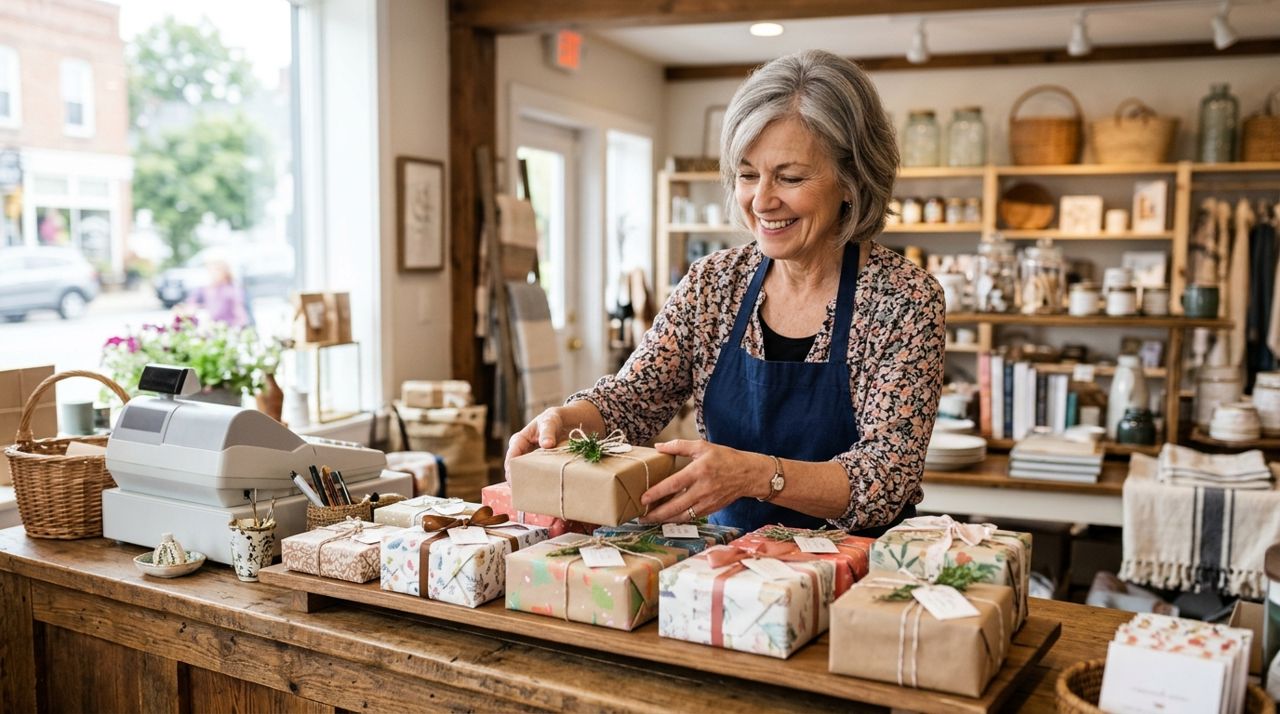
It's 2 p.m. and you just realized tonight's dinner party needs a host gift, or your partner's birthday is in four hours and you have nothing. Big-box retailers promise two-day shipping, but that doesn't help right now. Meanwhile, the boutique down the street has the perfect candle or bottle of wine, and local shops often deliver the same day.
This guide walks you through ordering a last-minute gift from local shops for same-day pickup or delivery. You'll learn how to find what you need fast, compare delivery times and fees, track your order in real time, and show up with a thoughtfully wrapped gift that doesn't scream "panic buy."
- 01
Step 1: Open the app and set your delivery address
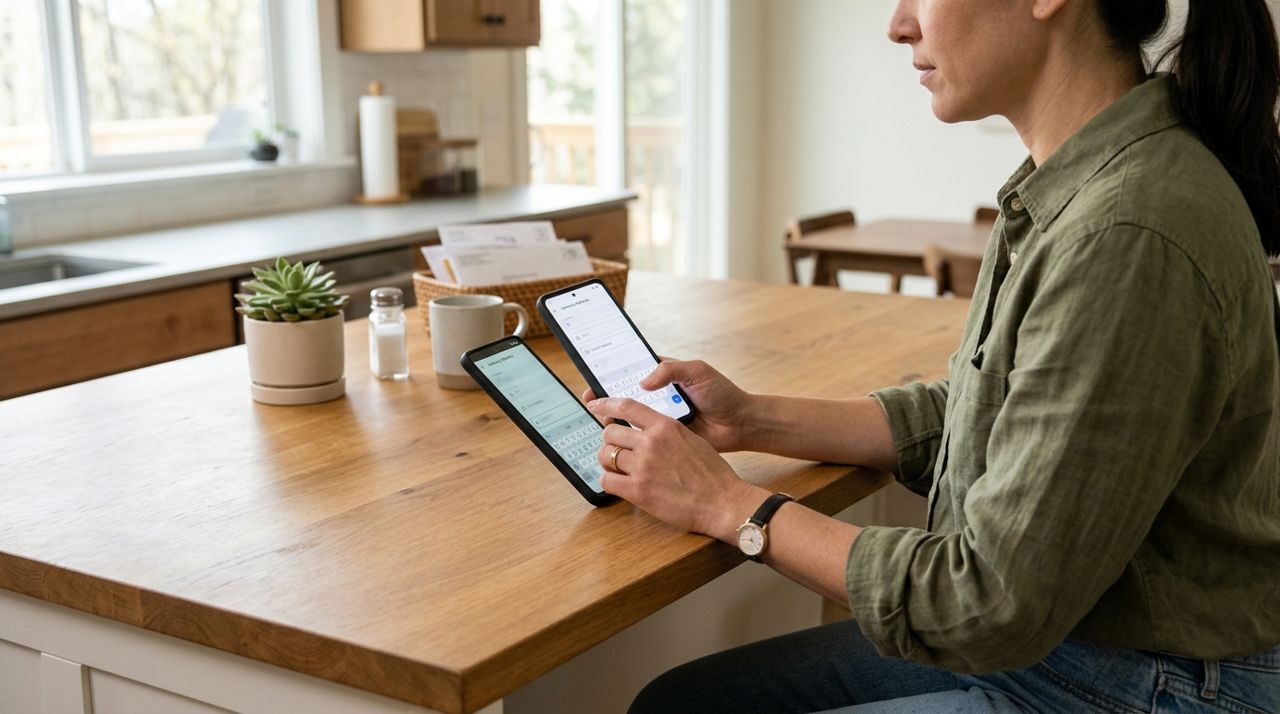
Person entering a delivery address on a smartphone screen Download Lumo (available on iPhone, Android, or at golumo.app) and pick Customer mode on the welcome screen. Sign in with your email, phone, Google, or Apple account. Enter the address where you need the gift delivered—your home if you'll hand it off yourself, or the event location if you want it delivered directly. The app will show you every local shop that can reach that address, along with their estimated delivery windows. If you're picking up instead, you can browse all nearby shops and grab the gift on your way to the party.
- 02
Step 2: Browse local shops and filter by delivery speed
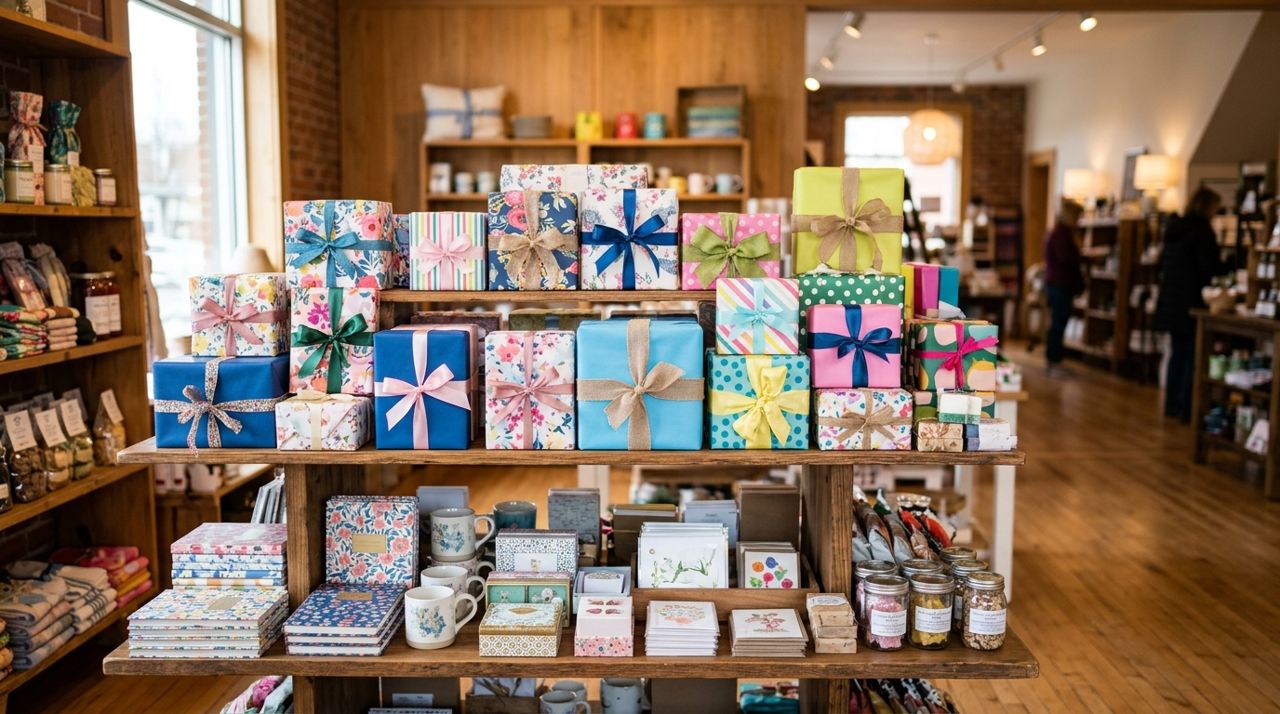
Colorful display of wrapped gifts and specialty items in a boutique Tap into the local shops section and look for stores that suit your recipient: gift boutiques, wine shops, bookstores, flower shops, specialty food stores, craft vendors. Many display estimated delivery times right on their profile—look for "delivery in 1-2 hours" tags. Open a shop's page to see their full catalog with photos, prices, and stock levels. If a shop doesn't list same-day delivery, check their hours; some offer pickup within 30 minutes during business hours. Use the in-app messaging feature to confirm: "Can you deliver a gift basket by 6 p.m. today?" Most shop owners respond within minutes.
- 03
Step 3: Choose your gift and check the delivery fee
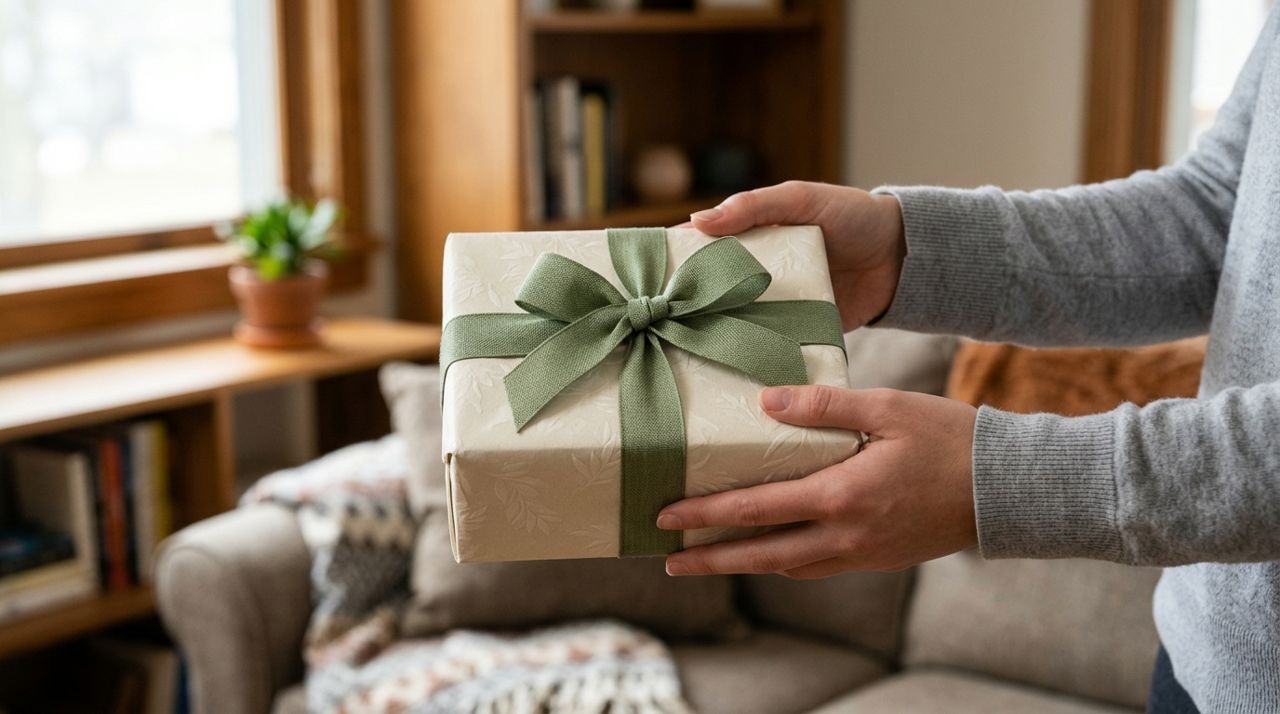
Hands holding a beautifully wrapped gift box with ribbon Add items to your cart—a wine bottle, gourmet chocolates, a potted plant, a locally made candle, or a book. Many shops offer gift wrapping for $3-$8; add it as an option or message the seller to request it. Before you check out, the app shows the delivery fee based on distance, order size, and a small base fee. Pickup orders have no delivery fee. For example, a $40 gift delivered three miles away might cost $5-$8 for delivery. If you're on a tight budget, compare a few shops' fees or choose pickup and wrap the gift yourself at home.
- 04
Step 4: Add a personal note and confirm the order
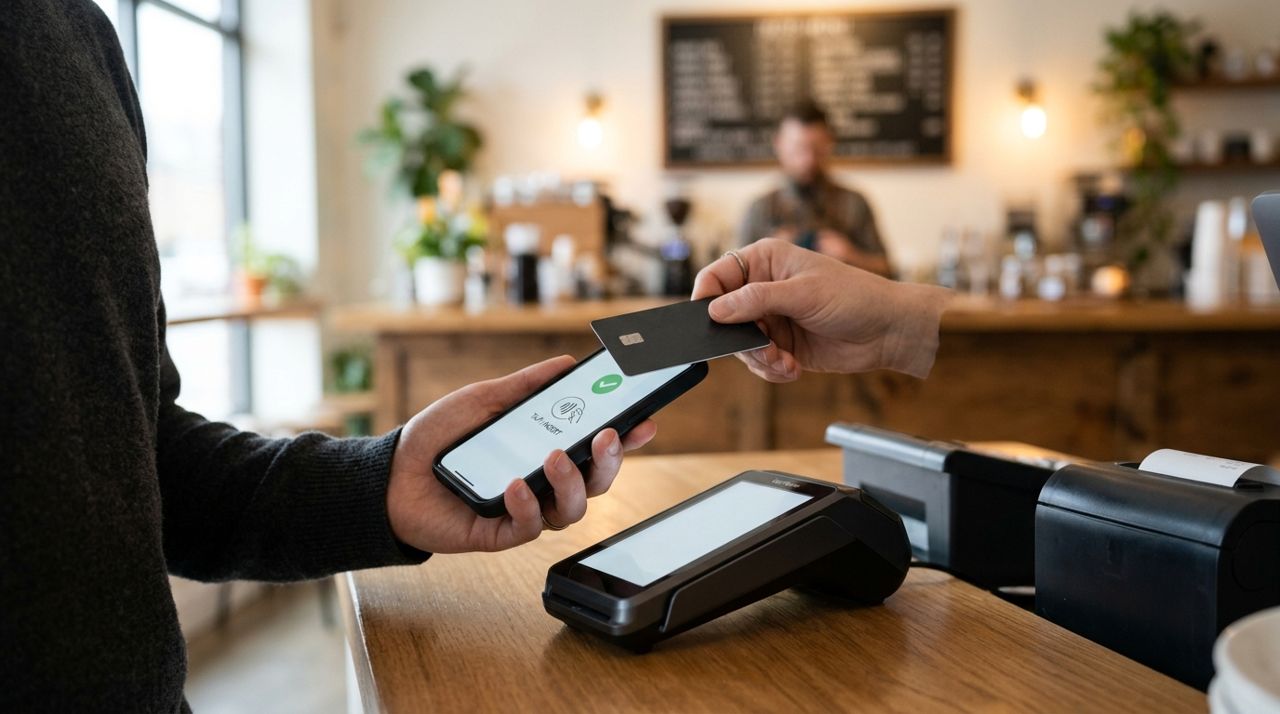
Person completing a secure mobile payment on a smartphone Most local shops let you include a gift message at checkout—write a short note if the gift is being delivered directly to the recipient. Double-check the delivery address and your phone number in case the driver needs directions. Choose your payment method (credit or debit card saved securely in the app). Review the total: item price + delivery fee + any gift-wrap charge + optional tip for the driver. Confirm the order. You'll get an instant notification with the shop's estimated prep time and delivery window, usually within 1-3 hours for same-day orders.
- 05
Step 5: Track your order and driver in real time
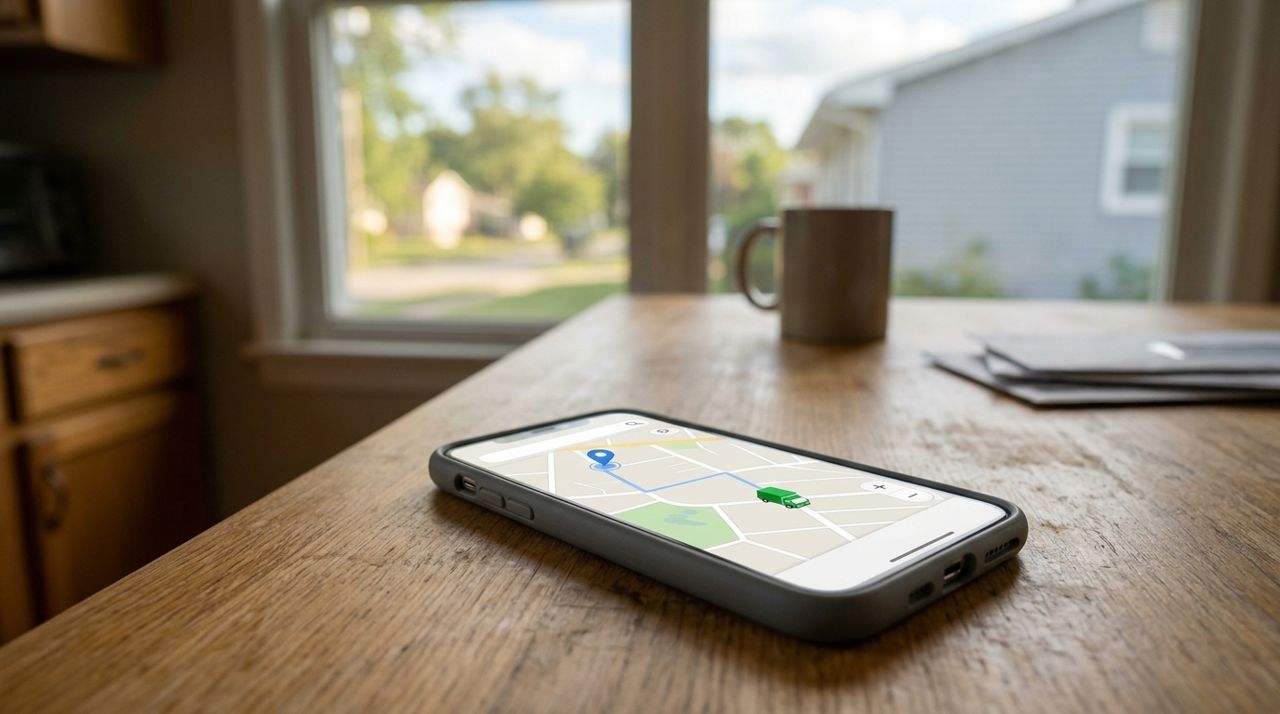
Smartphone screen showing a live map with delivery driver location marker Once the shop prepares your gift and a driver picks it up, you can follow the delivery live on a map inside the app. You'll see the driver's location, their route, and an updated arrival time. This is crucial when you're cutting it close—if the driver is ten minutes out and you're still getting dressed, you know exactly how much time you have. The driver must take a photo when they drop off the package, so you'll have proof of delivery. If anything goes wrong (wrong address, gate code needed), the driver or shop can message you instantly.
- 06
Step 6: Receive the gift, tip the driver, and leave a review
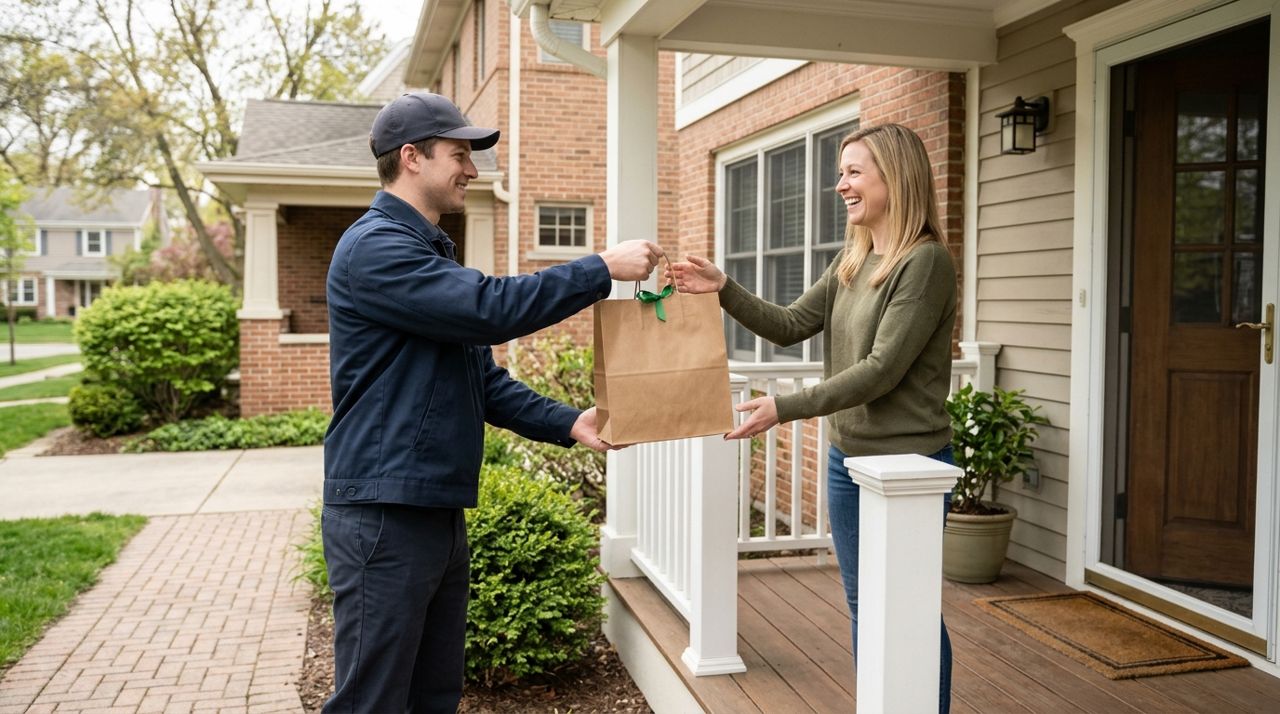
Delivery driver handing a gift bag to a smiling customer When the gift arrives, inspect it quickly—make sure it's the right item and any gift wrapping looks good. If the driver went out of their way to deliver fast or handled the package carefully, tip them in the app (you can choose 10%, 15%, 20%, or a custom amount, and 100% goes to the driver). After the delivery, rate the shop and the driver. Honest reviews help other last-minute shoppers find reliable shops and fast drivers. If the shop impressed you, save them in the app so you can reorder next time you need a gift in a hurry.
- 07
Step 7: Show up with your gift (and a good story)
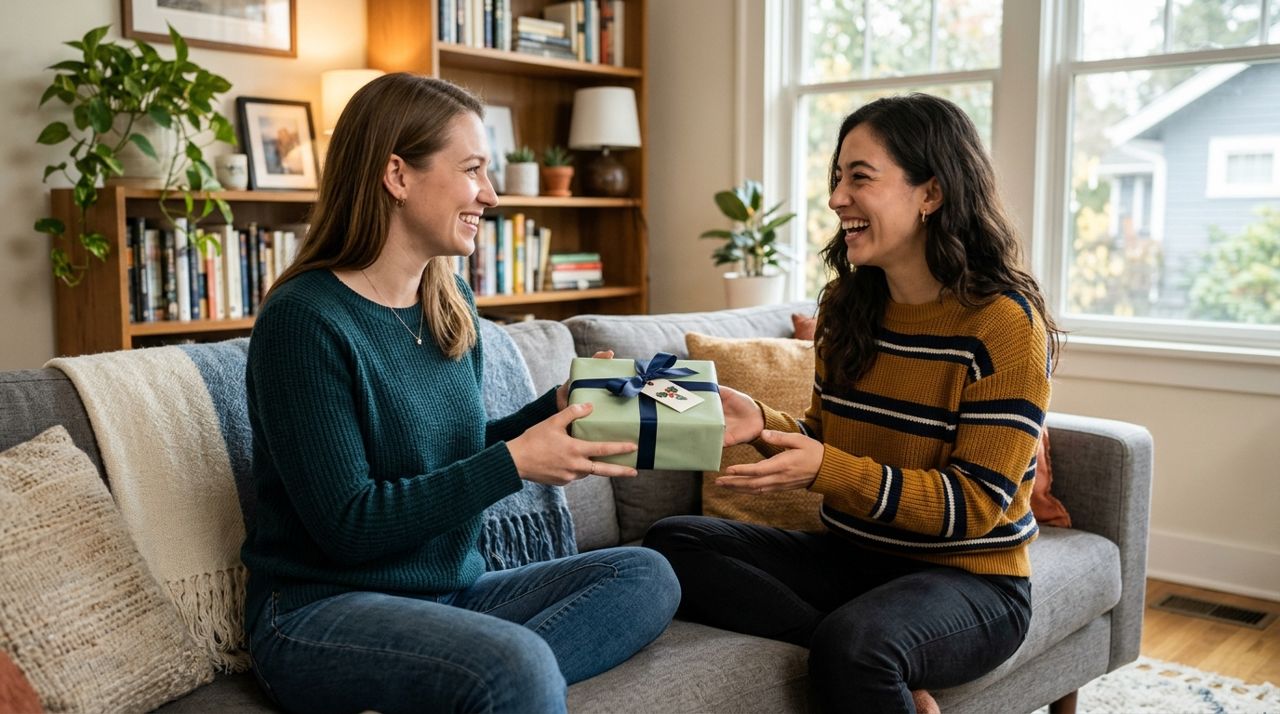
Two friends smiling as one hands a wrapped gift to the other Whether the gift was delivered straight to the party or you picked it up and brought it yourself, you now have a thoughtful present from a local shop—not a generic Amazon box. Tell your host or birthday person where it came from: "I found this at that new candle shop on Main Street." Supporting a local business makes the gift feel more personal, and you've just discovered a shop you can rely on for future occasions. Next time you need a last-minute gift, you'll know exactly what to do, and you might even order a day early to avoid the stress entirely.
Pro tips
- Order before 3 p.m. for the best same-day availability; after 5 p.m., many shops stop accepting deliveries.
- If you're really stuck, message two or three shops at once and go with whoever responds first.
- Add a $5-$10 item (like a greeting card or small chocolate bar) to meet any delivery minimums.
- Save your favorite gift shops in the app so you can reorder quickly for birthdays, holidays, and thank-you gifts.
- Choose pickup if the event is on your route—you'll skip the delivery fee and have the gift in hand faster.
Frequently asked questions
- How much does same-day delivery cost for a local gift?
- Delivery fees are shown before checkout and depend on distance, order size, and a base fee—typically $4-$12 for orders within five miles. Pickup is always free. You can compare fees from multiple shops before you decide.
- What if the gift doesn't arrive in time?
- Track your order live on the map and message the driver or shop if you see a delay. Most same-day orders arrive within 1-3 hours. If you're cutting it very close, choose pickup so you control the timing.
- Can I send a gift directly to someone else's address?
- Yes. Enter their address as the delivery location, add a gift message at checkout, and the shop will deliver it directly. The recipient won't see the price, and you'll get a delivery photo as confirmation.
Ordering a last-minute gift from a local shop is faster and more personal than you think. With same-day delivery, live tracking, and the ability to message sellers directly, you can turn a stressful scramble into a thoughtful gesture—and support a local business in the process. Next time you're in a bind, open Lumo, find a nearby shop, and let them save the day.
Photos are illustrative. Service prices are typical ranges and vary by city. How we write our guides.
More guides like this
How to Order Flowers from a Local Florist for Delivery
Learn how to order fresh flowers from local florists for delivery, whether you need a last-minute birthday bouquet or a carefully planned anniversary arrangement.
How to Order Hardware Supplies From Local Stores for Pickup
Ordering hardware supplies from local stores for pickup means you can check inventory, compare prices, and have everything ready when you arrive—no more hunting through aisles or finding out items are out of stock.
How to Order Pet Food and Supplies from Local Pet Stores
Ordering pet food and supplies from local pet stores is faster and more personal than waiting for online shipments. Here's how to get exactly what your pet needs from stores you trust.