
How to Order Pet Food and Supplies from Local Pet Stores
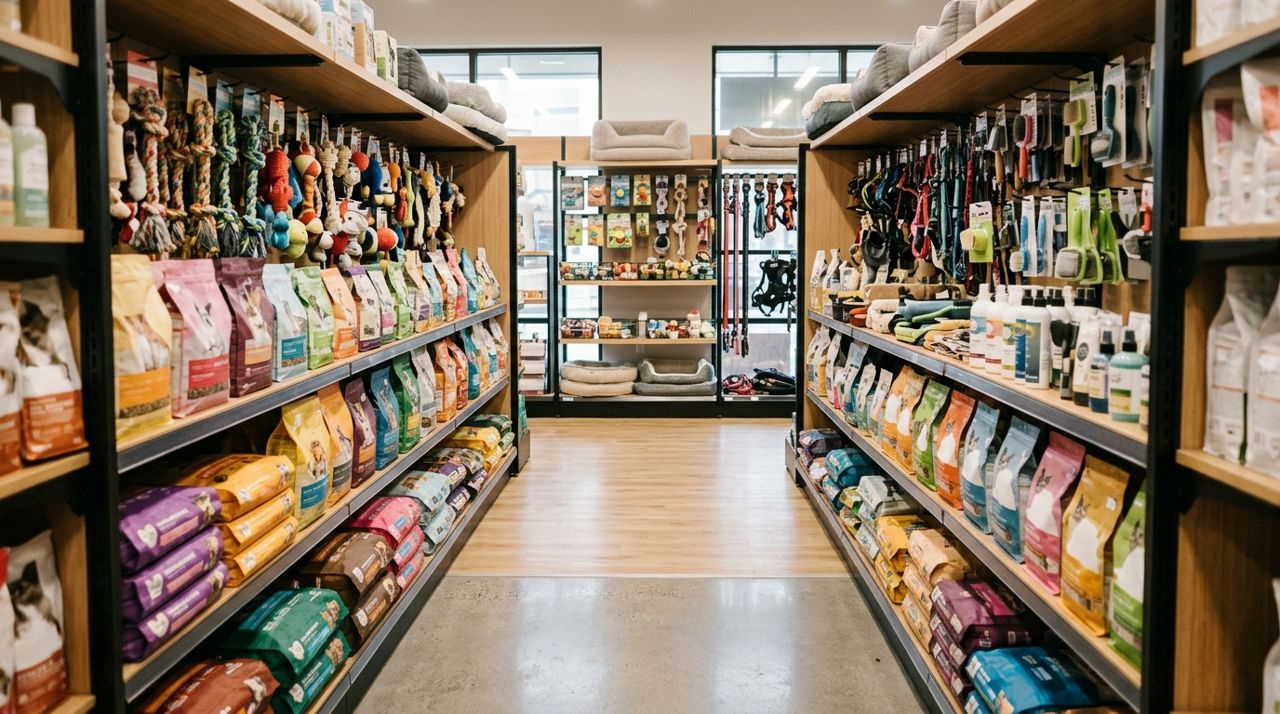
You're down to the last cup of dog food, the cat litter is running low, or you need a specific brand of medication your vet recommended. Instead of driving to three different chain stores or waiting two days for online delivery, local pet stores often have what you need—and you can order it from your phone.
Ordering from a neighborhood pet store supports a local business that knows your pet's needs, stocks specialty brands that big-box retailers don't carry, and can answer questions about new foods or toys. This guide walks you through finding a local shop, placing your order, and getting it delivered or ready for pickup in a few hours.
- 01
Step 1: Open the app and search for pet stores near you
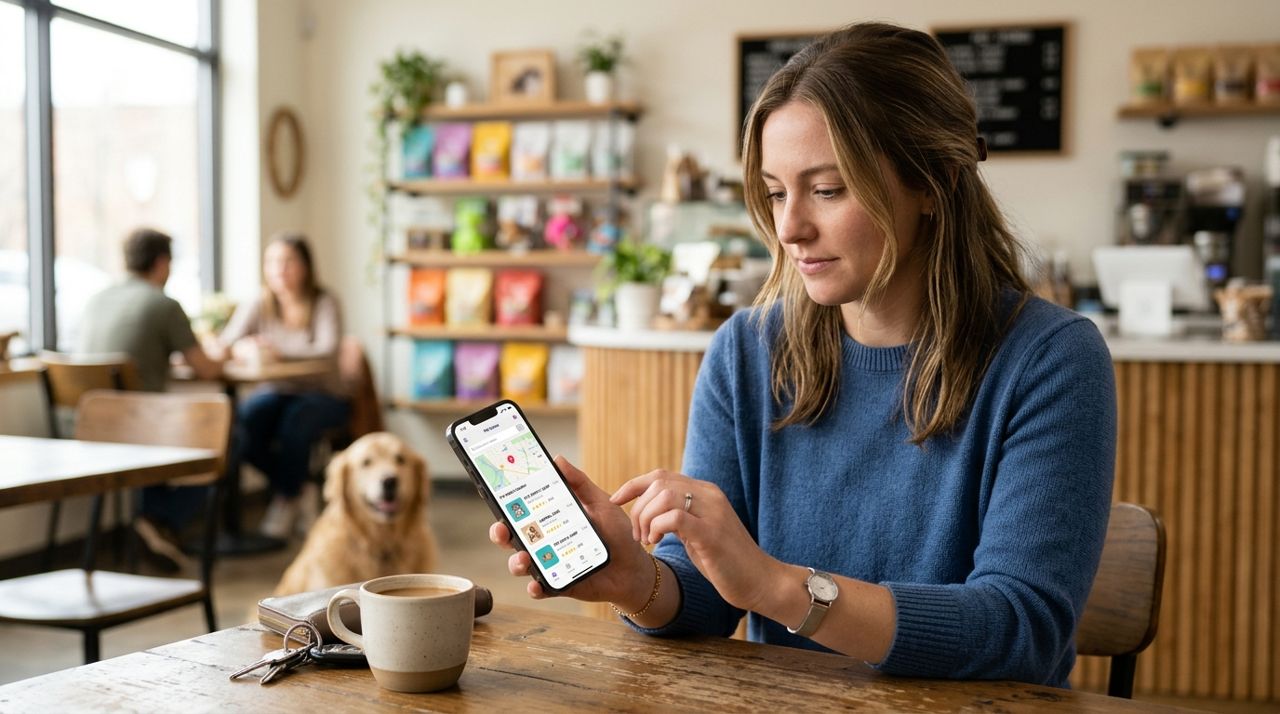
Customer browsing local pet stores on a smartphone app screen Download Lumo (available on iPhone, Android, or visit golumo.app) and select Customer mode on the welcome screen. Tap the search bar and type "pet store," "pet supplies," or the name of a shop you already know. You'll see a list of local pet stores with their distance, ratings, and whether they offer pickup or delivery.
Browse the profiles to see what each store specializes in—some focus on natural foods, others carry reptile supplies or farm-animal feed. Check the store hours and any minimum order requirements. Tap the store that has what you need to see their full catalog.
- 02
Step 2: Browse the catalog and add items to your cart
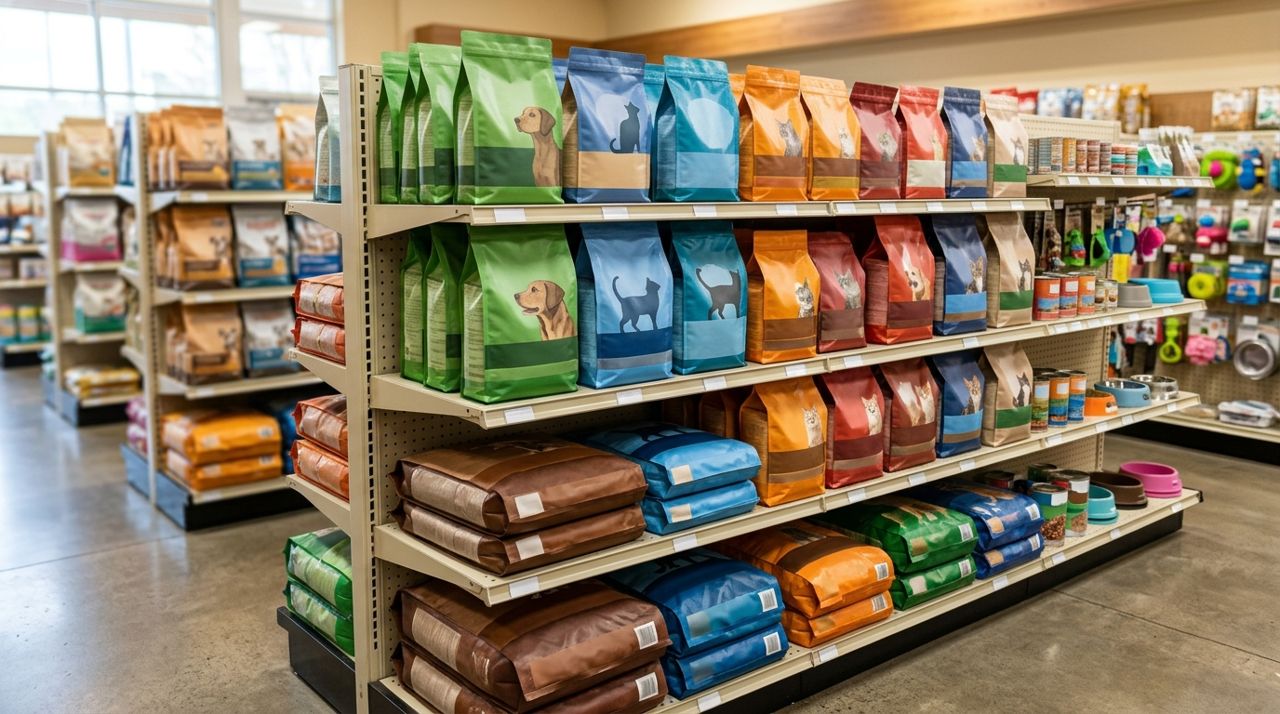
Display of various pet food bags and supplies on store shelves Most pet stores organize their products by category: dog food, cat supplies, small animals, birds, fish, treats, toys, grooming, and health products. Tap a category to see everything in stock. Each listing shows the brand, size, price, and a photo—so you can verify you're getting the 30-pound bag of chicken and rice formula, not the lamb and oatmeal.
Tap an item to read the full description, check ingredients if listed, and add it to your cart. Need three cans of wet food and a bag of litter? Add them all. If the store is out of stock on something, it won't appear or will be marked unavailable. Use the in-app messaging feature to ask if they can order an item or suggest an alternative.
- 03
Step 3: Review your cart and choose pickup or delivery
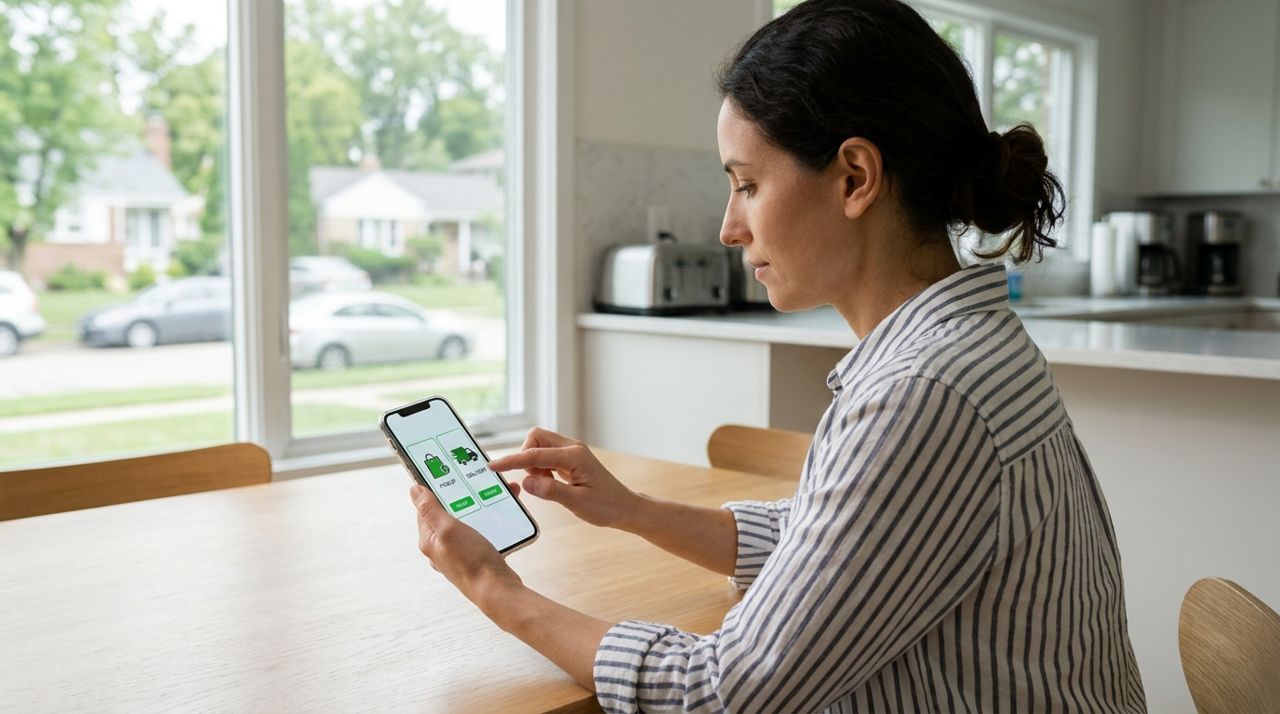
Customer selecting between pickup and delivery options on an app Tap your cart icon to review everything. Double-check sizes and quantities—it's easy to accidentally select the 5-pound bag when you meant the 15-pound. You'll see the subtotal and any store notes about availability or prep time.
Now choose how you want to get your order:
- Pickup: No fee. You'll get a notification when your order is ready, usually within 30 minutes to an hour. Drive to the store, go to the pickup area, and someone will bring it out.
- Delivery: The fee is calculated based on a base fee, distance from the store, and order size. You'll see the exact amount before you confirm. Delivery times vary from 30 minutes to a few hours depending on driver availability.
If you're ordering heavy items like a 40-pound bag of dog food, delivery is worth the fee.
- 04
Step 4: Complete payment and confirm your order
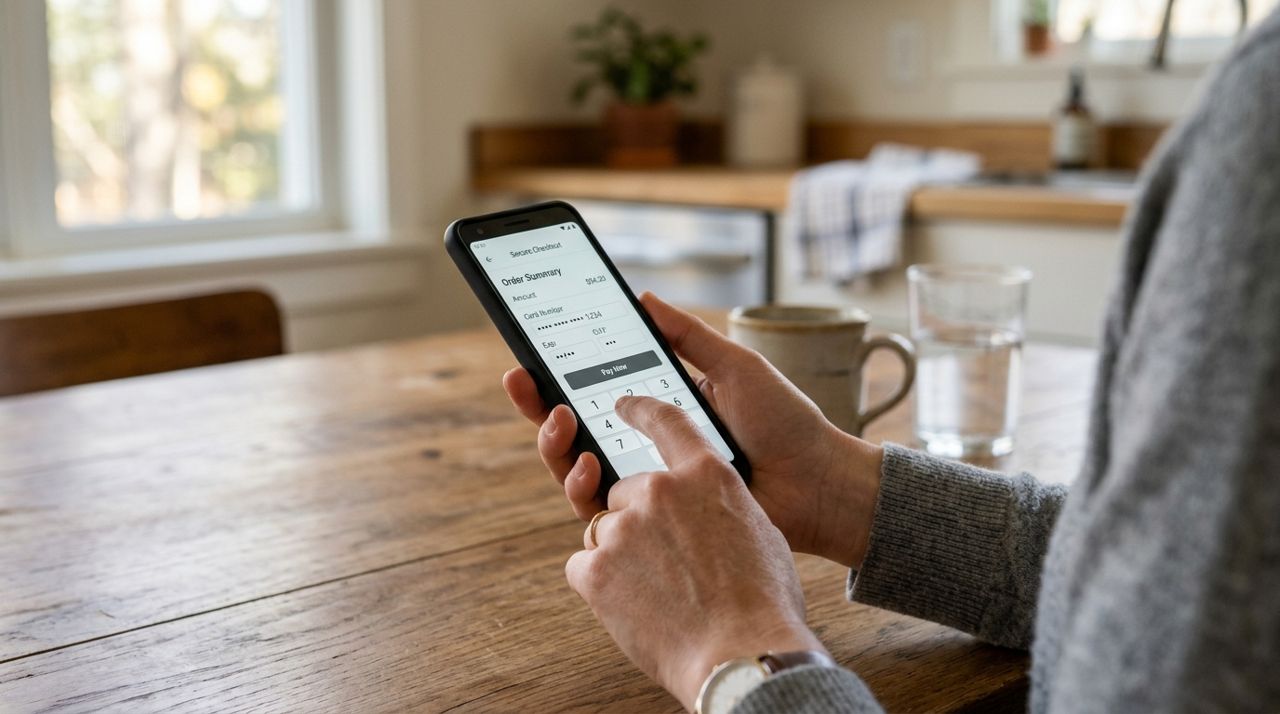
Hands holding smartphone entering payment details for online order Tap "Checkout" and enter your payment information. Lumo stores your card securely for future orders. If you selected delivery, confirm your address and add any delivery notes—"Leave on the covered porch," "Ring the doorbell," or "Dog in yard, call when you arrive."
Review the total, including delivery fee and tax. Tap "Place Order." You'll get an instant confirmation with an order number and estimated pickup or delivery time. The store receives your order immediately and starts gathering your items. If there's a problem—an item is out of stock or a size is wrong—the store will message you through the app to suggest a substitute or refund that item.
- 05
Step 5: Track your order in real time
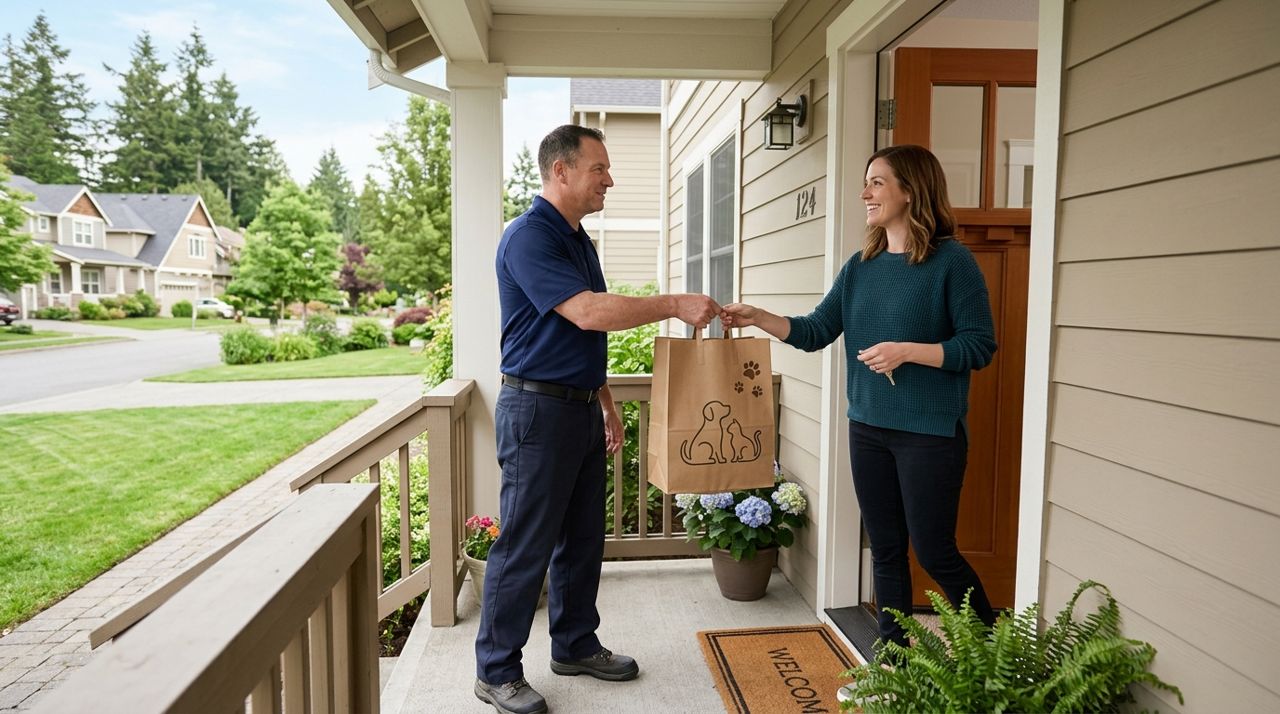
Delivery driver handing pet supply bag to customer at front door If you chose pickup, you'll get a push notification when your order is ready. Head to the store within the pickup window—usually a few hours—and someone will bring your items to your car or hand them to you at the counter.
If you chose delivery, you can follow the driver on a live map once they've picked up your order from the store. You'll see their location, estimated arrival time, and their route. This is especially helpful if you need to be home to meet them or if you're waiting for a time-sensitive item like medication.
The driver will take a photo when they drop off your order, so you'll have proof of delivery even if you're not home.
- 06
Step 6: Check your order and rate your experience
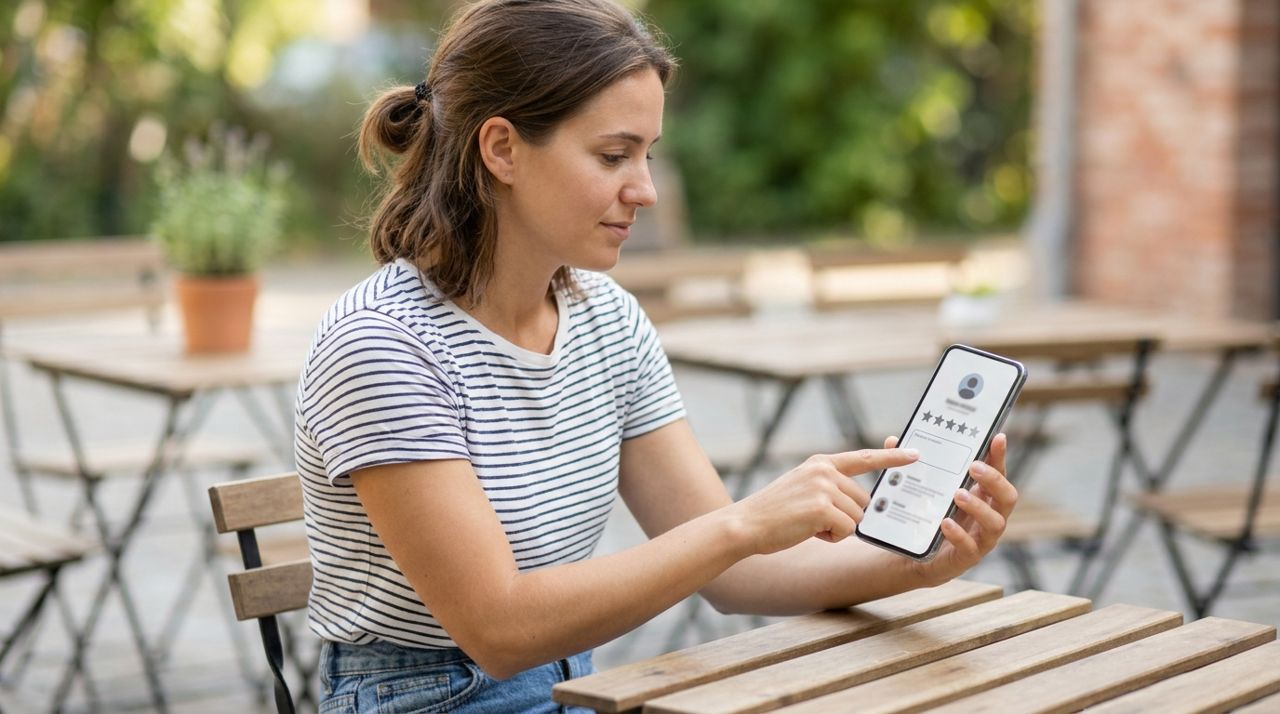
Customer leaving a star rating and review on a smartphone app Inspect your items as soon as they arrive. Check that the brands and sizes are correct, that nothing is damaged, and that you received everything you ordered. If something is missing or wrong, contact the store through the app immediately. Most stores will refund or replace the item quickly.
After you've checked your order, rate the store and the driver (if you had delivery). Your review helps other pet owners choose where to shop and tells the store what they're doing well. You can also tip your driver 10%, 15%, 20%, or a custom amount—100% of the tip goes to them. Tips are appreciated, especially for heavy orders or bad weather.
If you found a store you like, save it as a favorite so you can reorder quickly next time.
Pro tips
- Message the store before ordering if your pet has allergies or special dietary needs—they can suggest products or check labels for you.
- Order heavy items like litter or large bags of food for delivery to avoid lifting them yourself, especially if you have stairs.
- Reorder staples before you run out—most stores can deliver the same day if you order in the morning.
- Check if the store carries specialty brands like raw food, prescription diets, or grain-free options that aren't available at chain stores.
Frequently asked questions
- What if the store doesn't have the exact brand I need?
- Message the store through the app and ask if they can order it or recommend a similar product. Many local pet stores can special-order items or carry brands that aren't listed online yet. If you're switching foods, ask for a sample size first.
- How much does delivery cost?
- Delivery fees are based on a base fee plus distance from the store and order size. You'll see the exact amount before you check out. Pickup has no fee.
- Can I return an item if my pet won't eat it?
- Return policies vary by store, but many local pet shops accept returns or exchanges on unopened food. Message the store through the app to ask about their policy before you buy.
Ordering pet supplies from local stores gives you access to expert advice, specialty products, and same-day service without the hassle of driving around. Whether your dog is picky, your cat needs prescription food, or you just want to support a neighborhood business, local pet stores make it easy to get exactly what your pet needs—delivered to your door or ready when you are.
Photos are illustrative. Service prices are typical ranges and vary by city. How we write our guides.
More guides like this
How to Order a Last-Minute Gift from Local Shops for Same-Day Delivery
Forgot a birthday or need a host gift in three hours? Local shops can deliver gifts the same day—if you know how to order smart.

How to Order Flowers from a Local Florist for Delivery
Learn how to order fresh flowers from local florists for delivery, whether you need a last-minute birthday bouquet or a carefully planned anniversary arrangement.
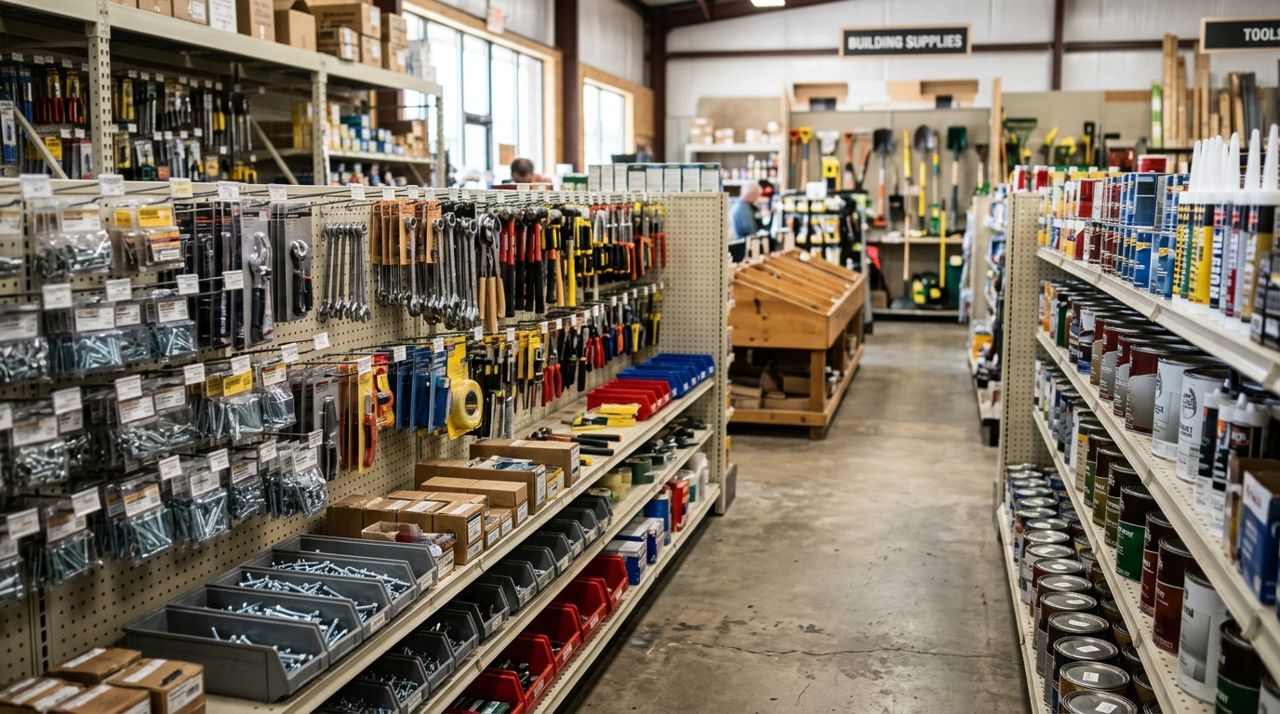
How to Order Hardware Supplies From Local Stores for Pickup
Ordering hardware supplies from local stores for pickup means you can check inventory, compare prices, and have everything ready when you arrive—no more hunting through aisles or finding out items are out of stock.