
How to Order Flowers from a Local Florist for Delivery
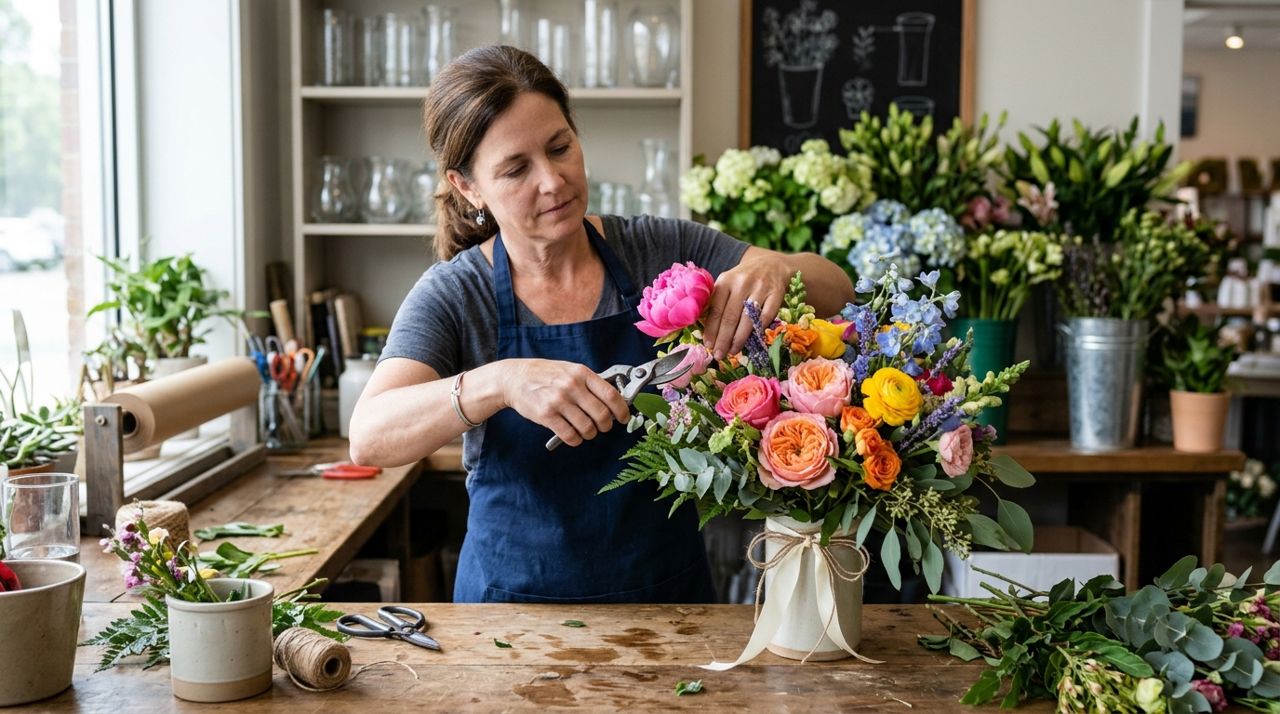
Ordering flowers from a local florist used to mean calling during business hours, hoping they had what you wanted, and trusting they'd write down your address correctly. Today, you can browse actual arrangements, see prices upfront, and schedule delivery—all from your phone.
This guide walks you through ordering flowers from neighborhood florists for delivery, from finding shops that serve your area to tracking your bouquet to the recipient's door. You'll learn what to expect for delivery fees, how to add special instructions, and when to order for same-day versus future delivery.
- 01
Step 1: Download the app and set your delivery address
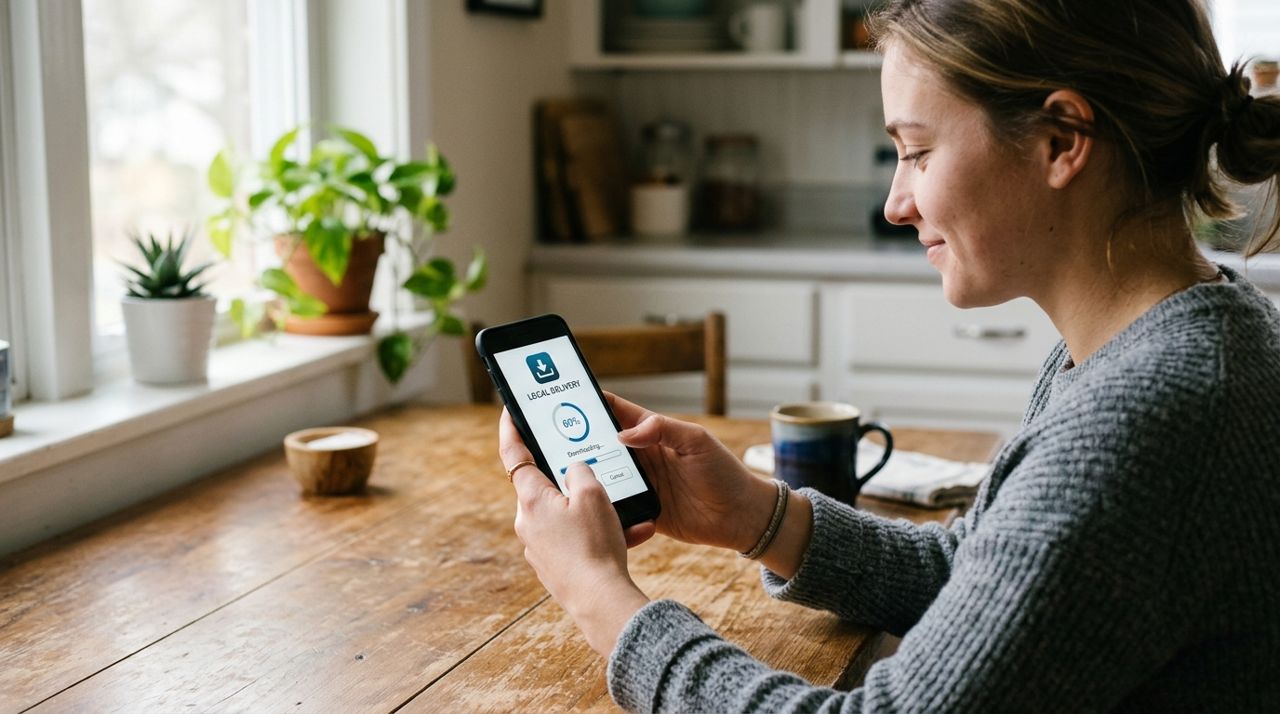
Person downloading a local delivery app on their smartphone screen Install Lumo from the App Store, Google Play, or visit golumo.app on your computer. When you open it for the first time, you'll pick Customer mode from the welcome screen. Enter the delivery address where you want the flowers sent—this is important because the app will only show florists that deliver to that location. If you're sending flowers across town or to another neighborhood, use the recipient's address, not your own. You can save multiple addresses in your account for future orders. The app will ask for basic account information: email or phone number to track your order and payment details.
- 02
Step 2: Browse local florists and their arrangements
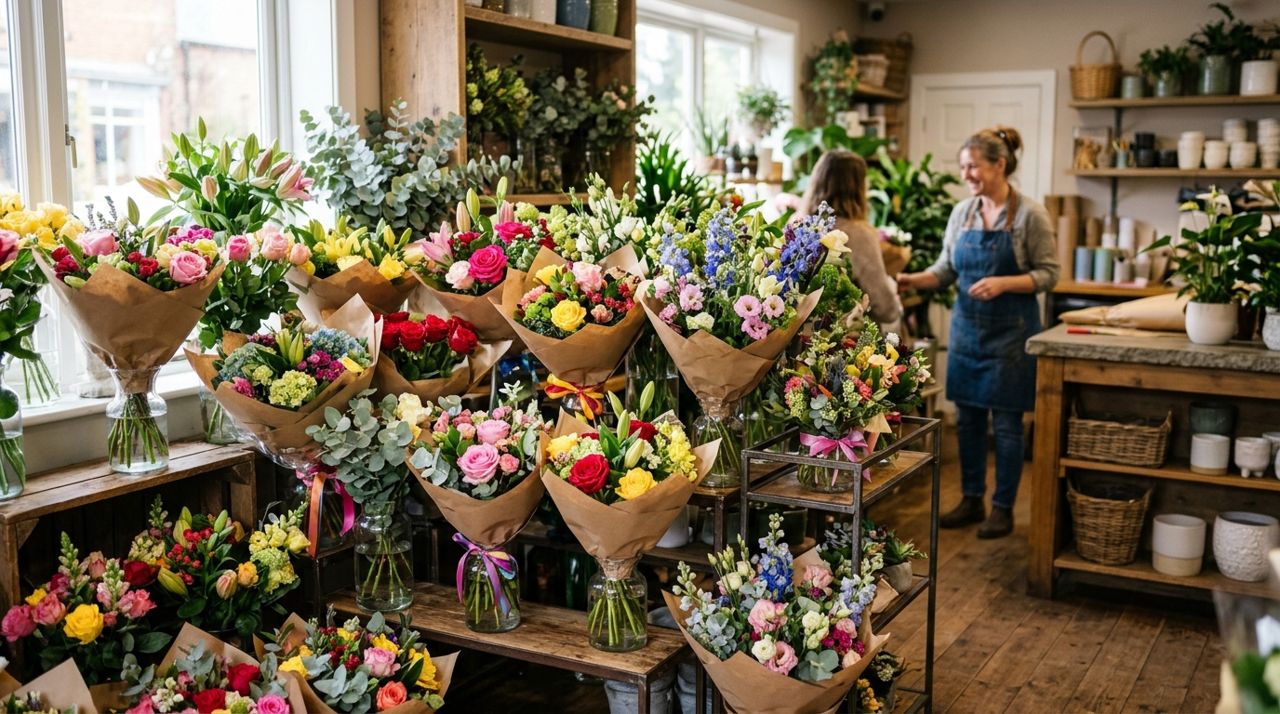
Colorful flower bouquets and arrangements displayed in a local flower shop Open the Shops section and look for florists in your area. You'll see shops with flower arrangements, bouquets, plants, and sometimes gift add-ons like chocolates or cards. Each florist's page shows photos of actual arrangements they make, not stock images—so what you see is what you'll get. Browse by occasion (birthdays, sympathy, romance, congratulations) or by flower type if you know the recipient has a favorite. Check each shop's ratings and read recent reviews to see photos from other customers and notes about freshness, presentation, and delivery. Most arrangements show a size or stem count. If a florist offers custom orders, you'll see that option listed.
- 03
Step 3: Select your arrangement and add customization
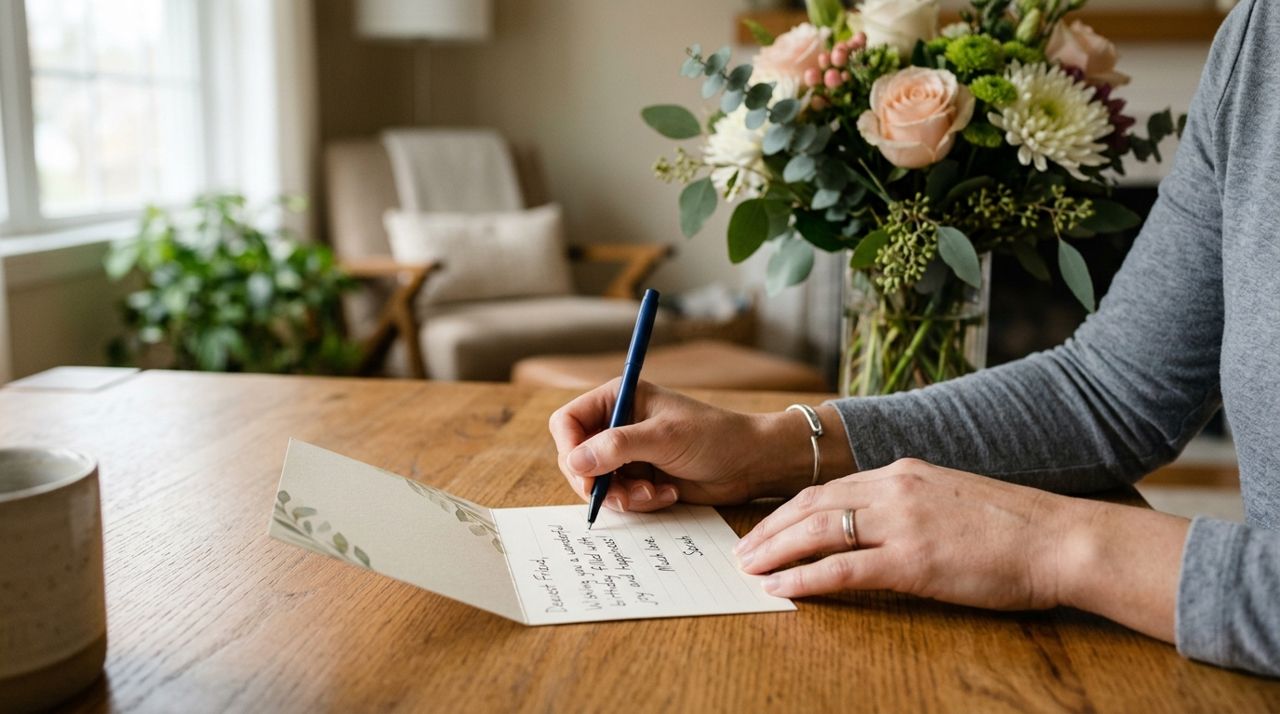
Hands writing a personal message on a small greeting card for flowers Tap the arrangement you want. You'll see the full description, size, price, and any available options—vase or no vase, color preferences, add a balloon or stuffed animal. Most florists let you add a card message; this is the time to write your note. Keep it under 200 characters and double-check spelling, especially names. If the florist offers custom requests, use the notes field to specify things like "no lilies, she's allergic" or "bright colors, nothing pastel." Choose your delivery date and time window. Same-day delivery usually requires ordering before noon or 2 PM, depending on the shop. For future dates, order at least one day ahead. Add the item to your cart and review everything before checkout.
- 04
Step 4: Review delivery fee and checkout
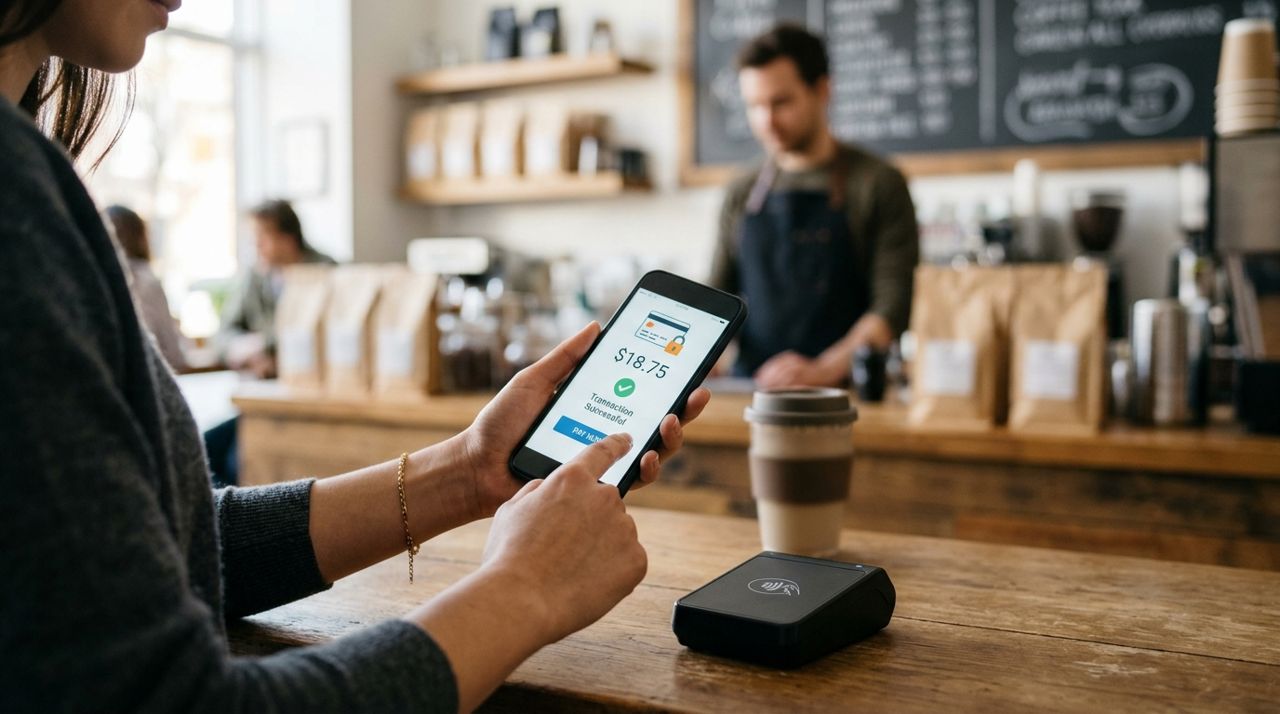
Person completing a secure card payment on a smartphone app screen At checkout, you'll see the delivery fee. This isn't set by the florist—it's calculated based on a base fee plus the distance from the shop to your delivery address and the order size. Pickup is free if you'd rather collect the arrangement yourself. The total shown includes the arrangement price, delivery fee, and taxes. You pay securely by card in the app; the florist never sees your payment details. If you're sending flowers to someone else, confirm the delivery address one more time. Enter your phone number so the driver can reach you if there's an issue. Once you confirm, the florist gets an instant alert and starts preparing your order.
- 05
Step 5: Track your order and driver
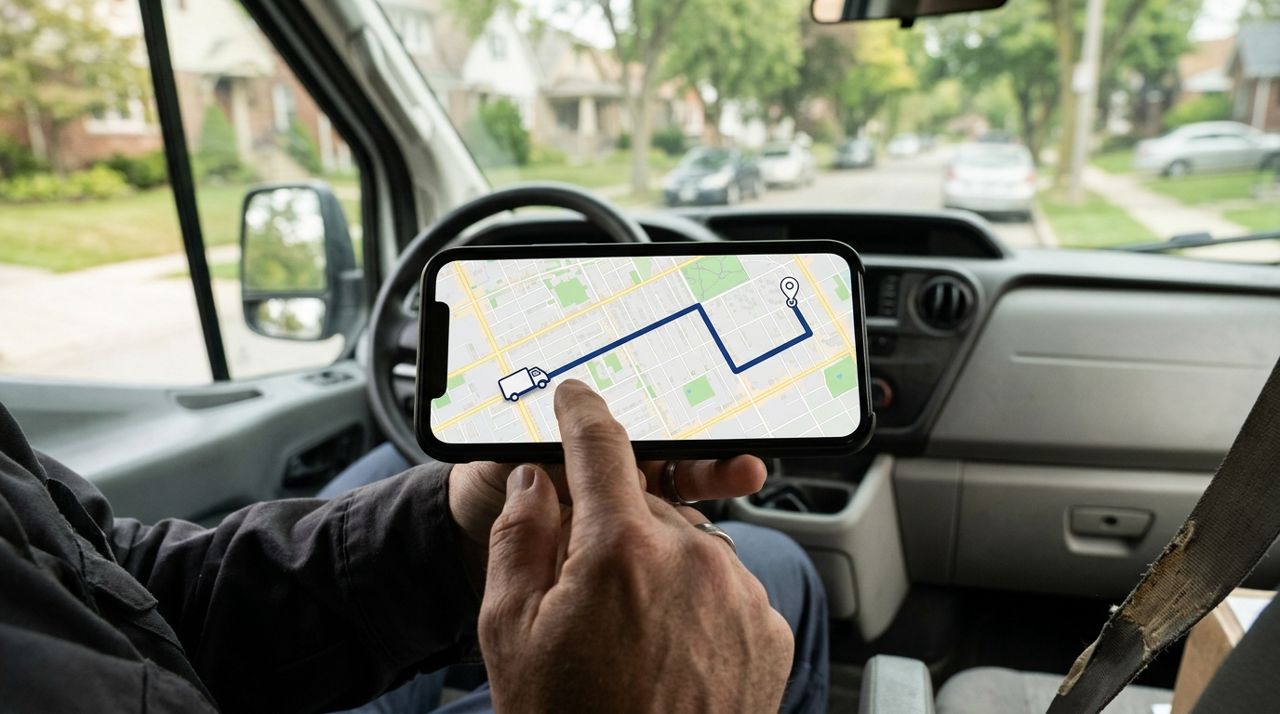
Smartphone map screen showing a delivery driver's location and route in real time You'll get updates as your order moves through each stage: florist accepted, arrangement being made, out for delivery. When the driver picks up the flowers, you can follow them live on a map—useful if you're coordinating with the recipient or want to give them a heads-up. The app shows the estimated arrival time, which updates as the driver moves. If you need to reach the florist or driver, use the in-app messaging; it's faster than calling and keeps everything in one place. The driver will call or text if they can't find the address or if no one's home and the flowers can't be left outside.
- 06
Step 6: Confirm delivery and tip your driver
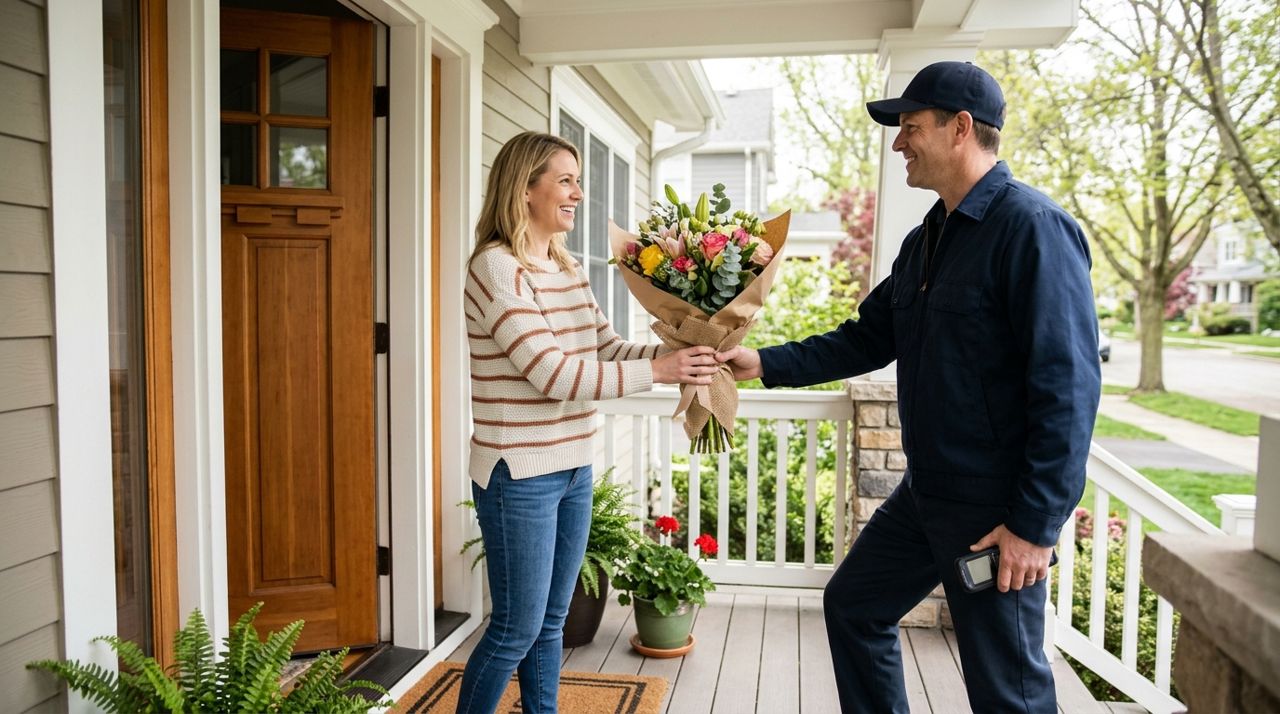
Delivery driver handing a wrapped flower bouquet to a smiling customer at doorstep When the driver arrives, they'll knock or ring the bell and leave the flowers. They're required to take a drop-off photo, which gets sent to you as proof of delivery. You'll get a notification with the photo and the exact drop-off time. If you won't be home, add a note like "leave on the porch" or "buzz apartment 3B" at checkout. After delivery, you can tip your driver 10%, 15%, 20%, or a custom amount; 100% of tips go directly to them. Then rate the florist and driver. Your review helps other buyers know what to expect, and photos you upload show how the arrangement actually looked on arrival. If something went wrong—wilted flowers, missing items, wrong delivery—contact the florist immediately through the app with photos.
Pro tips
- Order same-day flowers before noon for the best selection; popular arrangements sell out by afternoon, especially on Valentine's Day, Mother's Day, and prom season.
- Check the florist's reviews for delivery photos—you'll see how arrangements hold up in transit and whether sizes match expectations.
- Add your phone number at checkout so the driver can reach you if the address is confusing or the recipient isn't home.
- If you're sending flowers to a workplace, include the recipient's company name and phone extension so the driver can navigate office buildings or ask reception.
- For funerals or hospital deliveries, call the florist directly through the app after ordering to confirm timing and any facility restrictions.
Frequently asked questions
- How much does flower delivery cost?
- The delivery fee is shown before you check out and depends on the distance from the florist to your delivery address plus the order size. Pickup is always free if you'd rather collect the flowers yourself. The fee is separate from the arrangement price and goes to cover the driver's time and gas.
- Can I schedule flower delivery for a specific date and time?
- Yes. Most florists let you choose a future delivery date when you order, and some offer time windows like morning or afternoon. Same-day delivery usually requires ordering before noon or 2 PM, depending on the shop. The earlier you order, the more likely you'll get your preferred time slot.
- What happens if the flowers arrive damaged or wrong?
- Contact the florist immediately through the app's messaging feature and include photos of what you received. Most florists will replace the arrangement or issue a refund for genuine problems like wilted flowers, missing items, or wrong colors. The drop-off photo the driver takes protects both you and the shop.
Ordering flowers from local florists is faster and more transparent than it used to be—you see real arrangements, track delivery live, and know the total cost before you pay. Whether you're sending a birthday surprise, sympathy flowers, or a just-because bouquet, supporting neighborhood flower shops keeps your money local and gets fresher blooms to the people you care about. Next time you need flowers delivered, skip the call and order from your phone instead.
Photos are illustrative. Service prices are typical ranges and vary by city. How we write our guides.
More guides like this
How to Order a Last-Minute Gift from Local Shops for Same-Day Delivery
Forgot a birthday or need a host gift in three hours? Local shops can deliver gifts the same day—if you know how to order smart.
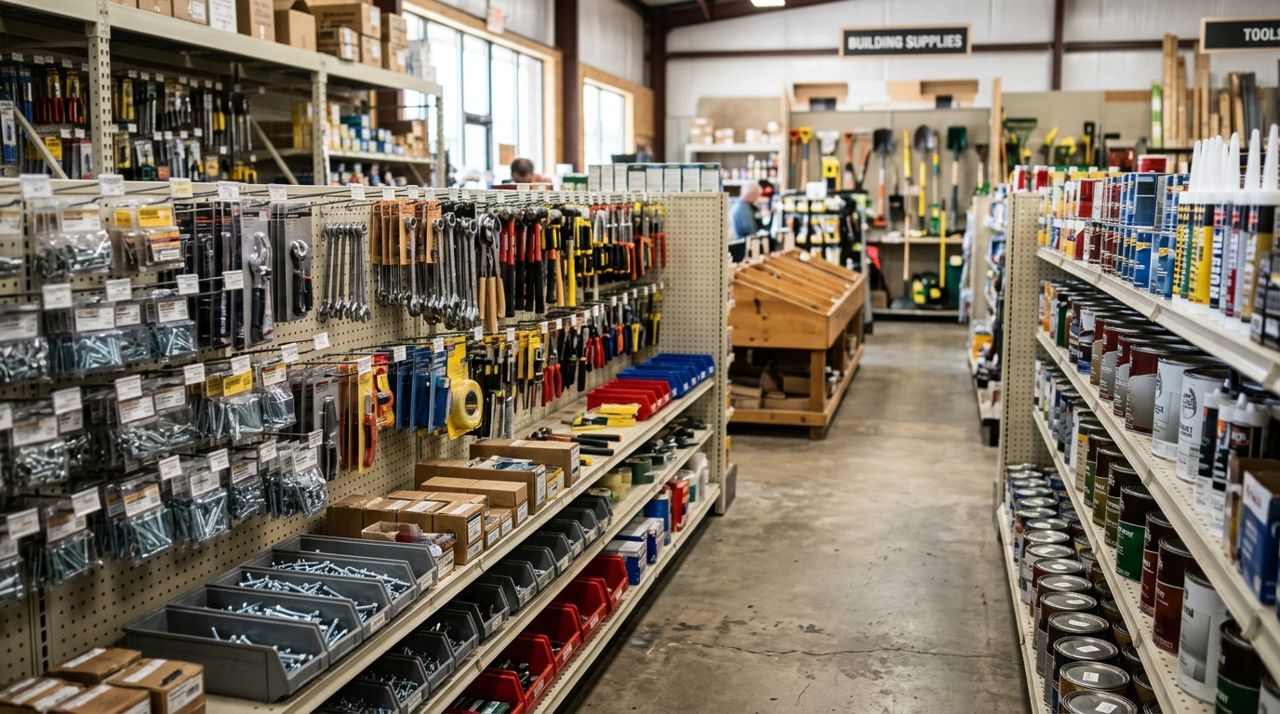
How to Order Hardware Supplies From Local Stores for Pickup
Ordering hardware supplies from local stores for pickup means you can check inventory, compare prices, and have everything ready when you arrive—no more hunting through aisles or finding out items are out of stock.
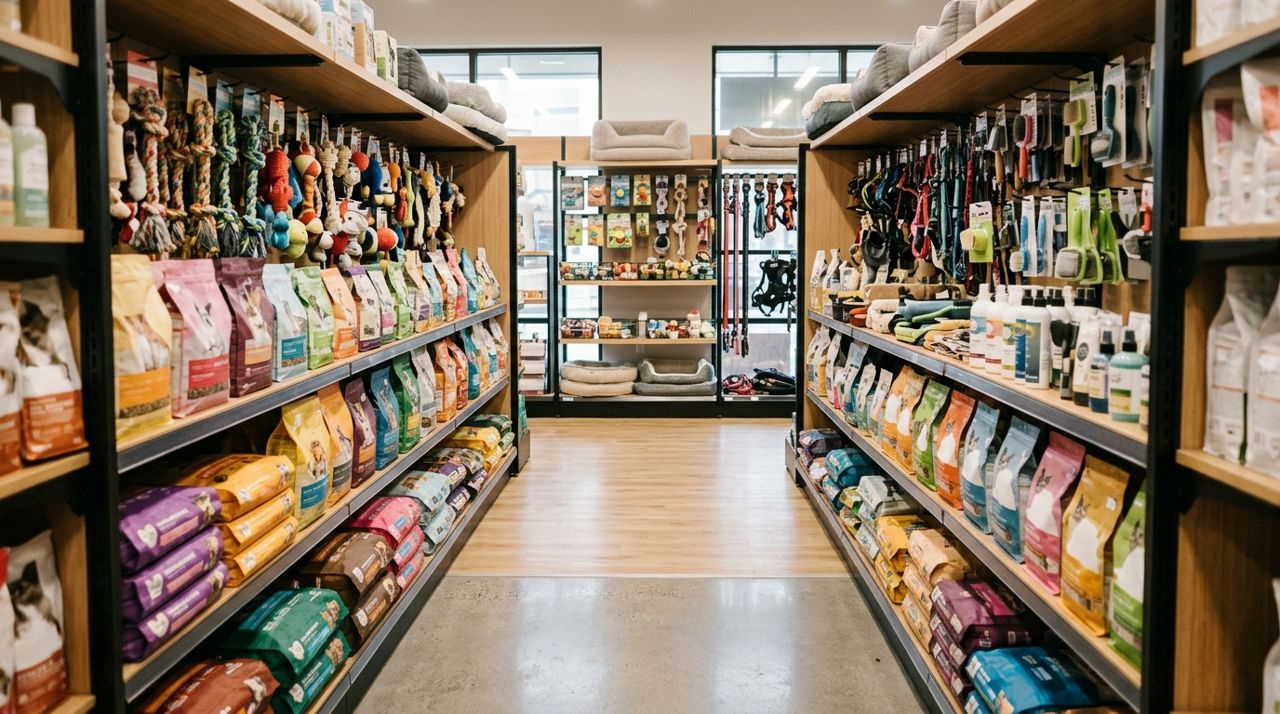
How to Order Pet Food and Supplies from Local Pet Stores
Ordering pet food and supplies from local pet stores is faster and more personal than waiting for online shipments. Here's how to get exactly what your pet needs from stores you trust.