
How to Order a Late-Night Meal and Track Your Delivery Driver Live
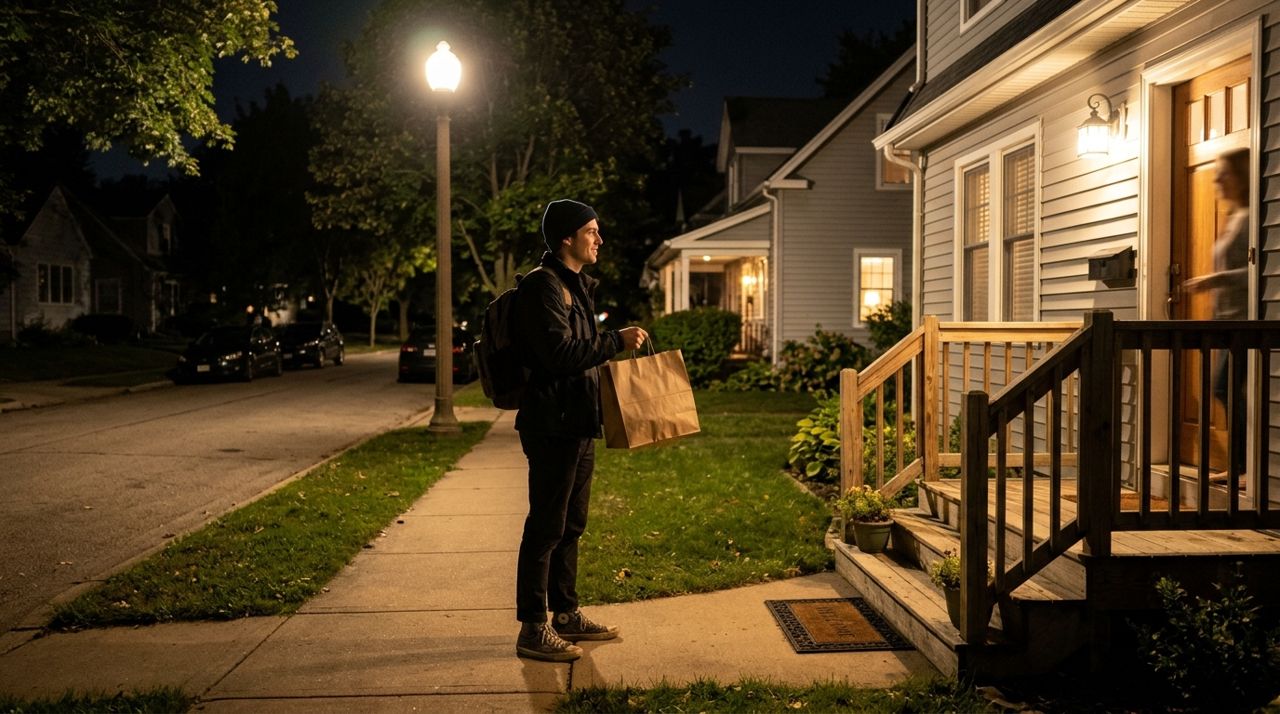
It's 11 p.m. You've had a long day, the kitchen is closed, and you're hungry. Whether you're working late, just got off a shift, or winding down after an event, you need food without the hassle of driving somewhere or waiting in uncertainty. The right delivery app makes late-night ordering simple, transparent, and safe.
This guide walks you through every step: finding what's open, placing your order, following your driver on a live map, and tipping. You'll know exactly what to expect from start to finish, whether you're ordering from a restaurant, food truck, or local shop.
- 01
Step 1: Check What's Open Near You
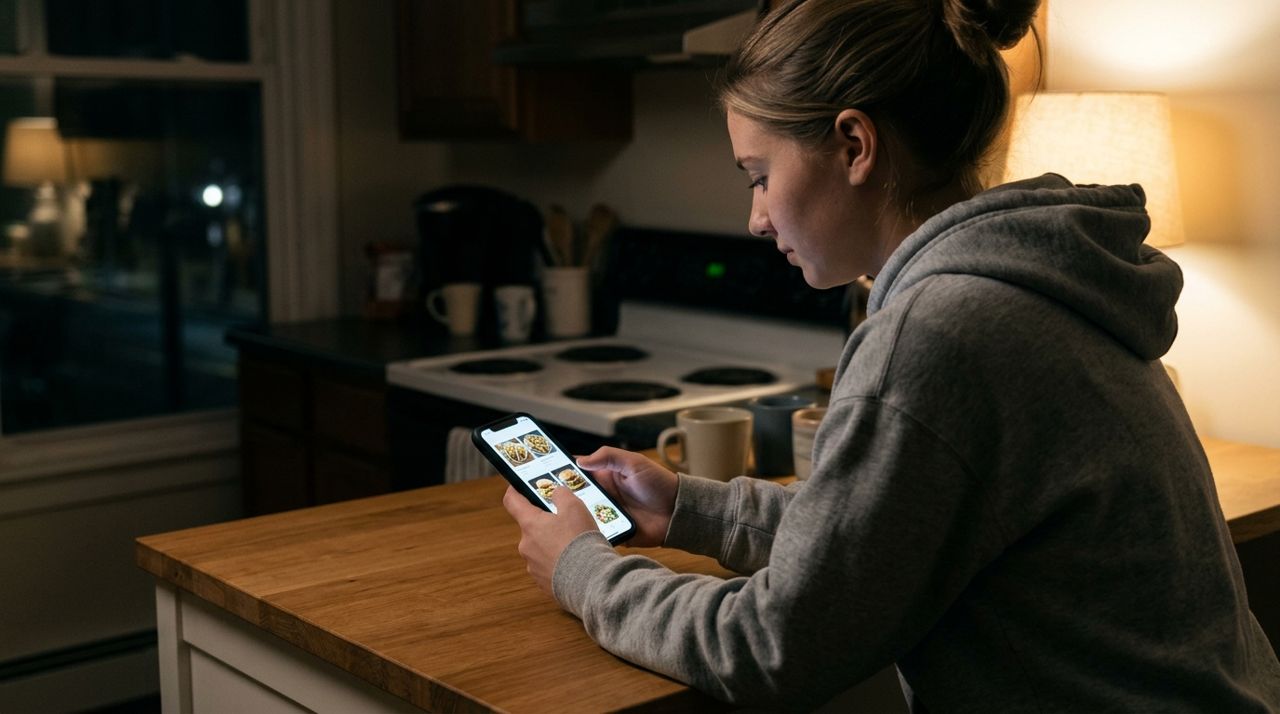
Person browsing restaurant menus on a smartphone late at night Most delivery apps show only restaurants that are currently accepting orders, but late at night your choices narrow. Open the app and browse the home screen or search for a specific cuisine. Look for clear labels like "Open now" or estimated prep times—if a place shows "50–60 min," they might be swamped or short-staffed.
Some apps list food trucks and local shops alongside restaurants, which can be a lifesaver after midnight when chain restaurants have closed. Check the seller's hours in their profile before you start building your order. On Lumo, you'll see restaurants, food trucks, and local shops all in one feed, each with live availability and estimated prep times.
- 02
Step 2: Build Your Order and Review Fees
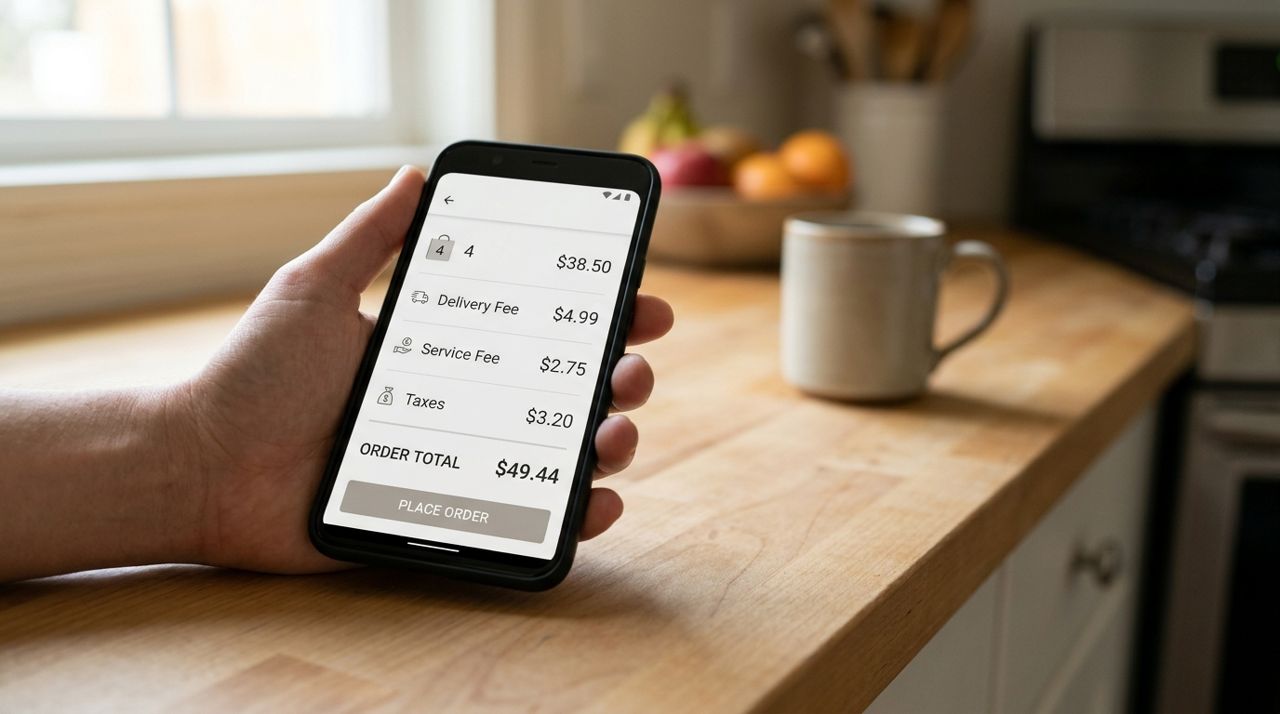
Mobile phone screen displaying order total and itemized delivery fees Add items to your cart, double-check quantities, and read any notes from the seller—some kitchens run limited menus late at night. Before you check out, the app should show a full cost breakdown: subtotal, taxes, delivery fee, and any service charges.
Delivery fees typically include a base fee (often $2–5), a distance surcharge, and sometimes a small order fee if your subtotal is low. Expect to pay $4–8 for delivery within a few miles in most cities. Apps that calculate the fee up front—before you enter payment—let you decide whether delivery or pickup makes more sense. If the fee feels steep and you're able, switching to pickup saves money and often gets your food faster.
- 03
Step 3: Enter Delivery Details and Place Your Order
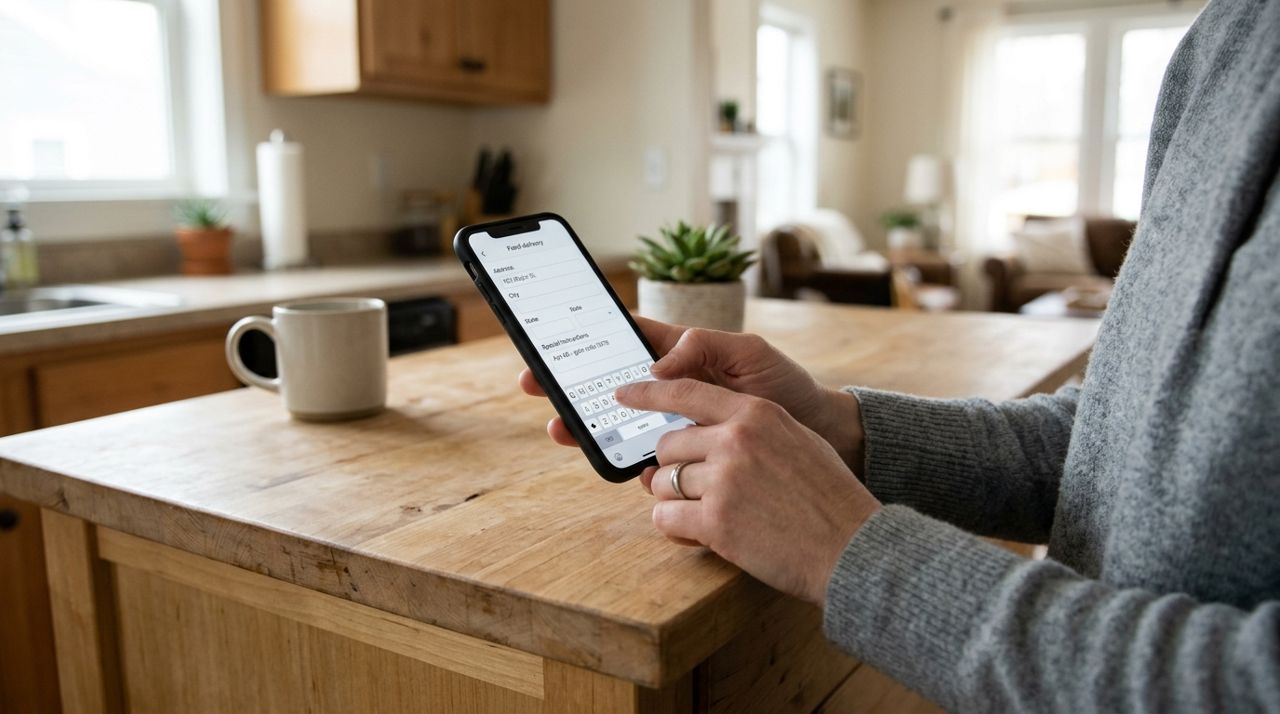
Hand typing delivery address and instructions into a smartphone app Confirm your delivery address and add any special instructions: apartment number, gate code, whether to ring the bell or knock, or if you'd prefer contactless drop-off at the door. Be specific—"Apartment 3B, second floor, blue door on the left" helps drivers find you quickly, especially in the dark.
If your address has tricky parking or no obvious entrance, add a note. Most apps let you save addresses (home, work, a friend's place) so you don't retype them every time. Enter your payment method—credit or debit card—and hit "Place order." You'll get an immediate confirmation with an estimated delivery time.
- 04
Step 4: Watch Your Driver's Location in Real Time
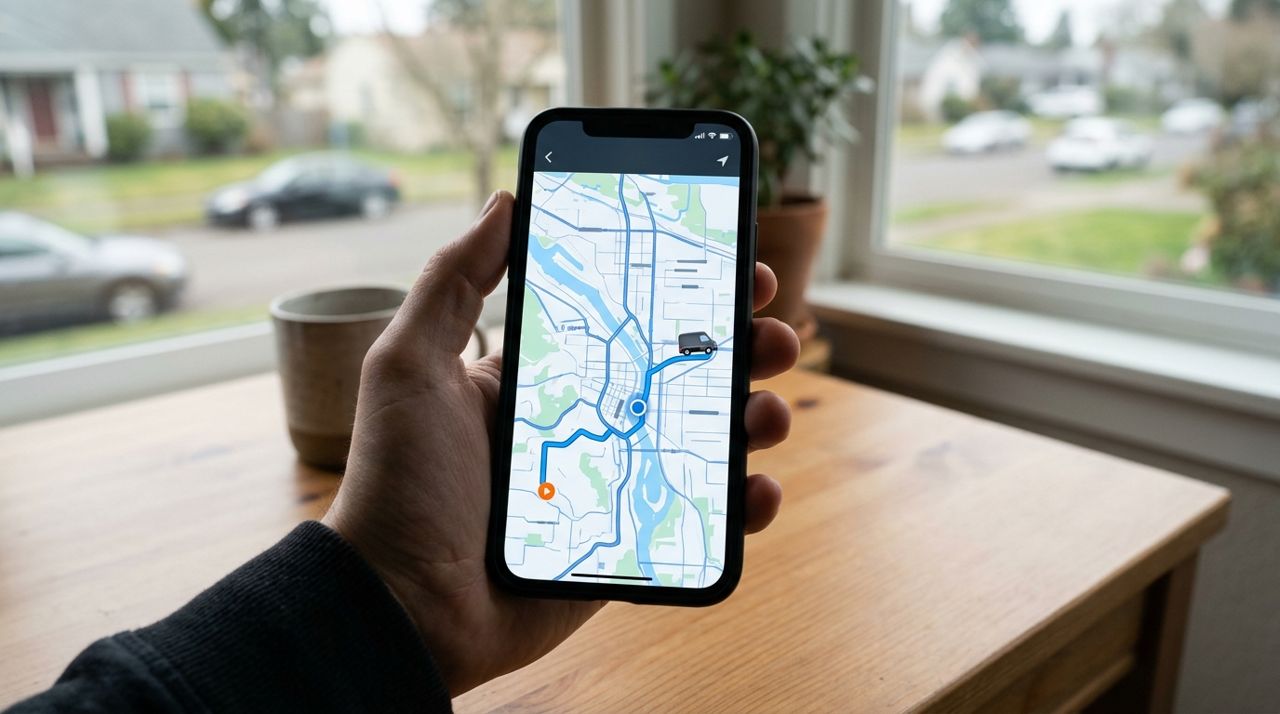
Smartphone screen showing live map with delivery driver's location and route Once a driver accepts your order, you'll see their name, photo, and vehicle info (make, model, license plate). The app switches to a live map that shows the driver's location as a moving dot. You'll see them travel to the restaurant, wait while the kitchen finishes your order, then head toward you.
This live tracking removes the guesswork. If the driver seems stopped for a while, they might be waiting on your food or handling another delivery along the same route. On Lumo, you can message the driver directly through the app if you need to clarify instructions or update your address. No phone calls, no sharing your personal number—everything stays in the app.
- 05
Step 5: Receive Your Order and Photo Confirmation
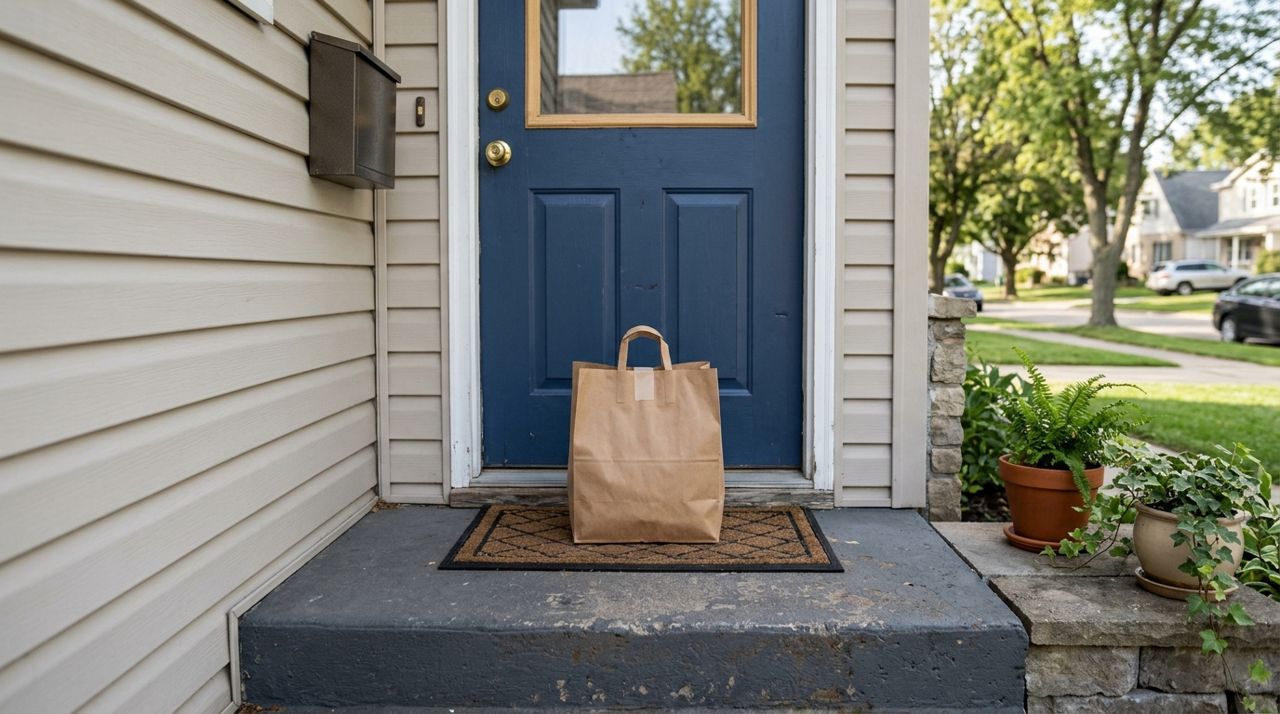
Takeout food bag sitting on a doorstep with delivery confirmation photo When the driver arrives, they'll follow your delivery instructions—knock, ring, or leave the food at the door. Many apps now require drivers to take a photo of the drop-off as proof of delivery. You'll receive this photo in the app along with a notification that your order has arrived.
This photo protects both you and the driver. If something goes wrong—food left at the wrong door, or a neighbor picks it up by mistake—you have timestamped evidence. Check your food promptly, especially late at night. If items are missing or incorrect, most apps let you report the issue immediately for a refund or credit.
- 06
Step 6: Tip Your Driver
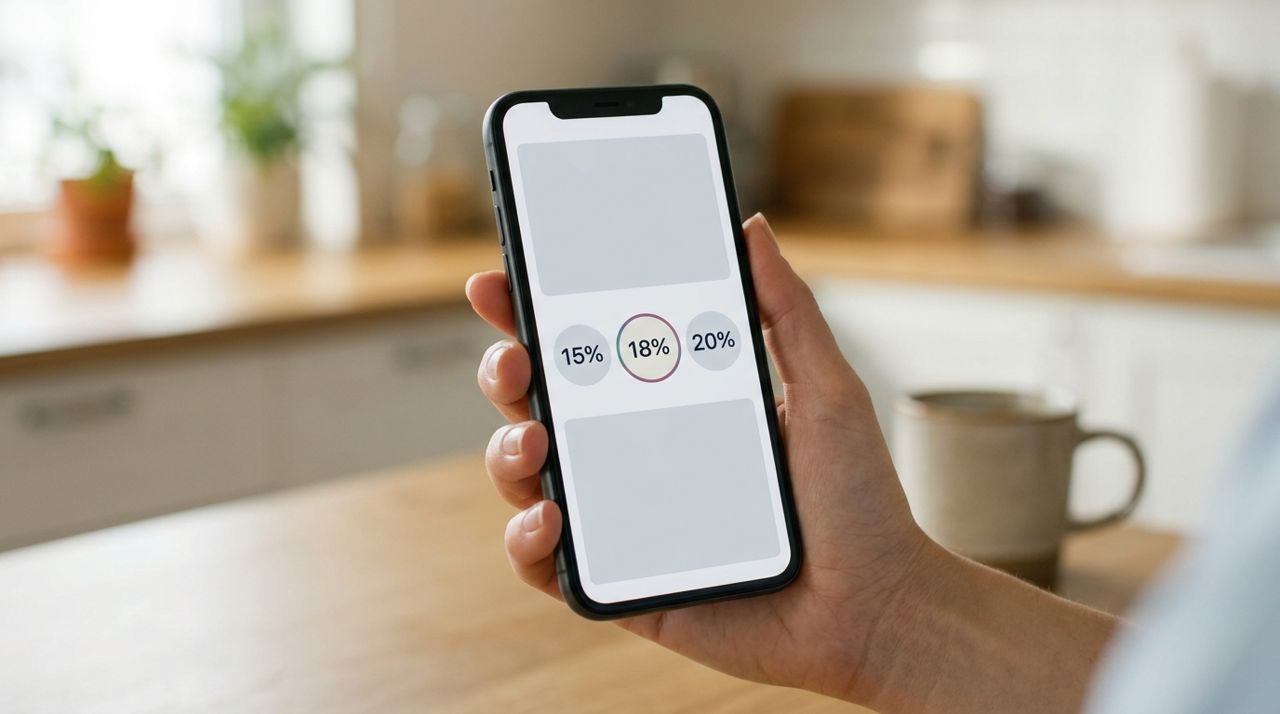
Smartphone displaying tip selection screen with percentage options after delivery After delivery, the app will prompt you to tip. Standard options are usually 10%, 15%, or 20%, or you can enter a custom amount. Late-night deliveries often mean longer waits for drivers, fewer orders on the road, and sometimes safety concerns, so tipping well is appreciated.
In most apps, 100% of your tip goes directly to the driver. They see tips in their earnings immediately. If your driver went out of their way—navigated a confusing building, waited for a slow kitchen, or delivered in bad weather—consider tipping above 20%. You can also leave a rating and a short review, which helps other customers and gives the driver feedback.
- 07
Step 7: Save Favorites and Reorder Easily
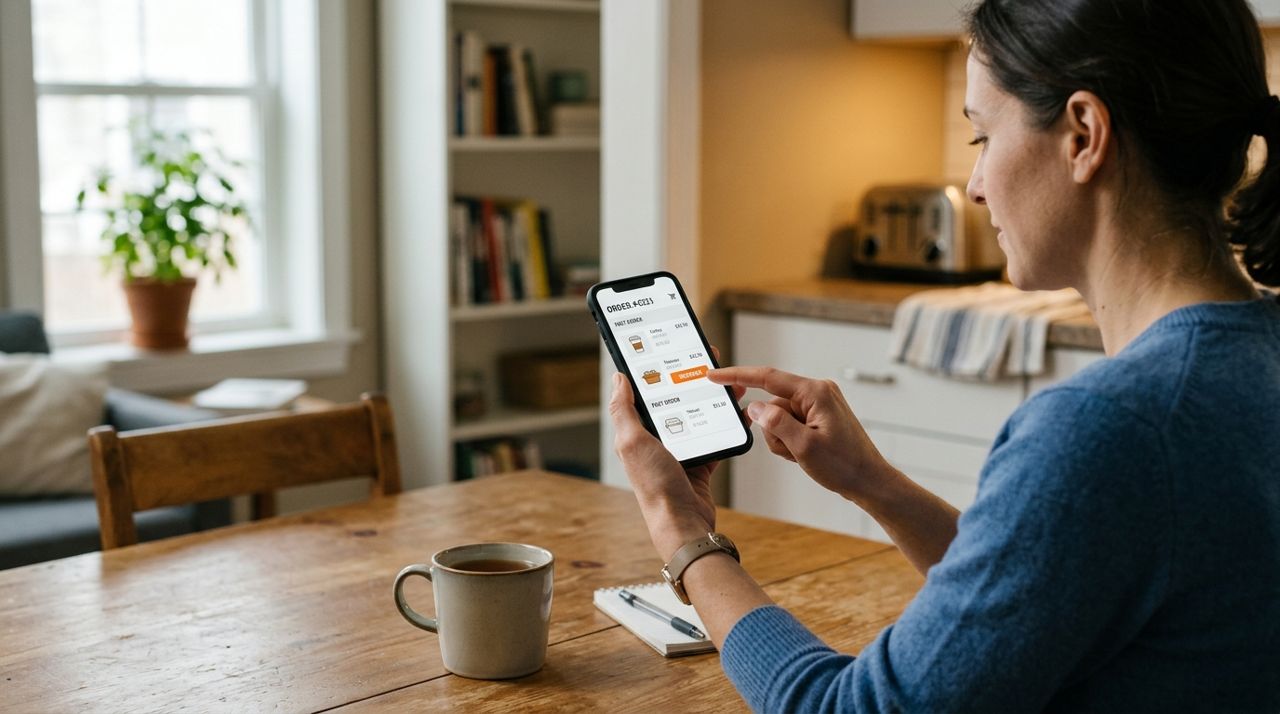
Person tapping reorder button on smartphone with past order history displayed After your first late-night order, save the restaurant or dish as a favorite so you can reorder with one tap next time. Most apps let you view your order history and repeat past orders instantly—helpful when you know exactly what you want and don't want to browse.
You can also save multiple delivery addresses (work, home, a partner's place) and switch between them at checkout. If you order from the same place regularly, check if the app offers a subscription or loyalty program—some give you discounts or free delivery after a certain number of orders. Keep your payment methods up to date to avoid delays at checkout.
Pro tips
- Order 30–60 minutes before you're truly hungry; late-night kitchens are often slower and drivers scarcer.
- Add a porch light or landmark ("red mailbox") in your instructions if your address is hard to spot in the dark.
- Check the app's live map before you call or text the driver—they might already be on the way.
- Keep your phone volume up or notifications on so you don't miss the delivery alert.
- Take a screenshot of your order confirmation and the driver's photo—useful if you need to report an issue later.
Frequently asked questions
- What if no restaurants are open near me late at night?
- Try expanding your delivery radius or check for food trucks and local shops, which sometimes stay open later than traditional restaurants. Some apps also list convenience stores or grocery delivery if you're willing to assemble your own meal.
- Can I track my driver if I don't have the app open?
- Yes. Most apps send push notifications when your driver is nearby, and you can open the app anytime to see the live map. You don't need to keep the app open the whole time—just check in periodically.
- What happens if my food never arrives or something is wrong?
- Report the issue in the app immediately using the "Help" or "Order issues" button. Provide details and attach the driver's drop-off photo if available. Most apps issue a refund or credit within a few hours.
Ordering food late at night is straightforward when you know the steps: find what's open, review fees before you pay, track your driver in real time, and tip for good service. With live maps and in-app messaging, you're never left wondering where your meal is. Next time hunger strikes after hours, you'll know exactly how to get hot food delivered safely to your door.
Photos are illustrative. Service prices are typical ranges and vary by city. How we write our guides.
More guides like this
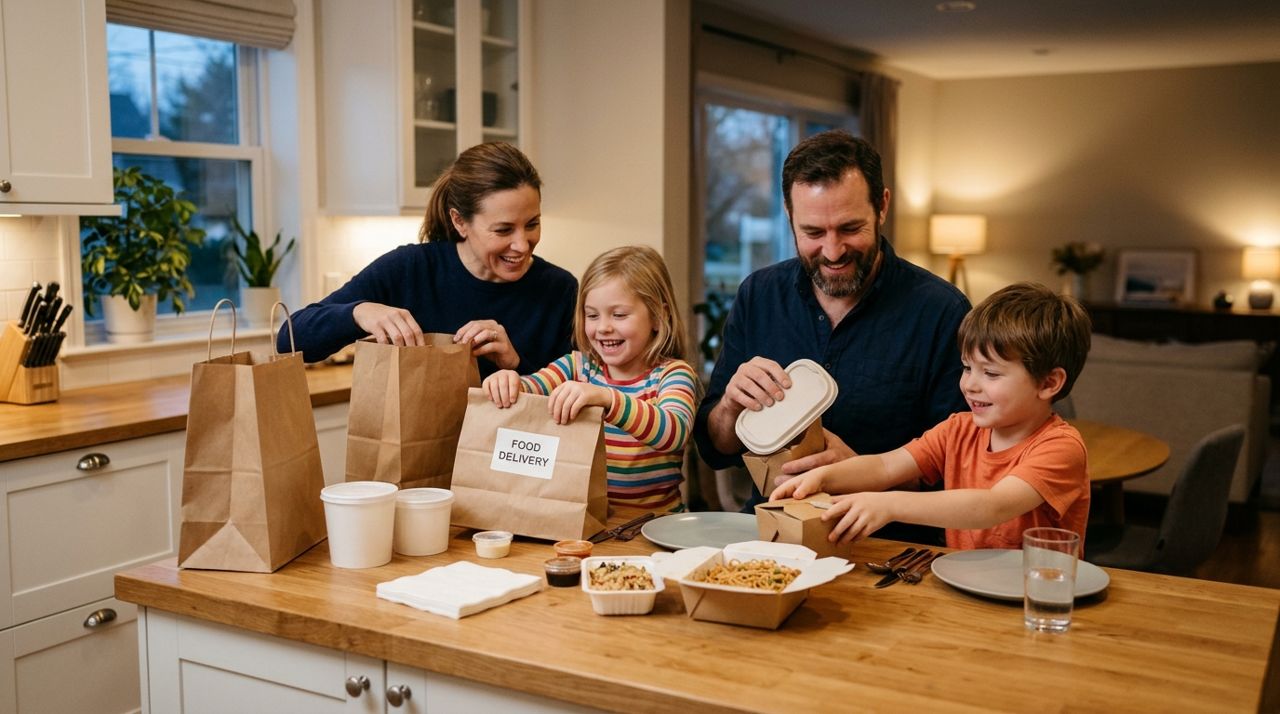
How Food Delivery Works: From Browsing Menus to Getting Dinner
Ordering dinner for delivery is simple once you know the process. This guide walks through every step from browsing restaurants to getting your meal at the door.

How to Order Lunch for Your Office Team Without the Chaos
Ordering lunch for eight coworkers shouldn't feel like herding cats. Here's how to coordinate a group order, keep everyone happy, and get food delivered on time without juggling twenty phone calls.
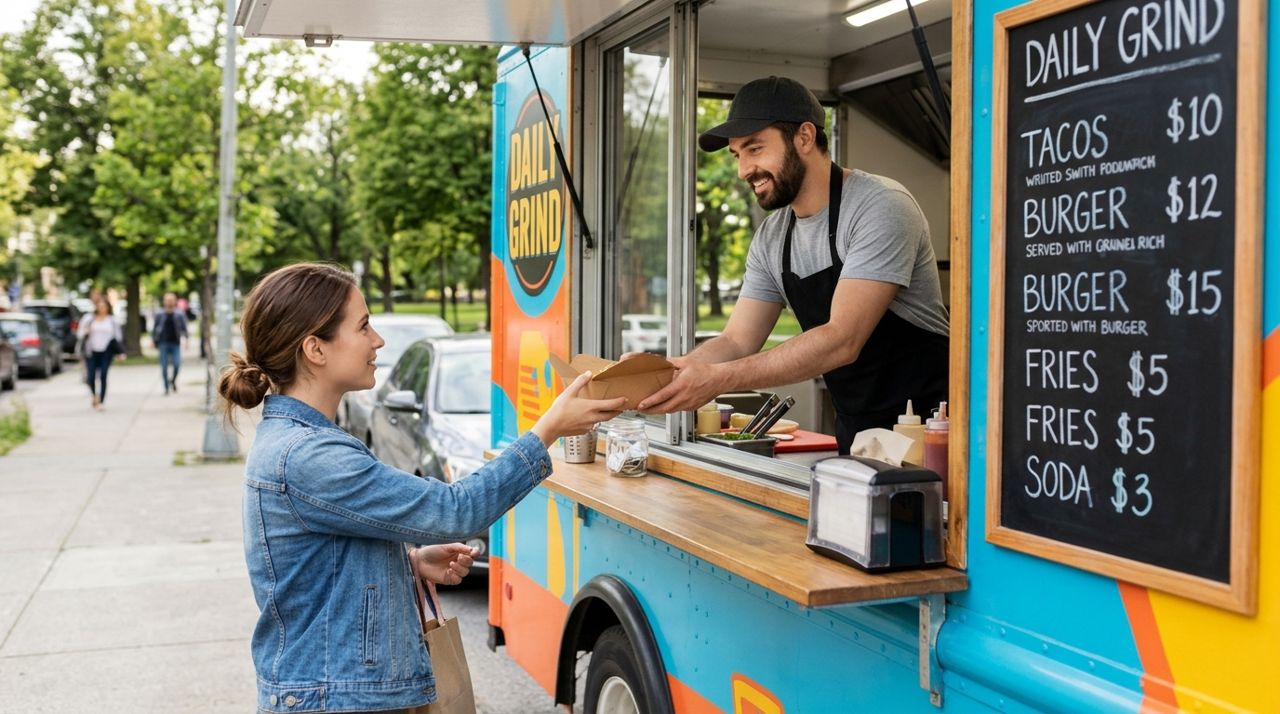
How to Find and Order from a Food Truck Near You
Food trucks bring restaurant-quality meals to neighborhoods, parks, and events—but finding them and placing orders can be tricky. Here's a step-by-step guide to ordering from food trucks near you.