
How to Order Dietary-Friendly Meals for Pickup or Delivery
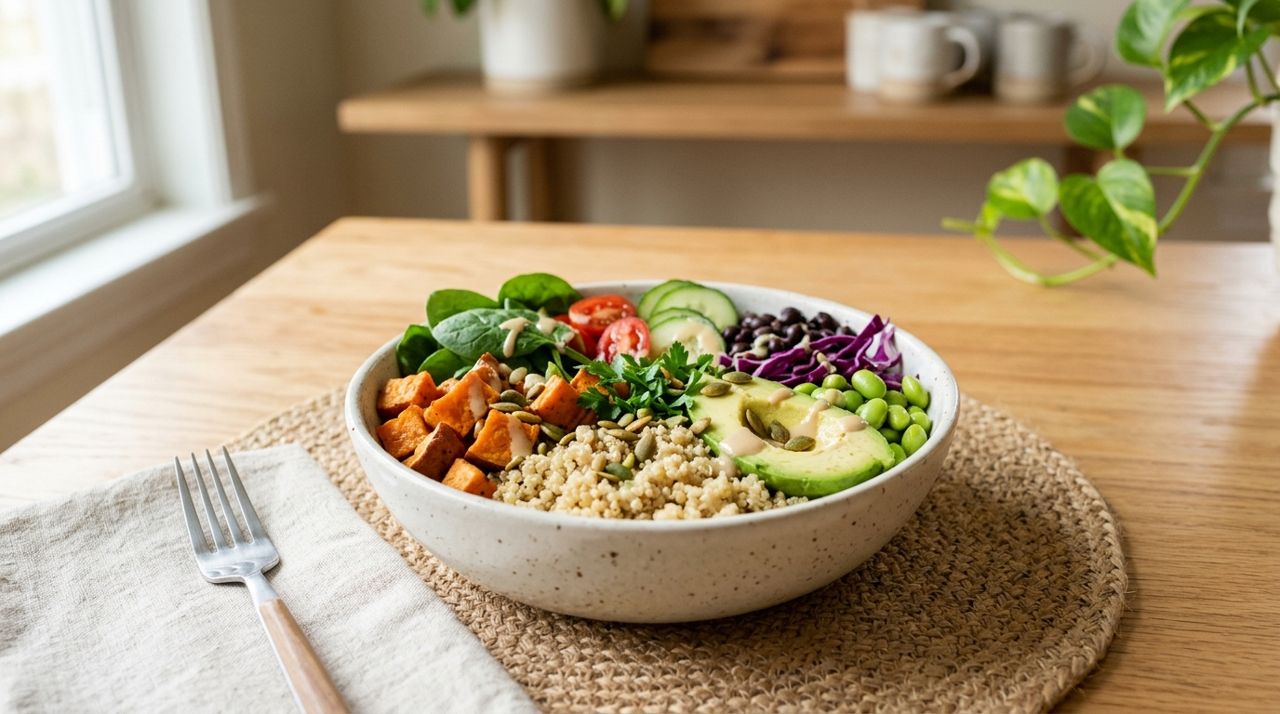
Whether you avoid gluten, eat only halal meat, follow a vegan diet or manage a food allergy, ordering takeout can feel like a minefield. Restaurant menus aren't always clear, and even when a dish looks safe, cross-contamination in the kitchen can be a problem. The result: you either cook at home every night or risk a meal that makes you sick or violates your values.
This guide walks you through exactly how to find, verify and order meals that meet your dietary needs—whether you're using a delivery app like Lumo (which lets you order from restaurants, food trucks and local shops for pickup or delivery) or calling a restaurant directly. You'll learn how to filter menus, ask the right questions, and set yourself up for a safe, satisfying meal every time.
- 01
Step 1: Identify restaurants and sellers that accommodate your diet
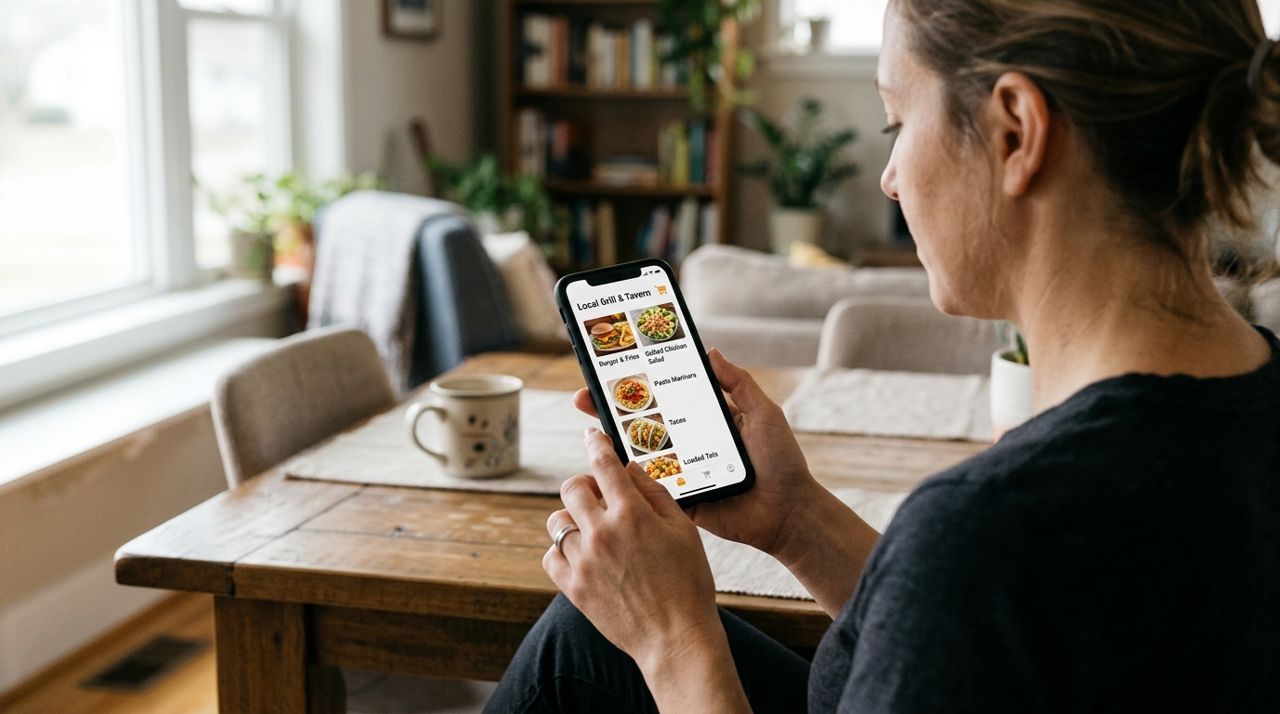
Person scrolling through restaurant menu options on smartphone screen at home Start by looking for restaurants and food sellers that specialize in or clearly label dietary-friendly options. Many delivery apps let you filter by cuisine type (Indian, Middle Eastern, Thai) or dietary category (vegan, vegetarian, gluten-free). On Lumo, you can browse restaurants, food trucks and local shops; while the app doesn't have diet filters yet, you can scan menus and use in-app messaging to ask sellers directly.
- Restaurants with "vegan," "gluten-free" or "halal" in their name or description
- Menus with clear icons or labels (GF, V, halal-certified)
- Ethnic cuisines that align with your diet (Lebanese for halal, Thai for gluten-free rice dishes, Indian for vegan curries)
Save a short list of three to five places that look promising, then dig deeper in the next step.
- 02
Step 2: Read menus carefully and verify ingredients
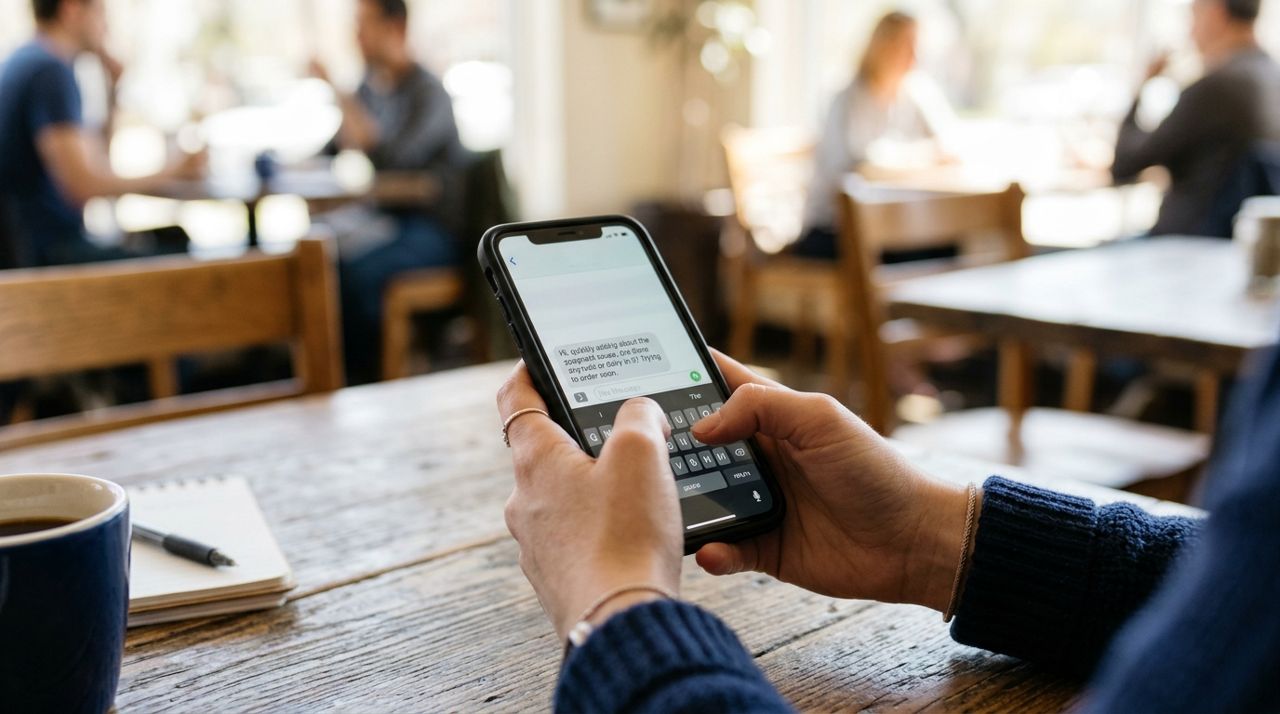
Close-up of hands typing message to restaurant on phone about food ingredients Open each restaurant's menu and read every ingredient list. Don't assume a dish is safe based on its name—"veggie soup" might contain chicken stock, "rice bowls" might use soy sauce with wheat, and "grilled chicken" might be marinated in dairy.
- Vegan: cheese, butter, cream, eggs, fish sauce, honey
- Gluten-free: soy sauce, flour tortillas, breading, croutons, pasta (unless specified as GF), beer-based marinades
- Halal: pork, alcohol, non-halal meat (look for halal certification or ask if meat is hand-slaughtered and zabihah)
If a menu lacks detail, use the app's messaging feature to ask before you order. On Lumo, tap the chat icon to message the seller directly. Ask specific questions: "Is the vegetable stir-fry made with oyster sauce?" or "Is your chicken halal-certified?" Most sellers respond within a few minutes during business hours.
- 03
Step 3: Ask about cross-contamination and preparation methods
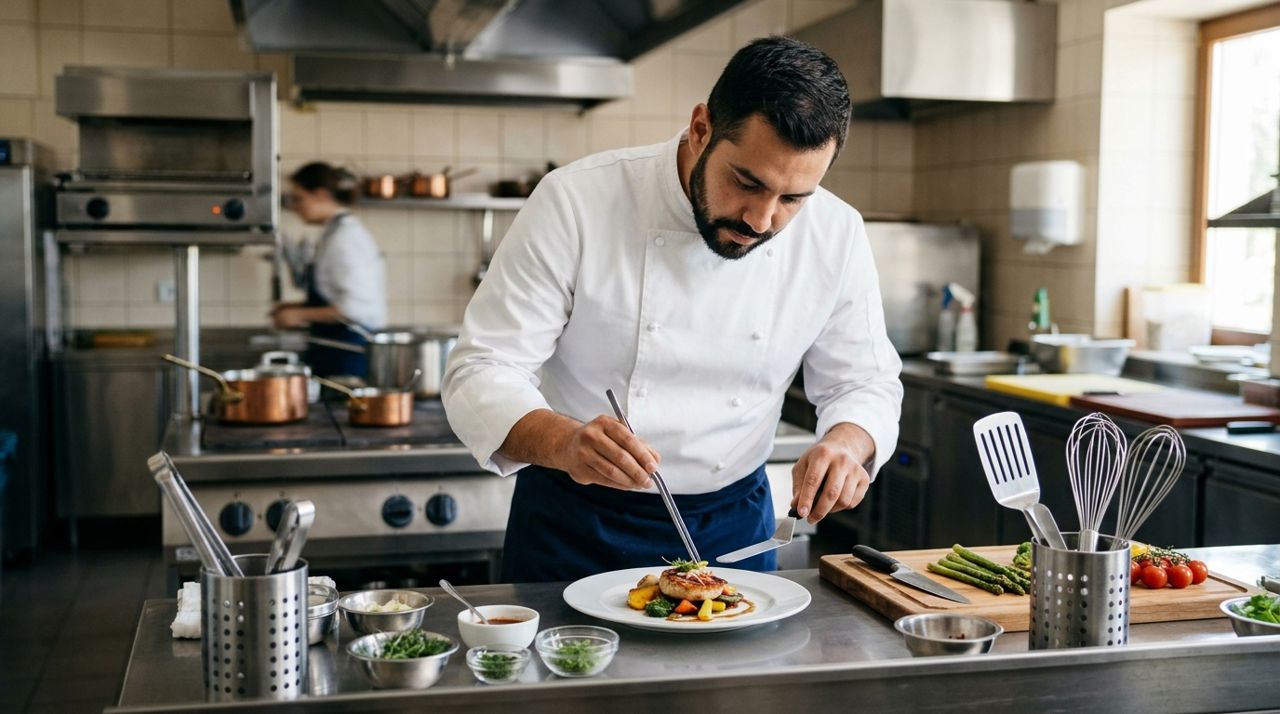
Restaurant chef carefully preparing meal with separate cooking utensils and equipment Even if the ingredients are safe, the way food is prepared matters. A gluten-free burger is useless if it's grilled on the same surface as regular buns. Vegan fries lose their status if they're fried in the same oil as chicken. Halal meat must be stored and cooked separately from pork.
- "Do you use separate cutting boards and utensils for gluten-free orders?"
- "Are your fries cooked in dedicated fryers, or do you fry meat in the same oil?"
- "Is halal meat stored separately from pork and cooked on dedicated equipment?"
Restaurants serious about dietary accommodations will have clear answers. If they seem uncertain or dismissive, move on. You're not being picky—you're protecting your health or values. Note that full celiac-safe kitchens are rare; if you have severe allergies, ask if the kitchen is certified or if they can guarantee zero cross-contact.
- 04
Step 4: Place your order with special instructions
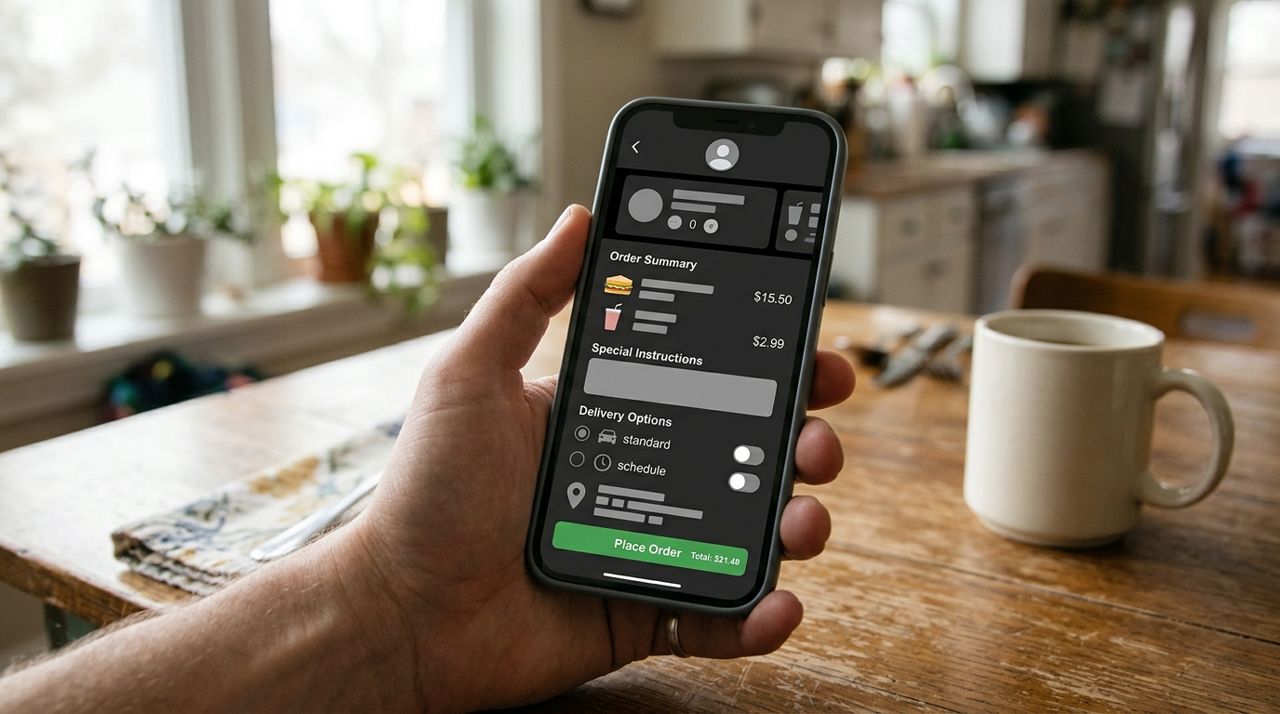
Smartphone showing food order checkout screen with special instructions and delivery options Once you've found a safe option, place your order and add detailed special instructions in the notes field. Don't assume the kitchen remembers your earlier message—put your requirements in writing on the order itself.
- "Strict gluten-free—please use clean gloves and separate prep area. No soy sauce."
- "Vegan—no butter, cheese, cream or eggs. Please confirm before cooking."
- "Halal diet—please confirm meat is zabihah halal. No alcohol-based sauces."
On Lumo, you'll see the delivery fee before checkout (calculated by base fee plus distance and order size; pickup orders have no delivery fee). Choose pickup if you want to inspect the food and ask last-minute questions in person, or delivery if convenience matters more. If you choose delivery, you can follow your driver live on the map and they'll take a photo at drop-off.
- 05
Step 5: Inspect your meal before eating
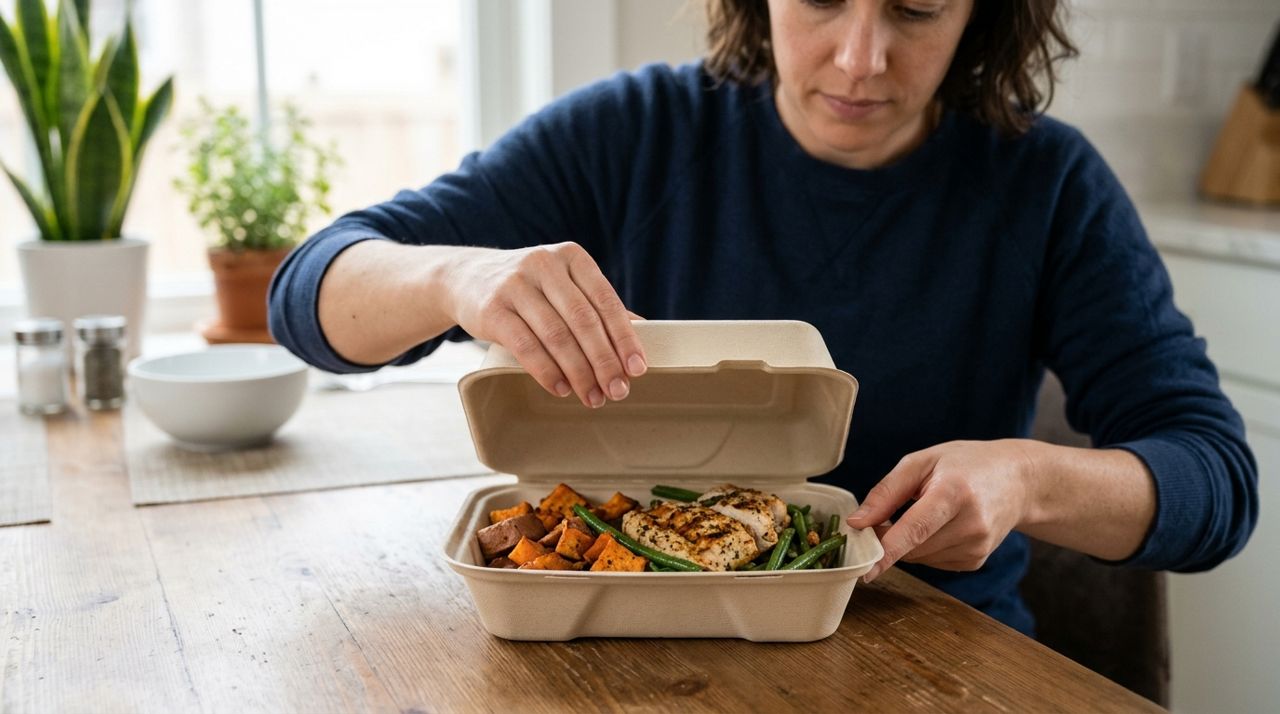
Hands opening takeout container to inspect meal contents at home table When your order arrives (or when you pick it up), open every container before the driver leaves or before you leave the restaurant. Check that the food matches what you ordered and that your special instructions were followed.
- Gluten-free: no visible breading, croutons or pasta; sauces should be thin (not flour-thickened) unless you confirmed GF thickeners
- Vegan: no cheese shreds, cream-based sauces, or visible egg
- Halal: meat should match the type you ordered; ask to see certification if you're picking up and it's your first time
If something looks wrong, don't eat it. If you're still at the counter, ask them to remake it. If it was delivered, take a photo and contact the restaurant and the app immediately. Most restaurants will refund or replace a meal that doesn't meet stated dietary specs.
- 06
Step 6: Rate, tip and save your go-to spots
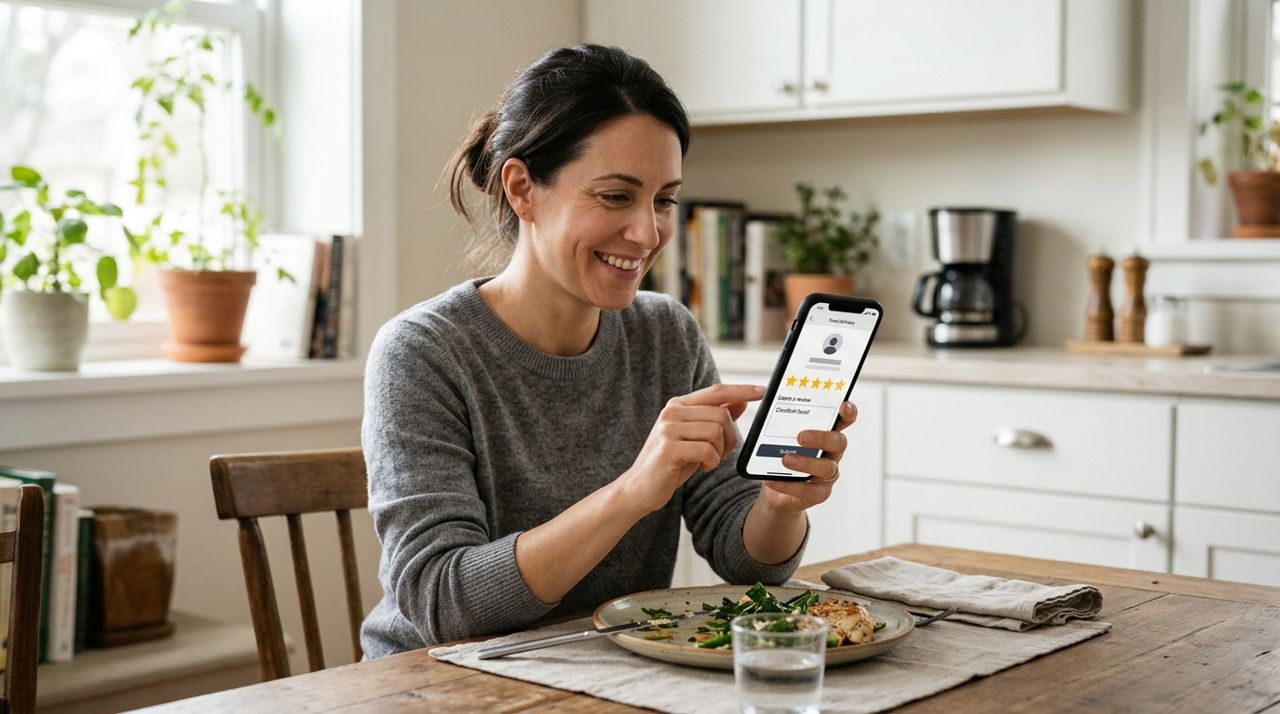
Person leaving five-star rating and review for restaurant on delivery app After your meal, leave a rating and review. Note whether the restaurant followed your dietary instructions, if the food was clearly labeled, and whether staff seemed knowledgeable. Your review helps other people with the same dietary needs find safe options.
If you ordered delivery, tip your driver 10%, 15%, 20% or a custom amount in the app—100% of the tip goes to the driver on Lumo, and they appreciate it, especially if they waited while the restaurant remade your order or answered questions.
Finally, save restaurants that get it right. On Lumo, you can favorite sellers so they're easy to reorder from. Build a rotation of three to five reliable spots and you'll always have a safe, convenient option when you don't feel like cooking. Over time, you'll learn which cuisines and independent sellers are most accommodating, making future orders faster and less stressful.
Pro tips
- Order from independent restaurants and food trucks first—they're often more flexible and willing to customize than big chains.
- Call during off-peak hours (2–4 PM) if you need to have a longer conversation about ingredients and prep methods.
- Keep a notes file on your phone with your standard questions and instructions so you can copy-paste them into order notes.
- If you're halal, look for Middle Eastern, Pakistani, Indian and Indonesian restaurants—they're most likely to carry certified halal meat.
- Join local Facebook groups or subreddits for your city + your diet (e.g., "Vegan Boston") to get crowdsourced restaurant recommendations.
Frequently asked questions
- Can I trust restaurant menu labels like "gluten-free" or "vegan"?
- Menu labels are a good starting point, but they're not always accurate or up-to-date. Ingredients change, and kitchen staff sometimes misunderstand dietary restrictions. Always read full ingredient lists and ask about preparation methods, especially if you have celiac disease or severe allergies. Treat labels as a filter, not a guarantee.
- What should I do if my meal arrives and it's not what I ordered?
- Don't eat it. Take a clear photo of the food and your order receipt, then contact the restaurant through the app or by phone immediately. Explain what's wrong and ask for a refund or replacement. Most apps and restaurants will make it right, especially if you have photo evidence and a polite, clear explanation.
- Are dietary-friendly meals more expensive?
- Sometimes. Gluten-free ingredients, specialty vegan cheeses and halal-certified meat can cost more, so restaurants pass some of that along. Expect to pay $1 to $4 more per entrée at restaurants that offer true dietary accommodations. But many naturally compliant dishes (rice bowls, salads, grilled vegetables, lentil curries) cost the same as regular menu items.
Ordering dietary-friendly meals takes a little extra legwork, but once you find three to five reliable restaurants, it becomes as easy as any other takeout. Filter menus, ask the right questions, inspect your food, and save the places that get it right. Whether you're vegan, gluten-free, halal or managing allergies, you deserve convenient, safe meals that don't compromise your health or values—and with the steps above, you can have them.
Photos are illustrative. Service prices are typical ranges and vary by city. How we write our guides.
More guides like this
How Food Delivery Works: From Browsing Menus to Getting Dinner
Ordering dinner for delivery is simple once you know the process. This guide walks through every step from browsing restaurants to getting your meal at the door.

How to Order Lunch for Your Office Team Without the Chaos
Ordering lunch for eight coworkers shouldn't feel like herding cats. Here's how to coordinate a group order, keep everyone happy, and get food delivered on time without juggling twenty phone calls.
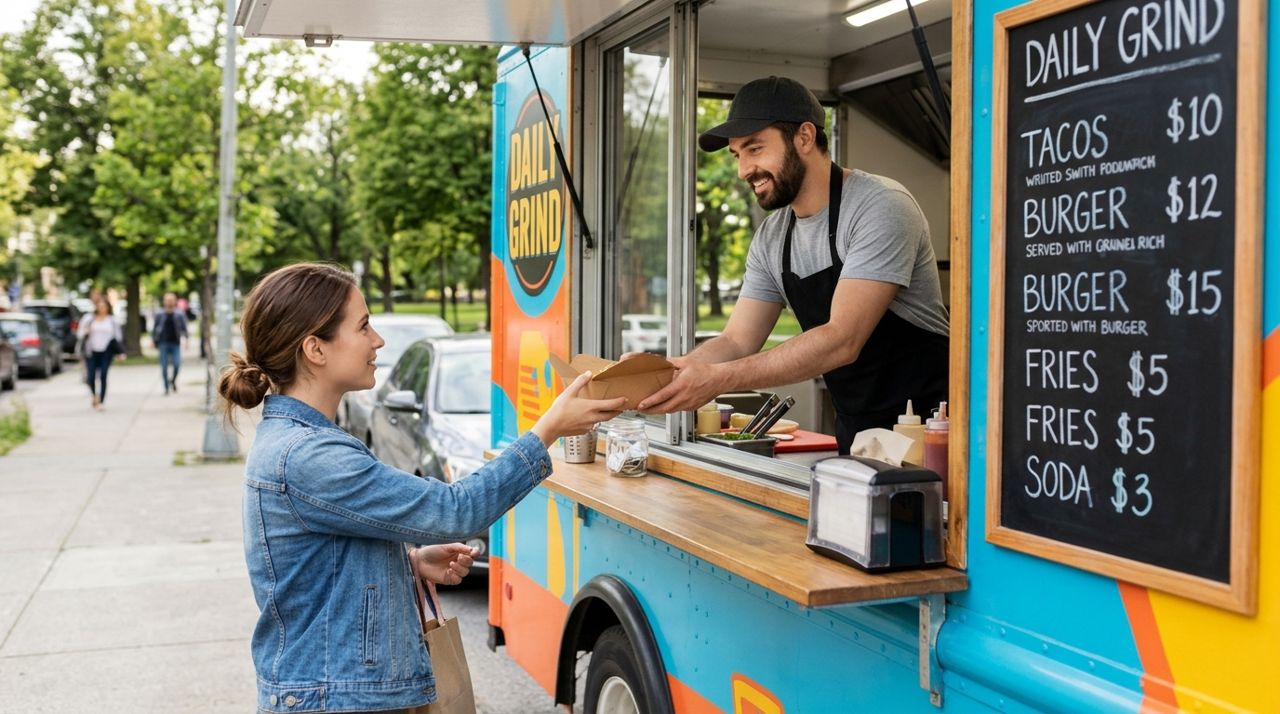
How to Find and Order from a Food Truck Near You
Food trucks bring restaurant-quality meals to neighborhoods, parks, and events—but finding them and placing orders can be tricky. Here's a step-by-step guide to ordering from food trucks near you.