
How to take pre-orders for your food truck at weekend markets
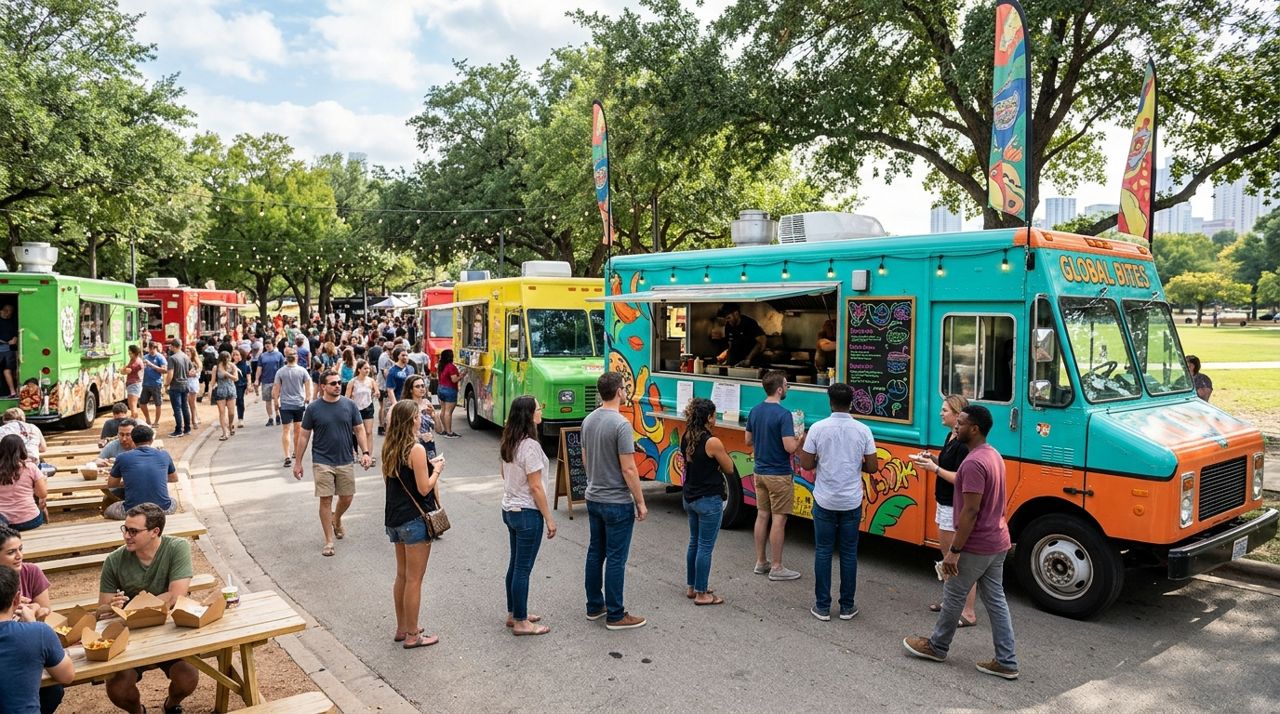
Weekend markets are prime time for food trucks, but long lines mean lost sales and frustrated customers who walk away. Pre-orders solve this: customers order ahead, you know exactly what to prep, and pickup is fast. According to industry data, trucks that take pre-orders see 25-40% higher sales at events because customers don't have to choose between your food and browsing vendor booths.
This guide walks you through setting up a pre-order system for your food truck at weekend markets, from choosing what to offer to managing pickup windows and keeping your line moving. You'll learn how to set it up once and use it every weekend, even if you rotate between different markets.
- 01
Step 1: Set up your digital menu with market-specific items
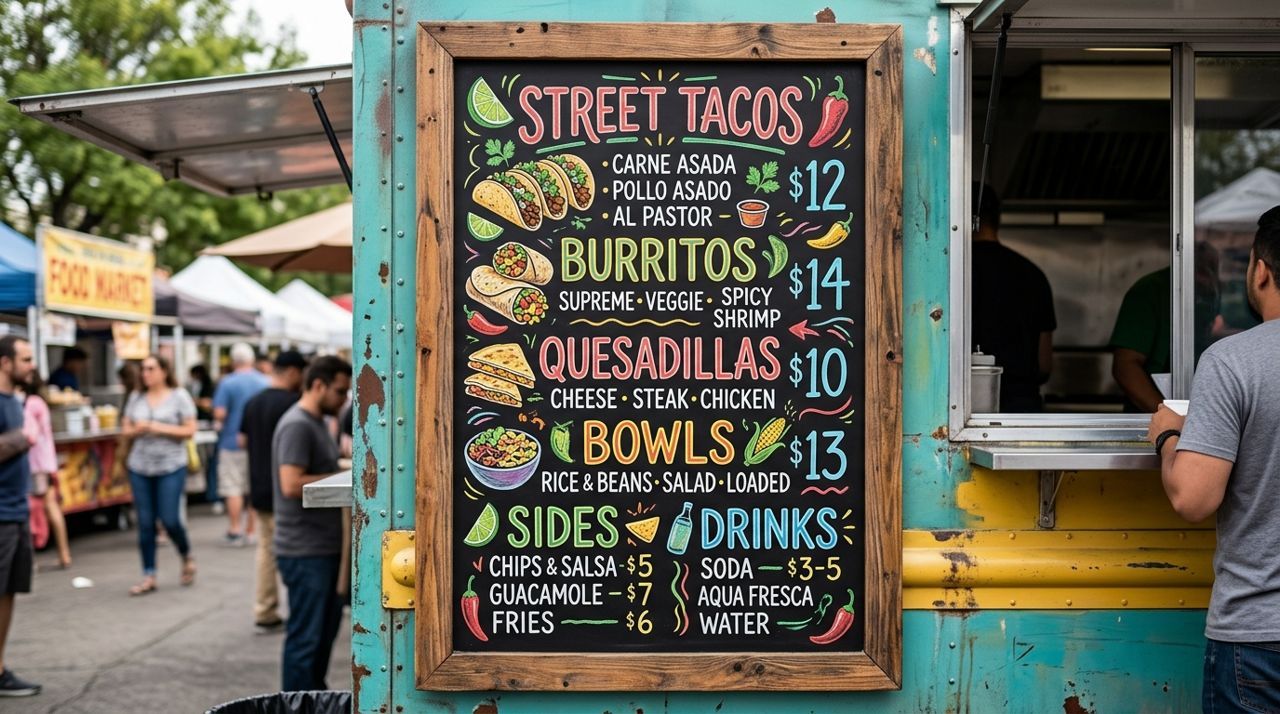
Close-up of a colorful food truck menu board with prices and photos Create a menu focused on items that hold well and can be prepped in batches. Skip dishes that must be made to order or don't travel well in containers. Include 6-10 items maximum—too many choices slow down your kitchen.
In Lumo, open a shop from the Seller mode, add each menu item with a clear photo, price, and description. Note any allergens or customization options ('add jalapeños', 'no onions'). Set realistic stock quantities based on your prep capacity: if you can make 50 tacos before the market opens, set the limit at 50. When items sell out online, customers at the market can still order in person if you have ingredients left.
- 02
Step 2: Set pickup windows that match your market schedule
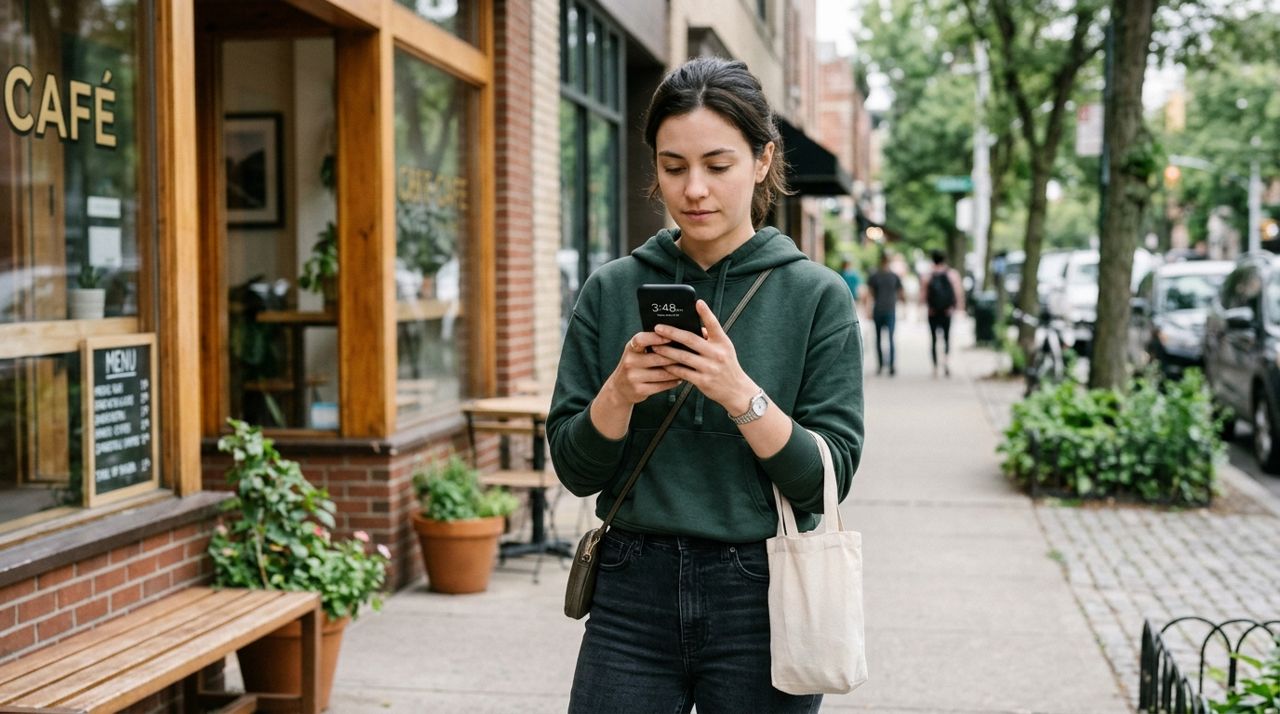
Hand holding smartphone checking time for food pickup appointment Divide your market hours into 30-minute pickup windows. If your market runs 9 AM to 2 PM, create windows at 9:00-9:30, 9:30-10:00, and so on. Limit how many orders per window based on how fast you can hand off food—most trucks handle 8-12 pre-orders per half hour comfortably.
In your item descriptions, specify 'Available for pickup [time windows]' or use your shop's notes section to explain when orders are ready. Send customers a confirmation message through the app with their pickup time and a reminder to bring their order number. This keeps your pre-order line separate from walk-ups.
- 03
Step 3: Take orders the day before and morning of the market
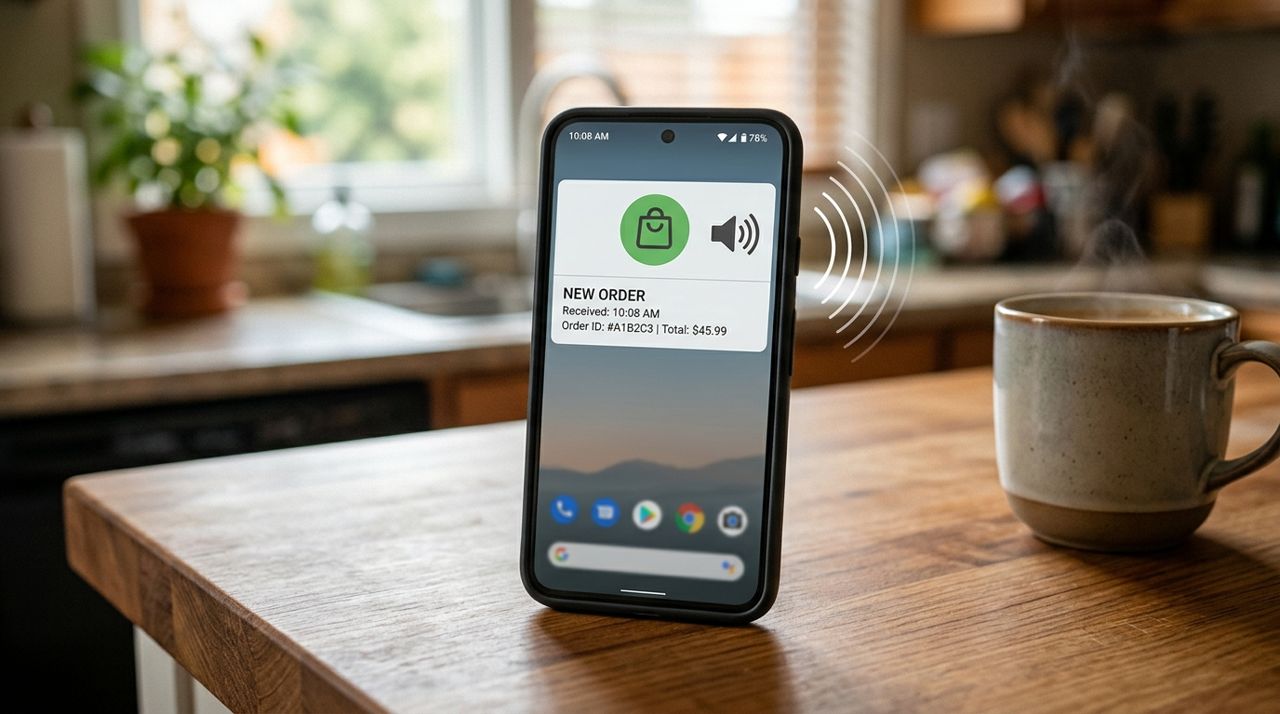
Smartphone screen showing new order notification alert with sound waves Open pre-orders 24 hours before the market. Friday evening orders let you shop for ingredients Saturday morning with exact counts. Close online ordering 30 minutes after the market opens—this gives latecomers a chance to order while you prep, but doesn't overwhelm your kitchen mid-rush.
You'll get instant alerts in the app when orders come in. Check your phone every hour the evening before to see if you're hitting stock limits. If your popular item is selling out, you can adjust quantities or add more if you have the capacity. Print or write down the order list before you leave for the market so you're not scrambling with your phone while cooking.
- 04
Step 4: Prep according to your pre-order list
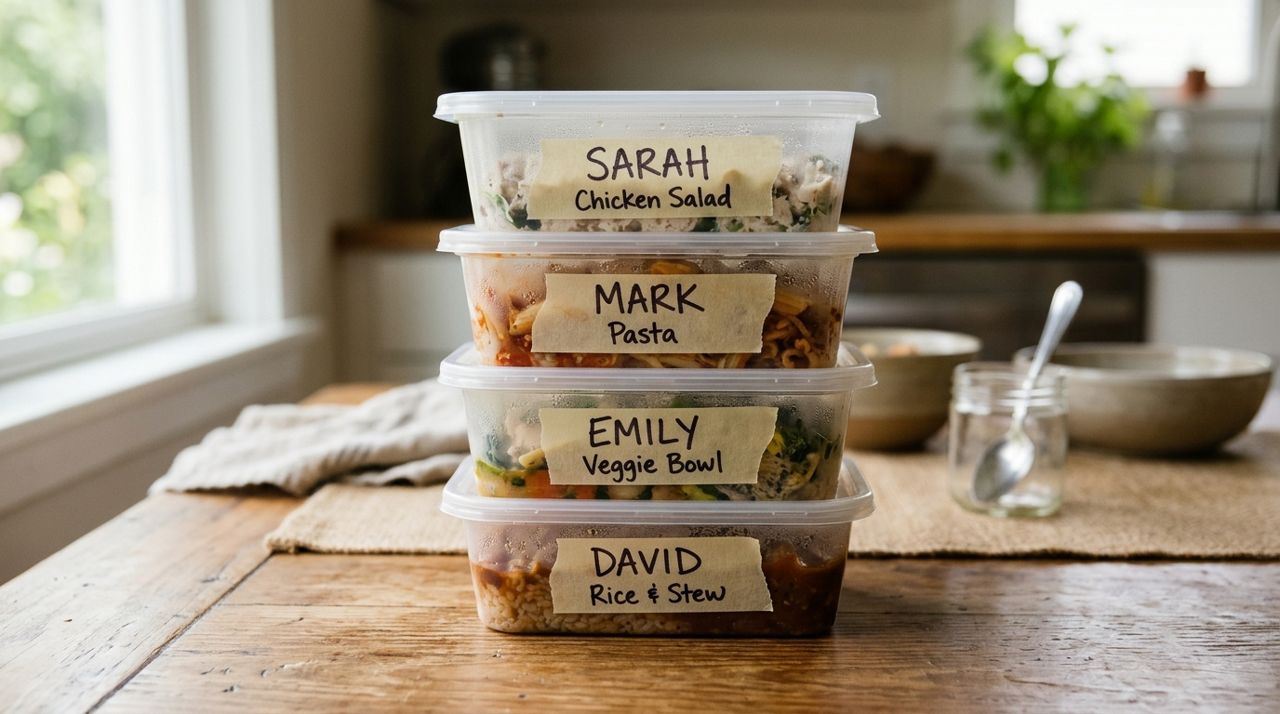
Stack of labeled takeout containers with names written on masking tape Your pre-order list is your prep sheet. Batch-cook identical items together: if you have 15 burrito orders, make all 15 at once. Label each container with the customer's name and order number using masking tape and a marker.
Store pre-orders in a warmer or cooler separate from your regular service line. Most trucks use wire shelving or plastic bins organized by pickup time window. Keep a checklist of order numbers so you can cross them off as you hand them out. This prevents the 'I made it but can't find it' panic during the rush.
- 05
Step 5: Create a dedicated pre-order pickup spot
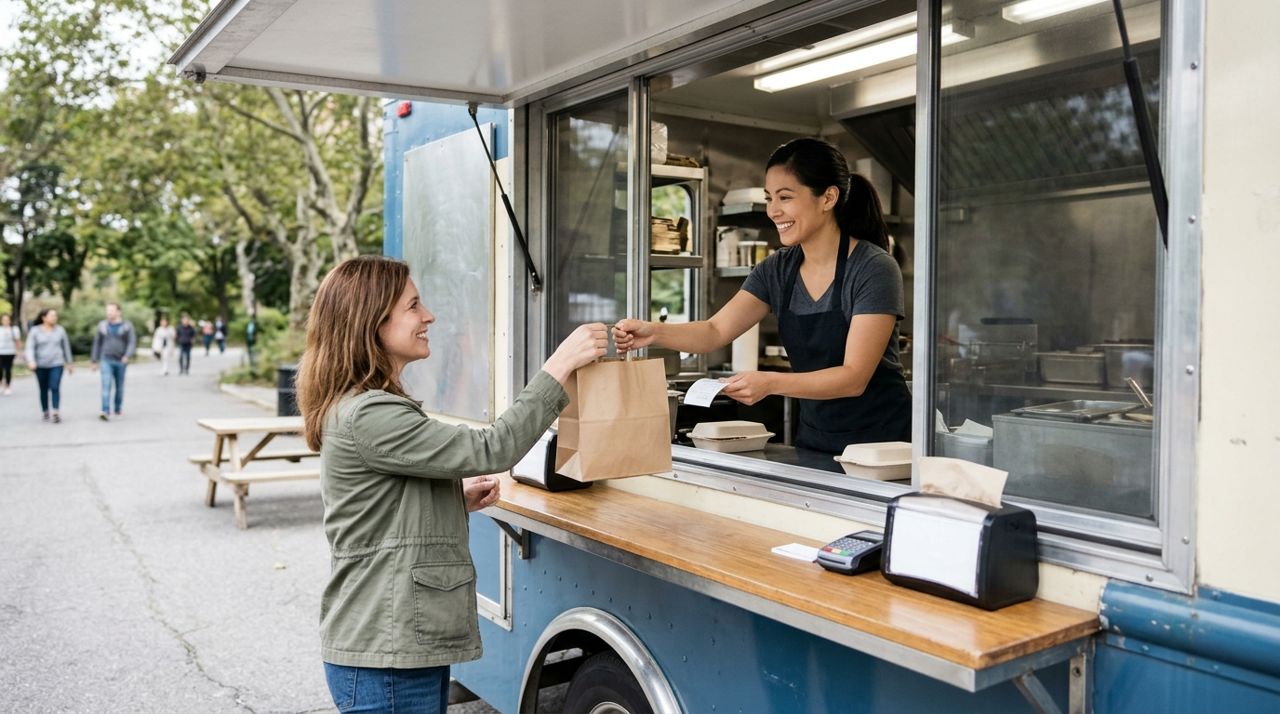
Food truck service window with staff handing takeout bag to customer Mark one window or side of your truck 'Pre-Order Pickup Only' with a sign. If space allows, set up a small table next to the truck with orders ready to grab. Customers show their phone with the order confirmation, you check the name, hand over the bag, and they're gone in 15 seconds.
This separate spot keeps pre-order customers out of your main order line. At busy markets, dedicate one staff member to handle pre-order handoffs while another takes walk-up orders. If you're solo, serve pre-orders first at the top of each pickup window, then switch to walk-ups until the next window starts.
- 06
Step 6: Manage day-of changes and no-shows
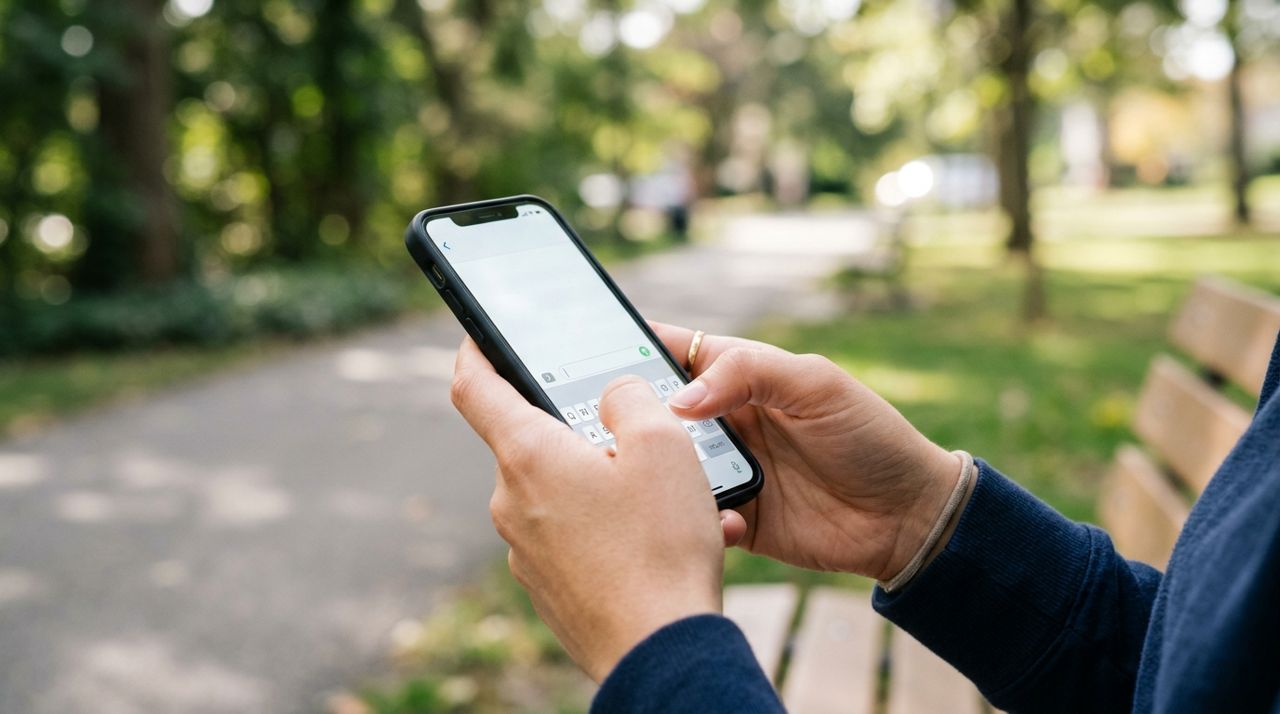
Close-up of hands typing message on smartphone screen outdoors Some customers will message asking to change their pickup time or modify their order. If it's before you've started cooking, accommodate them through the in-app messaging. If the food's already made, politely explain it's ready and waiting.
No-shows happen. Hold pre-orders for 15 minutes past their window, then send a message: 'Your order is ready—can you pick up in the next 15 minutes?' After 30 minutes total, you can sell it as a walk-up special or comp it to a regular customer. Most pre-order systems see a 5-10% no-show rate. Build that into your ingredient planning, or require payment at order time (the app handles this) to reduce no-shows to nearly zero.
- 07
Step 7: Review and improve each week
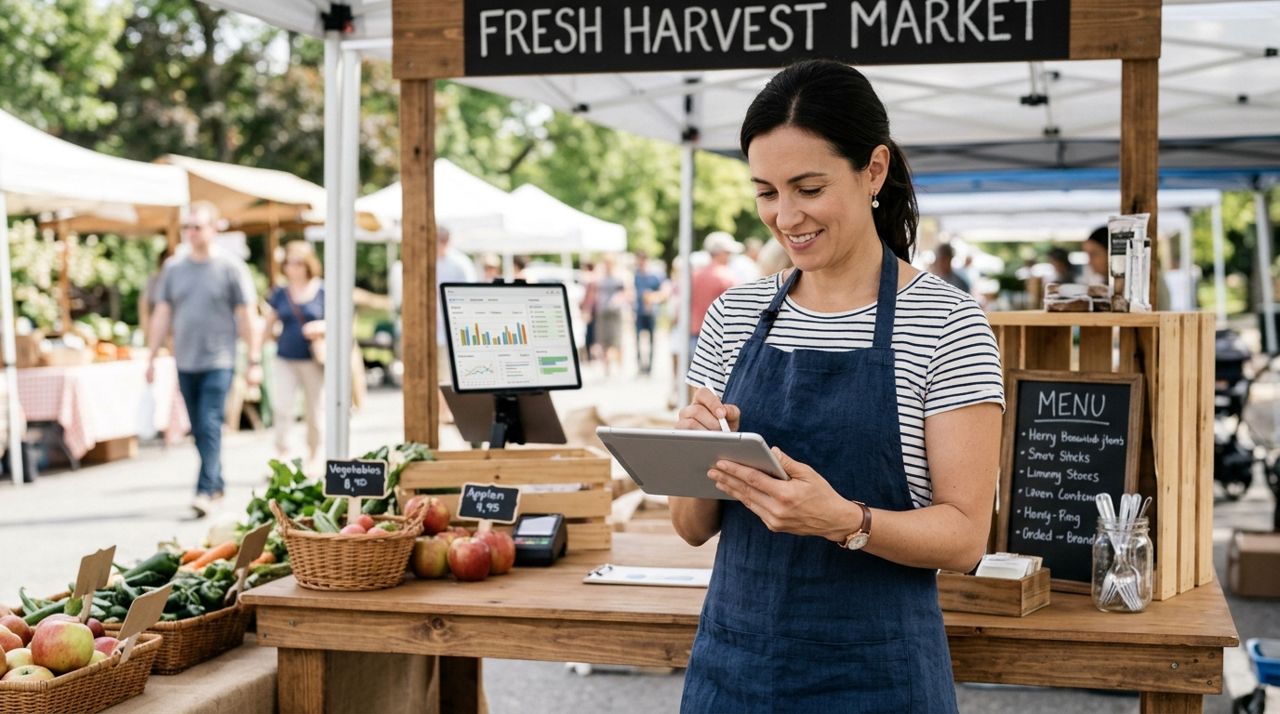
Food vendor reviewing sales data and orders on tablet at market booth After each market, check which items sold best as pre-orders and which pickup windows were most popular. Adjust your menu and time slots accordingly. If 90% of orders come in Friday night, you know to do your big shop Saturday morning. If the 12:30-1:00 window always maxes out, add capacity there.
Customer ratings and reviews in the app show what's working and what needs fixing. If multiple people mention food was cold, invest in better warming equipment. If they rave about the seamless pickup, you know you've nailed the system. Track your total sales on pre-order weeks versus regular weeks—most trucks see the difference immediately and never go back.
Pro tips
- Promote your pre-order link on your social media Thursday and Friday before the market—post your location and the ordering deadline.
- Offer a small incentive for first-time pre-orders: 'Order ahead this week, get a free drink' builds the habit fast.
- Keep your pre-order menu simpler than your full menu—stick to your top 8 sellers that you can execute perfectly in volume.
- Use clear container labels with big numbers so customers can spot their order from three feet away, speeding up handoffs.
Frequently asked questions
- What if I sell out of a pre-ordered item before the market?
- Message the customer immediately through the app and offer a substitute or full refund. Most people appreciate the heads-up and will choose another item. Always buy 10% extra ingredients for your most popular pre-order items to avoid this.
- Do I need to charge a fee for pre-orders?
- No, and you shouldn't. Pre-orders benefit you as much as the customer—you get guaranteed sales and better prep. The platform charges a 5% service fee on the sale, which is far cheaper than credit card processing fees plus a third-party ordering system.
- Can I take pre-orders if I work different markets each weekend?
- Absolutely. Update your shop description each week with the market name, address, and hours. Customers who follow your truck will see the updates. Many trucks run the same menu at multiple markets and just change the location details in their pre-order posts.
Pre-orders turn weekend markets from a guessing game into a predictable, profitable routine. You'll prep smarter, serve faster, and send fewer ingredients to the trash at the end of the day. Set up your menu once, tweak it as you learn what sells, and watch your market sales climb while your stress drops. Start with one market, prove it works, then roll it out everywhere you go.
Photos are illustrative. Service prices are typical ranges and vary by city. How we write our guides.
More guides like this
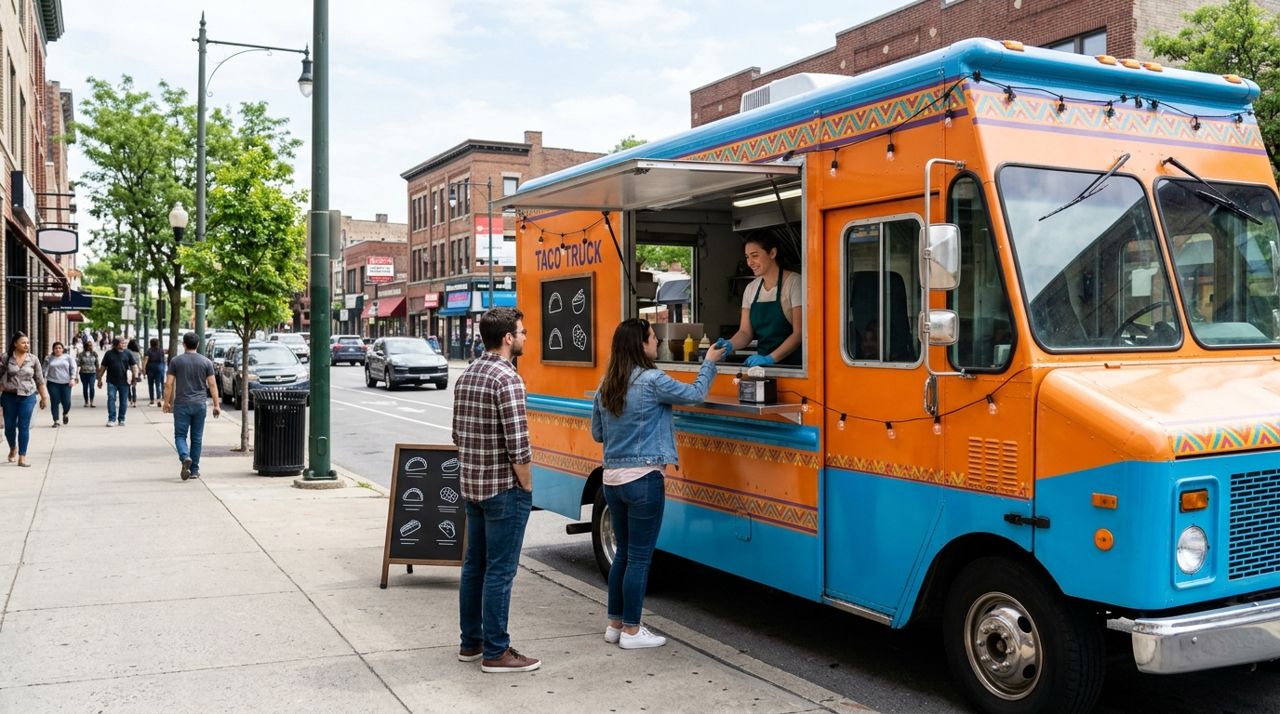
How to Run a Food Truck Shop and Tell Customers Where You Are
Running a food truck means constantly updating customers on where to find you. Here's how to set up your mobile shop and make location updates easy so hungry customers always know where you're parked.
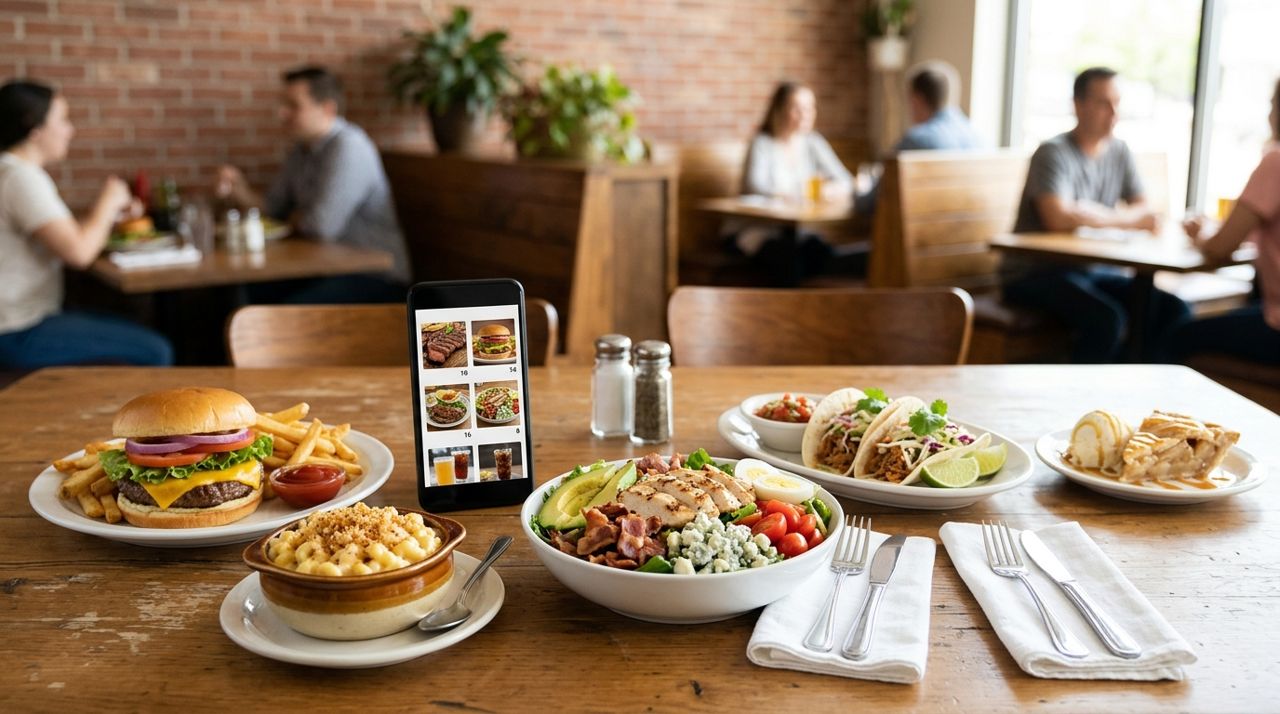
How to Put Your Restaurant Menu Online with Photos and Prices
An online menu with photos and prices lets customers order ahead for pickup or delivery, discover your dishes from home, and see exactly what they're getting before they buy.
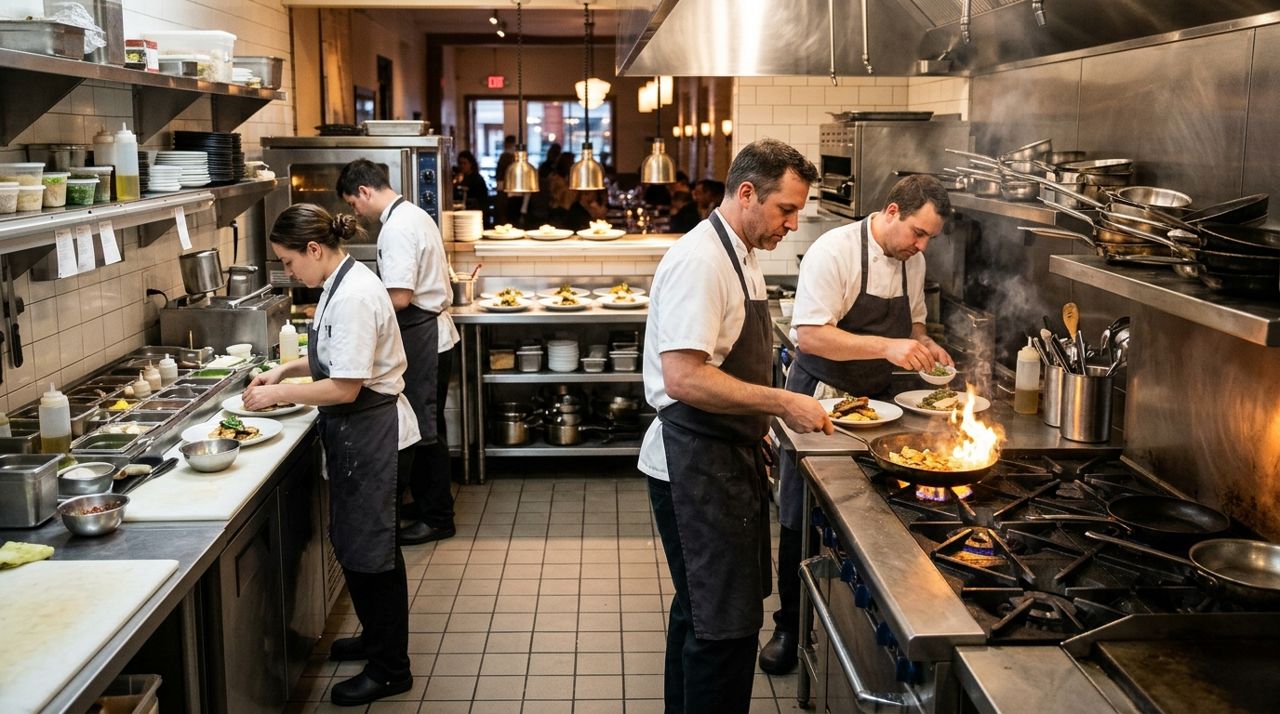
How to Handle a Dinner Rush: Managing High-Volume Orders Smoothly
The dinner rush can make or break your evening revenue. Here's how to set up systems that keep orders flowing smoothly when tickets pile up.