
How to Send a Surprise Meal Delivery to a Friend's Address
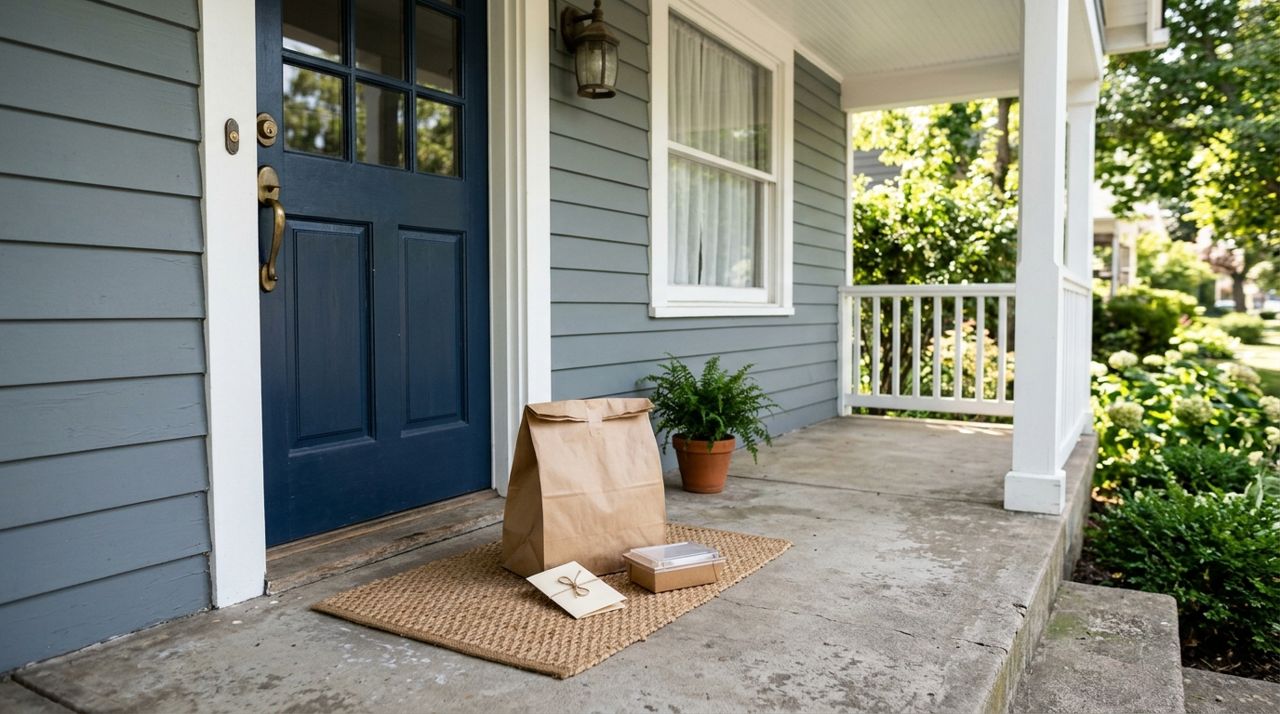
Life gets busy, and sometimes the people we care about need a little lift. Whether your best friend just had a baby, a colleague is going through a tough week, or you want to celebrate someone's good news from afar, sending a meal to their door is a thoughtful gesture that actually helps. It's more personal than flowers and more practical than a gift card they might forget to use.
This guide walks you through ordering food delivery to someone else's address so the surprise goes smoothly. You'll learn how to pick the right restaurant, time the delivery, leave the right instructions, and handle payment and contact details so your friend gets a hot meal without confusion or awkward handoffs.
- 01
Step 1: Confirm the recipient's address and availability
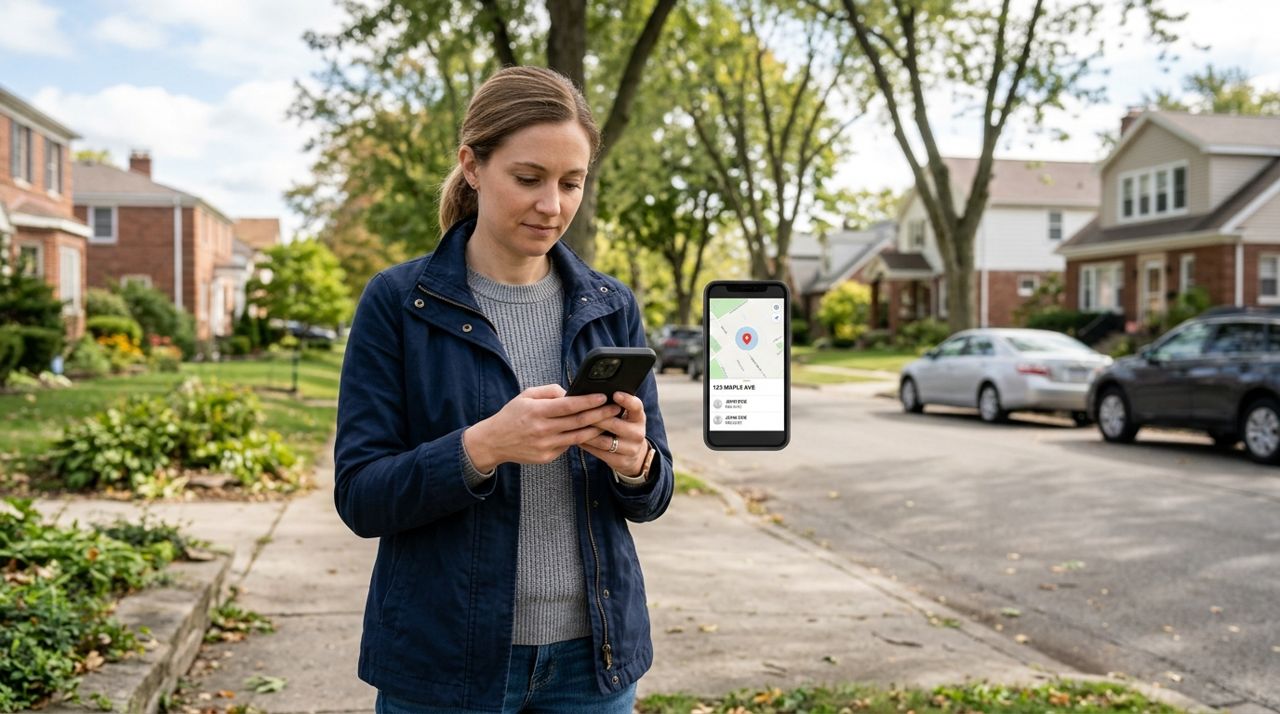
Person holding phone checking an address and contact information on screen Before you order anything, make sure you have the correct street address, apartment number, and any gate codes or building entry instructions. If the person lives in a complex with confusing building numbers or a gated community, get specifics now—not when the driver is circling the block.
Quietly confirm they'll be home without spoiling the surprise. Text something casual like "Are you around this evening?" or check their social media to see if they've posted plans. If they're definitely out, you can still send food, but you'll need to coordinate with someone else at the address or time it for when they return. Consider dietary restrictions and allergies; a surprise loses its charm if they can't eat what you send.
- 02
Step 2: Pick a restaurant and build the order
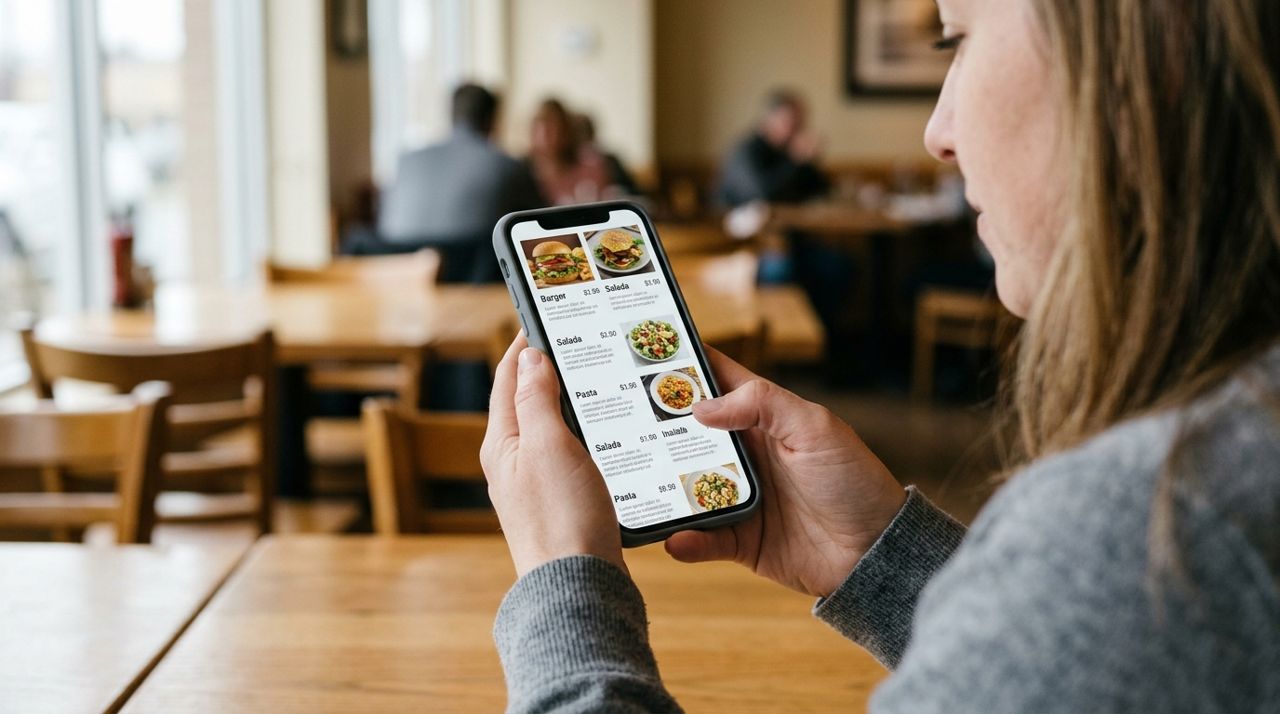
Smartphone screen displaying restaurant menu with food photos and prices Choose a restaurant that delivers to their neighborhood and fits their tastes. If you're not sure what they like, stick with crowd-pleasers like pizza, tacos, or a variety platter that offers options. Apps like Lumo let you browse restaurants, food trucks, and local shops that deliver to any address; you can filter by cuisine type and see menus with photos and prices.
Build the order as if you were eating it yourself. Include sides, drinks, and dessert if the budget allows. If you know they have kids, add a couple of kid-friendly items. Avoid anything that travels poorly (like salads with dressing already on) or dishes that need to be eaten immediately. Check portion sizes—better to send a little too much than leave someone hungry.
- 03
Step 3: Enter their address as the delivery location
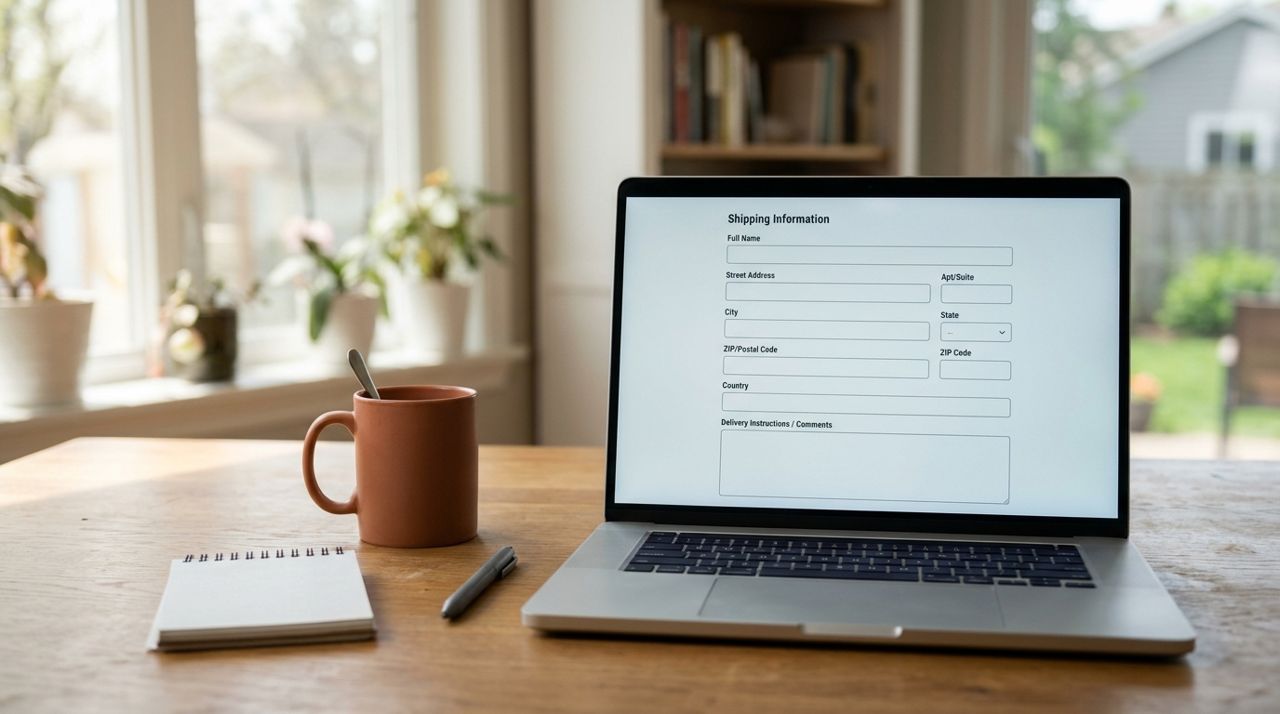
Online form showing delivery address fields and special instructions box When you get to checkout, enter your friend's address as the delivery destination, not your own. Double-check every field: street number, street name, apartment or unit number, city, and zip code. One wrong digit and the food ends up at a stranger's door.
In the delivery instructions field, add helpful details: "Green house with white trim," "Use side door," "Ring doorbell twice," or "Leave on porch table." If there's a dog, mention it ("Friendly dog may bark"). If it's a surprise, you can write "Gift delivery—recipient may not be expecting this" so the driver isn't confused if your friend looks puzzled. Most apps, including Lumo, let you add detailed notes that go directly to the driver.
- 04
Step 4: Use your contact info and payment, add a personal message
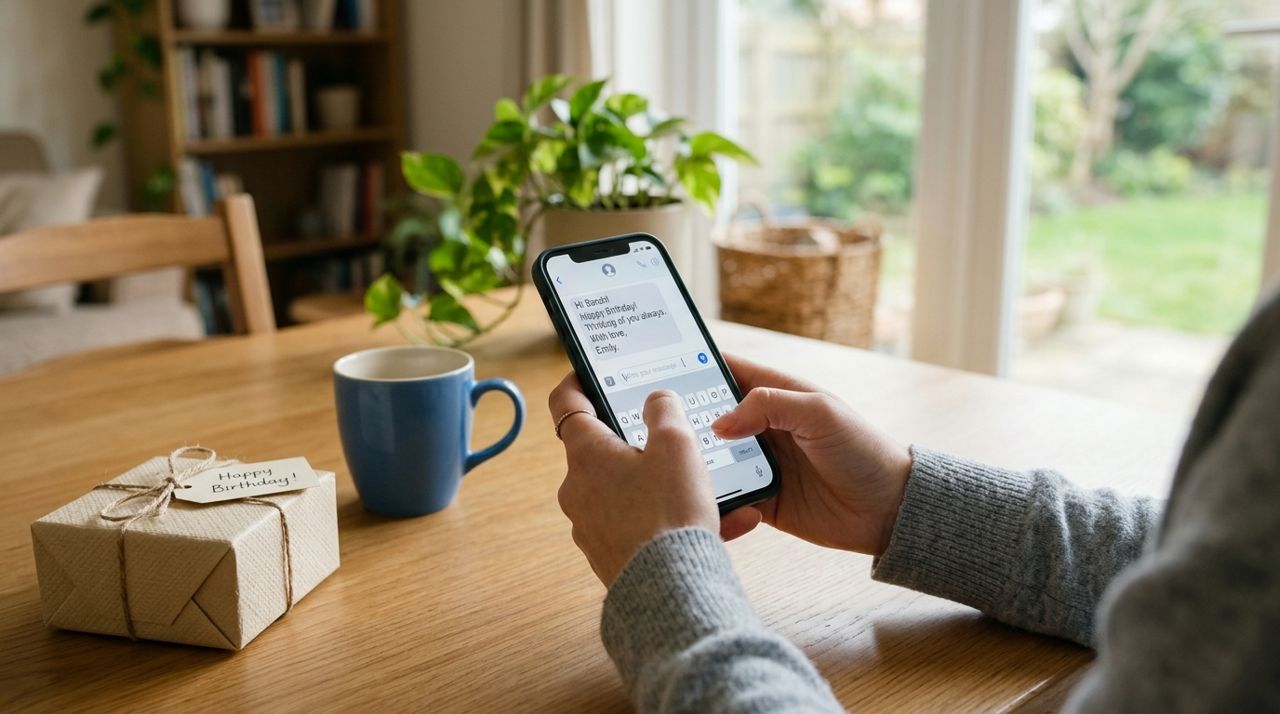
Hands typing personal message on phone for gift delivery order Keep your own phone number as the primary contact so the driver reaches you if there's a problem—not your friend, which would ruin the surprise. You'll get order updates and can answer questions without tipping them off.
Use your own credit card or payment method at checkout. The charge appears on your account, not theirs. Many apps let you include a note or message that prints on the receipt or gets sent with the order. Write something short and warm: "Thinking of you today! Enjoy dinner on me. —Sarah" or "Congrats on the new job! Celebrate with tacos. XO." Keep it to two or three sentences. If the app doesn't offer a message feature, send a text right after you place the order so they know who sent it.
- 05
Step 5: Time the delivery carefully
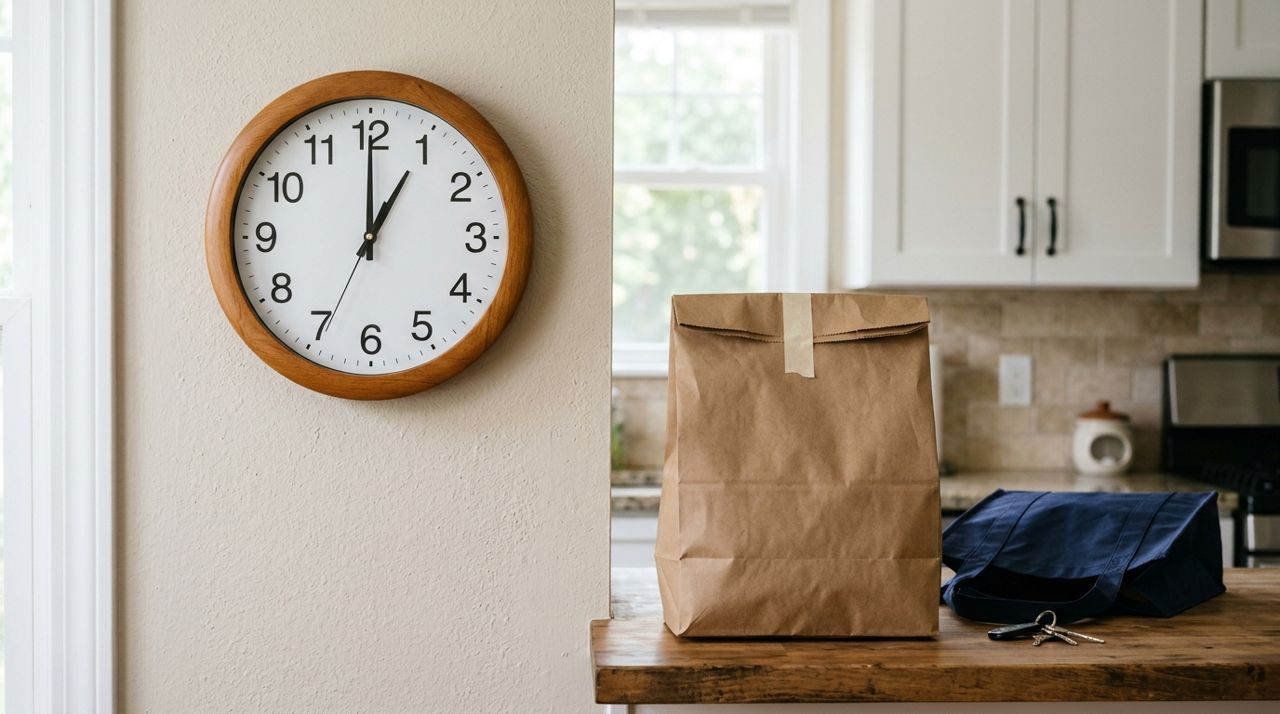
Wall clock next to takeout food bag showing meal delivery timing Most apps let you schedule delivery for a specific time window or choose "as soon as possible." If you want the food to arrive during dinner time, aim for 6:00–7:00 p.m. on a weeknight or whenever you know they'll be home and hungry. Avoid ordering during their work hours unless you're certain they're home.
If you're scheduling ahead, place the order the same day for better accuracy—restaurants can run out of items or change hours. For same-day delivery, order at least an hour before you want it to arrive. If it's truly a surprise and timing is flexible, you can send a text five minutes after placing the order: "Check your door in about 30 minutes." That way they won't leave the house and miss the delivery.
- 06
Step 6: Track the order and notify your friend at the right moment
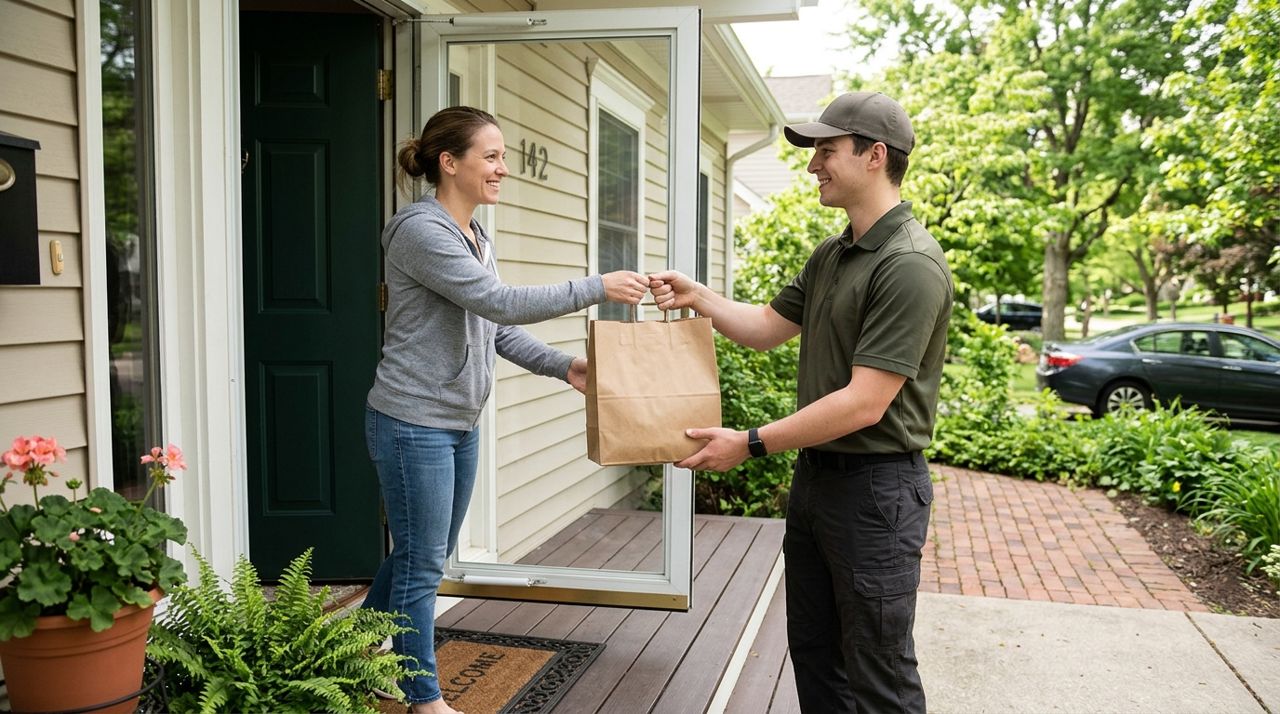
Delivery driver handing takeout bag to customer at residential front door Once the order is confirmed, you'll get updates as it's prepared and when the driver is on the way. Apps like Lumo let you follow the driver live on a map so you know exactly when they're close. Use this to time your reveal.
About five minutes before the driver arrives, send your friend a text or call: "I sent a little something your way—should be there any minute. Enjoy!" That gives them a heads-up so they're ready to answer the door and the food doesn't sit outside. If you want maximum surprise, wait until after the driver takes the drop-off photo (most apps require this) and then text, "Check your front door!" Either way, let them know it's from you so they're not confused or worried about a random delivery.
- 07
Step 7: Add a tip for the driver
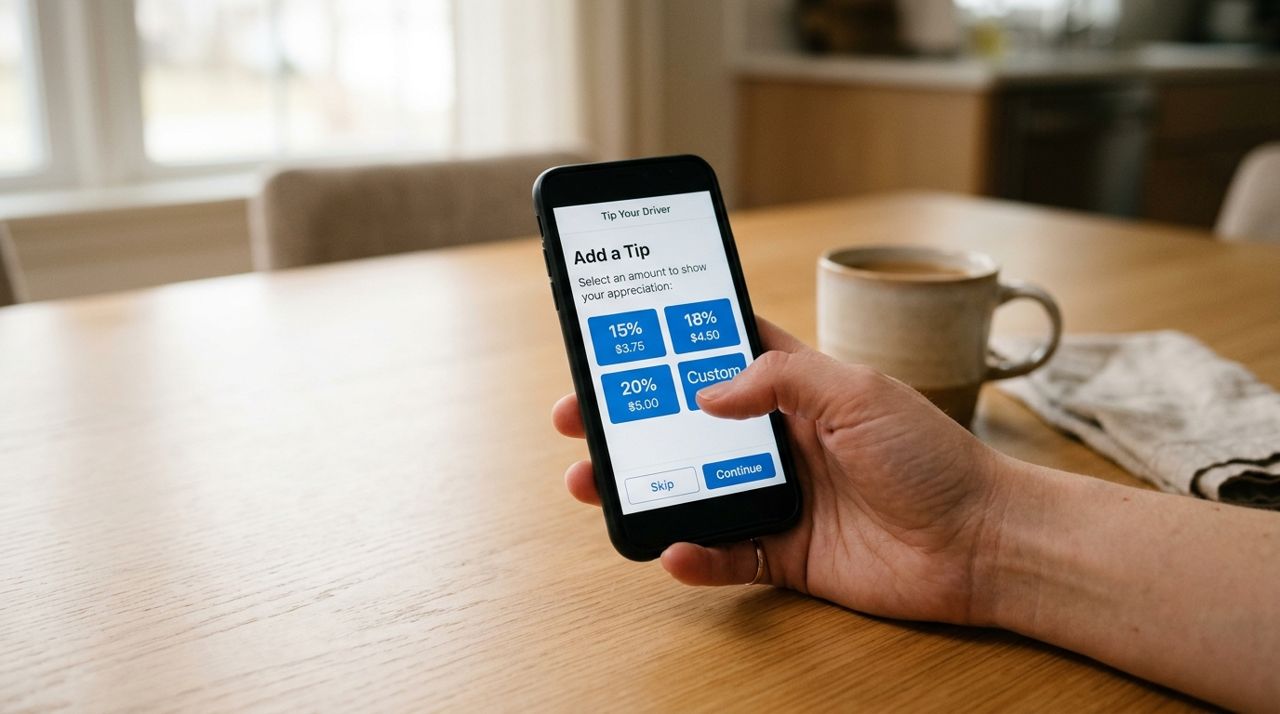
Smartphone checkout screen showing tip percentage options for delivery driver Delivery drivers rely on tips, and when you're sending food as a gift, adding a generous tip is part of the gesture. Most apps prompt you to tip at checkout—10%, 15%, or 20% are standard options, and you can choose a custom amount. If the delivery is going a long distance or during bad weather, bump it to 20% or higher.
The driver gets 100% of the tip in apps like Lumo, and it shows up in their earnings immediately. Tipping well ensures your gift arrives with a smile and supports someone doing hard work. If your friend offers to tip the driver in person, you can let them know you already took care of it when you placed the order.
Pro tips
- Order from a restaurant you know is reliable—this isn't the time to gamble on a place with one-star reviews.
- If your friend has allergies, call the restaurant directly after placing the order to confirm ingredients.
- Send breakfast or lunch instead of dinner for extra surprise factor—most people don't expect daytime deliveries.
- Consider adding a small non-food item (like flowers) if the app or restaurant offers add-ons.
- Keep a screenshot of the order confirmation in case there's an issue and you need to follow up.
Frequently asked questions
- Will my friend see my payment information?
- No. The charge goes to your card, and they never see your payment details. They'll only see the food and any message you include.
- What if they're not home when the driver arrives?
- The driver will try to contact the phone number on file (yours), and you can coordinate. Most apps let drivers leave the order at the door with a photo, so your friend can grab it when they return.
- Can I send alcohol with the meal?
- Some restaurants and apps allow alcohol delivery, but the recipient must be 21+ and present to show ID. If they're not home, the driver can't leave it, so confirm they'll answer the door if you're including drinks.
Sending a meal to someone's door is one of the simplest, most thoughtful ways to show you care. With the right address, clear instructions, and good timing, your surprise will land exactly as you planned. Whether you're cheering someone up, celebrating from a distance, or just reminding a friend they matter, a hot meal says it all—and apps like Lumo make it easy to send food anywhere in your city with just a few taps.
Photos are illustrative. Service prices are typical ranges and vary by city. How we write our guides.
More guides like this
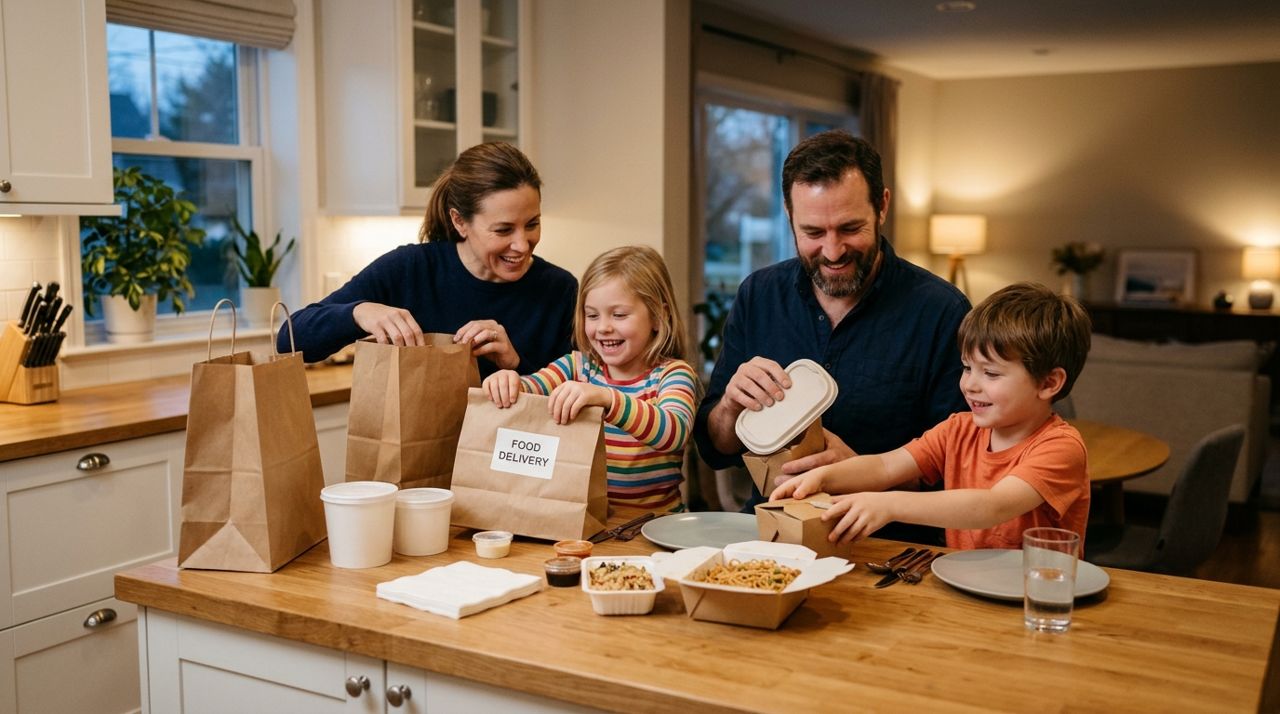
How Food Delivery Works: From Browsing Menus to Getting Dinner
Ordering dinner for delivery is simple once you know the process. This guide walks through every step from browsing restaurants to getting your meal at the door.

How to Order Lunch for Your Office Team Without the Chaos
Ordering lunch for eight coworkers shouldn't feel like herding cats. Here's how to coordinate a group order, keep everyone happy, and get food delivered on time without juggling twenty phone calls.
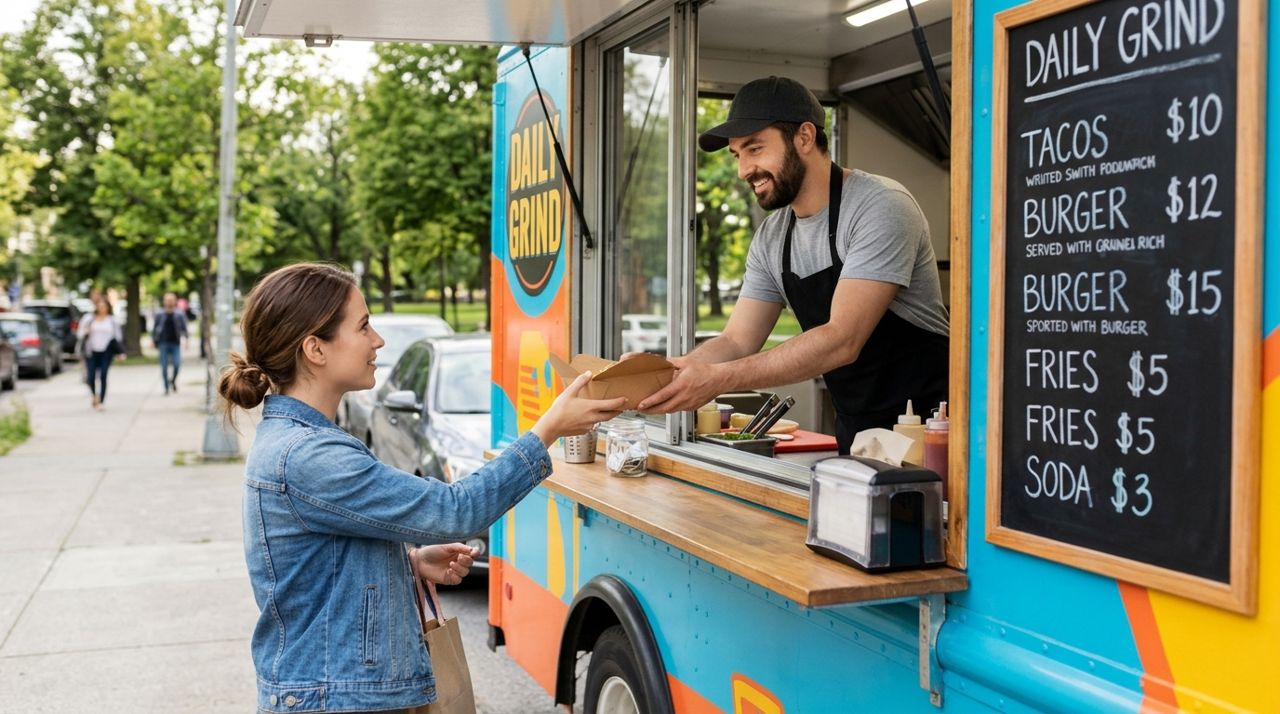
How to Find and Order from a Food Truck Near You
Food trucks bring restaurant-quality meals to neighborhoods, parks, and events—but finding them and placing orders can be tricky. Here's a step-by-step guide to ordering from food trucks near you.