
How to Sign Up to Deliver Food and Packages and Get Your First Job
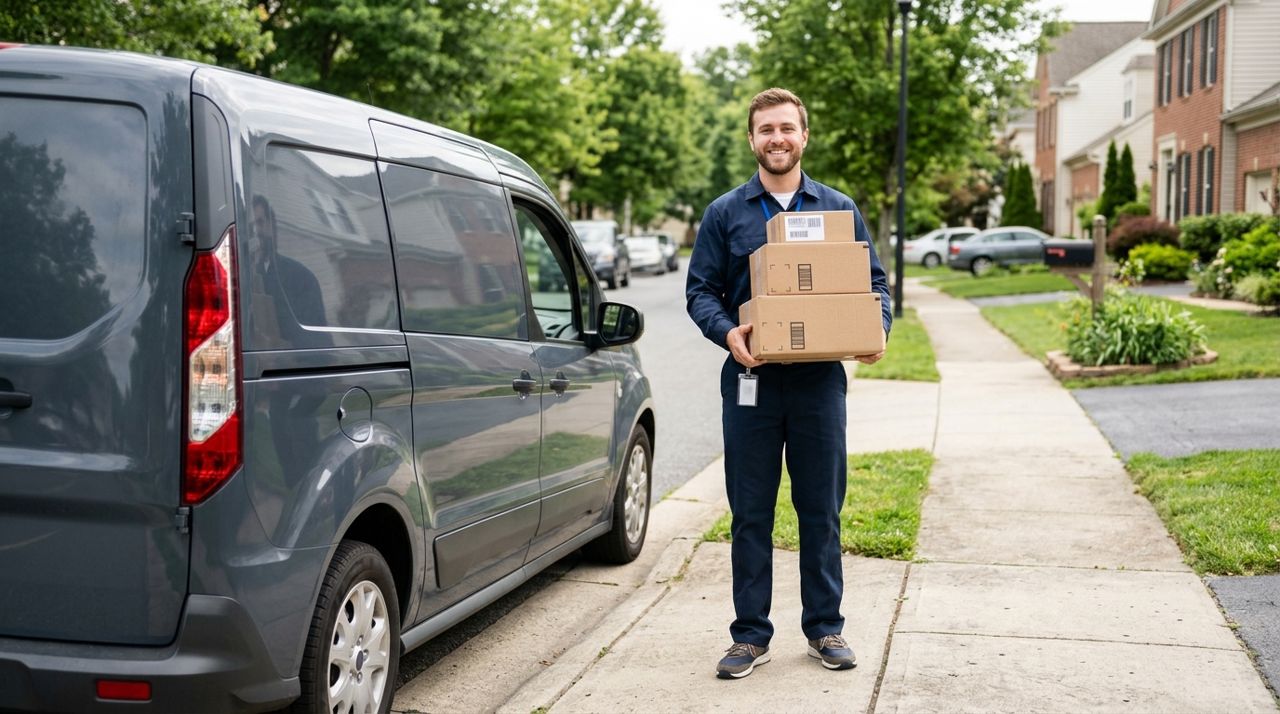
Whether you need a side income or full-time work, delivering food and packages lets you earn on your own schedule. Most drivers make $15–25 per hour depending on their city, tips, and how many deliveries they complete. The barrier to entry is low: a reliable vehicle, a smartphone, and a clean driving record are usually enough.
This guide walks you through signing up on a delivery platform, setting your preferences, understanding how pay works, and getting your first job. You'll learn what information you need ready, how to maximize your earnings from day one, and what to expect when that first order comes in.
- 01
Step 1: Download the app and choose the Worker mode
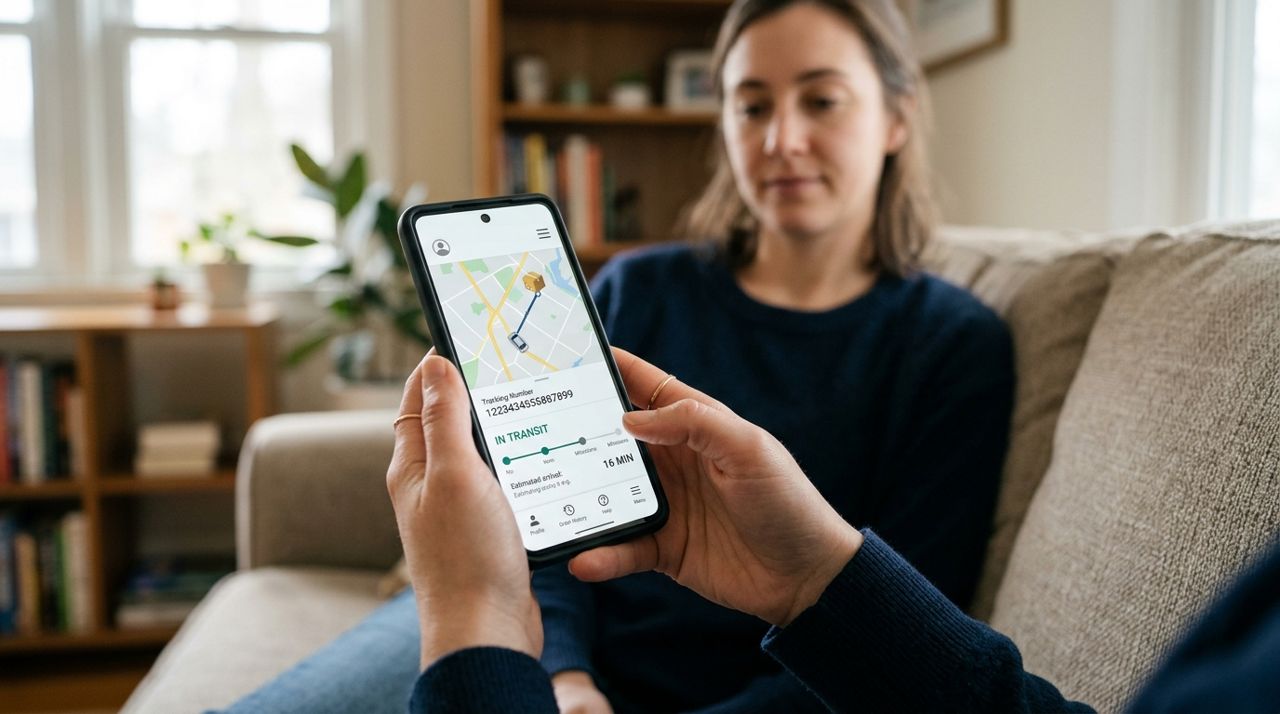
Person holding smartphone with delivery app open on screen Start by downloading the delivery app on your iPhone or Android, or visit the web version at golumo.app. When you open the app for the first time, you'll see four mode options on the welcome screen: Customer, Worker, Seller, and Real Estate. Tap 'Worker' to set up your delivery account.
You'll be asked to create an account using your email, phone number, Google, or Apple sign-in. Have your driver's license, vehicle insurance, and bank account information ready—most platforms require these for verification. The approval process typically takes 24–48 hours, though some platforms approve instantly. Check your email for a confirmation once you're approved.
- 02
Step 2: Set your job-alert radius and delivery types
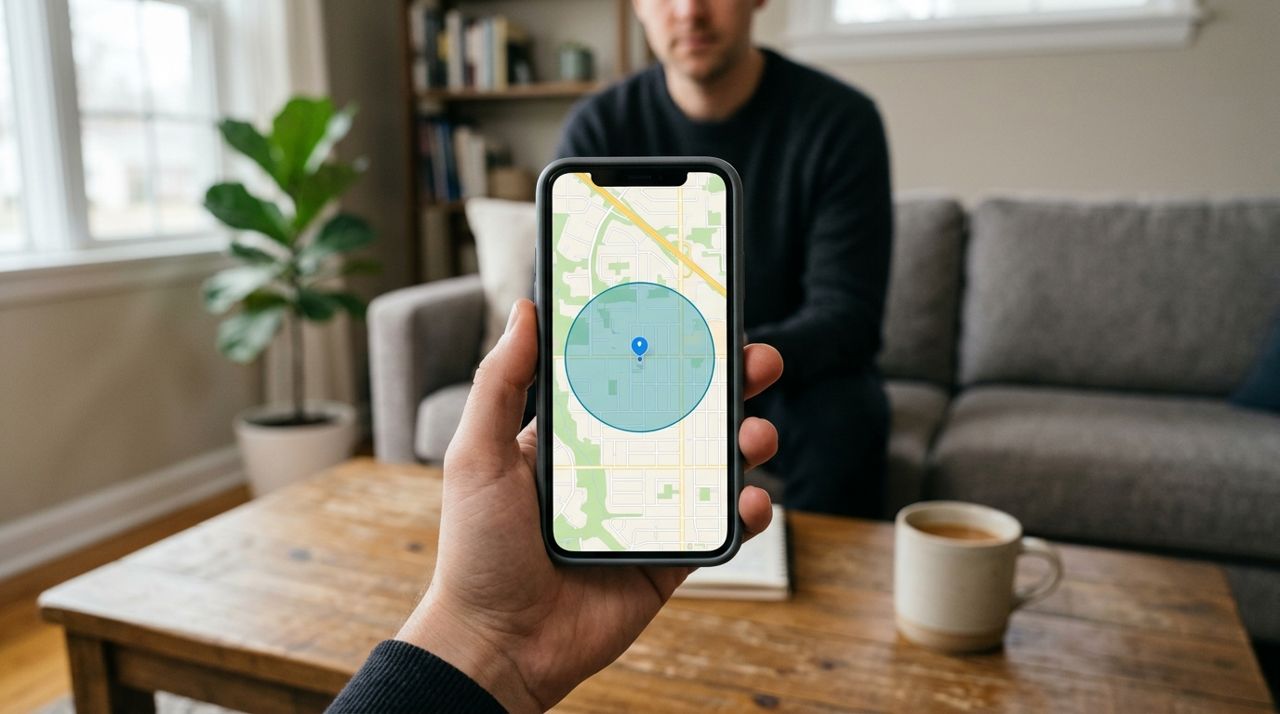
Mobile phone screen showing map with delivery radius circle highlighted Once approved, configure your job preferences. Set a job-alert radius that defines how far you're willing to travel for pickups—most drivers choose 3–10 miles depending on traffic and population density in their area. Urban drivers often stick to smaller zones; suburban and rural drivers may need larger ones to get enough orders.
Select which types of deliveries you want to accept: restaurant meals, grocery orders, retail packages, or all of the above. Food deliveries are usually quick but time-sensitive; package deliveries may involve heavier items but often pay more. In Lumo, you keep 90% of each job's price, and customers tip after delivery—100% of tips come directly to you. You can pause alerts anytime or adjust these settings as you learn what works best.
- 03
Step 3: Set your working hours and go on duty
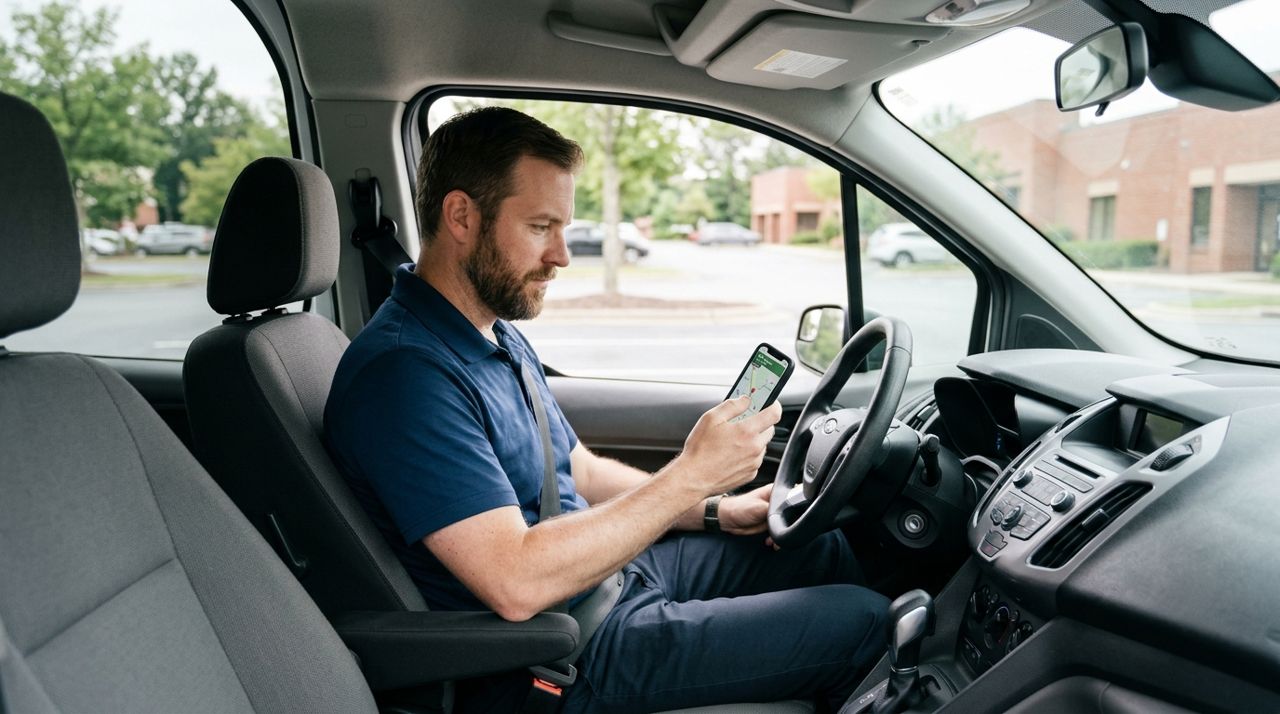
Delivery driver sitting in car looking at phone before starting shift Most platforms let you set preferred working hours, but you're not locked in—you can work whenever you want. Lunch (11 AM–2 PM) and dinner (5 PM–9 PM) are the busiest times for food delivery; weekend evenings see the highest volume. Package delivery is steadier throughout the day.
When you're ready to start, toggle yourself 'on duty' in the app. This tells the system you're available to receive job alerts. Some apps show a 'busy map' highlighting neighborhoods with high order volume, so you can position yourself where demand is strongest. If you need a break, simply go off duty—there's no penalty, and you can return whenever you're ready.
- 04
Step 4: Accept your first delivery request
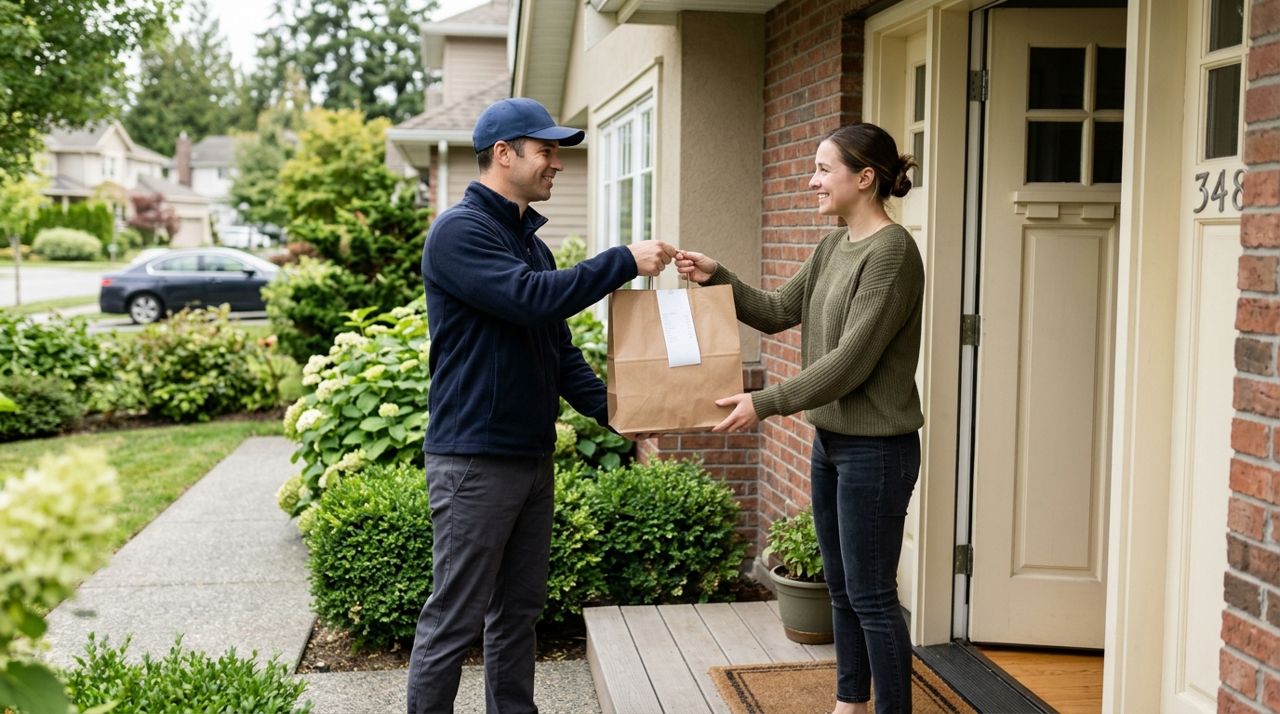
Delivery driver handing takeout bag to customer at front door When an order comes in, you'll receive a notification showing the pickup location, drop-off address, estimated distance, and your payout (including base pay but before tip). You'll have 30–60 seconds to accept or decline. Don't panic—if you miss it, another will come.
For your first few jobs, accept orders with shorter distances (under 3 miles) and familiar neighborhoods. Check the pickup location: restaurant orders are usually ready in 10–15 minutes, while retail pickups may be packed and waiting. The app will show you the customer's delivery instructions—apartment numbers, gate codes, or 'leave at door' notes. Read these before you leave the pickup point. Accepting an order locks in your route and starts the timer, so don't accept until you're genuinely ready to move.
- 05
Step 5: Pick up the order and confirm in the app
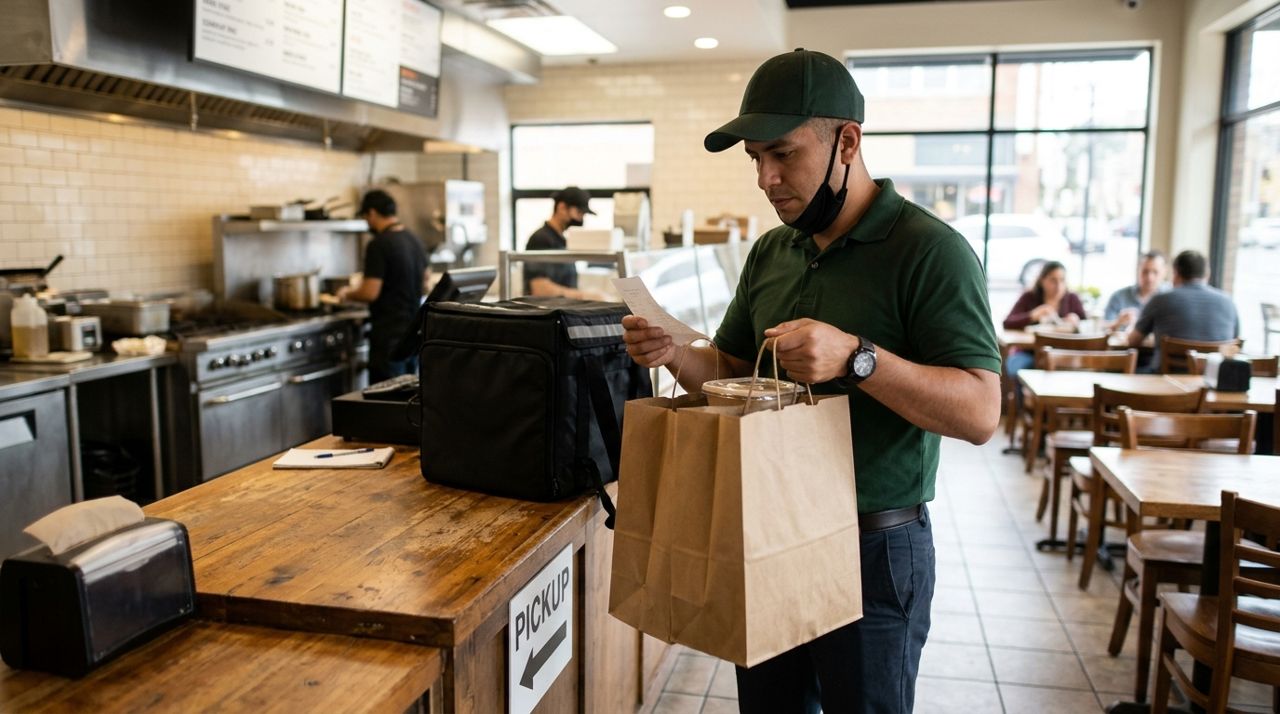
Delivery driver in restaurant verifying food order before leaving Drive to the pickup location using the in-app navigation or your preferred map app. At a restaurant, check in with the staff and provide the order name or number. Verify the items match what's listed—most apps show a checklist. For package pickups, confirm the recipient's name and address.
Once you have the order, tap 'Confirm Pickup' in the app. This notifies the customer that you're on the way and starts live GPS tracking so they can follow your progress. Keep food orders upright and stable; invest in an insulated bag ($15–30) to keep meals hot and prevent spills. For packages, make sure boxes are secure and won't shift during transit. Double-check the delivery address before you start driving—wrong turns waste time and hurt your rating.
- 06
Step 6: Complete the delivery and take a drop-off photo
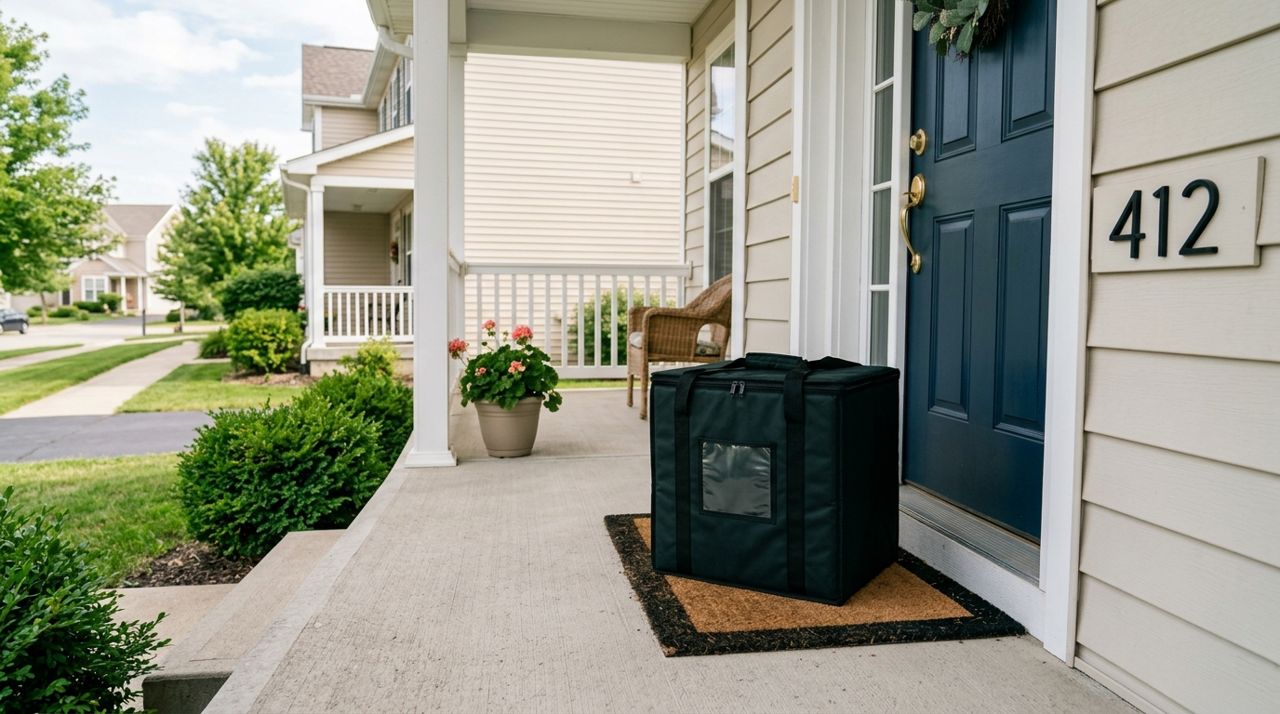
Food delivery bag placed on doorstep with house number visible Follow the in-app GPS to the customer's address. If it's a 'hand-to-customer' order, knock or ring the bell, hand them the order, and confirm delivery in the app. For contactless drop-offs (now the majority), place the order at the door, step back, and take a clear photo showing the items and part of the address or a recognizable landmark like a house number or doormat. This protects you if a customer claims they didn't receive their order.
Mark the delivery complete in the app. The customer will be prompted to rate you and leave a tip—tips can add 20–50% to your earnings. If you had trouble finding the address or the order was delayed, a polite message ('Sorry for the wait—traffic on Main St!') can help preserve your rating. Your payout appears instantly in your in-app wallet, and you can cash out daily or weekly depending on the platform.
- 07
Step 7: Track your earnings and adjust your strategy
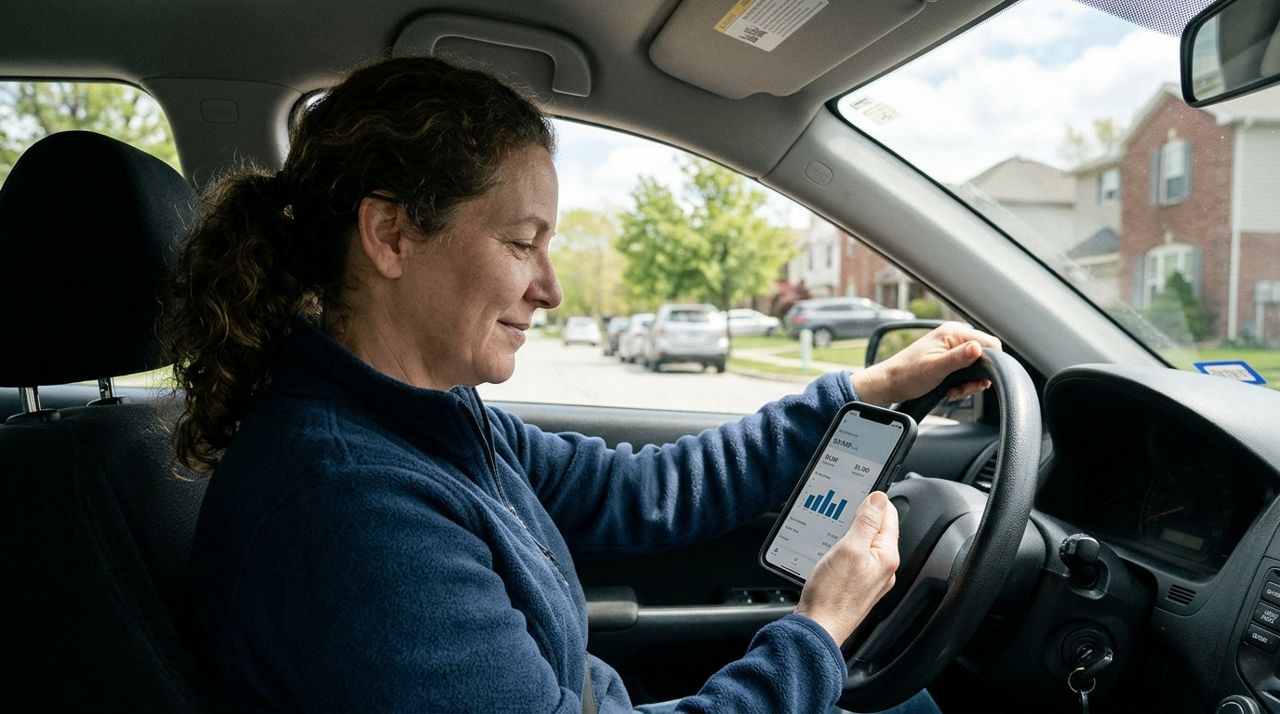
Person reviewing delivery earnings and statistics on smartphone screen After your first few deliveries, check your earnings dashboard. Note which times of day, neighborhoods, and order types paid best. Most drivers find that working during peak meal times in dense neighborhoods yields $20–30 per hour, while off-peak suburban runs drop to $12–18.
Experiment with your job-alert radius and working hours. Some drivers multi-app—running two platforms at once and accepting the best-paying orders. Track your mileage for tax deductions (the IRS standard rate is 67¢ per mile in 2024). Set a weekly earnings goal and measure your progress. If your acceptance rate is low, you may be too picky; if your ratings slip below 4.5 stars, focus on communication and accuracy. Delivery work rewards hustle and learning from each job.
Pro tips
- Start with short deliveries under 3 miles to learn the workflow before taking longer, higher-paying runs.
- Buy an insulated delivery bag and phone mount—they cost $30–50 total and immediately make the job easier.
- Text the customer if you're delayed or can't find their address; proactive communication prevents bad ratings.
- Track every mile you drive for work—it's tax-deductible and can save you thousands at year-end.
- Work weekend dinner shifts (Friday and Saturday 5–10 PM) for the highest volume and tips.
Frequently asked questions
- How much can I realistically earn per hour delivering?
- Most delivery drivers earn $15–25 per hour after expenses, depending on their city, shift timing, and tips. Peak meal times (lunch and dinner) in busy areas yield the highest rates, sometimes $25–35 per hour, while slow midday or late-night shifts may drop to $10–15. Track your earnings for two weeks to find your average.
- What if the customer isn't home or the address is wrong?
- Try calling or texting the customer through the app's built-in messaging. If they don't respond within five minutes, follow the app's protocol—usually you'll be instructed to leave the order in a safe spot, take a photo, and mark it delivered. Never leave food in an unsafe location or return it to the restaurant without app approval.
- Can I really pause or stop anytime, or is there a penalty?
- Yes, you can go off duty whenever you want with no penalty. Delivery work is truly flexible—you're not an employee with set shifts. Some platforms track acceptance rate (how many offers you accept vs. decline), but declining orders won't get you deactivated unless your rate is extremely low over a long period.
Your first delivery shifts will feel awkward—everyone takes a wrong turn or fumbles with an apartment gate. By your tenth job, the rhythm clicks: accept, pick up, drop off, repeat. The key is starting. Download the app, set your radius and hours, and go on duty during the next meal rush. You'll have money in your account by the end of the night.
Photos are illustrative. Service prices are typical ranges and vary by city. How we write our guides.
More guides like this
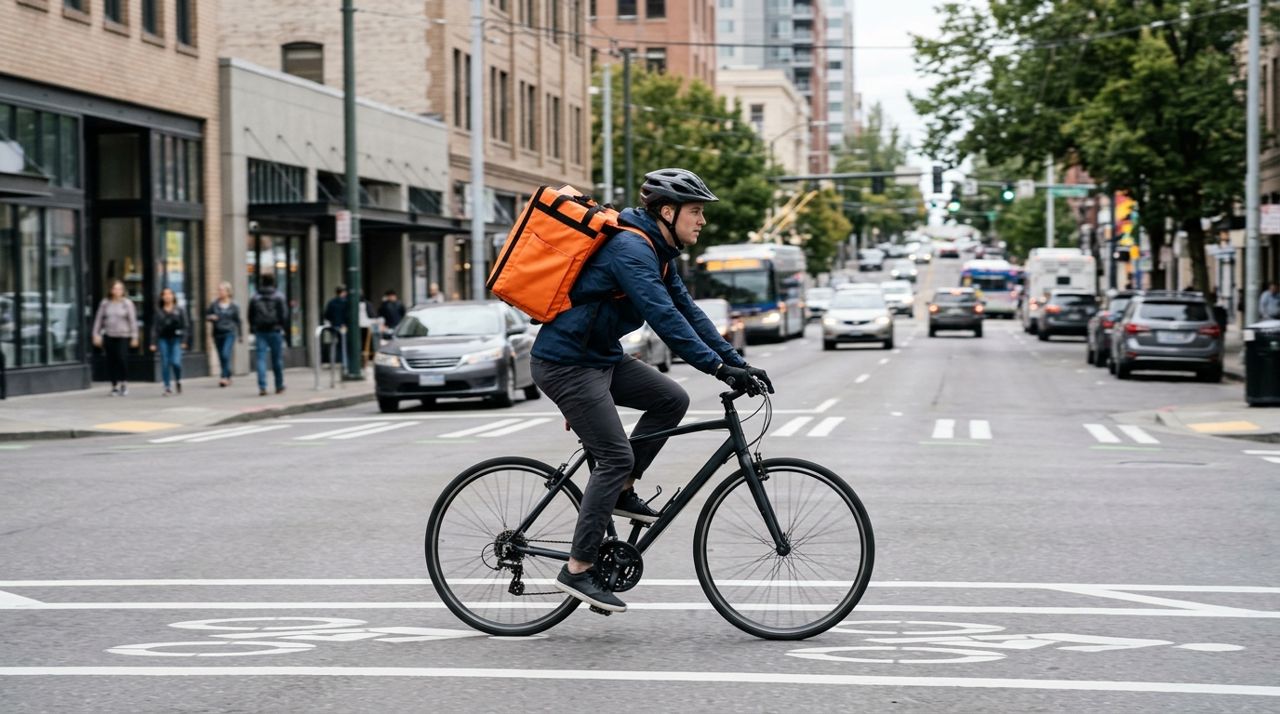
How to Deliver Food & Groceries by Bike in a Dense City
Bike and e-bike delivery in a crowded city is faster than driving—if you know the routes, pack smart, and handle the weather. Here's how it actually works, from signup to drop-off.
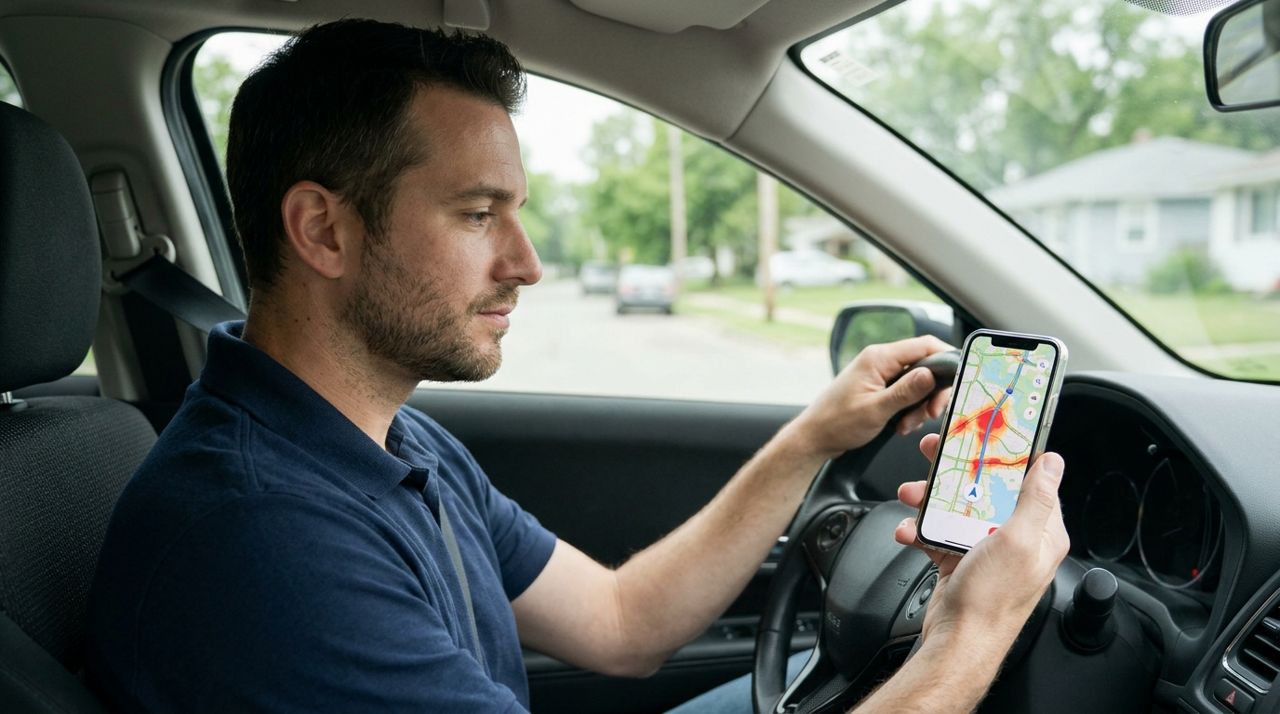
How to Use the Busy Map to Find Where Orders Are Coming In
The busy map shows you real-time order activity in your city. Here's how to read it, position yourself in hot zones, and earn more per hour with less idle time.
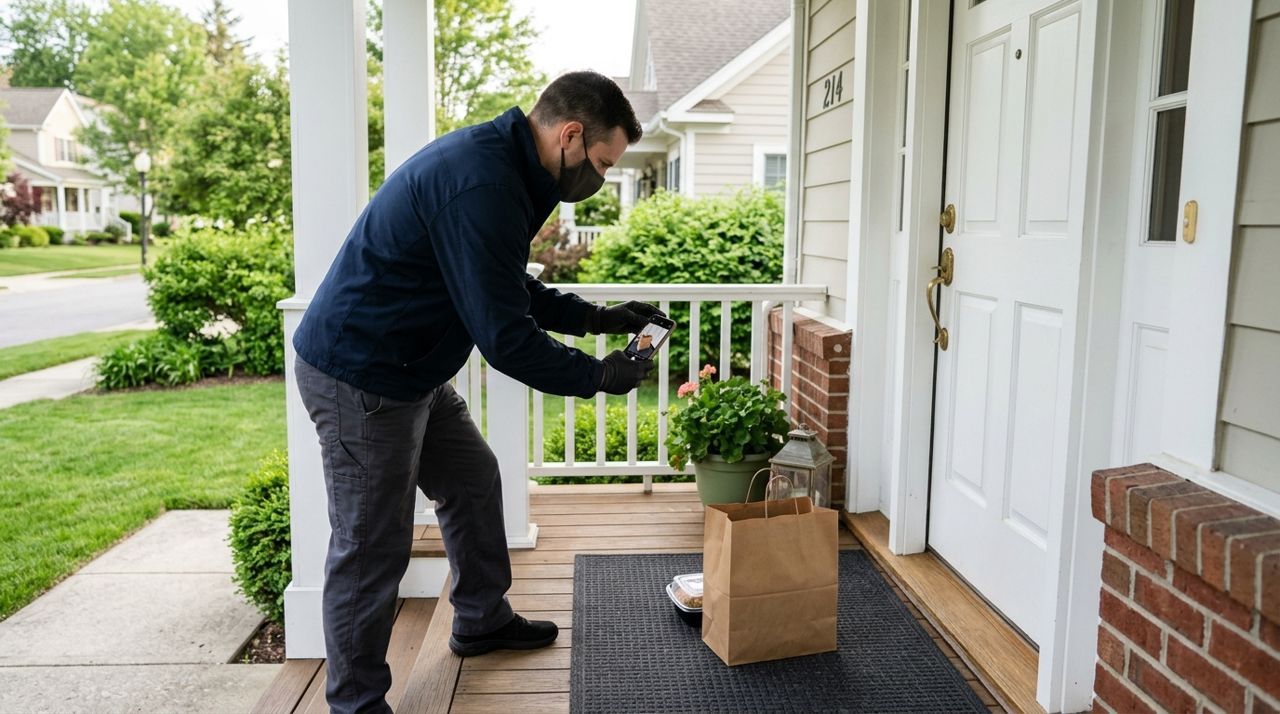
How to Take a Perfect Drop-Off Photo Customers Trust
A clear drop-off photo is your proof of delivery and your best protection against 'never arrived' complaints. Here's how to take photos that customers trust every single time.