
Staying Safe on Jobs: Meeting Customers and Sharing Your Status
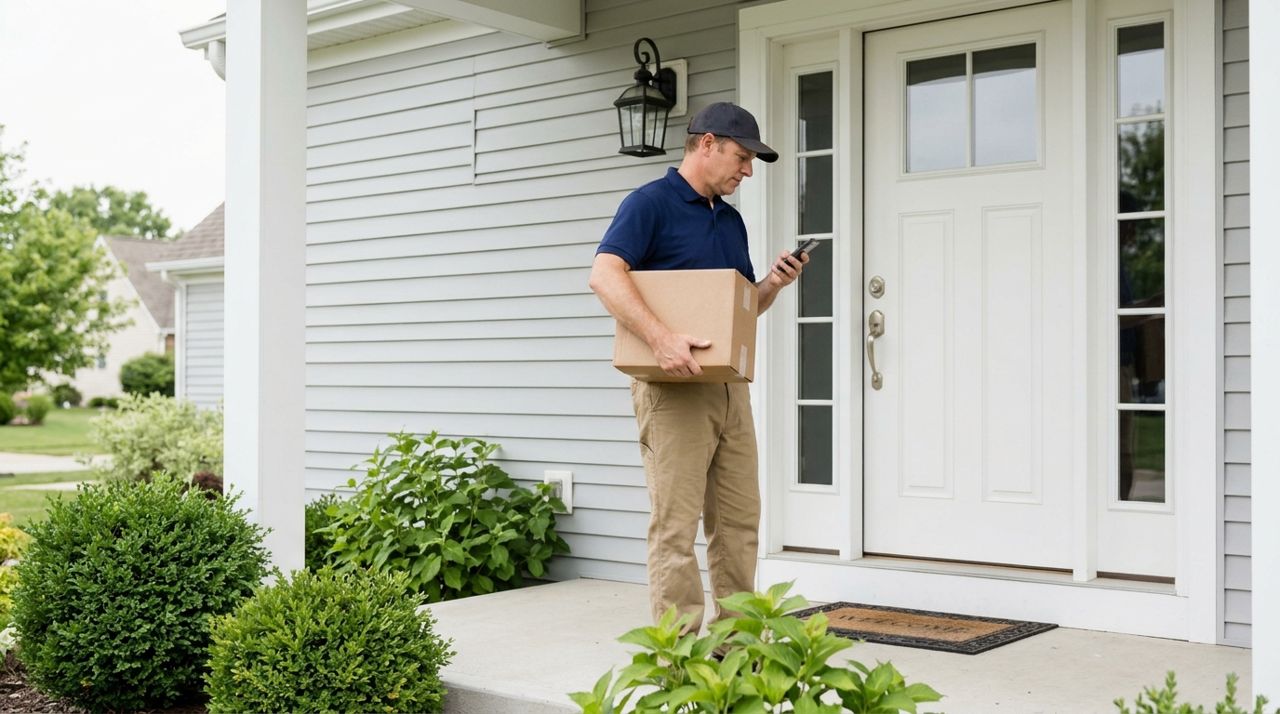
When you work as an independent contractor—cleaning homes, delivering food, doing yard work or helping customers move—you're often meeting strangers at their homes or businesses. Most customers are respectful and grateful, but staying safe means planning ahead every single time.
Safety isn't about being paranoid; it's about building habits that protect you without slowing you down. This guide covers the practical steps that experienced workers use to stay aware, communicate their whereabouts, and handle situations that feel off. Whether you're brand new or have done hundreds of jobs, these strategies work.
- 01
Step 1: Share your job details with someone you trust
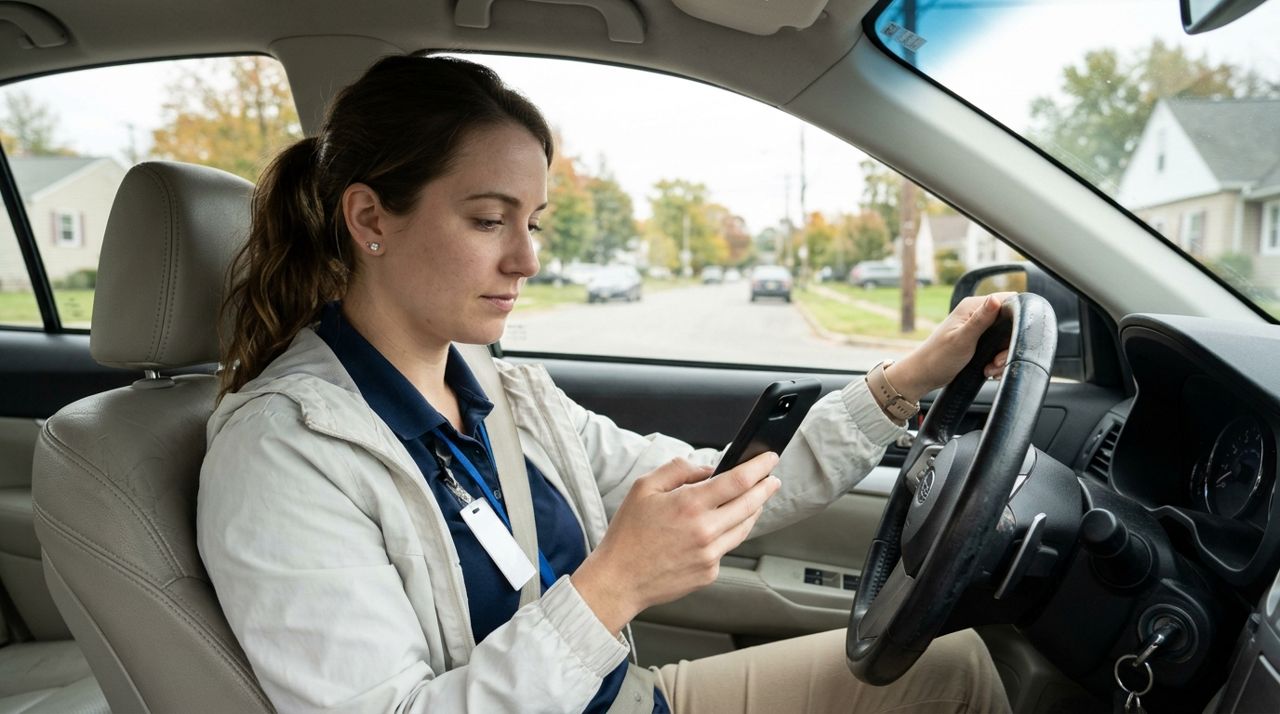
Worker texting job location details to a friend before leaving for appointment Before you leave for any job, text a friend or family member the customer's address, the job type, and when you expect to finish. Some workers keep a group chat just for this—they drop the address when they arrive and check in when they're done.
If you're using Lumo, the app shows you job details and the customer's location before you accept. Screenshot that information or forward the address to your safety contact. Make this a habit for every single job, even quick pickups. If someone knows where you are and when to expect you back, you've created an automatic safety net.
- 02
Step 2: Keep your phone charged and accessible
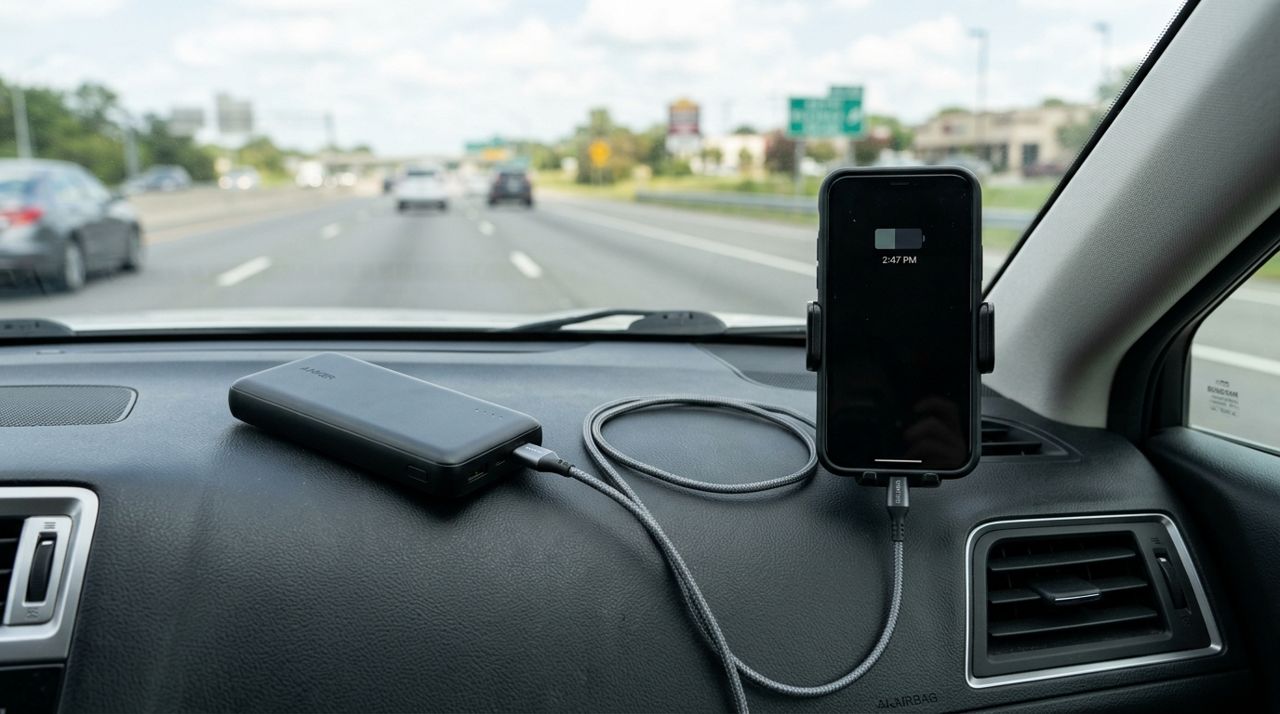
Portable phone battery pack and charging cable on car dashboard Your phone is your lifeline. Always start your day with a full charge, and if you're doing back-to-back jobs, carry a portable battery pack and charging cable in your car or bag.
Keep your phone in your pocket or within arm's reach during the entire job—not in another room or buried in your backpack. Have emergency contacts saved and know how to quickly dial 911 on your phone even if it's locked. Some workers enable location sharing on their phone so a trusted person can see where they are in real time throughout the day. Test this feature at home first so you know it works when you need it.
- 03
Step 3: Meet in well-lit, visible areas when possible
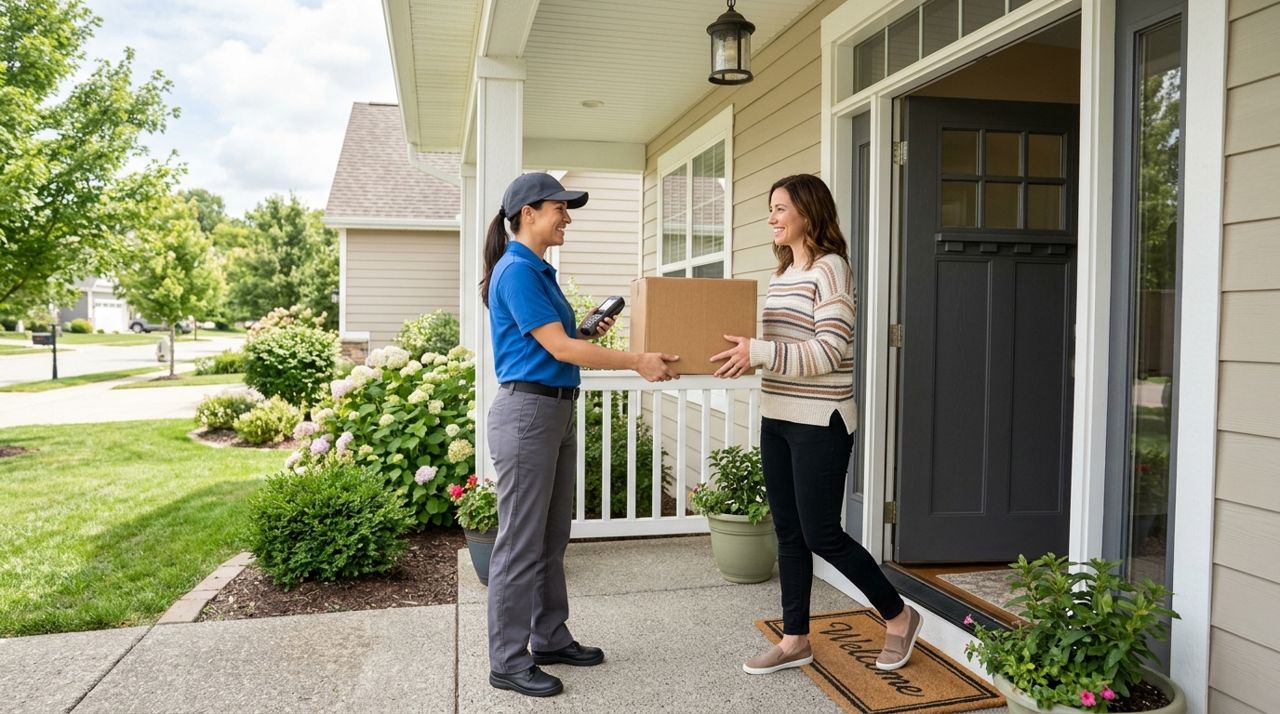
Delivery worker handing package to customer at well-lit front entrance For deliveries, hand off orders at the front door, not inside the house. For service jobs like cleaning or repairs, ask the customer to show you the work area and then give you space to complete it—you don't need someone hovering, and it's safer to have clear sightlines to exits.
If a job is in an isolated area—a rural property, a basement apartment with one exit—pay extra attention to your gut feeling during the first few minutes. When you arrive, note where the exits are. Park in a spot where you won't be blocked in. If something feels wrong, you can politely say you need to reschedule and leave. No job is worth ignoring a strong instinct that something is off.
- 04
Step 4: Use the app's messaging and keep conversations professional
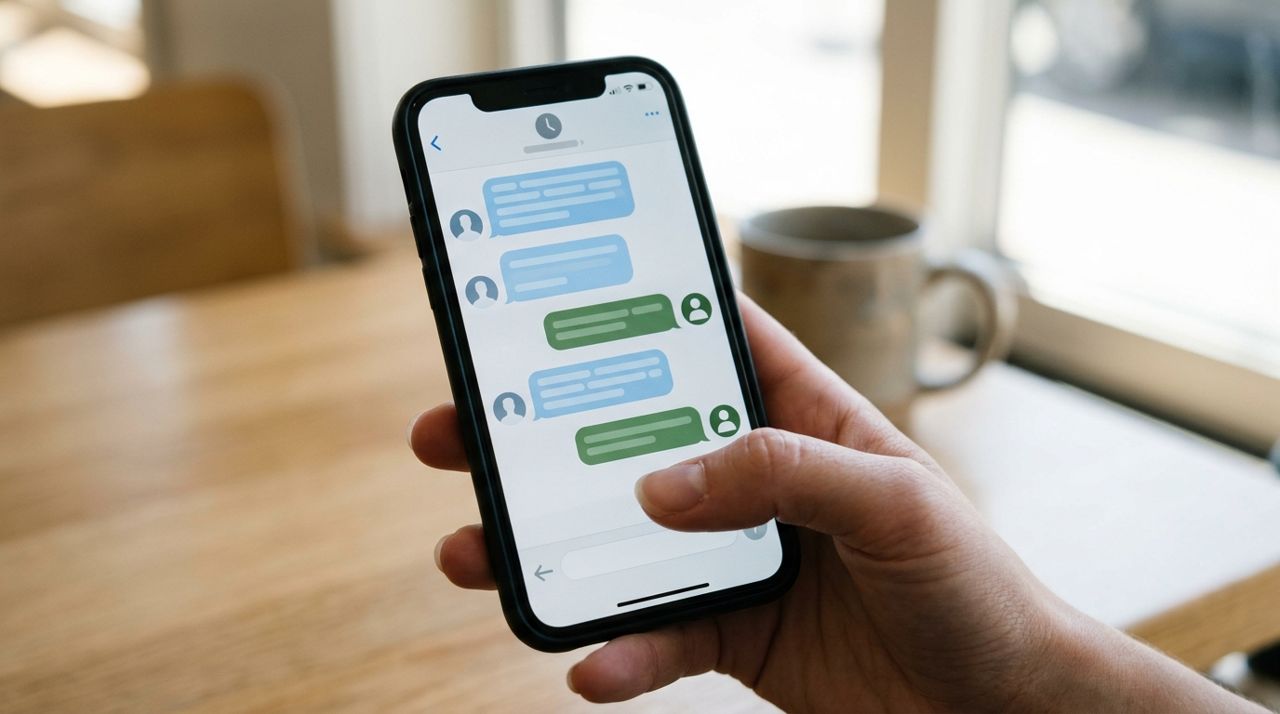
Close-up of in-app messaging between worker and customer on smartphone screen Lumo's in-app messaging keeps all communication in one place and creates a record of what was said. Use it to confirm job details, ask questions about access or parking, and let the customer know when you're on your way.
Keep messages polite and focused on the work. If a customer asks for your personal phone number or social media, you can say, 'I keep everything in the app so I don't miss messages.' If someone makes you uncomfortable with overly personal questions or comments, you're not obligated to continue the conversation. Finish the job if you feel safe, then decline future requests from that customer. Trust your instincts—professional boundaries protect you.
- 05
Step 5: Trust your instincts and have an exit plan
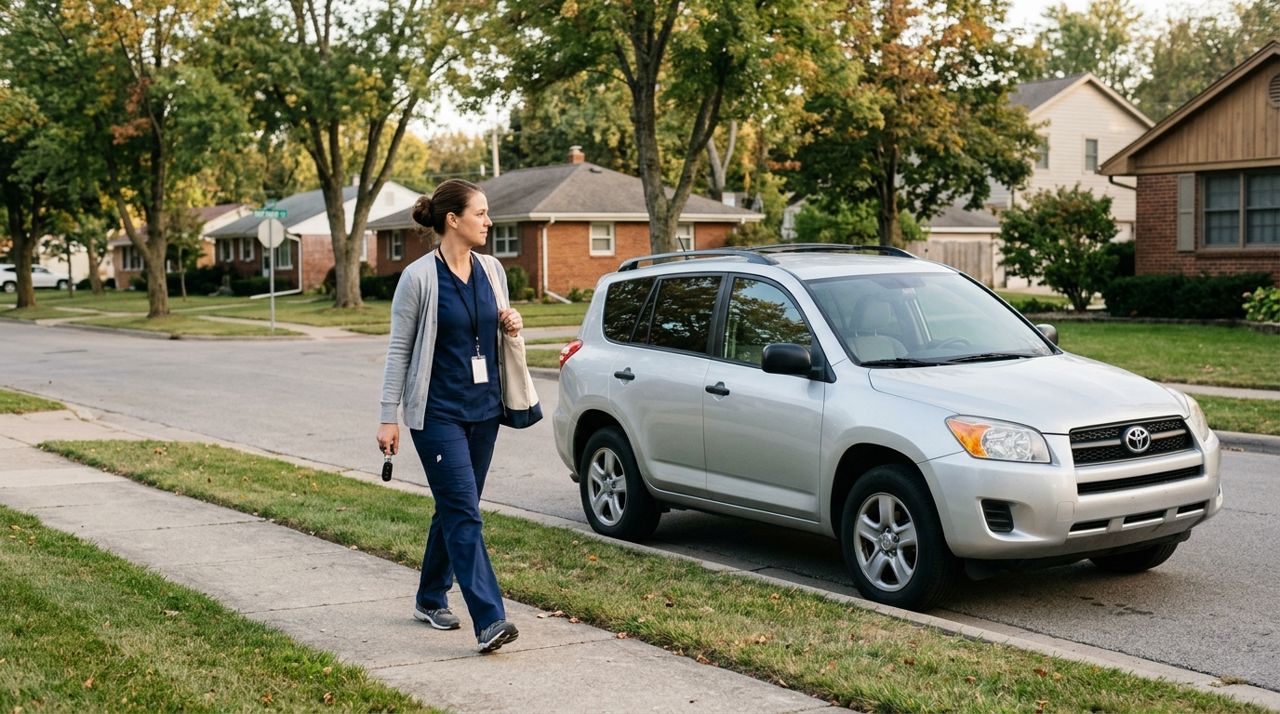
Worker walking confidently toward parked car on residential street If something feels off when you arrive—the customer is intoxicated, aggressive, or the situation doesn't match the job description—you can leave. Your safety is more important than any single job or rating.
Say something simple: 'I'm sorry, I'm not able to complete this job today.' You don't owe anyone a detailed explanation. Get to your car, lock the doors, and drive away. If you feel threatened, call 911 immediately. After you're safe, report the situation through the app so the platform can take action. Experienced workers will tell you: the few times they've walked away from a job, they were always glad they did.
- 06
Step 6: Check in after every job
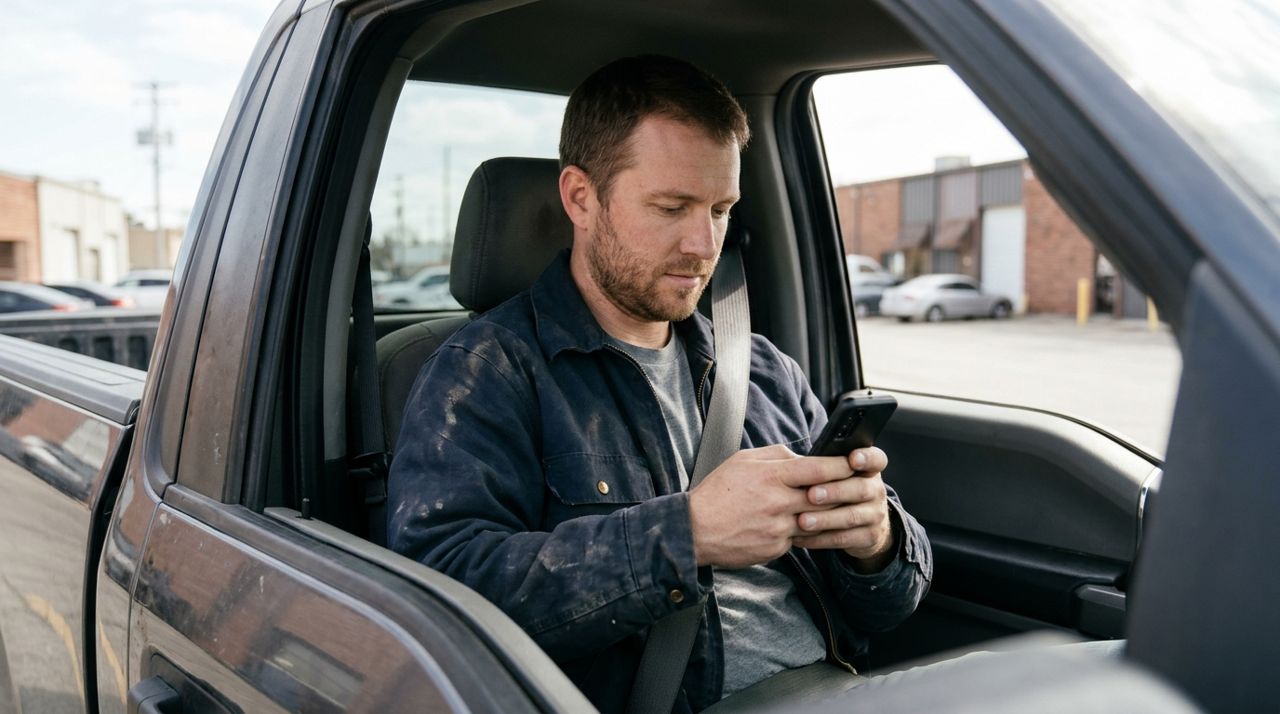
Worker sending check-in text message while sitting in parked car after job Once you finish a job and leave the location, send a quick 'all done' text to your safety contact. This closes the loop and lets them know you're safe. If you don't check in within the expected window, they know to reach out.
Some workers also take a moment in the car to jot down anything unusual—a customer who made them uncomfortable, a neighborhood that felt unsafe, or a situation they'd handle differently next time. These notes help you decide whether to accept jobs from that customer or area again. Over time, you'll build instincts about which jobs feel right and which ones to skip. That knowledge is valuable and keeps you safer with every shift you work.
Pro tips
- Wear clothes with pockets so your phone is always on you, not left in a bag across the room.
- If you work evenings, carry a small flashlight—it helps you see house numbers and keeps you visible to others.
- Decline jobs with vague addresses or customers who won't answer clarifying questions before you arrive.
- Check customer ratings and reviews before accepting; workers on Lumo can see these just like customers can see yours.
Frequently asked questions
- What if a customer asks me to do something that wasn't in the original job?
- You can politely say that's outside the scope of this job and they'd need to book a separate request. If it feels unsafe or inappropriate, you're not obligated to do it. Finish what you agreed to and leave, or leave immediately if you feel threatened.
- Can I bring someone with me on jobs for safety?
- Some customers won't mind, but it's professional to ask first—especially for jobs inside someone's home. Say, 'I have an assistant who helps me; is it okay if they come along?' For deliveries and quick drop-offs, it's usually not an issue.
- What should I do if I feel unsafe after I've already started a job?
- Stop working, say you need to leave, and go. You can say you're not feeling well or that an emergency came up—you don't owe anyone an explanation if you feel unsafe. Report the situation through the app once you're in a safe location.
Staying safe isn't about assuming the worst; it's about building simple, repeatable habits that protect you on every job. Share your location, trust your gut, keep your phone charged, and check in when you're done. These steps take seconds and give you confidence as you build your business. Work smart, stay aware, and remember that no gig is worth compromising your safety.
Photos are illustrative. Service prices are typical ranges and vary by city. How we write our guides.
More guides like this
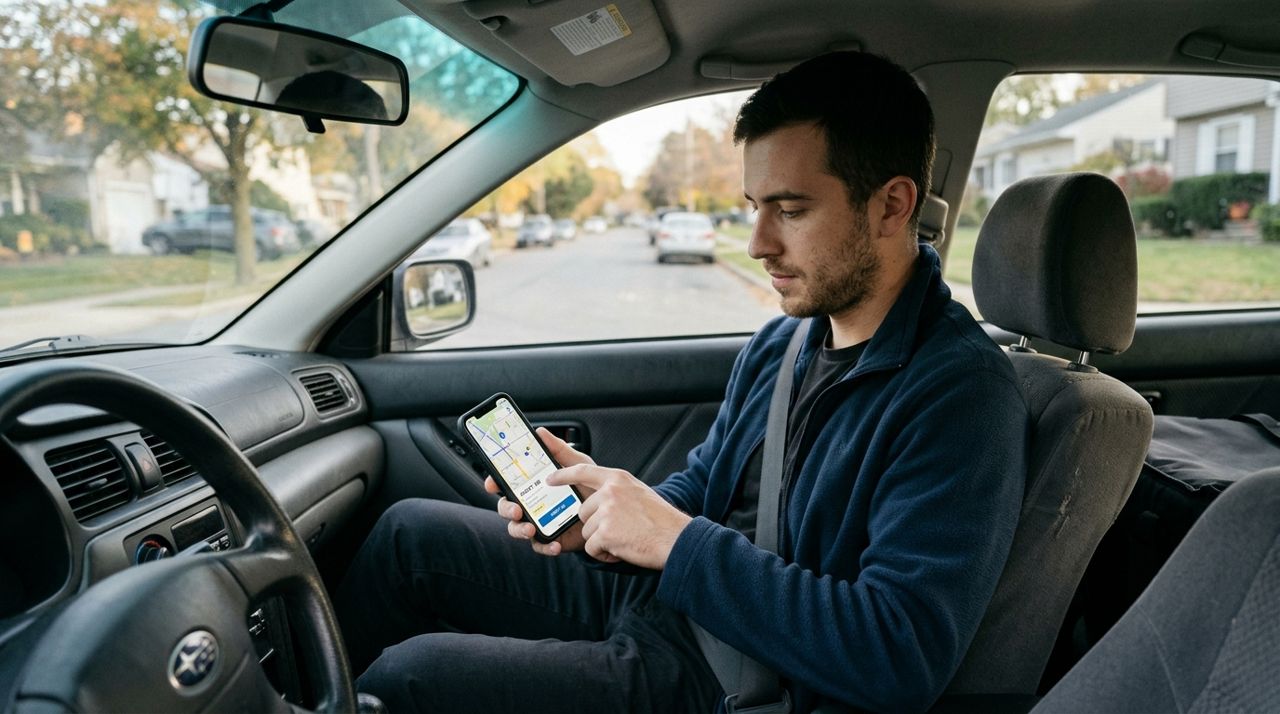
How to Set Up Job Alerts for Your Radius and Job Types
Getting the right job alerts means you'll spend less time scrolling and more time earning. Here's how to set your radius and choose the job types that match your skills and schedule.

How to Go On Duty and Set Your Working Hours in Lumo
Lumo gives you complete control over when you receive job alerts. Learn how to go on and off duty instantly, set recurring working hours, and manage your availability so you only get pinged when you actually want to work.

Building a worker profile with photos that wins more bookings
Your profile is the first thing customers see before booking. A clear photo, specific skills and honest descriptions help you stand out and win more jobs.